Description
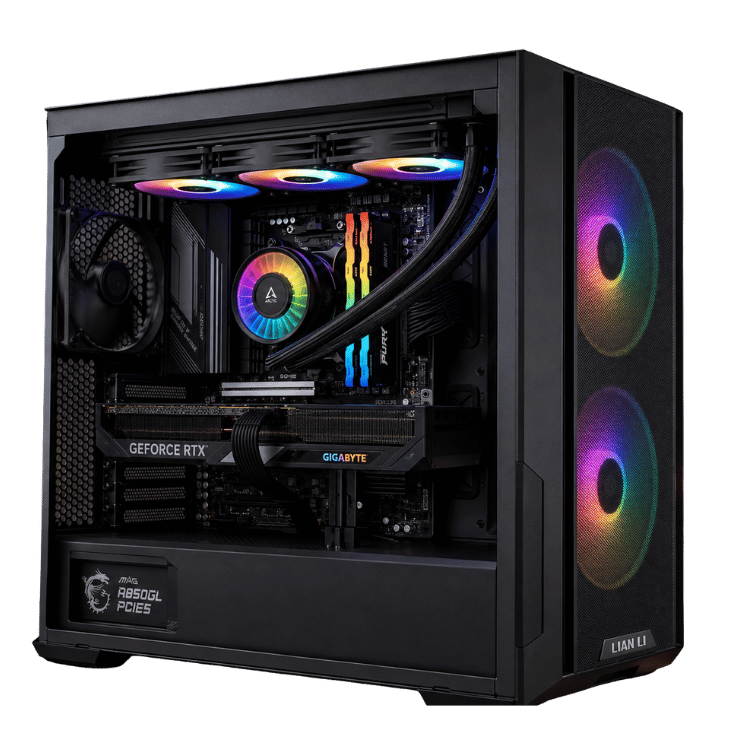
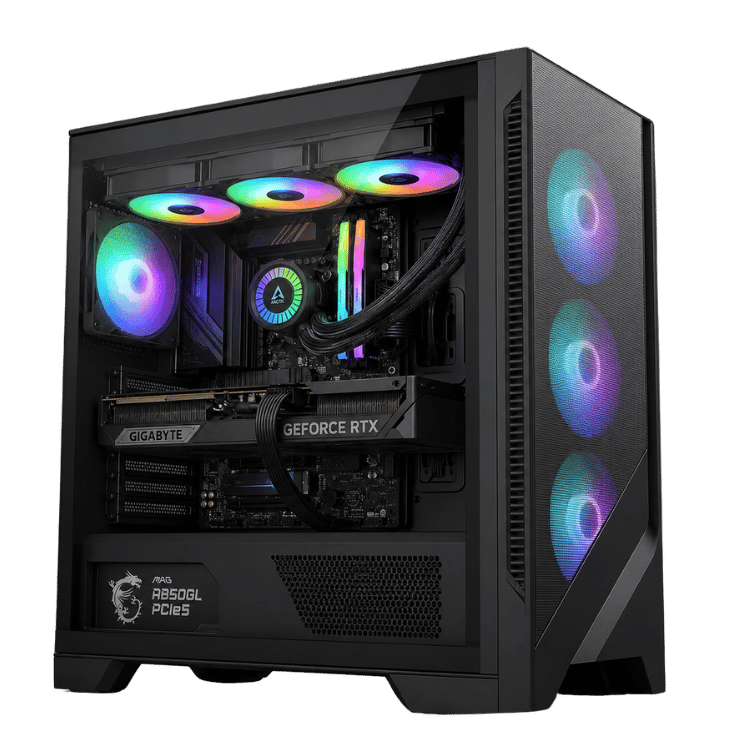
The Vision Black 1440p is an Intel i7 gaming PC for people who game hard and work hard on the same machine. Intel’s Core i7-14700F brings 20 cores to the table, the GeForce RTX 5070 Ti 16GB handles 1440p and 4K gaming, and 32GB of DDR5 with a 2TB NVMe drive keeps everything quick. It’s all cooled by a 360mm ARCTIC liquid cooler inside a black MSI airflow case.
Every one is built by hand and stress-tested in our Sydney workshop before it ships.
Who this Intel i7 gaming PC is for
The i7-14700F’s extra cores make this build a strong all-rounder. It’s a great fit if you:
- game at 1440p on a high-refresh monitor and want high settings
- stream, record or edit video alongside gaming
- need an i7 desktop computer for work (spreadsheets, coding, design or video calls) that can also game properly after hours
- prefer a clean, all-black look over bright showcase cases
If you mostly game and rarely multitask, our Extreme Mid Tier 5070 Ti PC uses an i5 and puts the savings into a premium Samsung SSD.
Why the Core i7-14700F
The i7-14700F has 20 cores: eight performance cores for games and demanding apps, plus twelve efficient cores that handle background work. With 28 threads, it chews through multitasking. You can game while Discord, a browser full of tabs, OBS and a music app all run in the background, and the system stays responsive.
That extra headroom is the main reason to choose an i7 gaming PC over an i5. In games alone, the difference is often small. The moment you start streaming, rendering or running heavier work apps, the i7 pulls ahead.
We install the latest BIOS, which includes Intel’s microcode updates for 13th and 14th gen processors, and the 360mm cooler keeps the chip running cool so it holds its boost clocks under long loads.
Vision Black 1440p specifications
| Processor | Intel Core i7-14700F, 20 cores / 28 threads |
|---|---|
| Graphics card | Gigabyte GeForce RTX 5070 Ti WINDFORCE OC SFF 16GB GDDR7 |
| Memory | 32GB (2 × 16GB) Lexar THOR RGB DDR5-6000 CL36 |
| Storage | Crucial P310 2TB PCIe 4.0 NVMe SSD |
| Motherboard | Gigabyte B760M AORUS ELITE WIFI6E GEN5 (Wi-Fi 6E and Bluetooth) |
| CPU cooler | ARCTIC Liquid Freezer III Pro A-RGB 360mm |
| Case | MSI MAG FORGE 321R AIRFLOW, black (3 front + 1 rear 120mm ARGB fans) |
| Power supply | MSI MAG A850GL PCIE5 850W 80+ Gold |
Memory speed depends on BIOS configuration and is confirmed during stability testing.
RTX 5070 Ti graphics in an Intel i7 gaming PC
The GeForce RTX 5070 Ti has 16GB of fast GDDR7, plenty for high-resolution textures at 1440p and 4K, and supports DLSS 4 with frame generation. NVIDIA has the full details on its RTX 5070 family page. Gigabyte’s WINDFORCE SFF version is a compact design that fits neatly in the case and leaves room for airflow.
What to expect from this i7 gaming PC in games
- 1440p: high or ultra settings in current games at high frame rates, ideal for a 165Hz to 240Hz monitor.
- Competitive games: very high frame rates in Valorant, CS2, Fortnite, Apex Legends and Warzone.
- 4K: smooth play at high settings in most games with DLSS switched on.
We don’t publish frame-rate charts because they change with every patch. Ask us about your favourite game and we’ll tell you how this Intel i7 gaming PC will run it.
An i7 desktop computer for work and play
Plenty of our customers buy this system as their only computer. During the day it’s an i7 desktop computer for work: multiple monitors, big spreadsheets, video calls, coding, photo editing or design software, all running smoothly. In the evening it’s a proper 1440p gaming rig. The 20-core processor and 32GB of memory mean you never have to close everything down to switch between the two.
For creative work, Premiere Pro, DaVinci Resolve and Blender all use the RTX 5070 Ti’s hardware acceleration, and the i7’s cores speed up exports, compiles and other CPU-heavy jobs.
Streaming on an Intel i7 gaming PC
Streaming is where the i7 really earns its place. The RTX 5070 Ti’s NVENC encoder handles the stream itself, and the i7-14700F’s efficient cores take care of OBS, browser sources, alerts and chat. The result is a single-PC streaming setup that keeps your game smooth while you’re live.
A black gaming PC built for airflow
Not everyone wants a glass box full of rainbow lighting. This black gaming PC uses the MSI MAG FORGE 321R AIRFLOW, a mid-tower with a mesh front, three 120mm ARGB fans at the front and one at the rear. The mesh lets the fans pull in plenty of cool air for the graphics card, while the 360mm radiator up top exhausts the processor’s heat straight out of the case.
The lighting is there if you want it, and you can set it to a single colour or switch it off for a stealthy, all-black look. We set fan curves before shipping so the system is quiet at the desktop and ramps up gradually under load.
Memory, storage and power
Two 16GB Lexar THOR RGB 2nd Gen sticks give you 32GB of DDR5-6000 in dual-channel mode, the right amount for gaming and multitasking today, with two slots free for later. The Crucial P310 2TB is a PCIe 4.0 NVMe SSD with room for Windows, your apps and a good game library.
The MSI MAG A850GL PCIE5 is an 850W 80+ Gold power supply with a native connector for the graphics card. During heavy gaming this Intel i7 gaming PC typically draws around 400 to 500 watts at the wall, leaving plenty of headroom.
Choosing a monitor
A 27-inch 1440p monitor at 165Hz to 240Hz is the natural match for this build: sharp, smooth and well within the RTX 5070 Ti’s reach. For work, a second screen beside it makes multitasking much easier, and the card has outputs to spare. Connect your displays to the graphics card rather than the motherboard, since the i7-14700F has no integrated graphics.
Upgrades down the track
To be upfront, Intel’s LGA1700 platform won’t get new processors, so future upgrades for this i7 gaming PC are more likely to be extra storage, more memory or a new graphics card. The i7-14700F has enough cores that it should stay comfortable for years, and the 850W power supply has headroom for a bigger card later. There are spare memory slots and M.2 storage slots on the motherboard.
Why buy a prebuilt Intel i7 gaming PC?
Building your own takes time: updating the BIOS, setting memory profiles, mounting a 360mm radiator, routing cables and stress-testing properly. If a part is faulty, you have to track down which one and deal with the manufacturer yourself. When you buy from us, the whole system is tested as a unit before it ships, and if anything goes wrong later you have one place to contact.
When it arrives
- Remove any packing material from inside the case.
- Connect your monitor to the RTX 5070 Ti and plug into a surge-protected power board.
- Run Windows Update and install the latest NVIDIA driver.
- Set your monitor’s refresh rate and choose a lighting profile, or switch the RGB off.
How it compares with our other RTX 5070 Ti builds
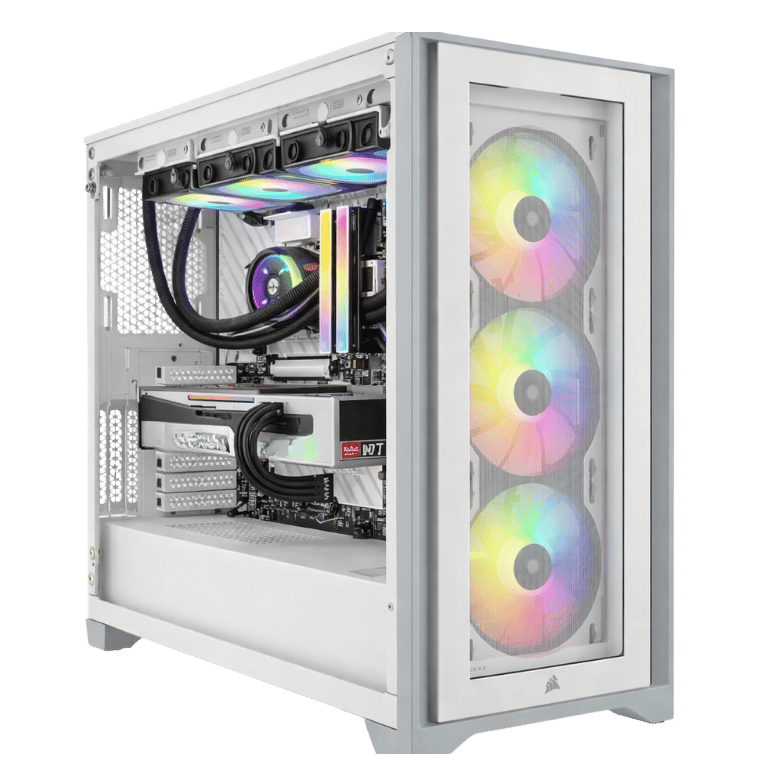
- Extreme Mid Tier: i5-14600KF and a Samsung 990 Pro in a white Corsair case, for gamers who rarely multitask.
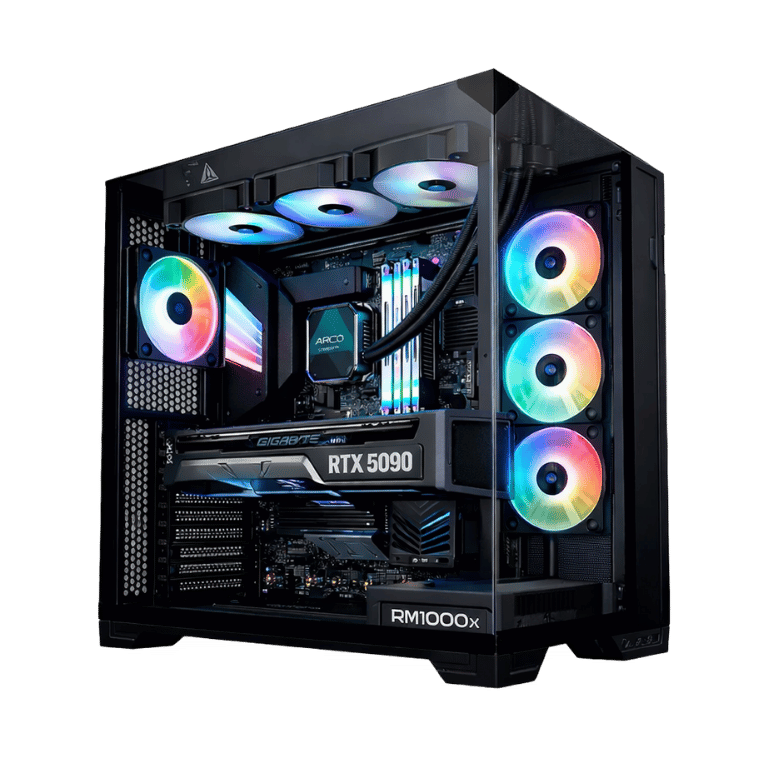
- Vision Vortex 5070 Ti: Intel’s newer Core Ultra 7 in a panoramic MSI case, at a lower price.
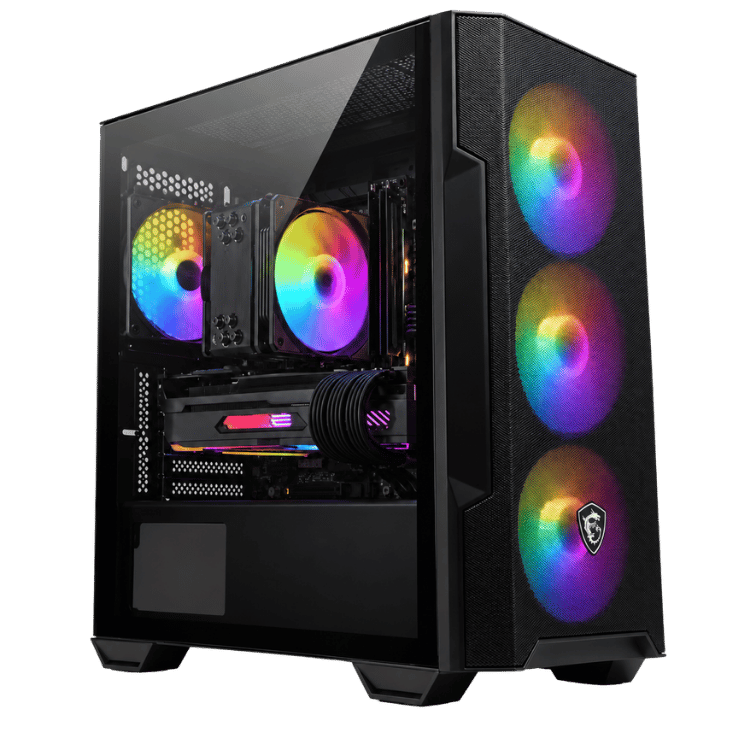
- Vision Red Fury: Core Ultra 7 265K in a red HYTE Y40.
See more in our 1440p gaming PC range.
Built and tested in Sydney
- latest BIOS installed, including Intel’s microcode updates
- memory profile enabled and tested for stability
- chipset and graphics drivers installed
- processor and graphics card stress-tested together while we check temperatures
- fan curves and lighting set, cables tidied and secured
We deliver Australia-wide, including regional areas.
Intel i7 gaming PC FAQs
Is an i7 better than an i5 for gaming?
In games alone, the difference is often small. An i7 gaming PC pulls ahead when you stream, record, edit video or run heavy apps alongside your game.
Can I use it as a work computer?
Yes. It’s an excellent i7 desktop computer for office work, coding, design and video editing, with Wi-Fi 6E and plenty of USB.
Does the i7-14700F have integrated graphics?
No. The “F” means no built-in graphics, so connect your monitor to the RTX 5070 Ti.
Does it have Wi-Fi and Bluetooth?
Yes. The Gigabyte B760M AORUS ELITE WIFI6E has Wi-Fi 6E and Bluetooth, plus wired Ethernet.
Is the RTX 5070 Ti good for 4K?
Yes, with DLSS. It has 16GB of video memory and handles most games at 4K on high settings. For native 4K at very high refresh rates, an RTX 5080 is the step up.
Do you deliver outside Sydney?
Yes. We deliver this black gaming PC Australia-wide, including regional areas.
Can I turn the RGB off for an all-black look?
Yes. The lighting can be set to any colour or switched off completely in software.