Budget Workstations
A budget workstation lets you take on design, editing and multi-monitor work without paying for horsepower you won’t use yet. Each PC in this range pairs a modern processor with an NVIDIA RTX card and fast SSD storage, and each one is built and tested in Sydney.
They suit students, freelancers and small businesses who’ve outgrown an office PC, with clear upgrade paths for when the work gets bigger.
Three affordable workstations
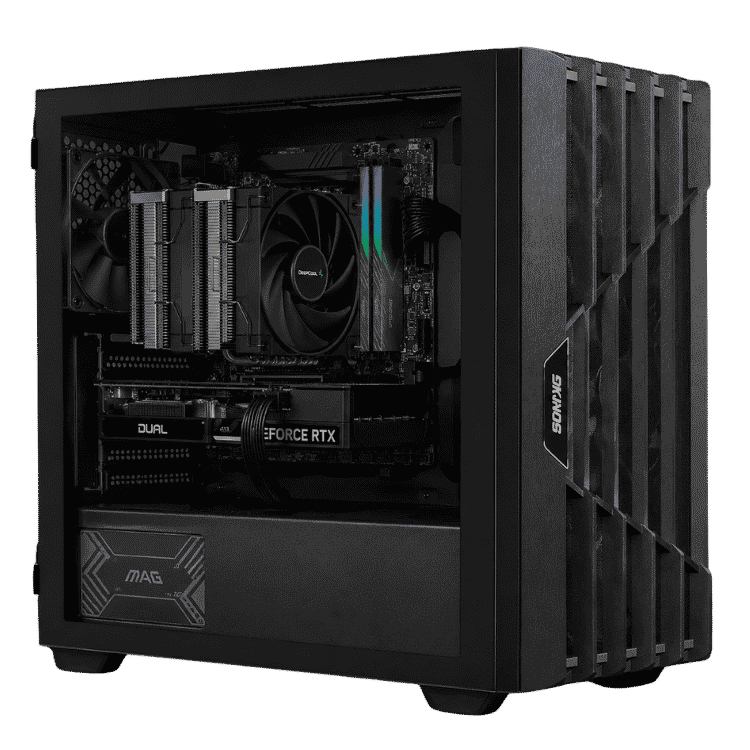
Vision Starter Workstation: an RTX 5060 on AMD’s AM5 platform with DDR5 and a free memory slot. A great first workstation for design students and 1080p editing.
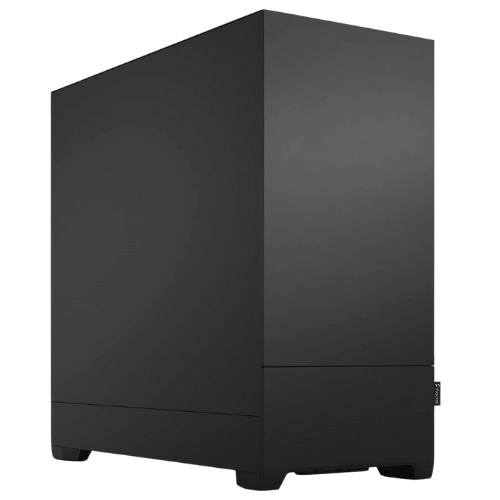
Vision High Performance Office Desktop: Core Ultra 5, RTX 5050 and Windows 11 Pro in a quiet Fractal case, ideal for multi-monitor business setups.
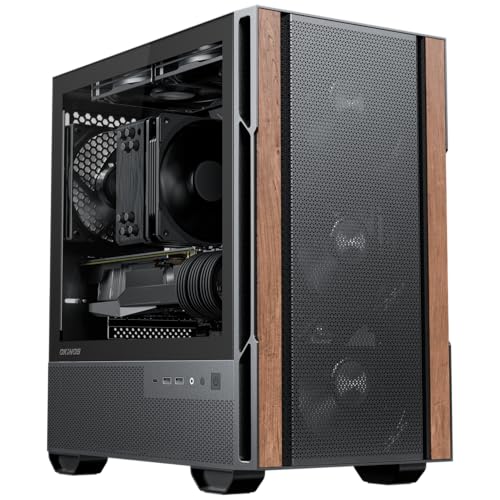
Vision Creator Pro: a 20-core Core Ultra 7 with 32GB of DDR5 and an RTX 5060 for heavier multitasking.
Where a cheap workstation PC should spend its money
On a tight budget, put the money into the graphics card and memory first. An RTX card speeds up Premiere Pro, DaVinci Resolve, Photoshop and Blender through GPU acceleration, and enough memory stops the system bogging down when several apps are open. A fast NVMe SSD comes next, because it makes opening projects and scrubbing timelines feel instant. Fancy cases and lighting come last.
Know when to step up
A budget build is the right call for 1080p video, design, coding and office work with lots of windows. If you edit 4K footage every day, work with large CAD assemblies or render 3D scenes for clients, our mid tier workstations will pay for themselves in time saved. You can also see every option in our full workstation PC range.
Upgrading later
All three builds have room to grow. You can add memory, a second SSD and, in most cases, a faster graphics card down the track. Message us before upgrading and we’ll check the power supply and case clearance for you.
Budget workstation FAQs
Is an RTX 5060 good enough for video editing?
Yes, for 1080p and lighter 4K projects, and its NVENC encoder makes exports quick. For daily 4K or colour grading, consider an RTX 5070 or above.
Do I need 32GB of RAM?
For Photoshop and 1080p editing, 16GB works. For After Effects, 4K timelines or lots of apps at once, 32GB is worth it.
Can these run AutoCAD?
Yes, for 2D drafting and moderate 3D work. Large assemblies and heavy rendering are better suited to our high end workstations.
Showing all 3 results
-
Vision Creator Pro – Work Computer, Core Ultra 7 + RTX 5060
Original price was: $2,699.00.$2,024.00Current price is: $2,024.00. -
Vision High Performance Office Desktop – Core Ultra 5 + RTX 5050
Original price was: $2,099.00.$1,574.00Current price is: $1,574.00. -
Vision Starter Workstation – Entry Level Workstation PC, RTX 5060
Original price was: $2,400.00.$1,800.00Current price is: $1,800.00.