Desktop Computers
Looking for a desktop computer for home, study or work? This range covers everyday desktop PCs for email and schoolwork right up to powerful machines for design, engineering and video editing, all set up and tested in Sydney before they ship.
Most come with Windows 11 installed and activated, built-in Wi-Fi and fast SSD storage, so you can plug in, sign in and get going.
Why a desktop computer still makes sense
For the same money, a desktop gives you more performance than a laptop, a screen size of your choosing, a full-size keyboard and parts you can upgrade later. It also tends to last longer, because there’s no battery to wear out and no hinge taking daily knocks. If you mostly work at one desk, a desktop PC is usually the better value.
Matching the desktop to the job
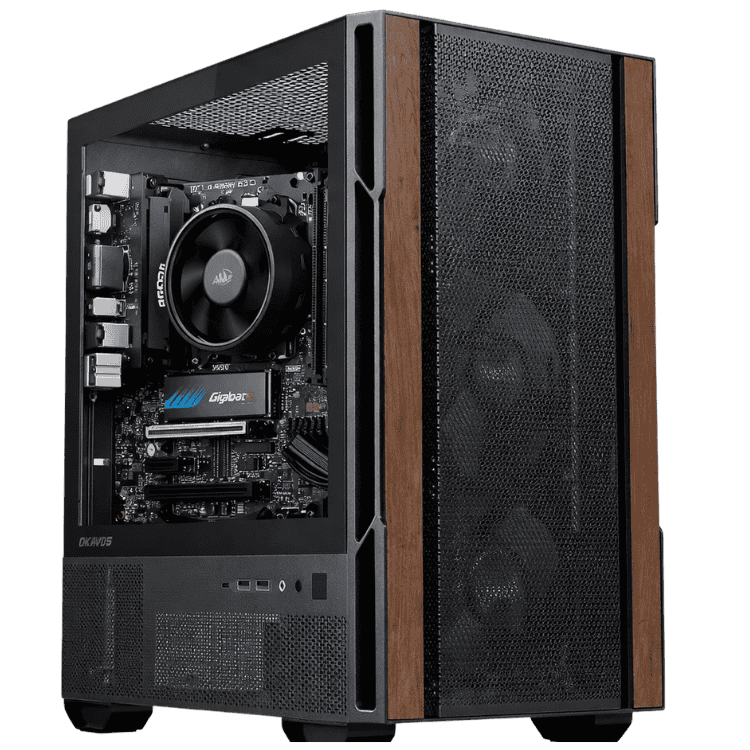
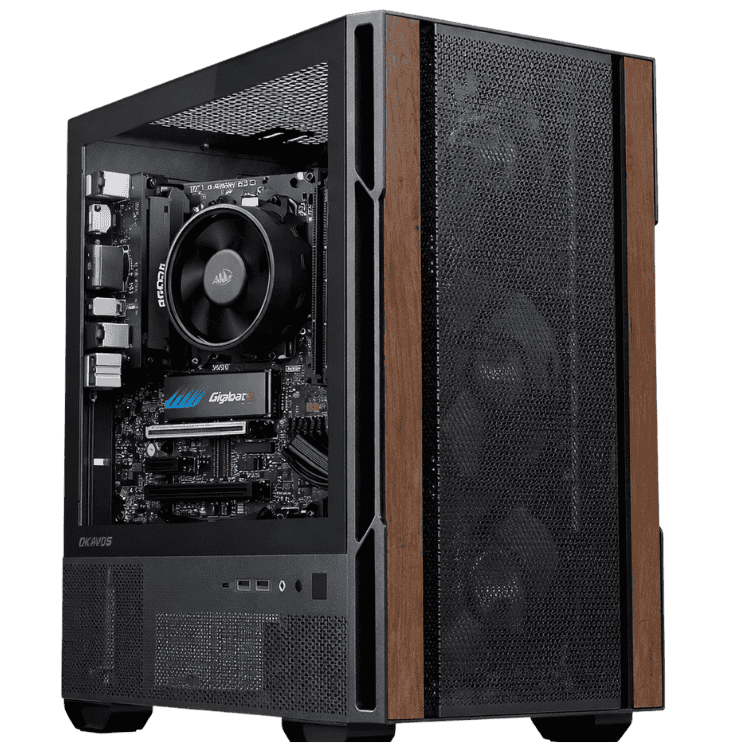
Everyday use and schoolwork: web, email, Office and streaming run smoothly on the Vision Budget Office PC or the Budget School Desktop PC.
Students who need Office: the Vision Student Success PC comes with Microsoft Office included.
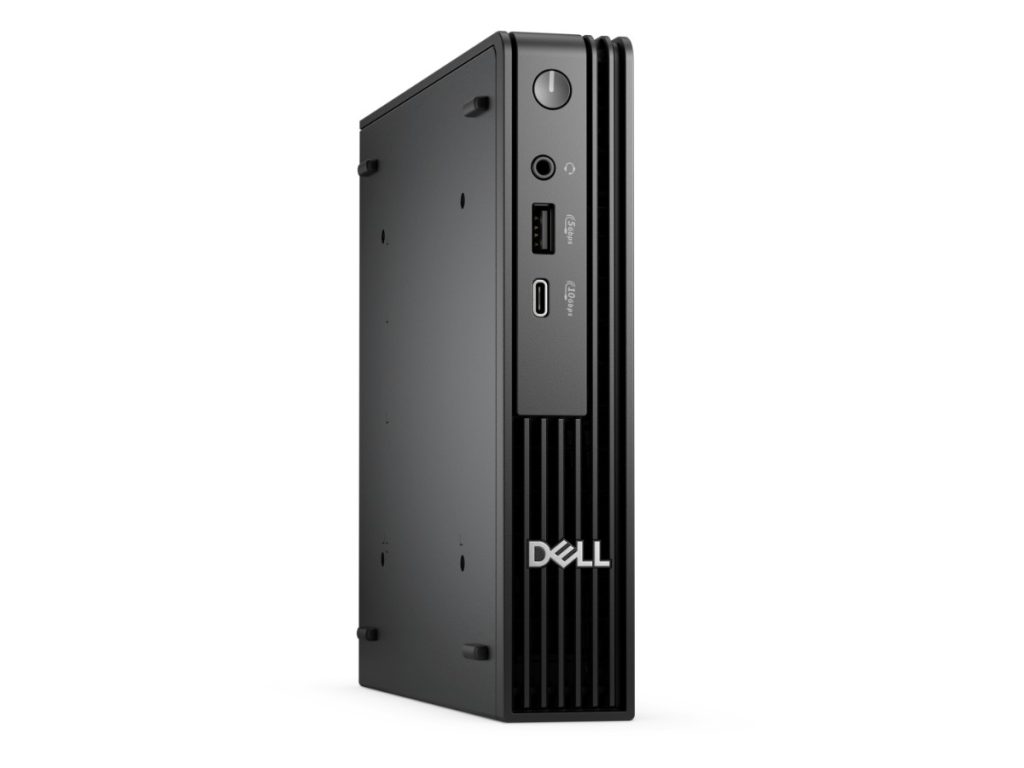
Small spaces: the Dell Pro Micro is small enough to tuck beside a monitor.
Families: the Home & Study Desktop adds an RTX 5050 for light gaming and creative apps.
Design and editing: the Vision Mid-Tier Workstation and Vision Photo Workstation.
Engineering and CAD: the Vision High-Tier CAD Workstation and Engineering Workstation PC.
What to look for in a desktop PC
An SSD, not a hard drive, for Windows. It’s the single biggest difference to how fast a computer feels.
16GB of memory if you keep lots of browser tabs open. 8GB is fine for lighter use.
Windows 11. Windows 10 support has ended, so a desktop you’ll use for years should run Windows 11. Microsoft explains what that means on its Windows 10 end of support page.
Wi-Fi, if you can’t run a network cable to your desk.
Buying mainly for games?
If games are the main reason you’re buying, our gaming PCs have stronger graphics cards and better cooling for long sessions.
Desktop computer FAQs
Do your desktop computers come with a monitor?
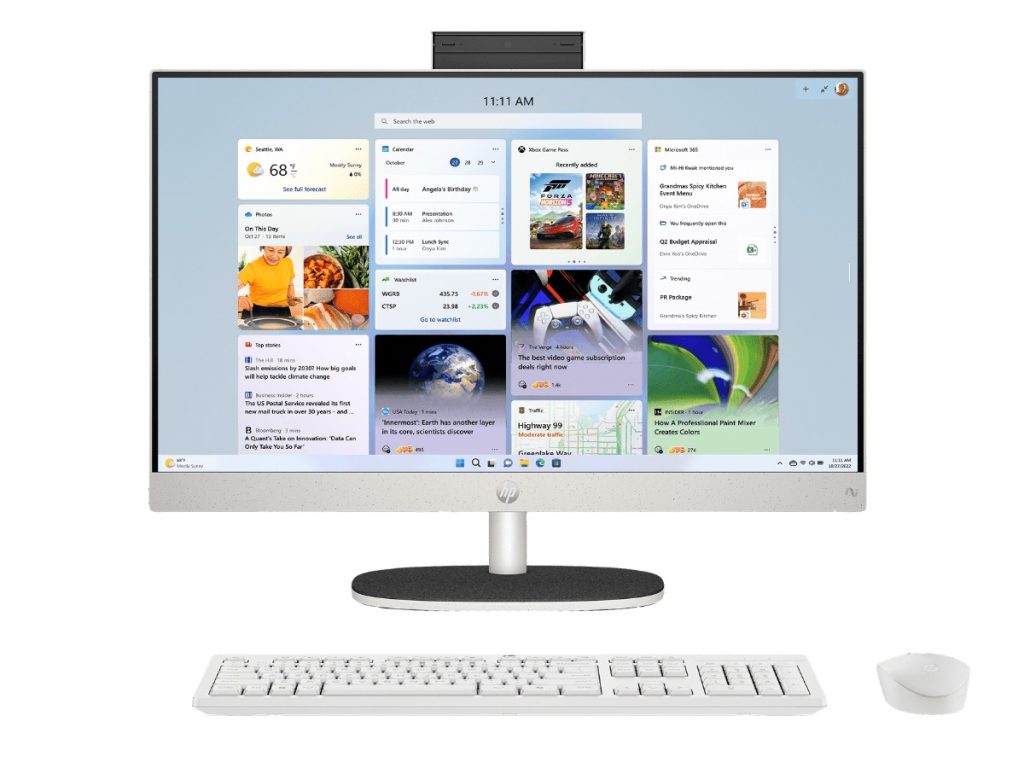
Only the all-in-one models. That lets you choose the screen size you want, or keep the one you already have.
Can I use my old keyboard, mouse and monitor?
Usually, yes. Most monitors connect by HDMI or DisplayPort, and USB keyboards and mice just plug in. Ask us if you’re unsure about an older screen.
Is Microsoft Office included?
Only where the listing says so, like the Vision Student Success PC and Best Computer for Business. Otherwise you can sign in with your own Microsoft 365 account.
Showing all 14 results
-
Best Computer for Business – Ryzen 5, Windows 11 Pro & Microsoft Office
Original price was: $1,320.00.$990.00Current price is: $990.00. -
Budget School Desktop PC – School Computer, Ryzen 5 8500G
Original price was: $999.00.$749.00Current price is: $749.00. -
Dell Pro Micro – Mini PC, Core Ultra 5 235T, 16GB RAM, 512GB SSD, Windows 11 Pro
Original price was: $1,299.00.$974.00Current price is: $974.00. -
Engineering Workstation PC – Core i9-14900KF + RTX 5080
Original price was: $6,799.00.$5,099.00Current price is: $5,099.00. -
Home & Study Desktop – Family Computer, Ryzen 5 7500F + RTX 5050
Original price was: $1,599.00.$1,199.00Current price is: $1,199.00. -
Home Office Desktop PC – Home Office Computer, Intel Core Ultra 5 225
Original price was: $1,299.00.$974.00Current price is: $974.00. -
HP All in One PC 24-cr2000a – 23.8-inch, Core Ultra 7, 16GB RAM, 512GB SSD
Original price was: $600.00.$450.00Current price is: $450.00. -
Vision Budget Office PC – Cheap Desktop Computer, Ryzen 5 8500G
Original price was: $1,099.00.$779.00Current price is: $779.00. -
Vision Creator Pro – Work Computer, Core Ultra 7 + RTX 5060
Original price was: $2,699.00.$2,024.00Current price is: $2,024.00. -
Vision High Performance Office Desktop – Core Ultra 5 + RTX 5050
Original price was: $2,099.00.$1,574.00Current price is: $1,574.00. -
Vision High-Tier CAD Workstation – Ryzen 9 9900X + RTX 5070 Ti
Original price was: $5,999.00.$4,499.00Current price is: $4,499.00. -
Vision Mid-Tier Workstation – Graphic Design PC, Core Ultra 7 + RTX 5070
Original price was: $3,599.00.$2,699.00Current price is: $2,699.00. -
Vision Photo Workstation – PC for Photo Editing, Core Ultra 7 + RX 9070 XT
Original price was: $4,100.00.$3,075.00Current price is: $3,075.00. -
Vision Student Success PC – Student Computer with Windows 11 & Office
Original price was: $1,220.00.$915.00Current price is: $915.00.