
AI Computer / AI Workstation
An AI computer for real work needs a powerful NVIDIA graphics card with plenty of video memory, a processor with lots of cores and enough system memory for your data. Every build in this range is designed for running local language models, image generation and machine learning, then hand-built and tested in Sydney.
Unlike laptops sold as “AI PCs” for small on-device features, these are AI desktops with CUDA-capable RTX cards that run open models on your own hardware, privately and without per-month fees.
Showing all 3 results
-
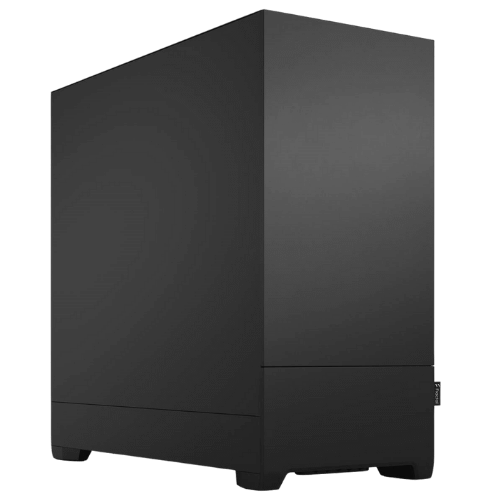
Vision AI Powerhouse – Threadripper PC, 9960X + RTX 5080, 64GB ECC
Original price was: $14,999.00.$11,249.00Current price is: $11,249.00. -
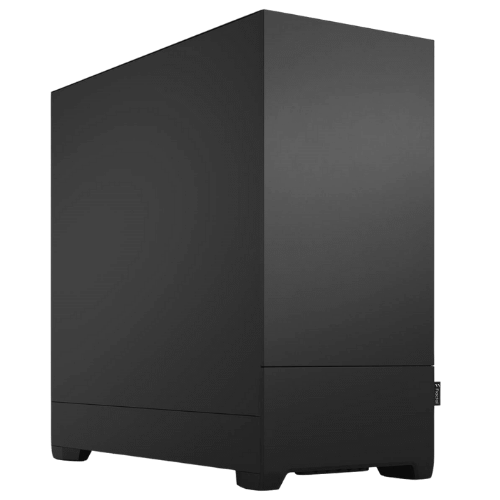
Vision AI Pro – AI Workstation, Ryzen 9 9900X + RTX 5070 Ti
Original price was: $5,500.00.$4,125.00Current price is: $4,125.00. -
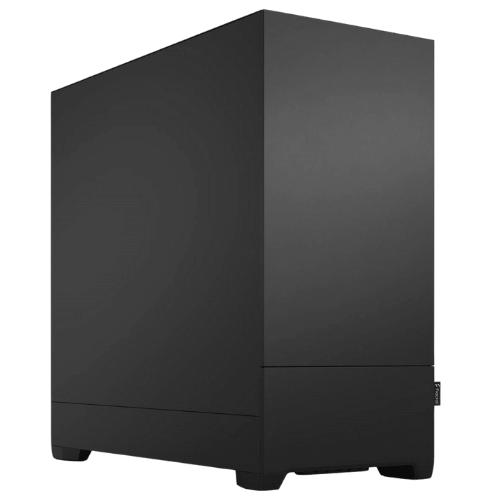
Vision Local AI Creator – PC for AI, Ryzen 9 9900X + RTX 5070
Original price was: $3,999.00.$2,999.00Current price is: $2,999.00.
Our AI desktops
- Vision Local AI Creator: RTX 5070 12GB, a 12-core Ryzen 9 9900X and 32GB, with Ubuntu Linux installed. A capable starting point for local LLMs and image generation.
- Vision AI Pro: RTX 5070 Ti 16GB and 64GB of DDR5, for larger models, fine-tuning experiments and bigger datasets.
- Vision AI Powerhouse: a 24-core Threadripper 9960X with 64GB of ECC memory and an RTX 5080, on a platform with far more room to grow.
Video memory decides what you can run
For local AI, the graphics card’s memory (VRAM) matters more than almost anything else, because the model needs to fit in it to run quickly. As a rough guide, 12GB comfortably runs smaller quantised language models and most image generation, while 16GB opens up larger models and higher-resolution images. If your work needs much more than that, message us and we’ll talk through multi-GPU or professional card options.
Why NVIDIA for AI?
Most AI frameworks and tools, including PyTorch, TensorFlow, Ollama and ComfyUI, are built and tested first on NVIDIA’s CUDA platform. That means fewer setup headaches and better performance out of the box. All of our AI computers use GeForce RTX cards with Tensor Cores, and getting started with local models is as simple as installing Ollama.
Linux or Windows?
Our AI builds ship with Linux, which is what most machine learning guides assume and where Docker and CUDA are easiest to manage. If you’d prefer Windows, or want both, ask us when you order. Windows with WSL works well for many people too.
Related ranges
If AI is only part of your work, our workstation PCs cover video editing, design and CAD, and many of them use the same RTX cards.
AI computer FAQs
Can I run ChatGPT-style models at home?
Yes. Open models like Llama, Mistral, Qwen and Gemma run locally on these PCs. The size of model you can run depends mainly on the graphics card’s memory.
Is an RTX 5070 enough to start with AI?
For learning, local chat models and image generation, yes. If you plan to work with bigger models or train your own, the 16GB RTX 5070 Ti or the RTX 5080 gives you more room.
Do these AI PCs need an NPU?
No. NPUs in Copilot+ laptops handle small background features. For serious local AI, an RTX graphics card is far more powerful, which is why our builds focus on the GPU.