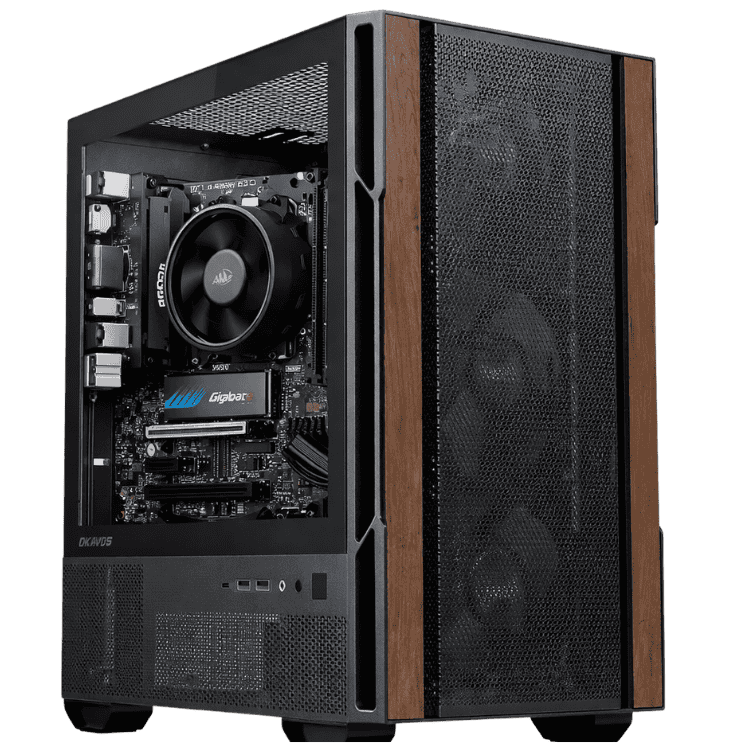
Home Desktop Computers
A good home desktop computer has to handle a bit of everything: homework, emails, banking, video calls, photos and the odd game. This range is built for exactly that, with fast SSDs and Windows set up on most models, all tested in Sydney before they ship.
Whether it’s a home PC for the kids’ study corner or a shared family computer in the lounge, there’s an option here that suits the job and the budget.
Which home PC suits your household?
School and study: the Budget School Desktop PC covers research, documents and online learning at a low price.
Study with Office included: the Vision Student Success PC comes with Word, Excel and PowerPoint ready to go.
The whole family: the Home & Study Desktop adds an RTX 5050 for Minecraft, Roblox and photo editing.
Working from home: the Home Office Desktop PC keeps video calls, spreadsheets and browser tabs running smoothly.
Power users: the Vision High Performance Office Desktop for multiple monitors and creative apps.
Setting up a computer for the family
We recommend a separate Windows account for each person, so everyone has their own files, desktop and settings. For younger children, Microsoft Family Safety lets you set screen time limits, filter websites and approve app downloads. It’s free, and you can manage it from your phone with Microsoft Family Safety.
Where to put it
A desktop in a shared space, like a kitchen nook or the lounge room, makes it easier to keep an eye on what younger kids are doing online. Leave a little space around the case for airflow and plug it into a surge-protected power board. If your router is at the other end of the house, check the listing for built-in Wi-Fi, which most of these PCs have, so you don’t need to run a cable.
Home desktop computer FAQs
Is 8GB of RAM enough for a home computer?
For browsing, email and schoolwork, yes. If several people share it, or you keep lots of tabs open, 16GB feels noticeably smoother.
Can the kids play games on it?
Light games like Minecraft and Roblox run on most of them. For newer games, choose the Home & Study Desktop with its RTX 5050, or look at our budget gaming PCs.
Do I need antivirus?
Windows includes Microsoft Defender, which is enough for most homes when it’s kept up to date. Keep Windows Update switched on.
Showing all 5 results
-
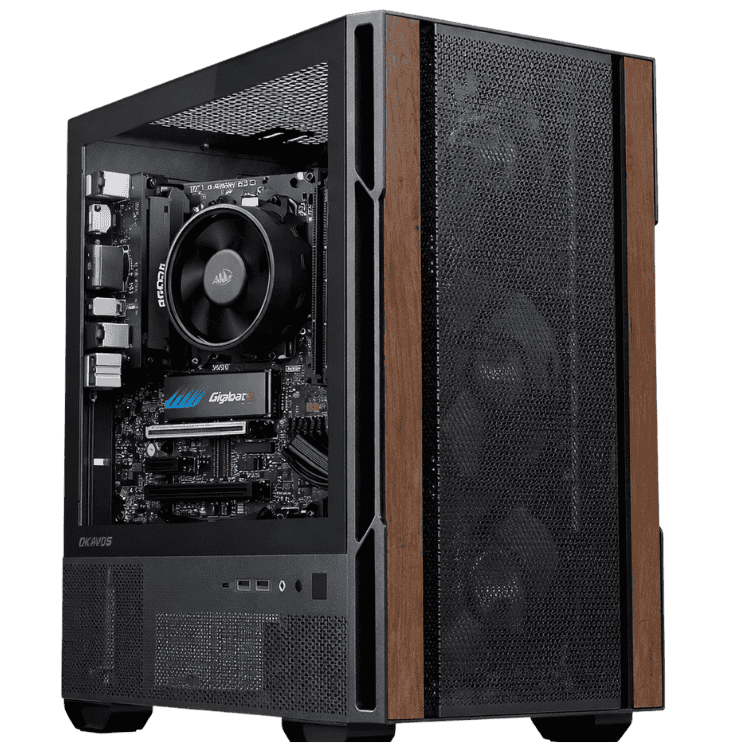
Budget School Desktop PC – School Computer, Ryzen 5 8500G
Original price was: $999.00.$749.00Current price is: $749.00. -
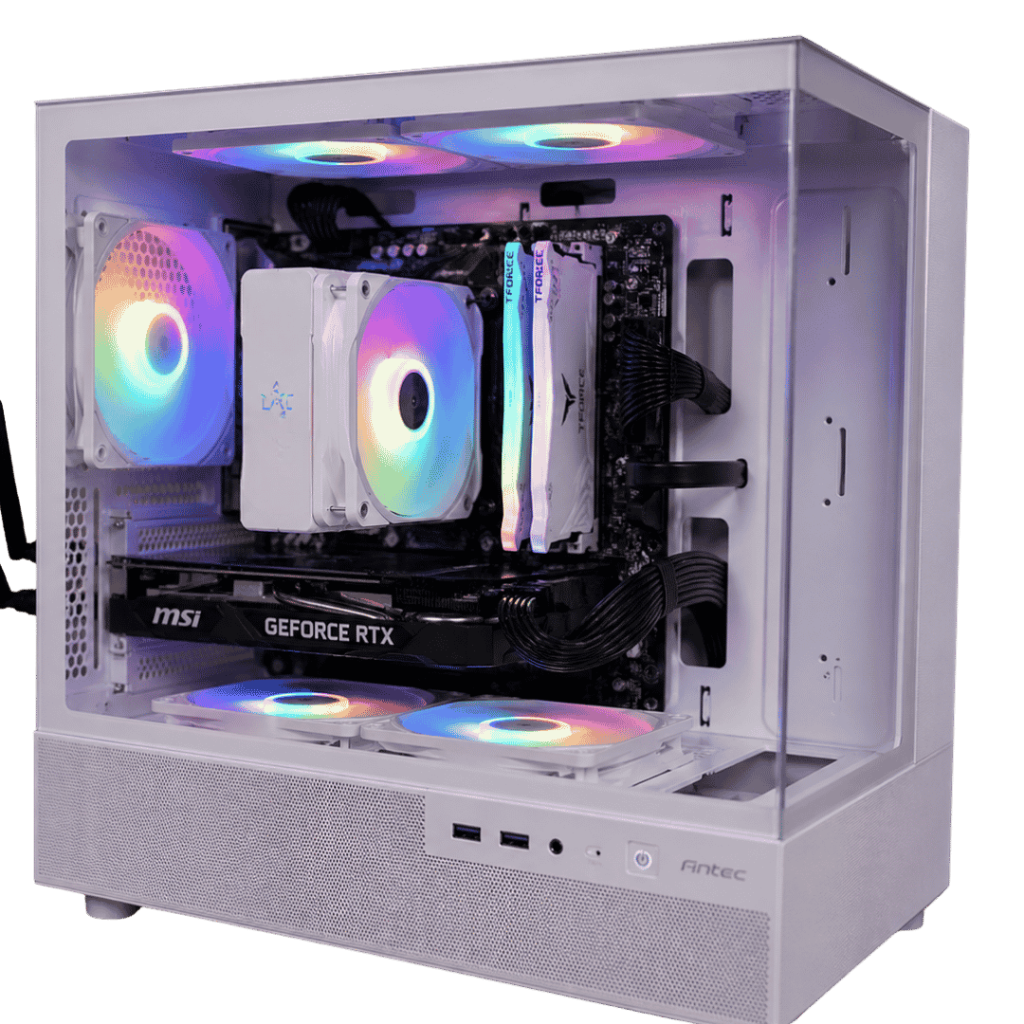
Home & Study Desktop – Family Computer, Ryzen 5 7500F + RTX 5050
Original price was: $1,599.00.$1,199.00Current price is: $1,199.00. -
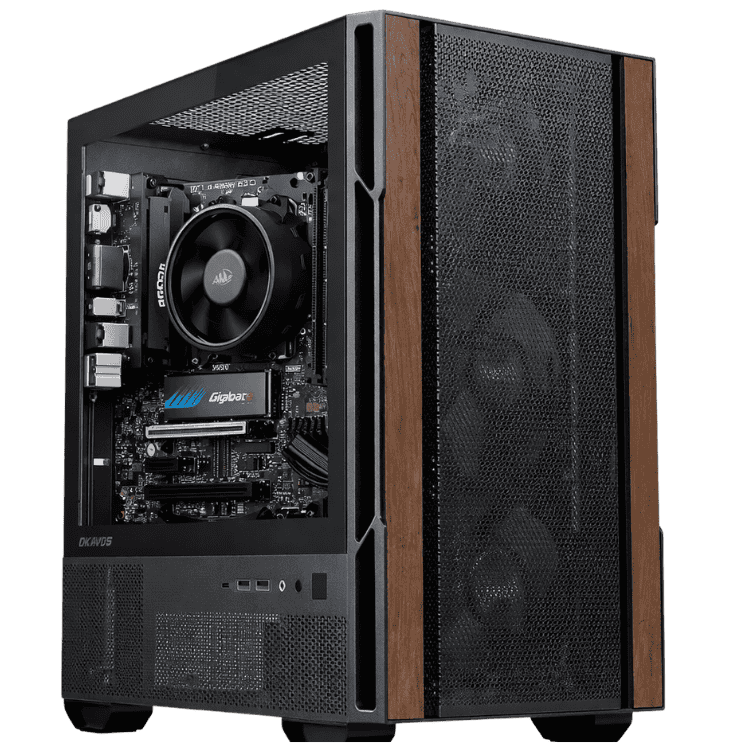
Home Office Desktop PC – Home Office Computer, Intel Core Ultra 5 225
Original price was: $1,299.00.$974.00Current price is: $974.00. -
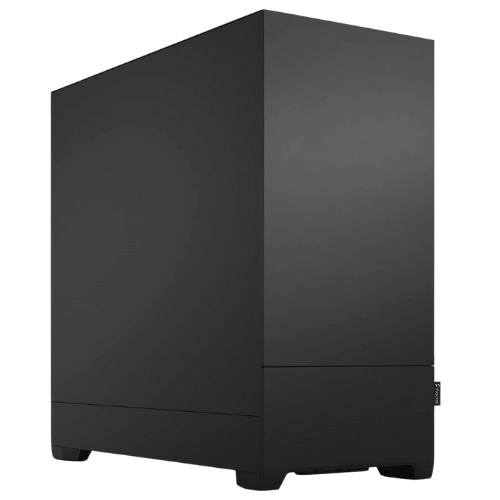
Vision High Performance Office Desktop – Core Ultra 5 + RTX 5050
Original price was: $2,099.00.$1,574.00Current price is: $1,574.00. -
Vision Student Success PC – Student Computer with Windows 11 & Office
Original price was: $1,220.00.$915.00Current price is: $915.00.