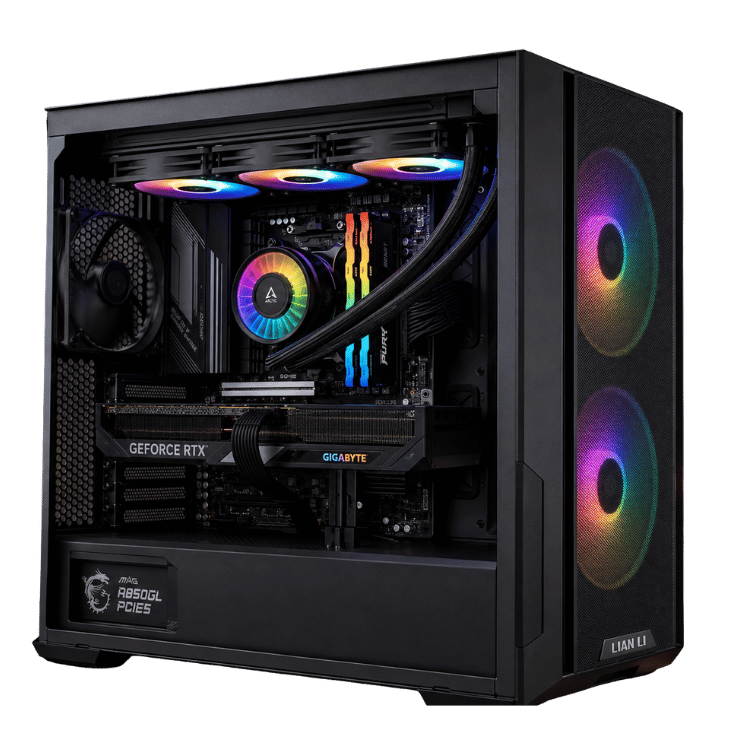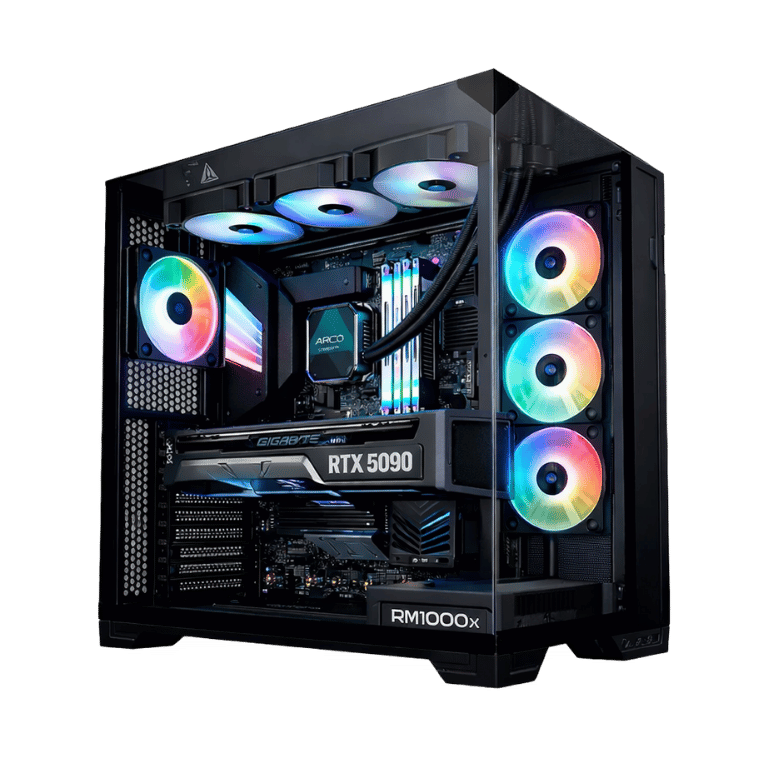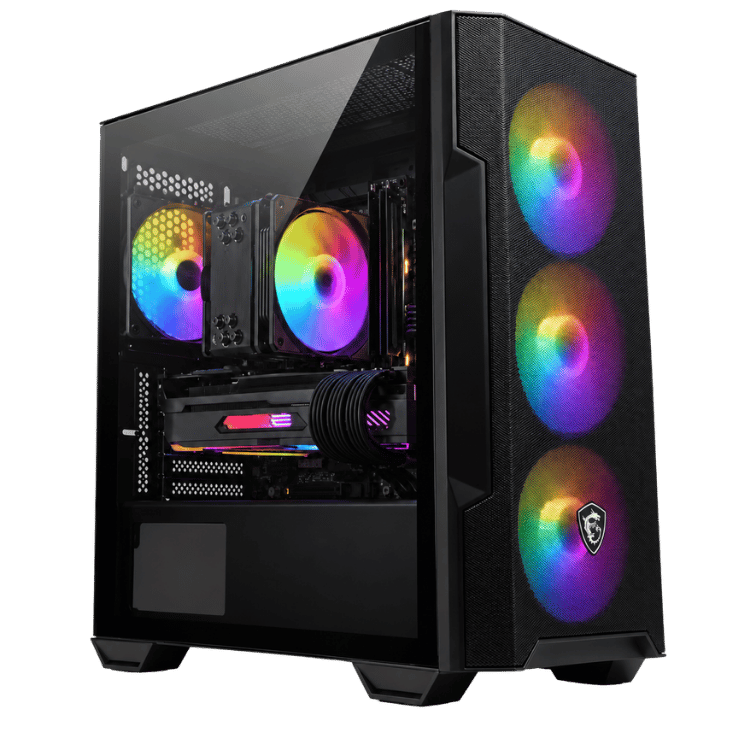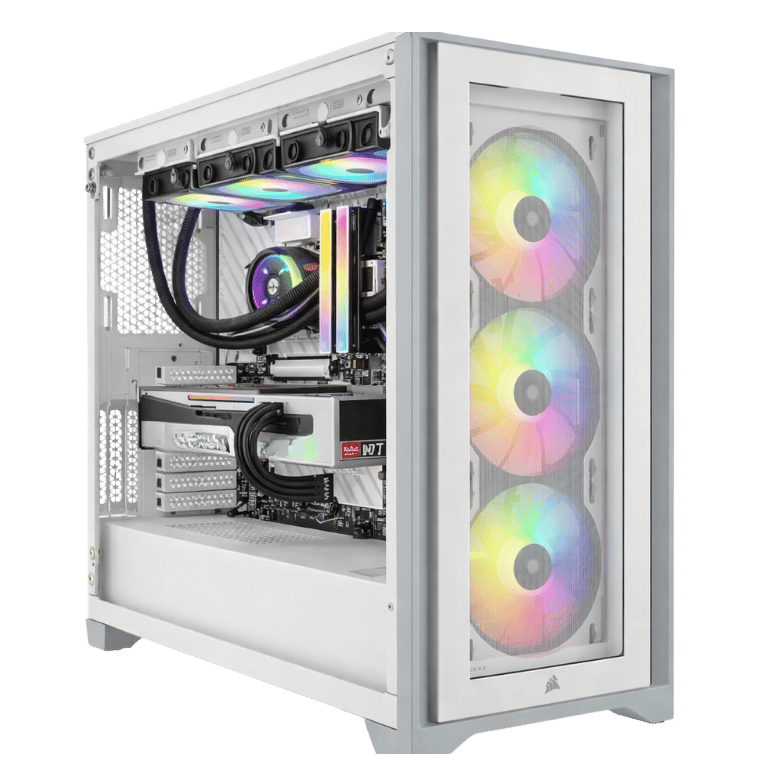
Description
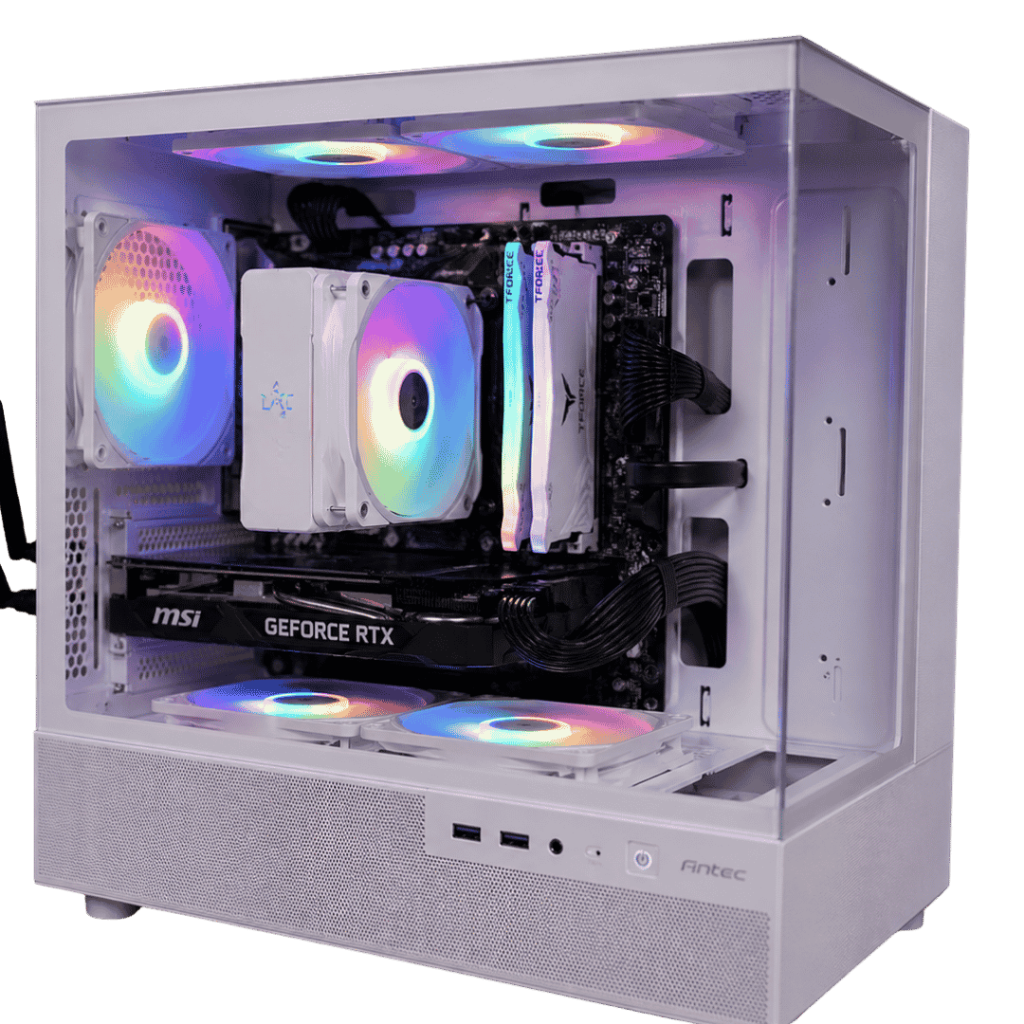
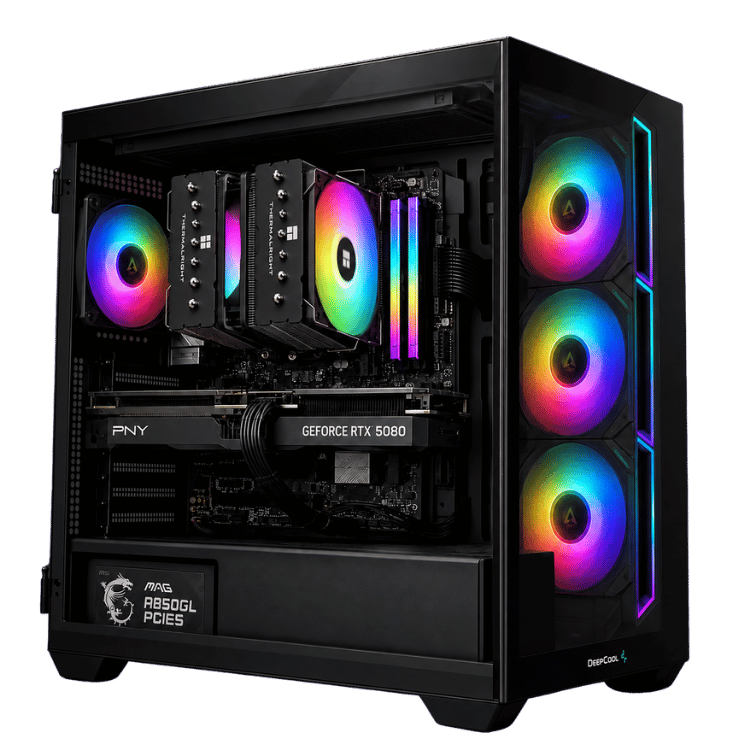
The Vision Budget 4K is a budget 4K gaming PC built on one simple idea: at 4K, the graphics card does almost all the work, so that’s where the money should go. We put a full GeForce RTX 5080 in it, paired it with a capable six-core Ryzen 5 7500F, and kept the rest of the build sensible so the total stays under four thousand dollars.
In stock now. Order online, or message us on live chat if you’d like to change a part or check a delivery time before we build it.
Who this budget 4K gaming PC is for
This build makes sense if you already own, or are about to buy, a 4K monitor or 4K TV and want it to look its best without spending six or seven thousand dollars on the PC. It suits:
- couch gamers playing on a 4K TV in the lounge room
- single-player fans who care more about visuals than chasing 300fps
- anyone moving from a console to PC who wants a clear step up in image quality
- buyers who plan to upgrade memory and storage over time
If you mainly play competitive shooters at 1080p or 1440p with a very high refresh rate, the processor matters more there, and a build from our 1440p gaming PC range or an X3D system would suit you better.
Why a GPU-first budget 4K gaming PC works
At 1080p, games ask a lot of the processor, because the graphics card finishes each frame so quickly that it’s often waiting for the CPU. At 4K the opposite happens: each frame has four times as many pixels, the graphics card becomes the limit, and the processor has time to spare.
That’s why this cheap 4K gaming PC pairs a top-tier RTX 5080 with a mid-range processor. In 4K gaming, a faster CPU would add a lot to the price for a fairly small gain. The money is better spent on the card, which is the part you actually see on screen.
The RTX 5080 has 16GB of GDDR7 and supports DLSS 4, NVIDIA’s AI upscaling and frame generation, which gives a big boost in demanding games. NVIDIA has the full details on its GeForce RTX 5080 page.
Vision Budget 4K specifications
| Processor | AMD Ryzen 5 7500F, 6 cores / 12 threads |
|---|---|
| Graphics card | ASUS PRIME GeForce RTX 5080 16GB GDDR7 |
| Memory | 16GB Crucial DDR5-5600 CL46 (1 × 16GB) |
| Storage | PNY CS1031 1TB NVMe SSD (PCIe 3.0) |
| Motherboard | Gigabyte B650M GAMING WIFI (Wi-Fi, Bluetooth and Ethernet) |
| CPU cooler | Thermalright Assassin X Refined SE ARGB |
| Case | DeepCool CG530 4F |
| Power supply | MSI MAG A750BN PCIE5 750W 80+ Bronze |
| Operating system | Windows 11 Home |
What to expect from this cheap 4K gaming PC
- Big single-player games: high settings at 4K in most current releases. In the heaviest ray-traced games, turn on DLSS to keep things smooth.
- Older and lighter games: high frame rates at 4K with settings maxed.
- Competitive games: very playable, but the six-core processor will limit how high frame rates go at low resolutions. At 4K this matters much less.
We don’t publish frame-rate charts because they change with every patch and driver. If there’s a particular game you want to play, ask us on live chat and we’ll tell you honestly how this budget 4K gaming PC will handle it.
Where we saved money, and why
A budget 4K gaming PC has to make choices somewhere. We’d rather be upfront about ours, so you know exactly what you’re getting:
- Processor: the Ryzen 5 7500F has six cores and no built-in graphics, which keeps the cost down. At 4K it keeps the RTX 5080 busy in most games.
- Memory: 16GB on a single stick. It runs games fine, but adding a second matching stick for 32GB in dual-channel mode is the first upgrade we’d recommend, and we can quote it at checkout.
- Storage: a 1TB PCIe 3.0 NVMe drive. It’s still far quicker than a hard drive or SATA SSD, and load times feel fast in practice.
- Cooling and power: a good single-tower air cooler and a 750W Bronze power supply with a native PCIe 5 connector. Both are well matched to the parts inside.
None of these choices affect what you see on a 4K screen much. That’s the point.
Recommended upgrades for your budget 4K gaming PC
If you have a little more to spend now, or want to improve the system later, these give the most value:
- A second 16GB stick for 32GB dual-channel. It helps in CPU-heavy games and when you multitask.
- A second NVMe SSD. Modern games often take 100GB or more each, so 1TB fills quickly.
- A faster processor later. The AM5 platform means you can drop in a Ryzen 7 X3D chip down the track without changing the motherboard.
Message us before ordering and we’ll quote any of these.
Budget 4K gaming PC or a console?
Current consoles are great value, but they usually reach 4K by rendering at a lower resolution and scaling up, often with a 30 or 60fps target. A budget 4K gaming PC with an RTX 5080 has far more graphics power, so you can run higher settings, higher frame rates, or both. You also get PC exclusives, mods, cheaper games through regular sales on Steam and other stores, and the ability to upgrade parts instead of replacing the whole machine every generation.
The trade-off is price: even a cheap 4K gaming PC costs more than a console. If you want the best-looking version of your games and plan to keep the system for years, it’s worth it.
Getting the most out of 4K on a budget
- Use DLSS Quality mode in demanding games. At 4K it looks almost identical to native resolution and runs much faster.
- Try frame generation in single-player games where it’s supported, for extra smoothness.
- Turn down a few heavy settings like volumetric fog or extreme shadows. You’ll rarely notice the difference, but the frame rate will.
- Keep your NVIDIA driver updated, as new drivers often improve performance in recent games.
With those habits, this budget 4K gaming PC plays almost everything at 4K with settings that look great.
Power and noise
During heavy 4K gaming the system typically draws around 400 to 450 watts at the wall, well within the 750W power supply’s comfortable range. The Ryzen 5 7500F runs cool, so the air cooler stays quiet, and we set the fan curves so the PC is calm at the desktop.
Choosing a 4K screen
A 4K monitor at 144Hz is a great match, but a 4K TV with HDMI 2.1 works brilliantly too, especially for controller games on the couch. Connect it to the graphics card’s HDMI 2.1 or DisplayPort output, not the motherboard, and turn on your TV’s game mode to cut input lag. If your screen supports G-SYNC or VRR, switch it on for the smoothest experience.
How this cheap 4K gaming PC compares with our other RTX 5080 builds
Every RTX 5080 we build is aimed at a different buyer. This cheap 4K gaming PC is the lowest-cost way to get the card. The Best Value RTX 5080 Gaming PC steps up to the Ryzen 7 7800X3D, 32GB of memory, a 2TB Samsung SSD and liquid cooling, which helps a lot if you also play competitive games at high refresh rates. You’ll find the rest in our 4K gaming PC range.
When it arrives
- Remove any packing material from inside the case.
- Connect your 4K screen to the RTX 5080’s outputs and plug into a surge-protected power board.
- Sign in to Windows, run Windows Update and install the latest NVIDIA driver.
- Set your screen’s resolution and refresh rate in Windows display settings.
Built and tested in Sydney
Even at this price, every system gets the same care:
- BIOS updated and memory profile enabled
- Windows 11 Home, chipset and graphics drivers installed
- processor and graphics card stress-tested together while we check temperatures
- fan curves set and cables tidied and secured for transport
We deliver Australia-wide, including regional areas.
Budget 4K gaming PC FAQs
Can a Ryzen 5 really keep up with an RTX 5080?
At 4K, yes, in most games. The graphics card is the limit at that resolution. At 1080p with a very high refresh rate, a faster processor would make a bigger difference.
Is 16GB of RAM enough?
It runs current games, but 32GB is the comfortable amount today. Adding a second 16GB stick is a simple, affordable upgrade we can include when you order.
How long will a budget 4K gaming PC like this last?
The RTX 5080 is a top-tier card, and DLSS tends to extend a card’s useful life by years. Add memory now or later and upgrade the processor down the track, and this cheap 4K gaming PC can keep going for a long time.
Does it come with Windows?
Yes. Windows 11 Home is installed with drivers ready to go.
Does it have Wi-Fi?
Yes. The Gigabyte B650M GAMING WIFI has Wi-Fi and Bluetooth built in, plus wired Ethernet.
Is this budget 4K gaming PC available now?
Yes, it’s in stock. Message us on live chat if you’d like a build and delivery estimate to your postcode before you order.