Description
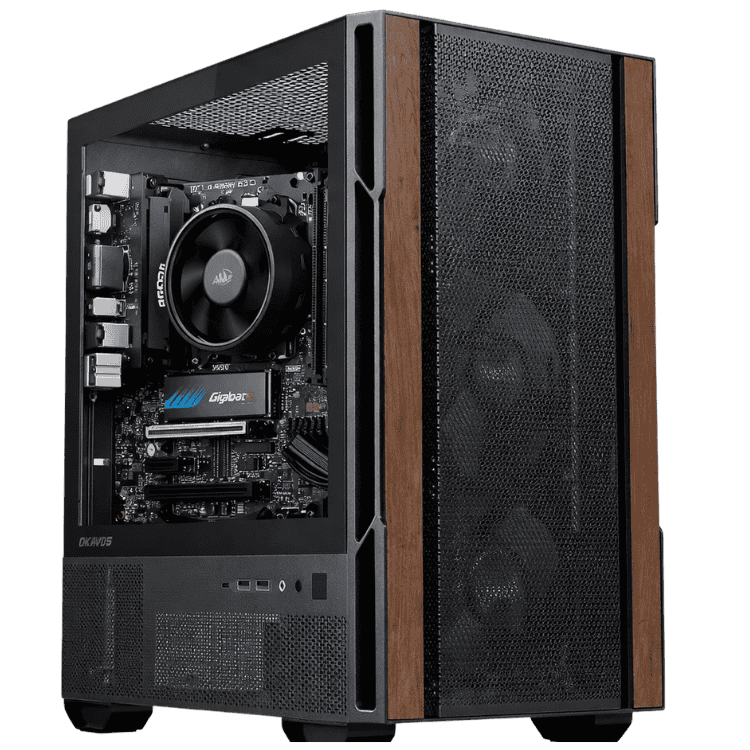
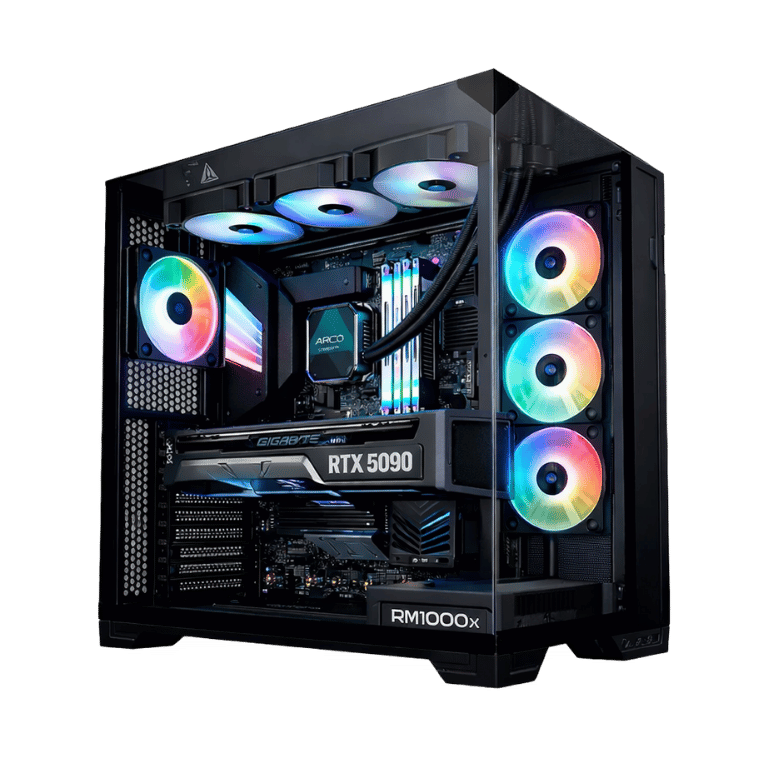
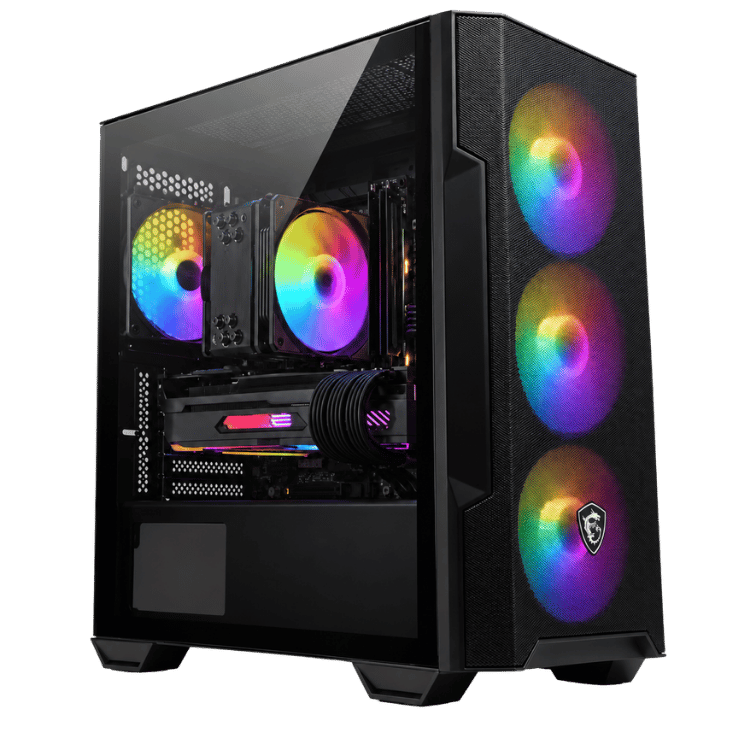
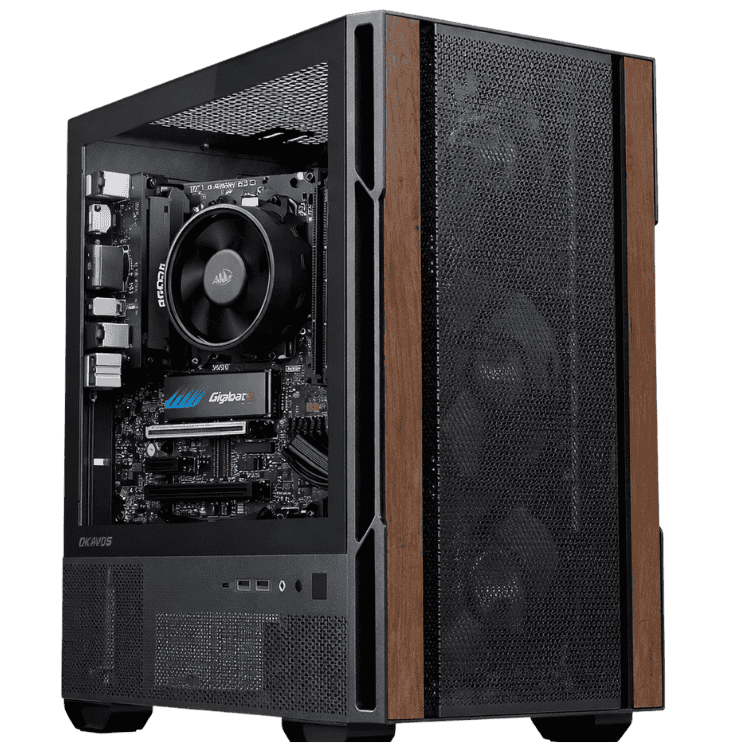
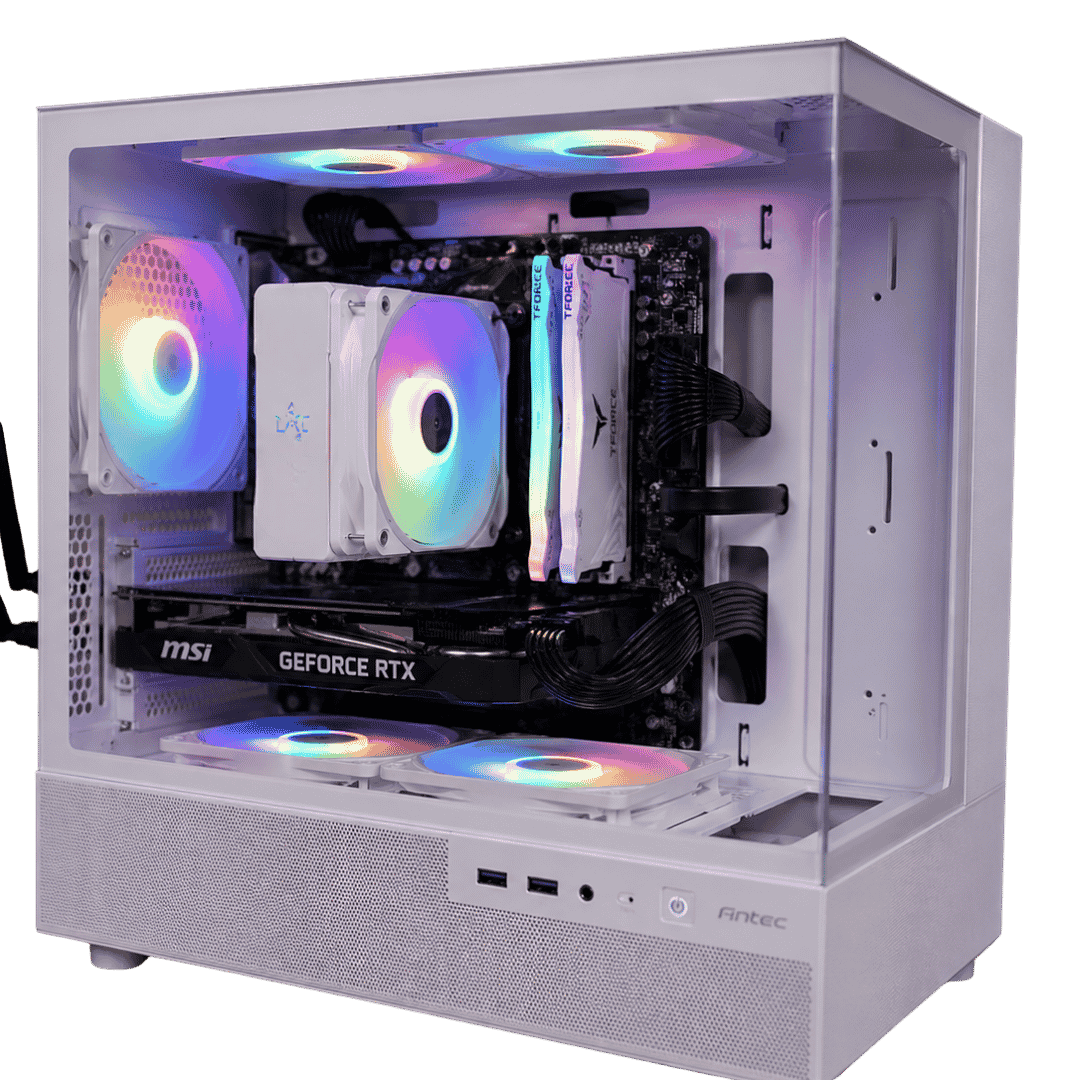
The Home & Study Desktop is a family computer that does homework during the week and games on the weekend. It pairs AMD’s 6-core Ryzen 5 7500F with an MSI GeForce RTX 5050 8GB, 16GB of DDR5 and a fast 1TB NVMe SSD, with Wi-Fi built in. It’s housed in a white Antec CX200M RGB Elite case with lighting that looks great in a bedroom, study or games room.
Every system is assembled and stress tested by our team in Sydney.
Who this family computer suits
- families who want one PC for homework, work and gaming
- high school students who need a study computer that can also play games
- parents working from home who share the computer with the kids
- younger gamers starting out with Minecraft, Roblox and Fortnite
Only need it for study? Our school computer with a Ryzen 5 8500G costs less. Want Microsoft Office included? See our student computer with Office.
A 6-core Ryzen 5 for study and multitasking
The Ryzen 5 7500F has 6 cores and 12 threads with boost speeds up to 5.0GHz. That’s plenty for research with lots of tabs, essays, presentations and video calls, and it gives games a solid foundation too. It’s cooled by a Thermalright Assassin X 120 R Digital ARGB tower cooler, which keeps temperatures in check quietly and adds a bit of lighting.
RTX 5050 graphics for gaming and creativity
Unlike most budget home computers, this one has a dedicated NVIDIA graphics card. The MSI GeForce RTX 5050 8GB handles popular family games such as Minecraft, Roblox and Fortnite at 1080p, speeds up creative apps like Canva, Photoshop and CapCut, and supports NVIDIA’s DLSS in compatible games. NVIDIA has the details on its RTX 5050 page.
To be clear about expectations: the RTX 5050 is an entry-level card. It suits popular, lighter games at sensible settings. For the latest demanding games at high settings, look at one of our gaming PCs.
Family computer specifications
| Processor | AMD Ryzen 5 7500F (6 cores, 12 threads, up to 5.0GHz) |
|---|---|
| CPU cooler | Thermalright Assassin X 120 R Digital ARGB |
| Motherboard | Gigabyte B650M GAMING WIFI, with built-in Wi-Fi |
| Memory | 16GB (2 × 8GB) TEAMGROUP T-Force Delta RGB DDR5-6000 CL38 |
| Storage | Crucial E100 1TB PCIe 4.0 NVMe SSD |
| Graphics card | MSI GeForce RTX 5050 8GB |
| Power supply | MSI MAG A650BN, 650W 80+ Bronze |
| Case | Antec CX200M RGB Elite, white |
What this family computer handles well
- Study: Word, Excel, PowerPoint, Google Classroom and online learning platforms.
- Online classes and calls: Zoom and Teams with a USB webcam.
- Work from home: email, Microsoft 365 and business apps.
- Family gaming: Minecraft, Roblox, Fortnite and other popular titles at 1080p.
- Creative projects: Canva, photo editing and short videos for school or social media.
- Entertainment: streaming Netflix, YouTube and Stan.
16GB of memory and a 1TB SSD
16GB of DDR5 lets the whole family keep apps open without slowdowns, and it’s the right amount for gaming at this level. The 1TB Crucial NVMe SSD gives fast start-up and loading times, with plenty of space for school files, photos and a few games.
Wi-Fi built into your study computer
The Gigabyte B650M GAMING WIFI motherboard includes Wi-Fi, so the computer can sit in any room within range of your router. There’s also a wired network port for the fastest connection when gaming.
A white case with RGB lighting
The Antec CX200M RGB Elite is a white micro ATX case with a glass side panel and RGB fans. Together with the RGB memory and cooler, it gives the PC a clean, modern look that kids and teens love, while staying compact enough for a desk.
One study computer for the whole family
When several people share a computer, a little setup goes a long way. Give each person their own Windows account so files, browser history and settings stay separate. Parents can then use Microsoft Family Safety on the children’s accounts to set screen time limits and filter websites. Keeping the family computer in a shared space, rather than a bedroom, makes it easier to keep an eye on younger users.
A study computer that can also game
Plenty of families buy a study computer and a games console separately. This PC does both. During the week it’s a reliable study computer for assignments and online classes, and on the weekend it handles popular games. A simple “homework first” rule, backed by screen time limits, helps keep the balance right.
Family computer or games console?
A console only plays games. A family computer handles homework, work-from-home tasks, creative projects and gaming in one device. PC games are often cheaper on sale, and many popular titles such as Minecraft, Roblox and Fortnite are available on PC. For families who want one device that does everything, a PC is usually better value.
Online safety in games
Most popular games include their own parental controls. Roblox, Minecraft and Fortnite all let parents limit chat, purchases and who children can play with. Set these up together with your child when you first install each game.
Setting up the space
Pair the computer with a 24-inch Full HD monitor, a comfortable keyboard and mouse, and a headset with a microphone for online classes and gaming. A good chair and a desk at the right height make a real difference during long study sessions.
Why buy a prebuilt family computer?
We assemble, configure and stress test every system before it ships, so you can plug it in and get going. If anything goes wrong, you deal with a local team in Australia rather than a call centre.
Upgrading your family computer
- Graphics: the 650W power supply allows a faster graphics card later for more demanding games.
- Storage: add a second SSD for more games.
- Memory: step up to 32GB if needs grow.
This system uses AMD’s current AM5 platform, so a faster Ryzen processor can drop in later, alongside graphics card, memory and storage upgrades.
When it arrives
- Remove any packing material from inside the case.
- Connect your monitor to the RTX 5050, not the motherboard. The Ryzen 5 7500F has no built-in graphics.
- Connect the keyboard and mouse, then switch on.
- Connect to Wi-Fi and finish setting up the operating system.
- Install the latest NVIDIA driver through the NVIDIA app.
How it compares with our other home PCs
- Budget School Desktop PC: a Ryzen 5 8500G with built-in graphics for study, at a lower price.
- Vision Student Success PC: comes with Windows 11 and Microsoft Office installed.
- Home Office Desktop PC: an Intel Core Ultra 5 225 with 16GB of DDR5 for working from home.
Browse all of our home desktop computers.
Coding and creative subjects
As students move through school, subjects like digital technologies, media and design need more from a computer. This study computer runs Scratch, Python, Visual Studio Code, Canva and photo and video editors comfortably, and the RTX 5050 speeds up many creative apps.
Who should choose something else
If nobody in the house plays games, a family computer with a graphics card is more than you need, and our school computer will save you money. If your teen is serious about competitive gaming or the newest titles, one of our gaming PCs with a more powerful graphics card is the better choice.
Keeping files safe
Set up OneDrive or Google Drive for each person so school assignments, work documents and family photos back up automatically. If something ever happens to the computer, nothing important is lost.
Accessories worth adding
- a 24-inch Full HD monitor, or a 144Hz model for smoother gaming
- a headset with a microphone for online classes and games
- a USB webcam for video calls
- a game controller for couch-style games
Support for parents
If you’d like help setting up accounts, parental controls or games, message our team on live chat and we’ll walk you through it.
Family computer FAQs
Is it a good study computer for high school?
Yes. It handles research, essays, presentations and online classes easily, with headroom for creative subjects and gaming.
Can it run Fortnite and Roblox?
Yes, at 1080p with sensible settings. For the most demanding new games, consider one of our gaming PCs.
Does it come with Windows?
Message us before you order to confirm Windows installation and the edition you need.
Can we connect it to a TV?
Yes. The RTX 5050 has an HDMI output, so you can connect a TV for movies or games.
How noisy is it?
It’s quiet during study and browsing. The fans speed up a little during games, as on any gaming-capable PC.
Can I add more storage later?
Yes. There’s room for another SSD if the family’s game library or photo collection grows.
Does it include a monitor, keyboard and mouse?
No. Ask us if you’d like help choosing them.
Do you deliver Australia-wide?
Yes, to every state and territory, including regional areas.