Description
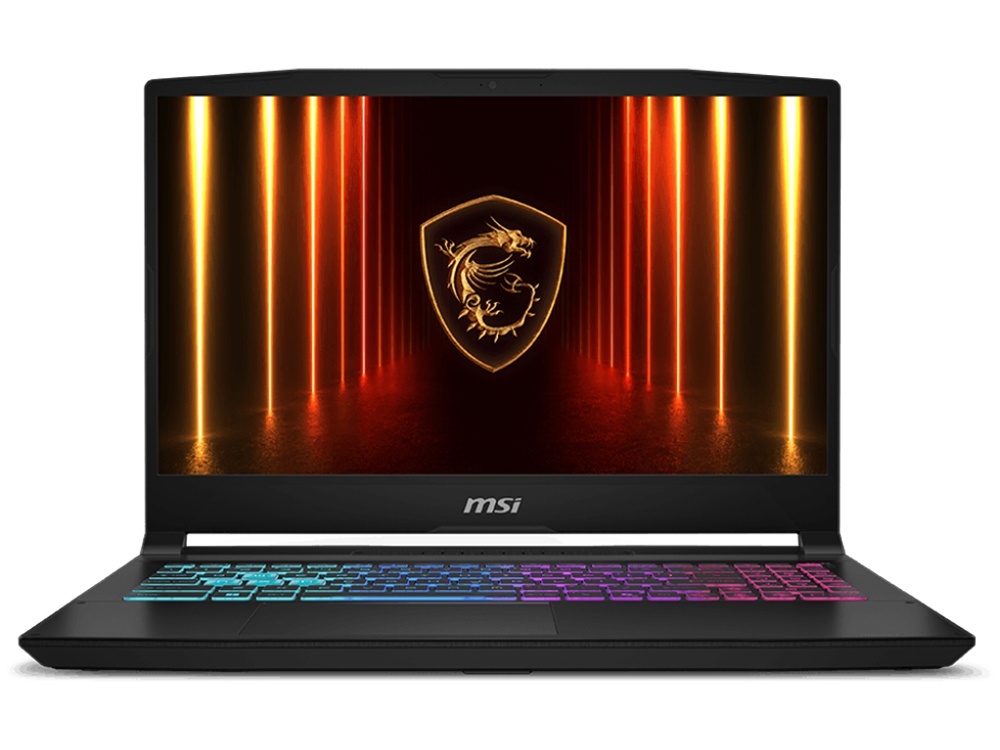
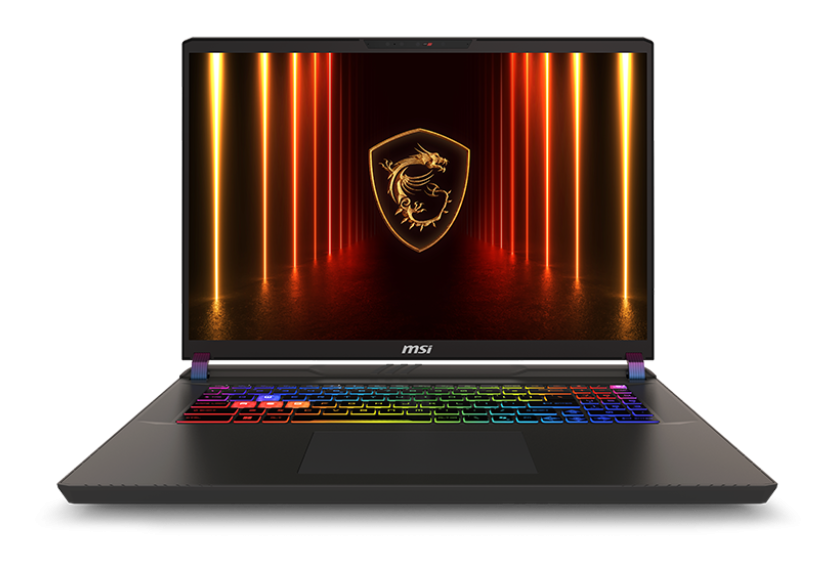
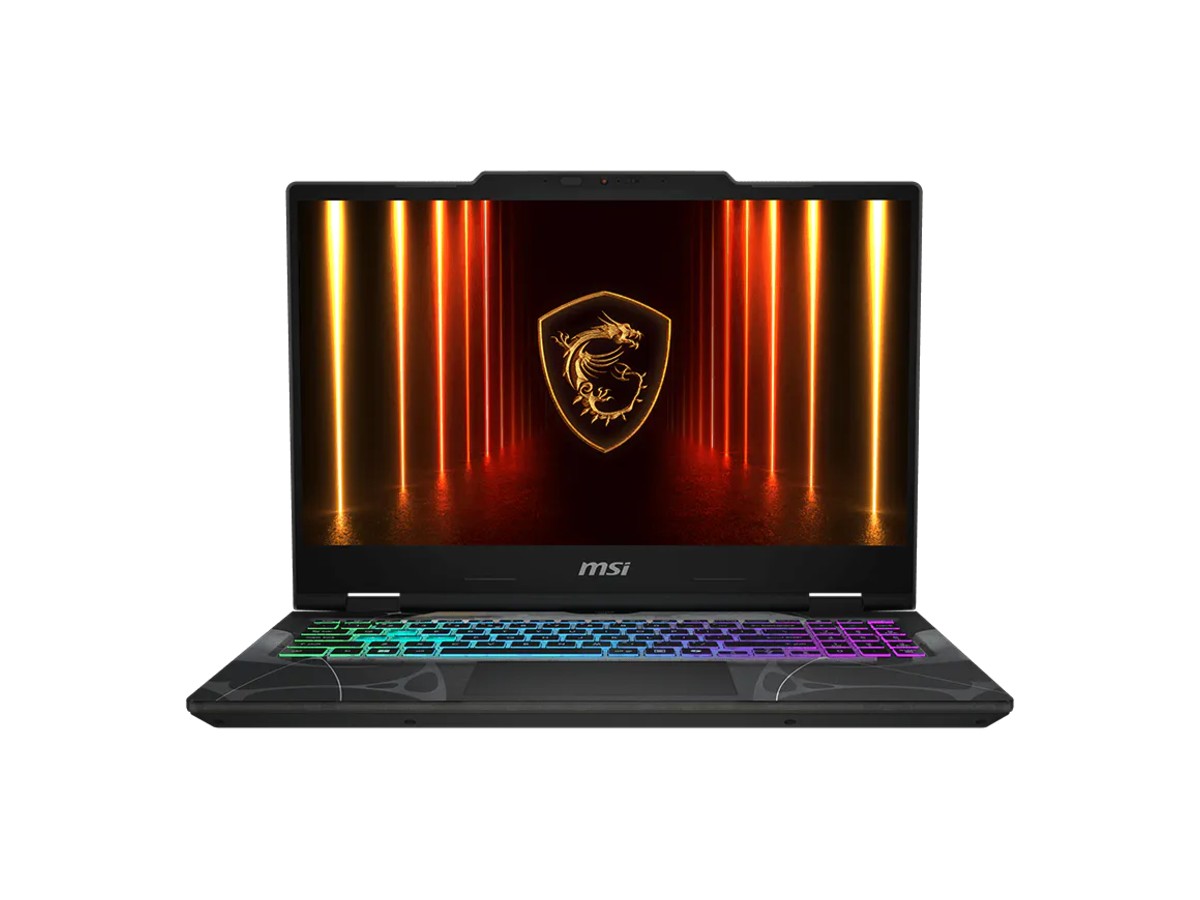
The MSI Cyborg 15 is an affordable RTX 5050 laptop for students, teens and casual gamers who want one machine for study and play. It pairs an NVIDIA GeForce RTX 5050 Laptop GPU with 8GB of GDDR7 and an 8-core Intel Core i5-13420H, with 16GB of DDR5, a 512GB NVMe SSD and a 15.6-inch 144Hz screen, all in MSI’s eye-catching translucent black design.
It comes with Windows 11 Home and MSI’s 1-year warranty, and our team in Sydney is on live chat if you have questions before or after you buy.
Who the MSI Cyborg 15 suits
- students who need a laptop for uni or school that can also game after class
- teens and first-time PC gamers playing Fortnite, Minecraft, Roblox and esports titles
- anyone upgrading from an older GTX or RTX 30 series laptop on a budget
- buyers who want a lighter gaming laptop that’s easy to carry
RTX 5050 laptop graphics
The GeForce RTX 5050 Laptop GPU uses NVIDIA’s latest Blackwell architecture with 8GB of fast GDDR7 video memory. It supports DLSS 4 with Multi Frame Generation, which uses AI to upscale the picture and generate extra frames in supported games, plus Reflex to cut input lag. In the MSI Cyborg 15 it runs at up to 45W with Dynamic Boost.
To be clear about expectations: at that power level this is an entry-level gaming laptop. It’s great for esports and popular online games at 1080p, and it handles bigger single-player games at sensible settings with DLSS turned on. If you want high settings in the newest games, look at our RTX 5060 laptop below.
Intel Core i5-13420H performance
The Core i5-13420H has 8 cores (4 performance and 4 efficient), 12 threads and turbo speeds up to 4.6GHz. It handles Microsoft 365, research with lots of browser tabs, video calls and light content creation comfortably, and keeps up with the graphics card in games.
MSI Cyborg 15 specifications
| Model | MSI Cyborg 15 B13WEKG-1069AU |
|---|---|
| Processor | Intel Core i5-13420H (8 cores, 12 threads, up to 4.6GHz) |
| Graphics | NVIDIA GeForce RTX 5050 Laptop GPU, 8GB GDDR7, up to 45W with Dynamic Boost |
| Display | 15.6-inch Full HD (1920 x 1080), 144Hz, IPS-level |
| Memory | 16GB DDR5-5200 (1 x 16GB), two slots, up to 96GB |
| Storage | 512GB NVMe PCIe Gen4 SSD |
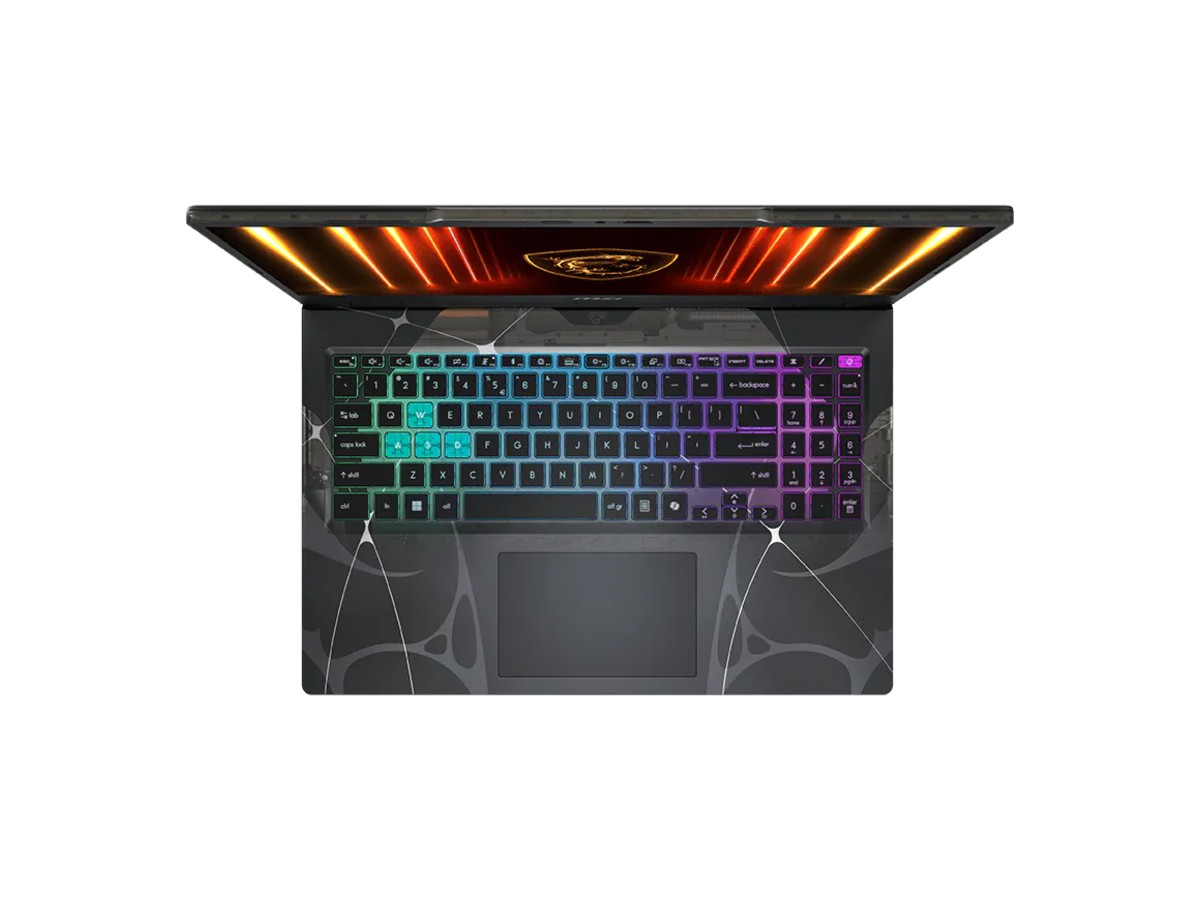
| Keyboard | Four-zone RGB backlit, with Copilot key |
| Webcam | 720p HD with privacy shutter |
| Wireless | Intel Wi-Fi 6E and Bluetooth 5.4, plus Gigabit Ethernet |
| Ports | 2 x USB-A, 1 x USB-C with DisplayPort and charging, HDMI 2.1, headphone/mic combo |
| Battery | 55.2Wh, with a 120W adapter |
| Weight | Around 2.1kg |
| Colour | Translucent Black |
| Operating system | Windows 11 Home |
| Warranty | 1-year manufacturer’s warranty |
MSI lists the full details on its Cyborg 15 product page.
What to expect in games
- Esports and online games such as Fortnite, Valorant, CS2, Rocket League and Roblox run smoothly at 1080p and take advantage of the 144Hz screen.
- Bigger single-player games are playable at medium settings, and DLSS with Frame Generation lifts smoothness in supported titles.
- Minecraft runs very well, including with popular shader packs at moderate settings.
Every game is different, so tell us what you play and we’ll give you an honest answer on how the MSI Cyborg 15 will handle it.
A 144Hz screen for smooth play
The 15.6-inch Full HD panel runs at 144Hz, so fast games feel smoother and more responsive than on a standard 60Hz laptop. MSI rates it at 100% sRGB, which also makes it a good fit for photo editing and design classes. Full HD is a sensible match for the RTX 5050, so games run well without needing to lower the resolution.
Memory: one tip worth knowing
The MSI Cyborg 15 ships with a single 16GB DDR5 module, leaving the second slot free. That’s plenty for study and gaming, and it makes upgrading easy. Adding a matching 16GB module gives you 32GB in dual-channel, which helps in some games and in heavier creative apps. Message us on live chat before you order if you’d like us to arrange it.
Storage
The 512GB Gen4 NVMe SSD starts Windows in seconds and loads games quickly. Modern games are large, so keep a few installed at a time, or move older ones to a fast external SSD. There’s one M.2 slot, so a bigger internal SSD is a swap rather than an addition.
Design and portability
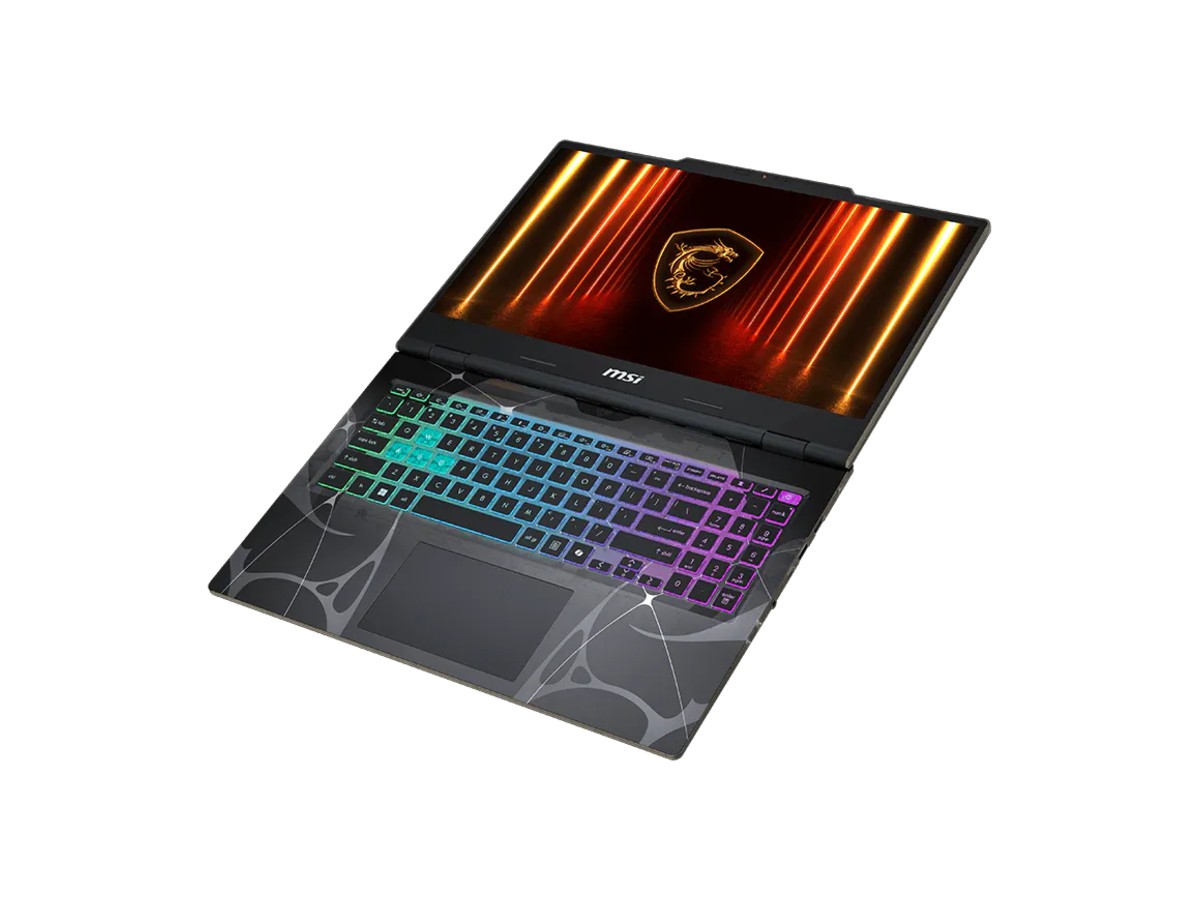
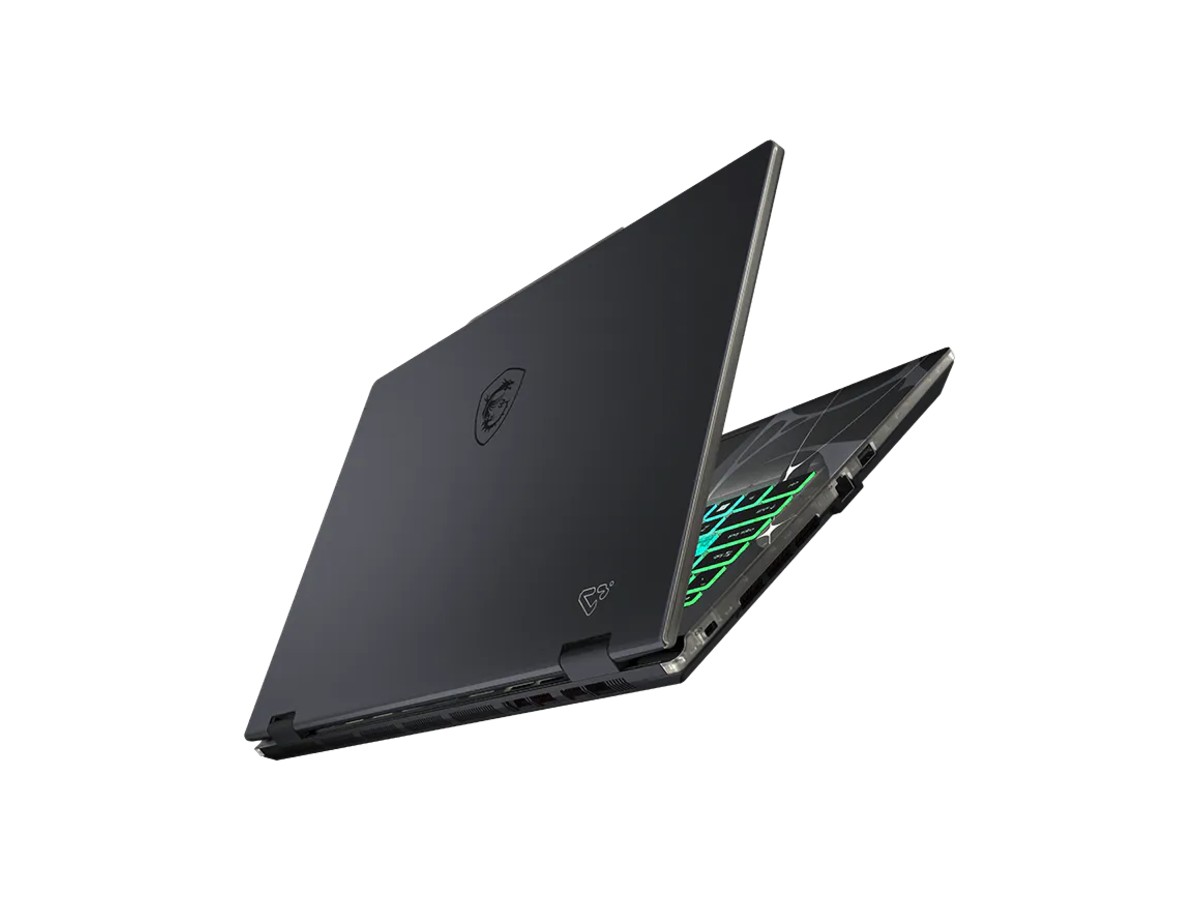
The MSI Cyborg 15 has a distinctive translucent black finish that shows off parts of the internals, and a four-zone RGB keyboard with a Copilot key. At around 2.1kg it’s lighter than many gaming laptops, so it suits carrying to class or between home and work. The 120W charger is compact too.
Battery life
The 55.2Wh battery covers notes, browsing and video between classes. Gaming draws much more power, so plug in the charger when you play to get full performance from the RTX 5050. Use Windows’ battery saver and lower the brightness to stretch it further on study days.
Using the MSI Cyborg 15 for study
It’s a full Windows 11 laptop, so it runs Microsoft 365, Canva, coding tools, the Adobe apps and engineering software that some courses need. The NVIDIA graphics speed up video editing and 3D apps, and the webcam has a privacy shutter for peace of mind on video calls.
Streaming and recording
The RTX 5050 includes NVIDIA’s hardware encoder, so you can record clips with the NVIDIA app or stream to Twitch and YouTube without a big hit to game performance. For school projects, it also speeds up video exports in apps like DaVinci Resolve and Premiere Pro.
Keeping it secure
Use a strong PIN, keep Windows Update and Windows Security switched on, and turn on two-step verification for your Microsoft, Steam and Discord accounts. Back up assignments to OneDrive so nothing is lost if the MSI Cyborg 15 is damaged or stolen. The fTPM 2.0 chip supports Windows security features, and there’s a Kensington lock slot if you use it in a shared space.
Buying for a teenager?
Windows 11 family settings let you set screen time limits, filter content and approve purchases, and Steam, Xbox and Epic all have parental controls. Give each person their own Windows account so school files and games stay separate.
Connecting a monitor and accessories
HDMI 2.1 and USB-C with DisplayPort let you add an external monitor at home, and there’s a Gigabit Ethernet port for the most stable online gaming. Wi-Fi 6E is fast on a modern router.
Looking after a gaming laptop
- Use it on a desk or hard surface so the vents stay clear.
- Keep the NVIDIA driver and MSI Center updated.
- Clean dust from the vents every few months.
- Keep Windows Update and Windows Security switched on.
Setting it up
- Charge it, switch on and connect to Wi-Fi.
- Sign in with your Microsoft account and run Windows Update.
- Install the latest NVIDIA driver and your game launchers.
- Choose a performance mode in MSI Center when plugged in.
How the MSI Cyborg 15 compares
- MSI Katana 15 HX RTX 5060 laptop: a big step up in graphics power, with a QHD 165Hz screen.
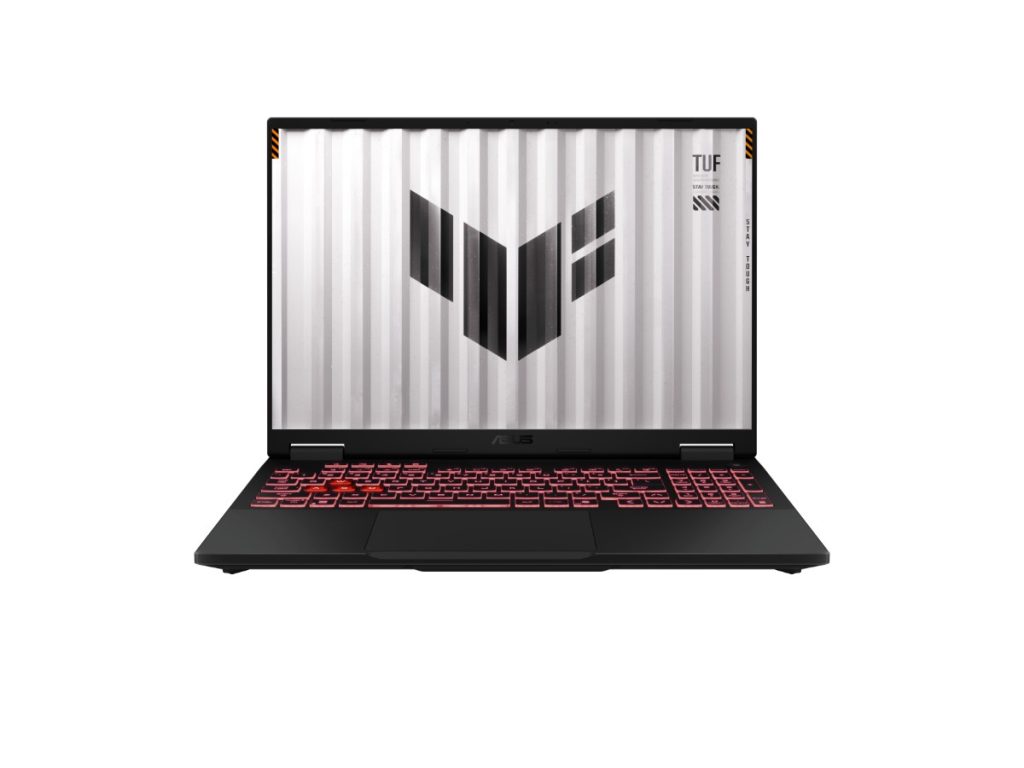
- ASUS TUF Gaming A16: RTX 5050 with a larger 16-inch screen and a Ryzen 7 processor.
See all of our gaming laptops.
Delivery and support
We deliver Australia-wide, including regional areas. If you need help choosing or setting up your MSI Cyborg 15, message us on live chat.
MSI Cyborg 15 FAQs
Is the MSI Cyborg 15 good for gaming?
Yes, for esports and popular online games at 1080p, and for bigger games at sensible settings with DLSS. It’s an entry-level gaming laptop rather than a high-end one.
Can I upgrade the memory?
Yes. One of the two slots is free, and it supports up to 96GB.
Is it good for uni?
Yes. It runs all the usual study software, and at around 2.1kg it’s easy enough to carry.
Does it have a backlit keyboard?
Yes, a four-zone RGB backlit keyboard.
Does it come with Windows?
Yes, Windows 11 Home is installed and activated.