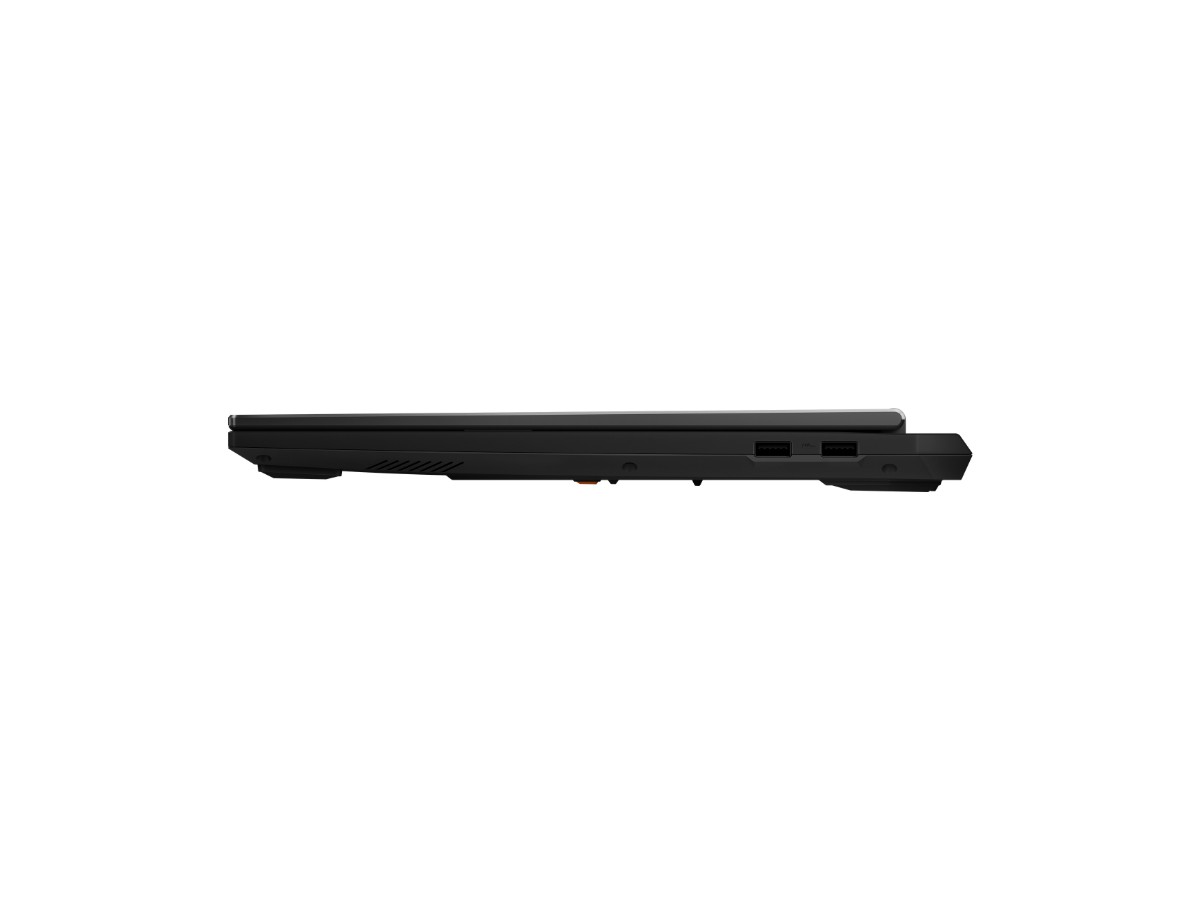
Description
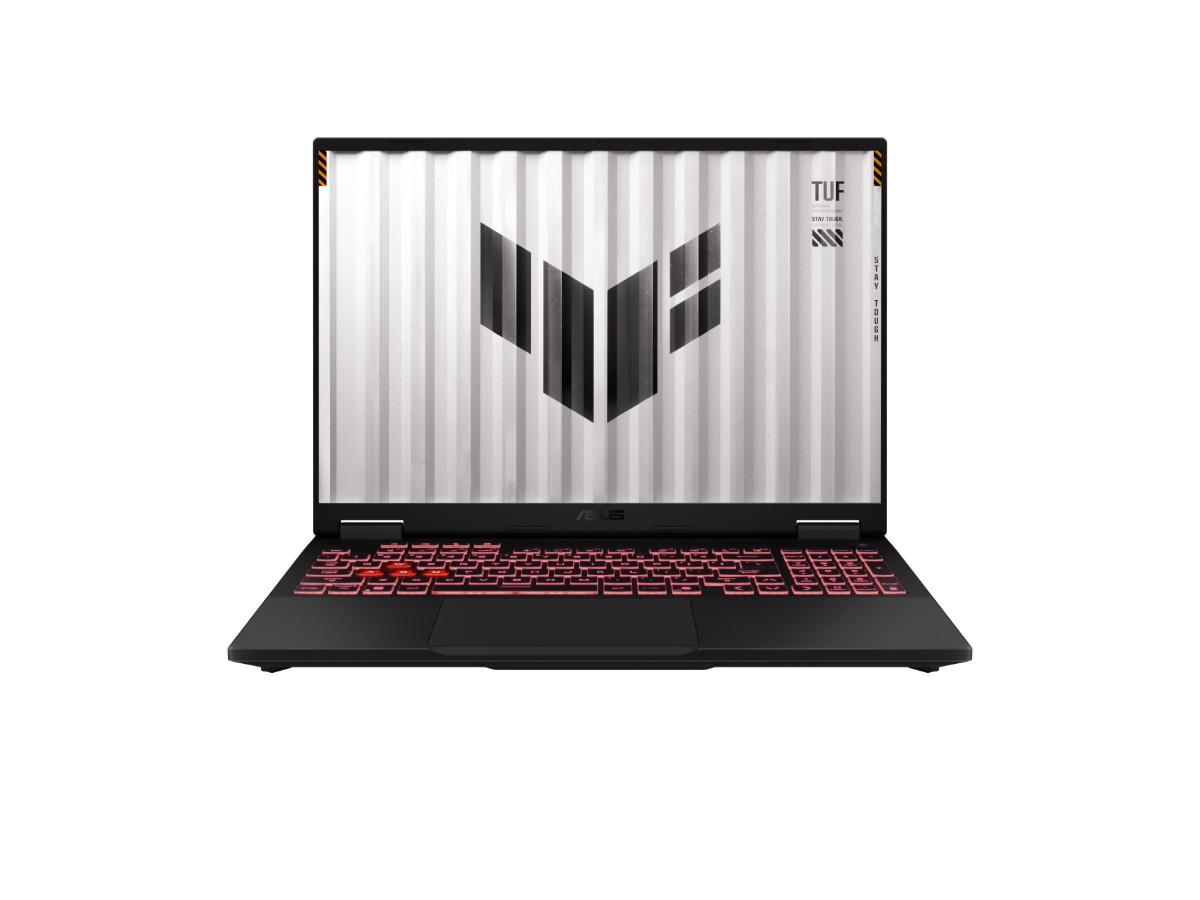
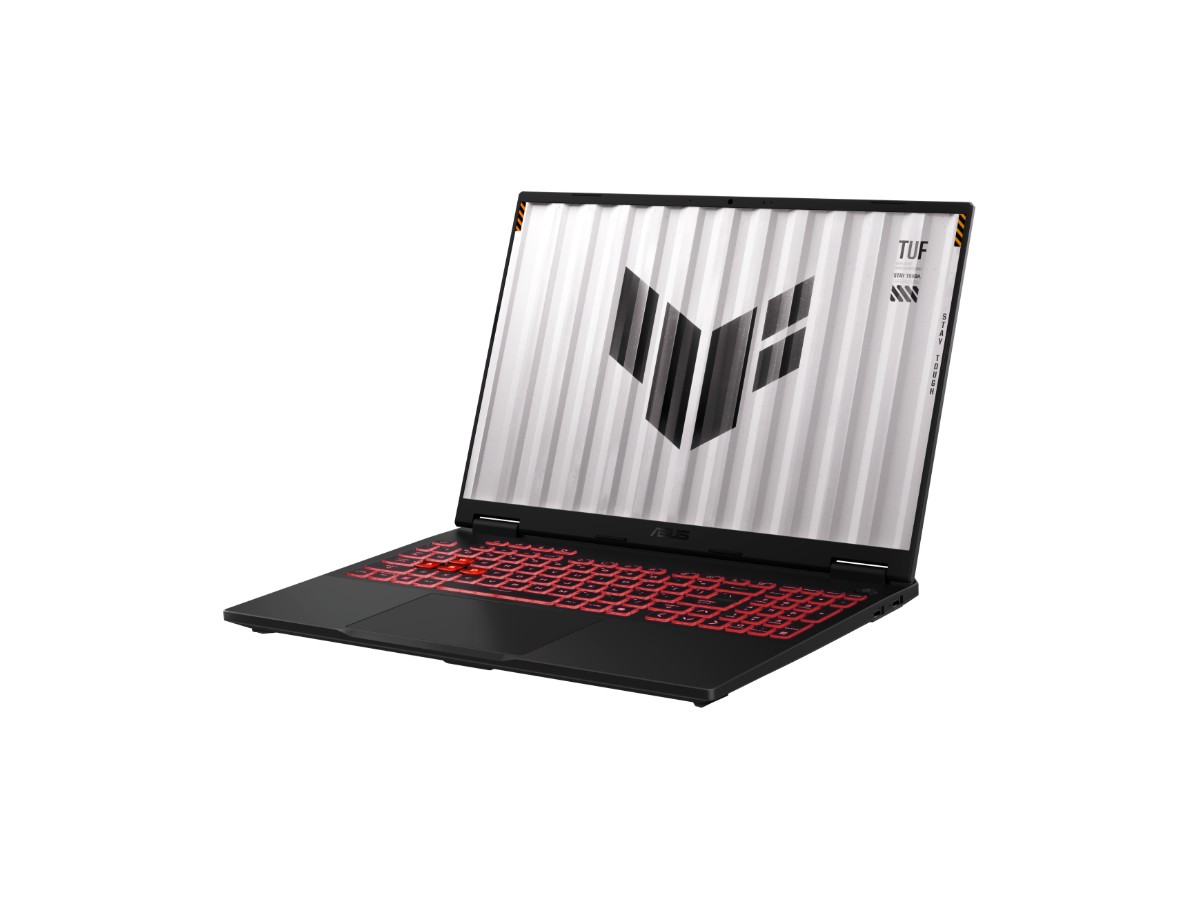
The ASUS TUF A16 is a tough, good-value gaming laptop with a big 16-inch screen, an NVIDIA GeForce RTX 5050 Laptop GPU and AMD’s 8-core Ryzen 7 260. With 16GB of DDR5, a 512GB NVMe SSD and a 144Hz display, it’s a strong all-rounder for gaming, study and creative work, and a popular laptop for engineering students.
It comes with Windows 11 Home and ASUS’s 1-year warranty, and our team in Sydney is on live chat if you have questions before or after you buy.
Who the ASUS TUF A16 suits
- gamers who want solid 1080p performance and a bigger screen than a 15-inch laptop
- engineering, architecture and IT students who need CAD, coding and 3D software to run well
- anyone who wants a durable laptop that can handle being carried to class every day
- players upgrading from an older GTX or RTX 30 series laptop
RTX 5050 graphics with real power
The GeForce RTX 5050 Laptop GPU uses NVIDIA’s Blackwell architecture with 8GB of GDDR7 video memory. What sets the ASUS TUF A16 apart is how much power ASUS gives it: up to 115W with Dynamic Boost, which is at the top of the range for this graphics chip. More power means higher, steadier clocks during long gaming sessions.
It supports DLSS 4 with Multi Frame Generation, so supported games can use AI upscaling and generated frames to run smoother at higher settings. A MUX switch with NVIDIA Advanced Optimus sends the graphics card’s output straight to the screen when you game, which helps performance, then switches to the efficient integrated graphics for study and browsing to save battery.
AMD Ryzen 7 260 performance
The Ryzen 7 260 has 8 cores and 16 threads with boost speeds up to 5.1GHz, plus an AMD XDNA NPU rated at up to 16 TOPS for AI features. Eight full cores make light work of multitasking, code compiles, simulations and video exports, and keep the RTX 5050 fed in games.
ASUS TUF A16 specifications
| Model | ASUS TUF Gaming A16 FA608UHI-TU124W |
|---|---|
| Processor | AMD Ryzen 7 260 (8 cores, 16 threads, up to 5.1GHz) |
| Graphics | NVIDIA GeForce RTX 5050 Laptop GPU, 8GB GDDR7, up to 115W with Dynamic Boost, MUX switch |
| Display | 16-inch FHD+ (1920 x 1200), 16:10, 144Hz, IPS-level, 100% sRGB, anti-glare |
| Memory | 16GB DDR5-5600, two SO-DIMM slots, up to 64GB |
| Storage | 512GB PCIe 4.0 NVMe SSD, with a second M.2 slot |
| Keyboard | Backlit with RGB lighting and a Copilot key |
| Webcam | 1080p Full HD |
| Wireless | Wi-Fi 6E and Bluetooth 5.4, plus Gigabit Ethernet |
| Ports | HDMI 2.1, 2 x USB-A 10Gbps, 1 x USB-A 2.0, 1 x USB-C with DisplayPort and charging, headphone/mic combo |
| Battery | 70Wh, with a 200W adapter |
| Weight | Around 2.2kg |
| Operating system | Windows 11 Home |
| Warranty | 1-year manufacturer’s warranty |
ASUS lists the full details on its TUF Gaming A16 specifications page.
A 16-inch, 16:10 screen
The 16-inch FHD+ display has a taller 16:10 shape than a typical 15.6-inch laptop, so you see more of your documents, code and timelines without scrolling. It runs at 144Hz with G-SYNC for smooth, tear-free gaming, and ASUS rates it at 100% sRGB, so colours are accurate enough for design and photo work. The resolution is a good match for the RTX 5050, so games run well at the screen’s native resolution.
What to expect in games
- Esports and online games such as Fortnite, Valorant, CS2 and Apex Legends run at high refresh rates at 1080p.
- Big single-player games play well at medium to high settings, with DLSS helping in the newest titles.
- Minecraft and Roblox run very smoothly, including with shaders at sensible settings.
Tell us which games you play and we’ll give you an honest answer on how the ASUS TUF A16 will handle them.
A laptop for engineering students
Engineering courses often need SolidWorks, AutoCAD, Fusion, MATLAB and Revit, and many of these benefit from a dedicated NVIDIA graphics card and a strong multi-core processor. The ASUS TUF A16 has both, plus a large screen for detailed drawings. Check your university’s software list, and note that some engineering software only runs on Windows, which is why a Windows laptop for engineering students is usually the safer choice. If you’ll keep big projects and assignments on the laptop, the free second M.2 slot makes adding storage easy.
Memory and storage
16GB of DDR5-5600 is a good starting point for gaming and study on the ASUS TUF A16. With two SO-DIMM slots and support for up to 64GB, it’s easy to upgrade later for heavy CAD or video work. The 512GB Gen4 SSD is quick, and the second M.2 slot means you can add another SSD rather than replacing the first one.
Built to be TUF
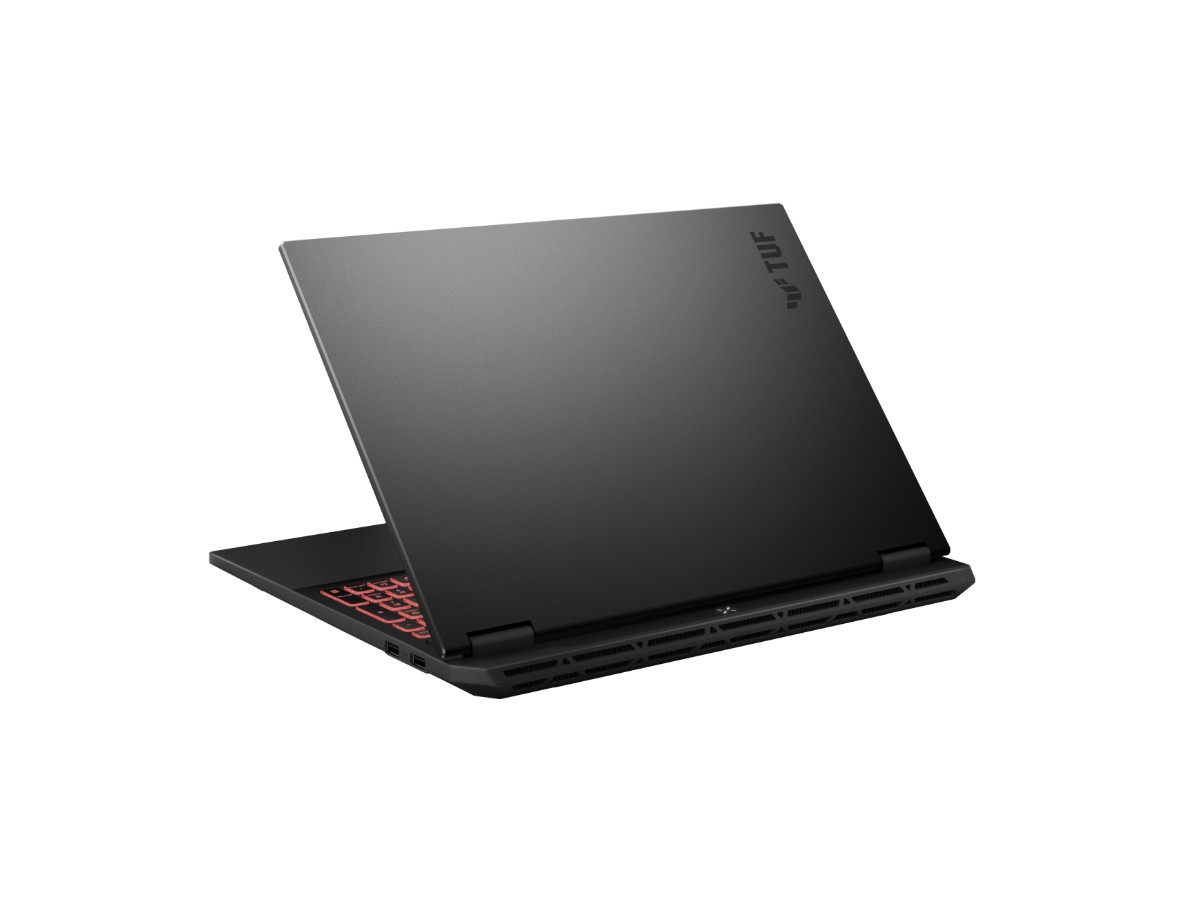
ASUS designs the TUF range to handle daily life, and puts TUF laptops through MIL-STD-810H durability testing. The full-width heatsink and dual fans keep temperatures in check, and there are dust filters to help keep the cooling clean over time.
Battery life and portability
The 70Wh battery is large for a gaming laptop, and Advanced Optimus switches to the integrated graphics when you’re not gaming, so study days away from a power point are realistic. At around 2.2kg the ASUS TUF A16 is a desk-friendly laptop that still travels to campus. For gaming, plug in the 200W charger to get the full performance.
Streaming, calls and creative work
On the ASUS TUF A16, the 1080p webcam and AI noise-cancelling microphones make online classes and calls clearer. NVIDIA’s encoder handles streaming and recording with little performance cost, and Studio drivers speed up Premiere Pro, DaVinci Resolve, Blender and Photoshop.
Keeping it secure
Use a strong PIN, keep Windows Update and Windows Security switched on, and turn on two-step verification for your Microsoft, Steam and university accounts. Back up assignments and project files to OneDrive so nothing is lost if the ASUS TUF A16 is damaged or stolen. MyASUS also makes it easy to check for BIOS and driver updates.
Buying for a teenager?
The ASUS TUF A16 is a sensible pick for teens because one laptop covers schoolwork and gaming, and the tough build suits daily use. Windows 11 family settings let you set screen time limits, filter content and approve purchases, and Steam, Xbox and Epic have their own parental controls. Give each person their own Windows account so school files and games stay separate.
Our honest take
For the money, the ASUS TUF A16 is one of the most balanced RTX 5050 laptops around: a full-power graphics chip, an 8-core Ryzen 7, a big 16:10 screen, a large battery and easy upgrades. If you want higher settings in the newest games or a sharper QHD screen, step up to an RTX 5060 laptop instead.
Connecting a monitor and accessories
HDMI 2.1 and USB-C with DisplayPort let you add an external monitor at home, and the USB-C port also supports charging. Gigabit Ethernet gives the most stable connection for online games, and Wi-Fi 6E is fast on a modern router.
Looking after a gaming laptop
- Use it on a desk or hard surface so the vents stay clear.
- Keep the NVIDIA driver and Armoury Crate updated.
- Clean the dust filters every few months.
- Keep Windows Update and Windows Security switched on.
Setting it up
- Charge it, switch on and connect to Wi-Fi.
- Sign in with your Microsoft account and run Windows Update.
- Install the latest NVIDIA driver and your game launchers.
- Choose a performance mode in Armoury Crate when plugged in.
How the ASUS TUF A16 compares
- MSI Cyborg 15: RTX 5050 in a lighter 15.6-inch laptop.
- MSI Katana 15 HX RTX 5060 laptop: more graphics power and a QHD 165Hz screen.
See all of our gaming laptops.
Delivery and support
We deliver Australia-wide, including regional areas. If you need help choosing or setting up your ASUS TUF A16, message us on live chat.
ASUS TUF A16 FAQs
Is the ASUS TUF A16 good for gaming?
Yes. With the RTX 5050 running at up to 115W, it handles esports and popular games very well at 1080p, and bigger games at sensible settings with DLSS.
Is it a good laptop for engineering students?
Yes. The Ryzen 7, RTX 5050 and 16-inch screen suit CAD and engineering software well. Check your course’s software list before you buy.
Can I upgrade the memory and storage?
Yes. There are two memory slots (up to 64GB) and a second M.2 slot for another SSD.
Does it have a MUX switch?
Yes, with NVIDIA Advanced Optimus.
Does it come with Windows?
Yes, Windows 11 Home is installed and activated.