Description
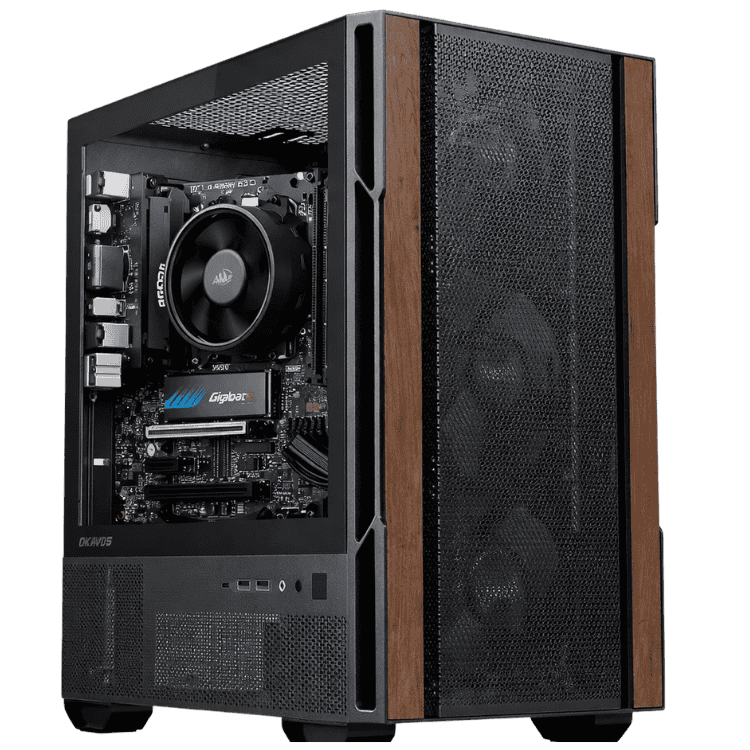
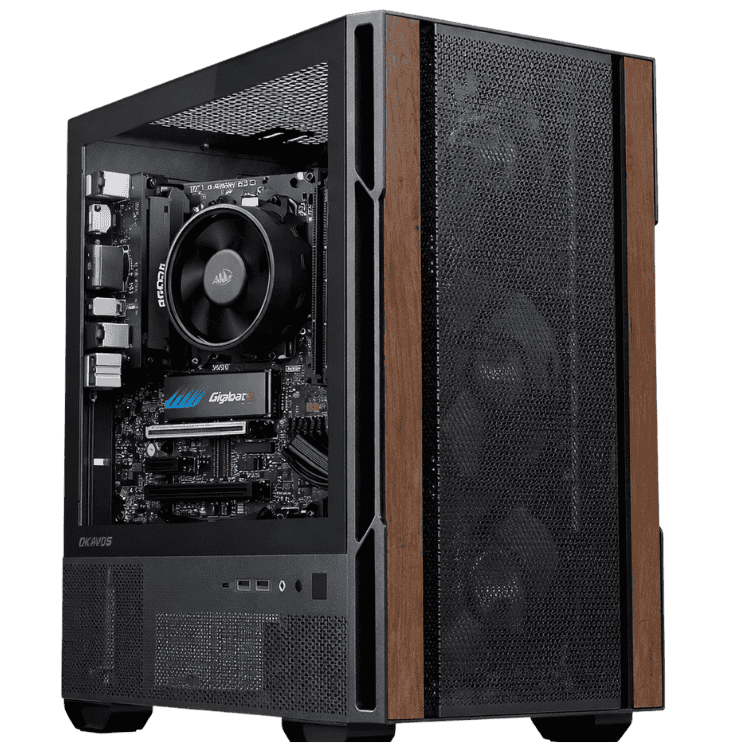
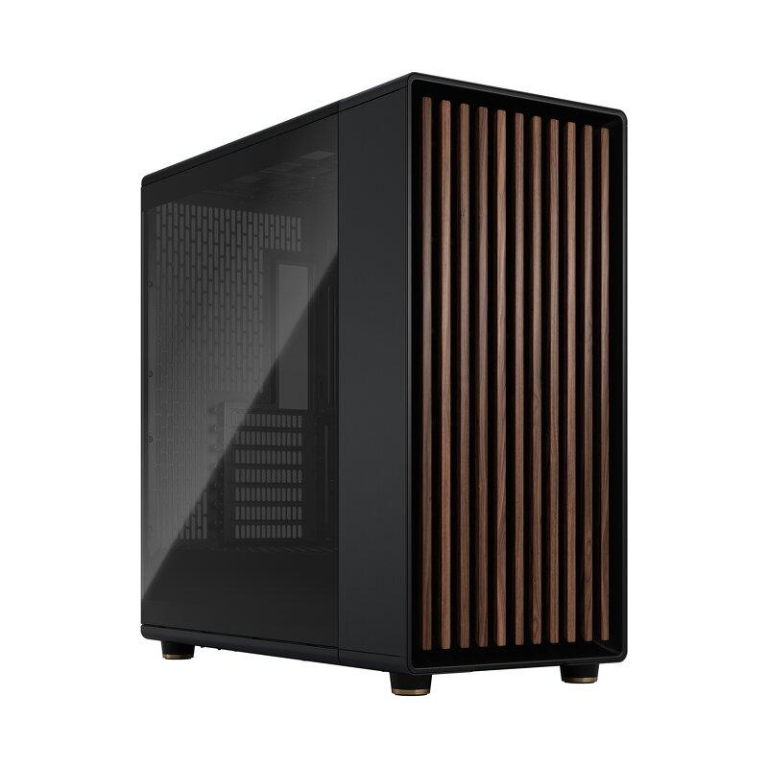
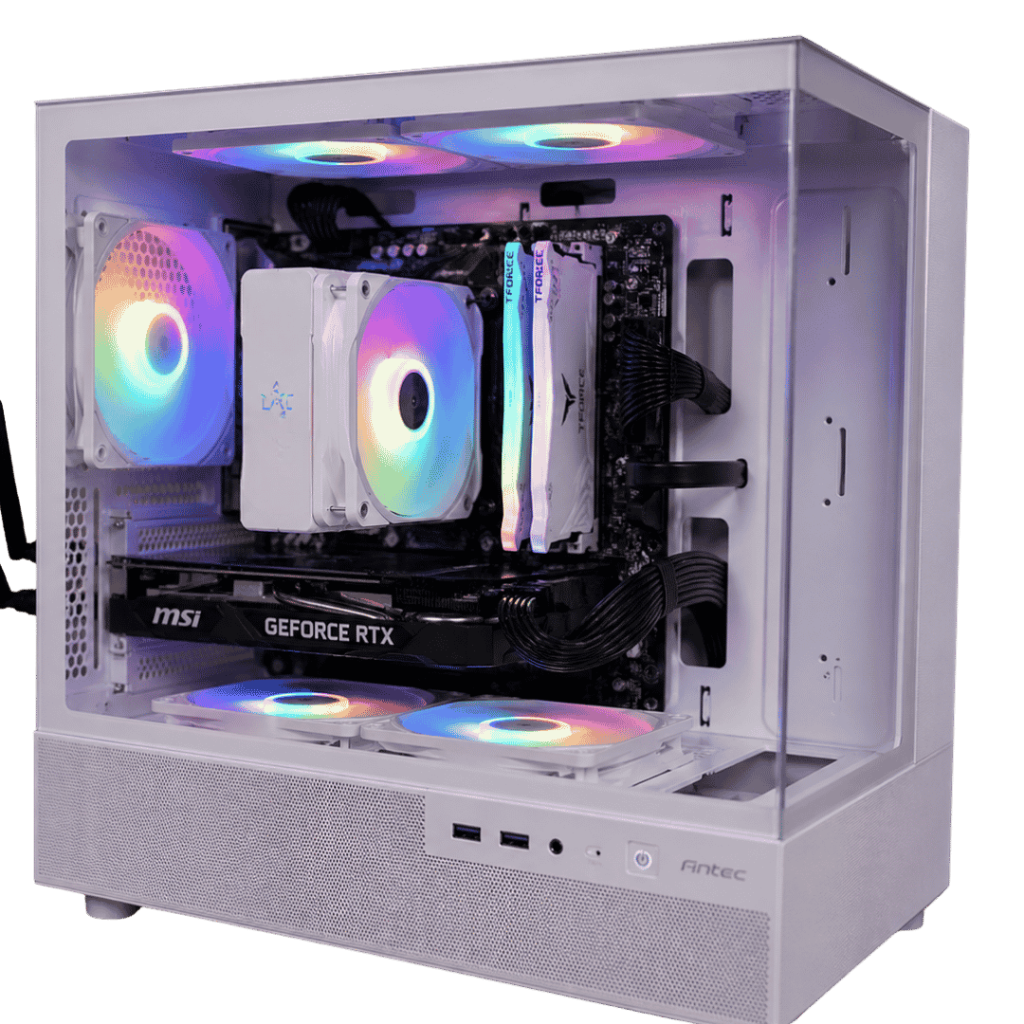
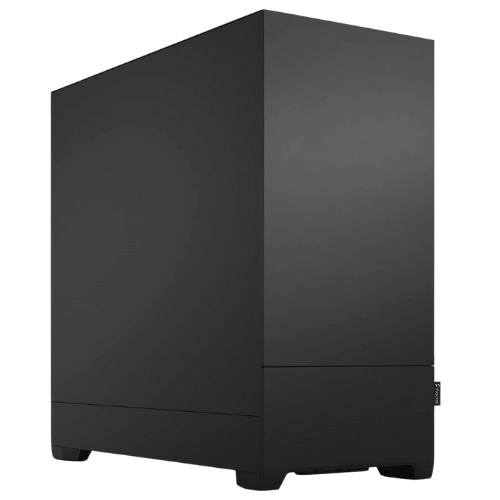
The Vision High Performance is an office desktop for businesses and professionals who’ve outgrown basic office PCs. It runs Intel’s 10-core Core Ultra 5 225F with 16GB of DDR5 and a 1TB PCIe 4.0 NVMe SSD, and adds an NVIDIA GeForce RTX 5050 8GB graphics card for multiple monitors and GPU-accelerated apps. Windows 11 Pro is installed and activated, and everything sits in Fractal Design’s quiet Pop Silent case.
It’s currently $1,999, down from $2,099. It’s assembled and tested by our team in Sydney and includes a 1-year return-to-base warranty.
Who this office desktop suits
- accountants, bookkeepers and analysts working across several monitors
- real estate, marketing and admin teams editing photos and short videos
- managers and consultants who live in Teams, Outlook and big spreadsheets
- businesses that need Windows 11 Pro for security and central management
- home office workers who want a fast, quiet machine that will last
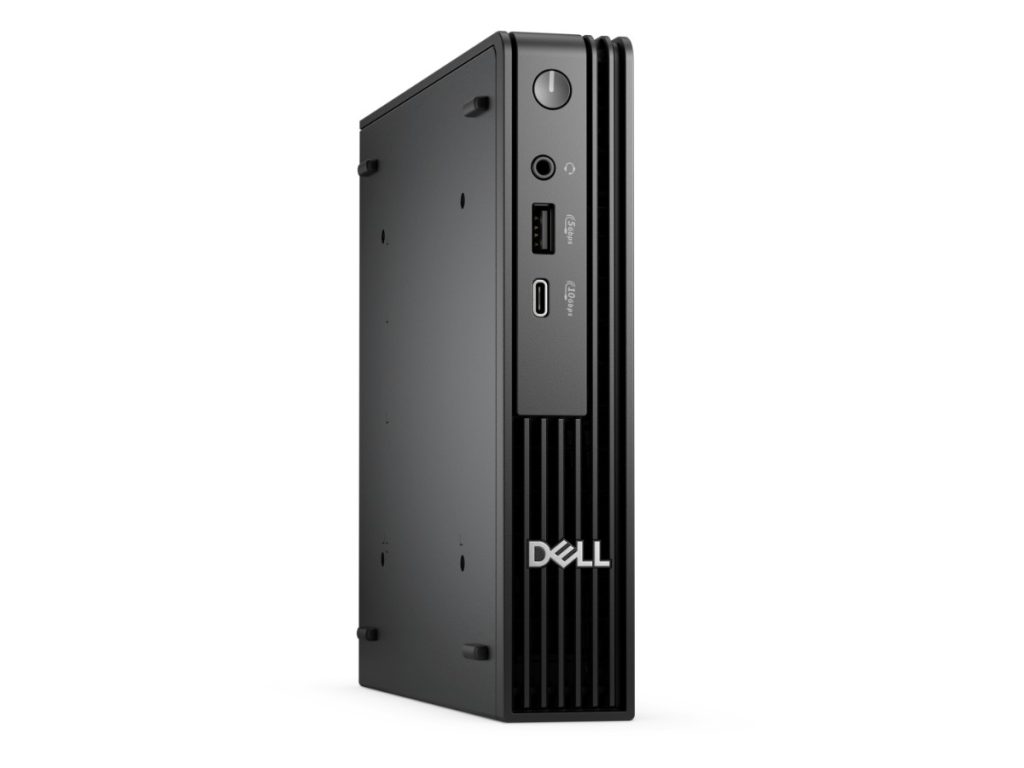
Need something smaller? Our Dell Pro Micro fits on any desk. For heavier creative work, our graphic design PC with a Core Ultra 7 and RTX 5070 steps up.
A 10-core Intel Core Ultra 5
The Core Ultra 5 225F is one of Intel’s current desktop processors. It has 10 cores (6 performance and 4 efficient) with turbo speeds up to 4.9GHz, so the app you’re working in stays snappy while email, Teams and browser tabs run in the background. The “F” means it doesn’t have built-in graphics, which is why we’ve paired it with a dedicated graphics card.
It’s cooled by a DeepCool AK620 dual-tower air cooler. That’s far more cooling than this processor needs, which is exactly the point: the fans barely have to spin, so the system stays quiet all day.
Why an RTX 5050 in an office desktop?
A graphics card isn’t just for gaming. The ASUS Dual RTX 5050 8GB adds real value at work:
- drives multiple monitors for spreadsheets, dashboards and email side by side
- GPU acceleration in Photoshop, Lightroom, Premiere Pro, DaVinci Resolve and CapCut
- hardware video encoding for faster exports and smooth screen recordings
- NVIDIA Broadcast for clearer audio and background effects on video calls
NVIDIA has the full details on its RTX 5050 page. It also handles games at 1080p after hours, if that’s of interest.
Office desktop specifications
| Processor | Intel Core Ultra 5 225F (10 cores) |
|---|---|
| CPU cooler | DeepCool AK620 dual-tower |
| Motherboard | MSI H810M GAMING WIFI6E, with Wi-Fi 6E |
| Memory | Crucial 16GB DDR5-5600 (1 x 16GB) |
| Storage | PNY CS2241 1TB PCIe 4.0 NVMe SSD |
| Graphics card | ASUS Dual OC GeForce RTX 5050 8GB |
| Power supply | MSI MAG A650BN, 650W 80+ Bronze |
| Case | Fractal Design Pop Silent, black |
| Operating system | Windows 11 Pro, installed and activated |
| Warranty | 1-year return-to-base |
A Windows 11 Pro desktop for business
This Windows 11 Pro desktop includes the features businesses rely on: BitLocker encryption to protect data if a computer is stolen, Remote Desktop so you can access it from elsewhere, Group Policy, and the ability to join a company domain or Microsoft Entra ID. It’s installed and activated before it ships, so there’s no upgrade to buy later.
What this office desktop handles well
- Office work: Microsoft 365, Google Workspace, Xero, MYOB and CRMs, all at once.
- Multiple screens: two or three monitors for accounts, trading dashboards or bookings.
- Video calls: Teams and Zoom while you share screens and keep working.
- Creative tasks: photo editing, social graphics and short video edits.
- Data work: large Excel files, Power BI and light coding.
Memory and storage in this Windows 11 Pro desktop
The 16GB of DDR5 is installed as a single module. That’s plenty for office work, and it leaves a slot free. Adding a second 16GB module gives you 32GB and dual-channel memory, which helps with heavier multitasking. The 1TB PCIe 4.0 NVMe SSD makes everything feel fast, from startup to opening large files.
Quiet for an office or home office
Fractal Design’s Pop Silent case has sound-dampening material on its panels and a solid front. With the oversized DeepCool cooler, this office desktop is close to silent during everyday work, which makes a real difference on calls and in shared spaces.
Built for video calls and hybrid work
Hybrid work means a lot of meetings. With a decent USB webcam and headset, the RTX 5050 lets you use NVIDIA Broadcast to remove background noise such as keyboards, dogs and traffic, and to blur or replace your background without slowing the rest of the computer down. Teams and Zoom run smoothly while you share your screen and keep working in other apps.
Running costs
The Core Ultra 5 225F and RTX 5050 are efficient parts. During normal office work, power draw stays modest, and the oversized cooler means the fans rarely need to work hard. That’s good for your power bill and for keeping a small office comfortable.
Wi-Fi 6E built in
The MSI H810M GAMING WIFI6E motherboard includes Wi-Fi 6E for fast, stable wireless on modern routers, plus a wired network port if you prefer a cable.
Office desktop or business laptop?
Laptops make sense for people who move around. For a fixed desk, an office desktop gives you more performance for the money, room for several monitors, a full-size keyboard, and parts that are easy to upgrade or repair. There’s no battery to wear out, and it’s harder to lose or leave in a taxi. Many businesses give staff an office desktop at their desk and a lighter laptop only to those who travel.
Security essentials
A Windows 11 Pro desktop gives you strong tools, but they work best with good habits:
- Turn on BitLocker drive encryption.
- Use multi-factor authentication for Microsoft 365 and other business logins.
- Give staff standard user accounts rather than administrator accounts.
- Back up business files to OneDrive, SharePoint or another secure service.
- Leave Windows Update switched on.
Rolling out several
Using the same office desktop on every desk makes support, training and spare parts much simpler. Tell us how many you need and which software you use, and we’ll quote identical systems, all with Windows 11 Pro installed and activated.
Accessories worth adding
- two 24-inch or 27-inch monitors
- a USB webcam and headset for meetings
- a wireless keyboard and mouse set
- a surge-protected power board
Who should choose something else
If you only need email and documents, our cheaper office computers will do the job for less. If you work in CAD, 3D or heavy video editing, you’ll want a workstation with a more powerful graphics card and more memory. We’re always happy to point you to the right machine rather than the most expensive one.
Why buy a prebuilt office desktop?
Your time is better spent working than setting up a computer. We install and activate Windows 11 Pro, update the BIOS and drivers, and stress test every system before it ships. If anything goes wrong, you deal with one local team in Australia.
Upgrading your office desktop
- Memory: add a second 16GB module for 32GB.
- Storage: add another NVMe SSD or a large hard drive.
- Graphics: the 650W power supply allows a mid-range graphics card upgrade.
When it arrives
- Remove any packing material from inside the case.
- Connect your monitors to the RTX 5050. The Core Ultra 5 225F has no integrated graphics, so the motherboard’s video ports won’t work.
- Sign in to Windows 11 Pro and run Windows Update.
- Join your company domain or Entra ID if you use one.
- Install your business apps and set up backups.
How it compares with our other office computers
- Home Office Desktop PC: an Intel Core Ultra 5 225 with 16GB and built-in graphics, for less.
- Dell Pro Micro: a compact business mini PC with Windows 11 Pro.
- Best Computer for Business: a Ryzen 5 with Windows 11 Pro and Microsoft Office included.
Browse all of our office computers.
Support after you buy
If you have questions about setup, Windows 11 Pro features, upgrades or anything else after it arrives, message our team on live chat and we’ll help.
Office desktop FAQs
How many monitors can it run?
The RTX 5050 drives multiple displays. Two or three monitors is a common setup.
Is this office desktop overkill for email and documents?
For basic email alone, yes. If you use several monitors, edit photos or videos, or keep lots of apps open all day, it’s a sensible choice that will stay fast for years.
Does it include Microsoft Office?
No, but it’s ready for Microsoft 365. Ask us if you’d like Office included.
Can it run Teams and Zoom with other apps open?
Yes. With 10 cores, 16GB of memory and a dedicated graphics card, video calls run smoothly alongside Outlook, Excel and your browser.
Does it have Wi-Fi?
Yes, Wi-Fi 6E is built into the motherboard, along with a wired network port.
Can it play games?
Yes. The RTX 5050 handles many games at 1080p, so it doubles as a capable after-hours machine.
Can I get a longer warranty?
A 1-year return-to-base warranty is included. Message us before you order to ask about longer cover.
Is a keyboard and mouse included?
No. Ask us when you order if you’d like a set added.
Do you deliver Australia-wide?
Yes, to every state and territory, including regional areas.