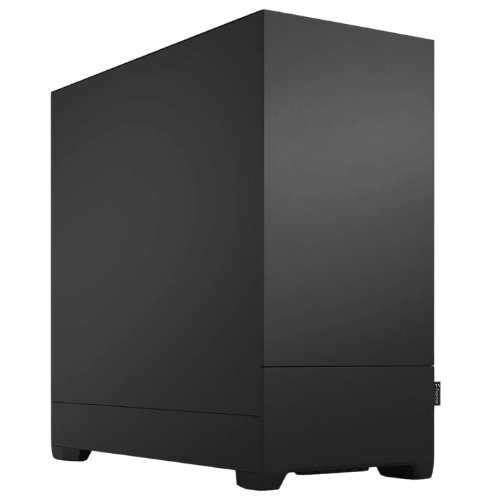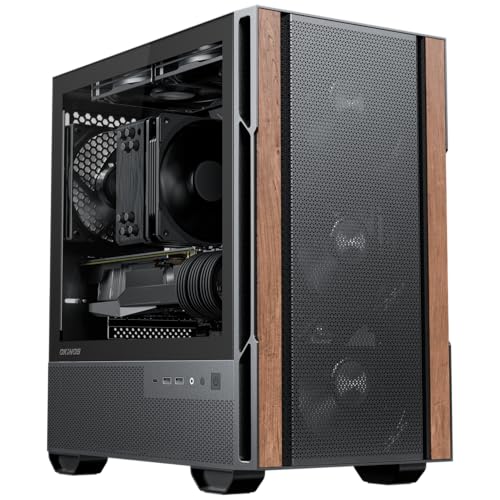
Description
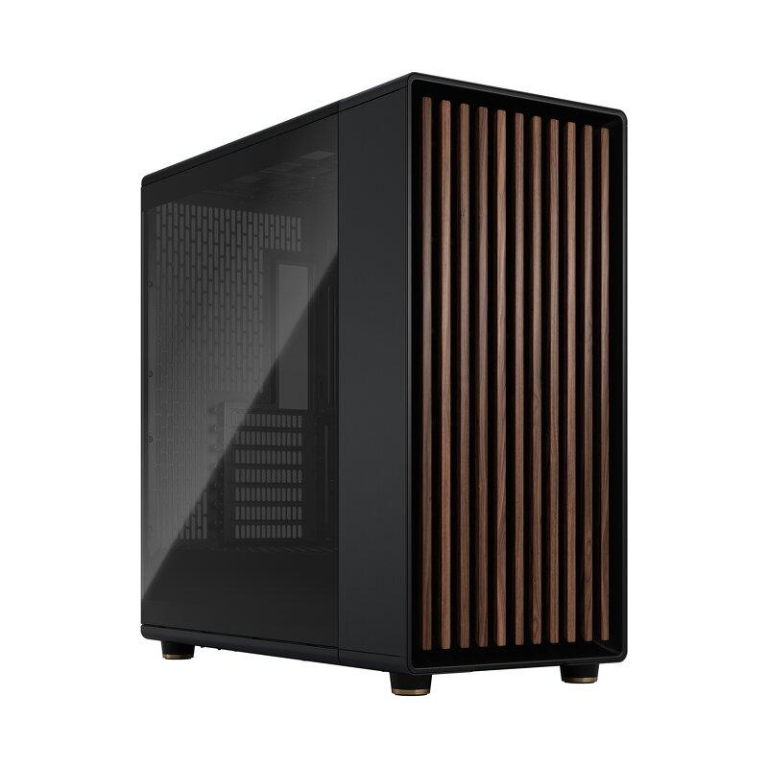
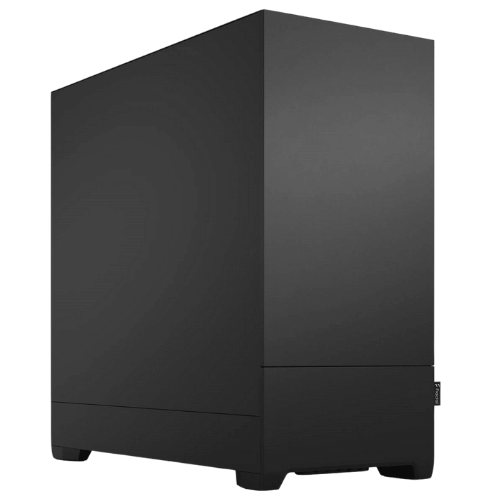
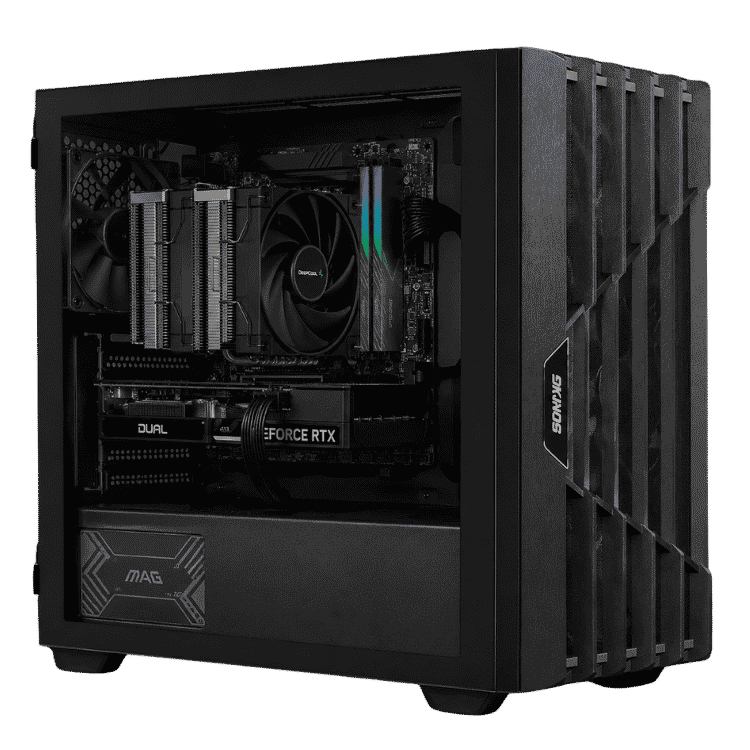
The Vision Starter Workstation is an entry level workstation for people who need more than a standard office computer but don’t need, or want to pay for, a high-end engineering machine. It pairs an 8-core AMD Ryzen 7 7700 with 32GB of DDR5 memory and NVIDIA GeForce RTX 5060 graphics, with a 1TB NVMe SSD and Windows 11 Home installed. It’s a capable starting point for video editing, photo editing, design software and study, with room to grow as your projects get bigger.
Every one is hand-built and tested by our team before it ships, and it comes with a 1-year warranty.
Who this entry level workstation is for
- university and TAFE students in design, media, architecture or engineering
- freelancers starting out in video editing, photography or graphic design
- small businesses that need a step up from a basic office PC
- anyone who wants a work machine that can also handle some gaming after hours
If your projects are already large, our CAD workstation with a Ryzen 9 and RTX 5070 Ti is built for heavier work.
Why an entry level workstation needs a dedicated graphics card
Most office PCs rely on the processor’s built-in graphics, which struggle with creative software. The RTX 5060 adds real GPU acceleration to apps that support it, including:
- Premiere Pro, DaVinci Resolve and CapCut, for smoother timeline playback and faster exports
- Photoshop and Lightroom, for GPU-accelerated filters and AI-assisted tools
- Blender, for faster viewport performance and Cycles rendering
- SketchUp, Twinmotion and similar visualisation tools
It also includes NVIDIA’s NVENC hardware encoder, which speeds up video exports and makes screen recording or streaming smooth. NVIDIA has the details on its RTX 5060 family page.
A modern AM5 and DDR5 foundation for your entry level workstation
Rather than building on an older platform, this workstation uses AMD’s current AM5 socket with DDR5 memory. That matters for an entry level workstation because your needs will grow. The Ryzen 7 7700 has 8 cores and 16 threads with boost speeds up to 5.3GHz, plenty for editing timelines, design apps and exports. AM5 supports newer Ryzen processors, so you can move to a higher core-count chip later without changing the motherboard.
The 32GB of memory is installed as two 16GB DDR5 modules in dual-channel, leaving two slots free. When your projects need more memory, adding a matching pair is quick and simple.
Vision Starter Workstation at a glance
| Processor | AMD Ryzen 7 7700 (8 cores, 16 threads, up to 5.3GHz) |
|---|---|
| Motherboard | ASUS PRIME B650M-A WIFI II (AM5, built-in Wi-Fi) |
| Graphics card | NVIDIA GeForce RTX 5060 |
| Memory | 32GB (2 × 16GB) DDR5-5600, two free slots for expansion |
| Storage | Lexar NM620 1TB NVMe SSD |
| Operating system | Windows 11 Home, installed with drivers |
| Warranty | 1 year |
Message us on live chat to customise the processor, memory, storage or case before you order.
What this entry level workstation handles well
- Video editing: 1080p and 4K editing in Premiere Pro, DaVinci Resolve and CapCut, with GPU-accelerated playback and exports.
- Photo editing: Lightroom catalogues and layered Photoshop files, with GPU-accelerated tools.
- Design and CAD: SketchUp, AutoCAD 2D work, Fusion and similar applications for small to medium projects.
- 3D and rendering: Blender modelling and Cycles rendering for learning and smaller scenes.
- Everyday work: Microsoft 365, browsers, Zoom and Teams, all running smoothly at once.
For large 3D scenes, long 4K timelines or big engineering assemblies, a higher-tier workstation with more cores and memory will save you time.
Software we often see on this build
Customers buying an entry level workstation commonly run a mix of the following. All of these benefit from the RTX 5060’s GPU acceleration in supported features:
- Video: Adobe Premiere Pro, After Effects (lighter projects), DaVinci Resolve, CapCut and OBS.
- Photo and design: Photoshop, Lightroom, Illustrator, Affinity Photo and Canva.
- 3D and CAD: Blender, SketchUp, AutoCAD, Fusion and Twinmotion.
- Study and office: Microsoft 365, Google Workspace, Zoom and Teams.
If you use specialised software with particular hardware requirements, send us the system requirements and we’ll confirm whether this build suits or recommend a better fit.
1TB of fast storage
Creative projects grow quickly: video footage, photo libraries, project files and cached previews all take space. The 1TB NVMe SSD gives you room for Windows, your applications and active projects, with fast load times. For archives, many users add a second drive or use an external drive or cloud storage, and we can add extra storage when you order.
Upgrading an entry level workstation
An entry level workstation should be able to grow with you, and this one can. The most common upgrades are:
- More memory: add a second DDR5 module for more capacity and dual-channel performance.
- More storage: add a second NVMe SSD or a large hard drive for archives.
- A faster processor: AM5 supports higher core-count Ryzen processors.
- A faster graphics card: where the power supply and case allow.
Message us and we’ll recommend compatible parts.
Working from home and small business use
Plenty of our customers use this as a home office or small business machine that also handles the odd video or design job. It runs Microsoft 365, accounting software, browsers and video calls without fuss, and the RTX 5060 can drive multiple monitors for spreadsheets, email and reference material side by side. Because it’s built on AM5 with free memory slots, it can be upgraded as the business grows rather than replaced. If you need several identical machines for a team, message us for a quote.
Built for work, not just games
A lot of PCs sold as “workstations” are really gaming machines with a new label. We focus on what matters for work: stable settings, sensible cooling, quiet operation and a configuration that can grow. Every system is tested under load before it ships, so you can rely on it for long editing and rendering sessions.
Entry level workstation or gaming PC?
The hardware can look similar, but the priorities are different. A gaming PC is tuned for frame rates; an entry level workstation is set up for stability, quiet running and long sessions in creative apps. We install NVIDIA’s Studio Driver, which is tested with creative software, and we set conservative, reliable settings rather than chasing benchmarks. You can still game on it after hours, but its first job is getting your work done.
Choosing a monitor for creative work
For photo and video work, a 27-inch 1440p IPS monitor with good colour accuracy (close to 100% sRGB) is a great starting point. If you edit 4K video, a 4K monitor makes timelines and previews easier to judge. A second screen is one of the best productivity upgrades for any entry level workstation, and the RTX 5060 has outputs for multiple displays.
Quiet operation
If you work long hours at your desk, noise matters. We set fan curves before shipping so the system is quiet during everyday work and only ramps up during heavy exports or renders.
Why buy a prebuilt workstation PC in Australia?
Buying a workstation PC in Australia from a local builder means local support, Australian pricing and a warranty you can actually use. We handle the BIOS, drivers, Windows setup and testing, so the system is ready to work when it arrives. If something goes wrong, you have one place to contact. We deliver every workstation PC Australia-wide, including regional areas.
When it arrives
- Remove any packing material from inside the case.
- Connect your monitor to the RTX 5060’s outputs, not the motherboard.
- Sign in to Windows 11 and run Windows Update.
- Install the NVIDIA Studio Driver through the NVIDIA app for the best stability in creative software.
- Install your applications and move your project files across.
How it compares with our other workstations
- Vision Creator Pro: an Intel Core Ultra 7 265KF with 32GB DDR5 and an RTX 5060.
- Professional work computer for video editing: Core Ultra 7 with an RTX 5070 for heavier editing.
Browse the full workstation range.
Support from an Australian builder
When you buy a workstation PC Australia-built by our team, you deal directly with the people who assembled and tested it. Questions about software setup, upgrades or a problem after delivery go straight to us on live chat, not an overseas call centre.
Entry level workstation FAQs
Is this entry level workstation good for university students?
Yes. It’s well suited to design, media, architecture and engineering courses, and handles everyday study apps easily.
Can it run AutoCAD and SketchUp?
Yes, for small to medium projects. For large 3D models, consider a higher-tier CAD workstation.
Can I add more memory later?
Yes. The second memory slot is free for an extra DDR5 module.
Do you deliver this workstation PC Australia-wide?
Yes. We deliver to every state and territory, including regional areas.
Does it come with Windows?
Yes, Windows 11 Home is installed and activated, with the required drivers.
Can this entry level workstation handle 4K video?
Yes, for many 4K projects, especially with GPU-accelerated playback. For long, effect-heavy 4K timelines, more memory and a faster processor help.
Can you build several for my office?
Yes. Message us with the number of machines and any software requirements, and we’ll quote matching systems.
What warranty is included?
A 1-year warranty.