Description
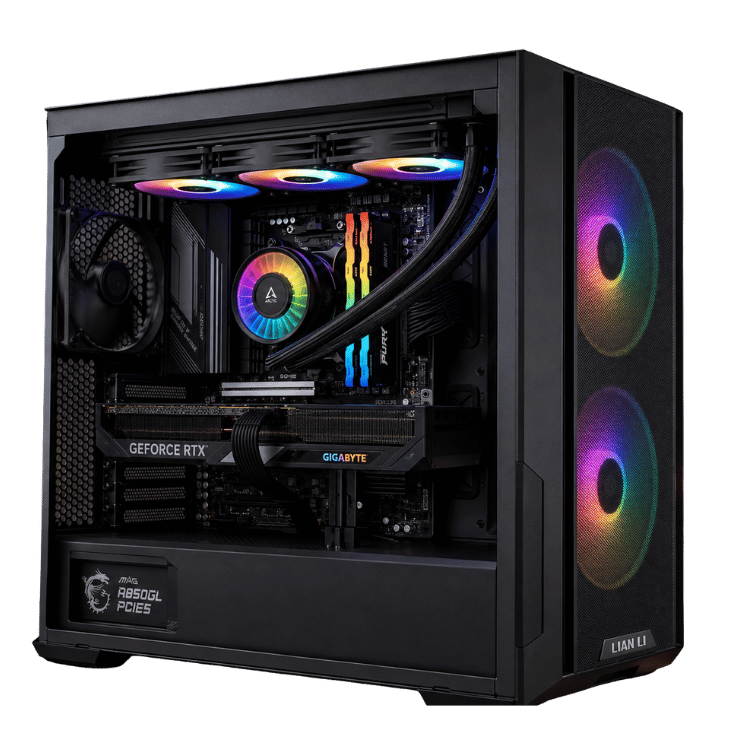
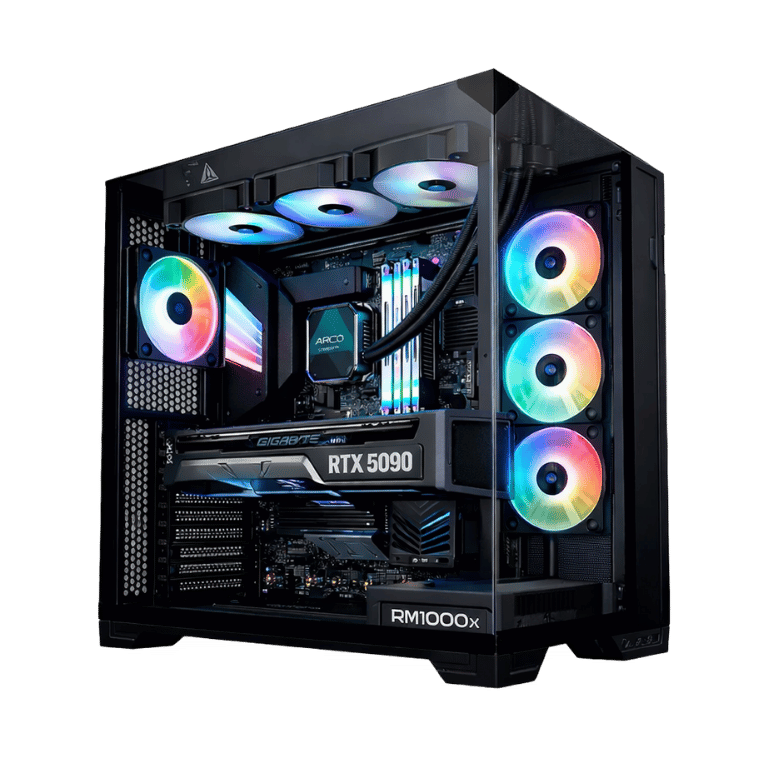
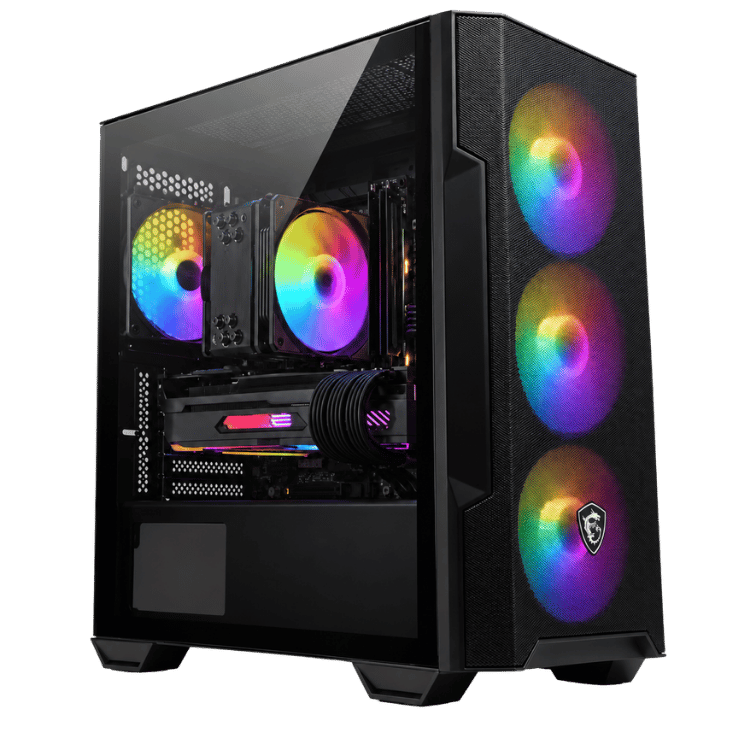
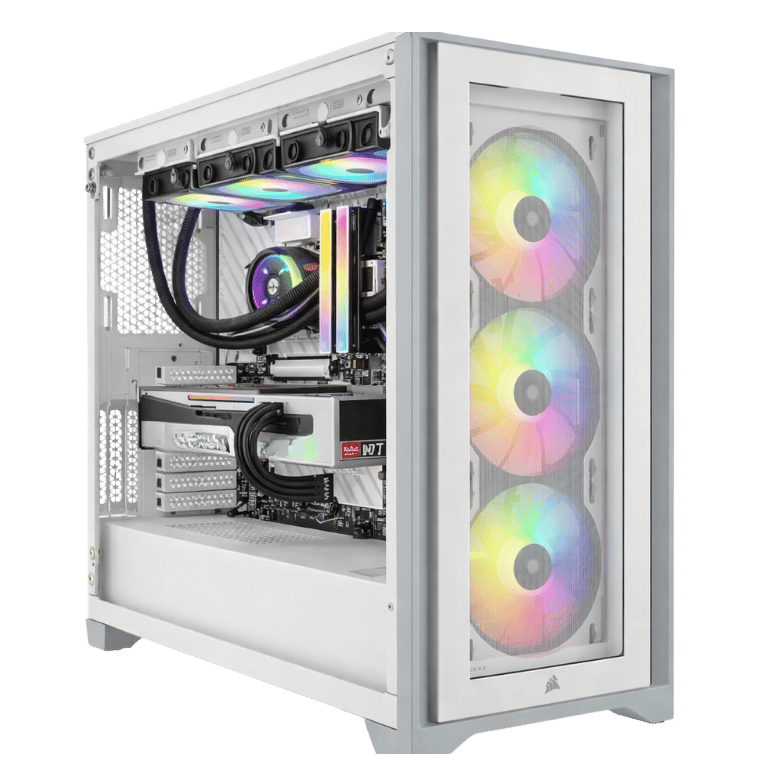
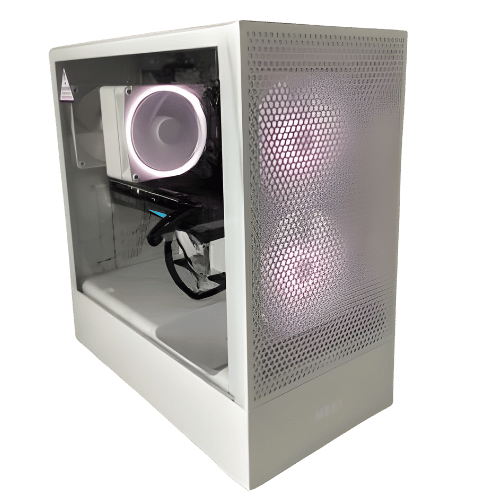
The Vision Performance RGB is an RGB PC that puts most of its budget where it counts: a Ryzen 7 7800X3D and an RTX 5070. It’s our most affordable way to get the 7800X3D, one of the best gaming processors around, and it adds 32GB of Corsair RGB memory, a fast NVMe drive and a DeepCool ARGB cooler, all in NZXT’s airflow-focused H5 Flow. It’s a strong mid tier gaming PC for high-refresh 1440p.
Every one is hand-built and stress-tested in our Sydney workshop before it ships.
Who this RGB gaming PC is for
- competitive players in Fortnite, Valorant, CS2, Apex Legends and Warzone
- 1440p gamers on a 165Hz or 240Hz monitor
- sim and strategy fans, where the 7800X3D’s cache makes a real difference
- anyone who wants RGB lighting without paying for a showcase case
Prefer liquid cooling and a glass showcase case? The Vision Vector uses the same processor and graphics card with a 360mm AIO in a Lian Li Vector.
Why the 7800X3D in an RGB PC
AMD’s Ryzen 7 7800X3D uses 3D V-Cache, an extra layer of cache stacked on the processor. Games reuse small pieces of data constantly, and having more of it close to the cores means fewer stalls. You feel it most in busy moments, like an end-game circle or a crowded race grid, where frame rates stay steadier than on a standard processor. AMD has the full details on its Ryzen 7 7800X3D page.
RTX 5070 graphics
The GeForce RTX 5070 has 12GB of GDDR7 and supports DLSS 4 with frame generation, ray tracing and NVIDIA Reflex for lower latency. Paired with the 7800X3D, it’s a strong 1440p combination, and this RGB PC keeps the card well fed in almost every game.
Vision Performance RGB specifications
| Processor | AMD Ryzen 7 7800X3D, 8 cores / 16 threads |
|---|---|
| Graphics card | NVIDIA GeForce RTX 5070 12GB |
| Memory | 32GB (2 × 16GB) Corsair Vengeance RGB DDR5-6000 |
| Storage | 1TB NVMe PCIe 4.0 SSD |
| Motherboard | MSI B650M Gaming WiFi (AM5) |
| CPU cooler | DeepCool AG620 ARGB dual-tower |
| Case | NZXT H5 Flow (2024) |
| Power supply | MSI MAG 750W 80+ Bronze |
What to expect from this mid tier gaming PC
- Esports: very high frame rates in Valorant, CS2, Fortnite and Overwatch 2, with strong minimum frame rates.
- 1440p single-player: high settings in current games, with DLSS in the heaviest titles.
- Sims and strategy: Microsoft Flight Simulator, iRacing and Cities: Skylines II benefit from the X3D cache.
We don’t publish frame-rate charts because they change with every patch. Ask us about your favourite games and we’ll give you an honest answer.
RGB lighting without the gimmicks
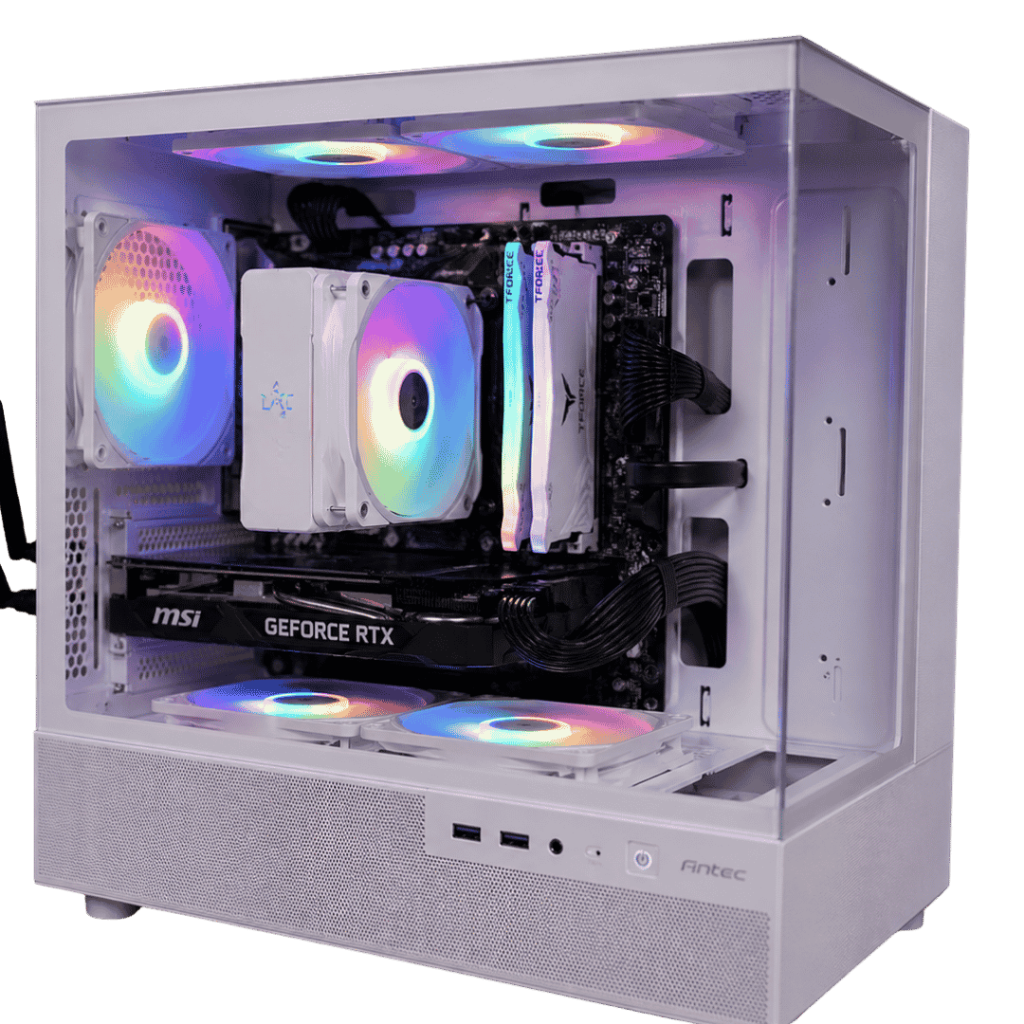
A good RGB gaming PC should look great without turning into a light show you can’t switch off. Here the lighting comes from the case fans, the DeepCool AG620’s ARGB fans and the Corsair Vengeance RGB memory. We set a clean default profile before shipping. You can sync everything to one colour, run a slow wave, match your keyboard and mouse, or switch it all off in software. It’s your RGB PC, so it should look the way you like.
The NZXT H5 Flow (2024)
The H5 Flow is one of the best airflow cases at its size. A perforated front panel lets the fans pull in plenty of cool air for the graphics card, and the glass side panel shows off the lit-up memory and cooler. It’s clean and understated, which suits people who want their lighting to glow rather than shout. Cable management is tidy, and there’s room for future upgrades.
Cooling and noise in this RGB gaming PC
The DeepCool AG620 ARGB is a dual-tower air cooler with two fans and a large heatsink. The 7800X3D is efficient, so the cooler keeps it at comfortable temperatures while staying quiet, and there’s no pump to wear out. We set fan curves before shipping so this mid tier gaming PC is calm at the desktop and ramps up gently in games.
Memory, storage and power
Two 16GB Corsair Vengeance RGB sticks give you 32GB of DDR5-6000 in dual-channel mode, the speed AMD’s Ryzen processors like best. That’s plenty for gaming, streaming and multitasking. The 1TB PCIe 4.0 NVMe SSD gives fast boot and load times, and there’s room on the motherboard for a second drive. An MSI MAG 750W 80+ Bronze power supply runs the system comfortably, and during heavy gaming it typically draws around 350 to 400 watts at the wall.
AM5 platform and Wi-Fi
The MSI B650M Gaming WiFi motherboard is built on AMD’s AM5 platform, so you can upgrade to a newer Ryzen processor later without changing the board. It also brings built-in Wi-Fi, Bluetooth and wired Ethernet.
Sims and strategy
If you play Microsoft Flight Simulator, iRacing, Assetto Corsa Competizione, Football Manager, Total War or Cities: Skylines II, the processor matters more than in most games. These titles track huge amounts of data every frame, and the 7800X3D’s extra cache helps them run noticeably smoother than on standard processors. For sim and strategy fans who want great value, this is one of the best builds we make.
Upgrades down the track
AM5 means you can drop in a newer Ryzen processor later without changing the motherboard. There are spare memory and M.2 slots for more RAM or a second SSD, and the H5 Flow has room for larger graphics cards. If you plan a much more powerful card in future, we’d suggest pairing it with a higher-wattage Gold power supply, which we can quote when the time comes.
Streaming and creating
The RTX 5070’s NVENC encoder handles streaming and recording on the graphics card, so your frame rate barely changes when you go live. With 32GB of memory, OBS, Discord and browser sources run comfortably alongside your game. The 7800X3D’s eight cores handle editing in Premiere Pro, DaVinci Resolve and CapCut well.
What does “mid tier gaming PC” mean here?
We use “mid tier” for builds aimed at 1440p, between our 1080p budget systems and our 4K high-end range. A mid tier gaming PC like this one runs current games at high settings at 1440p and handles esports titles at very high frame rates, without the cost of an RTX 5070 Ti or RTX 5080. With a 7800X3D inside, this one punches above its tier in CPU-heavy games.
Why buy a prebuilt RGB PC?
We handle the BIOS update, memory profile, cooler mounting, cable management, RGB setup, drivers and stress-testing, so the system is proven before it reaches you. If a part is faulty, we catch it on our bench. If anything goes wrong later, you have one place to contact rather than several manufacturers.
When it arrives
- Remove any packing material from inside the case.
- Connect your monitor to the RTX 5070 and plug into a surge-protected power board.
- Run updates and install the latest NVIDIA driver.
- Pick a lighting profile for your RGB PC, or switch it off.
Choosing a monitor
A 27-inch 1440p monitor at 165Hz to 240Hz is the best match for this RGB PC. If you mostly play esports titles and want every frame, a 1080p 360Hz screen works well too. Connect it to the RTX 5070’s DisplayPort output and set the refresh rate in Windows.
How it compares with our other 7800X3D builds
- Vision Vector: the same 7800X3D and RTX 5070 with a 360mm liquid cooler, a Gold power supply and a glass showcase case.
- Vision White Esports: the same pairing in an all-white Antec C5 build.
- Best Value RTX 5080 Gaming PC: the 7800X3D with an RTX 5080 for 4K.
This RGB gaming PC is the value pick of the group. See the rest in our 1440p gaming PC range.
Built and tested in Sydney
- BIOS updated and memory profile enabled
- chipset, graphics and Wi-Fi drivers installed
- processor and graphics card stress-tested together while we check temperatures
- fan curves and RGB lighting set, cables tidied and secured
We deliver Australia-wide, including regional areas.
RGB PC FAQs
Can I turn the RGB off?
Yes. All the lighting can be changed to any colour or switched off in software.
Is the 7800X3D good with an RTX 5070?
Yes. It’s one of the best gaming processors available and keeps the RTX 5070 well fed at 1440p.
Does it have Wi-Fi?
Yes. The MSI B650M Gaming WiFi has Wi-Fi and Bluetooth built in.
Is this mid tier gaming PC good for 4K?
It can play many games at 4K with DLSS, but it’s designed for 1440p. For regular 4K gaming, an RTX 5070 Ti or RTX 5080 build is the better choice.
Can I upgrade it later?
Yes. AM5 supports newer Ryzen processors, and there’s room for more storage. The power supply suits the current parts, so a much bigger graphics card may need a power supply upgrade too.