Description
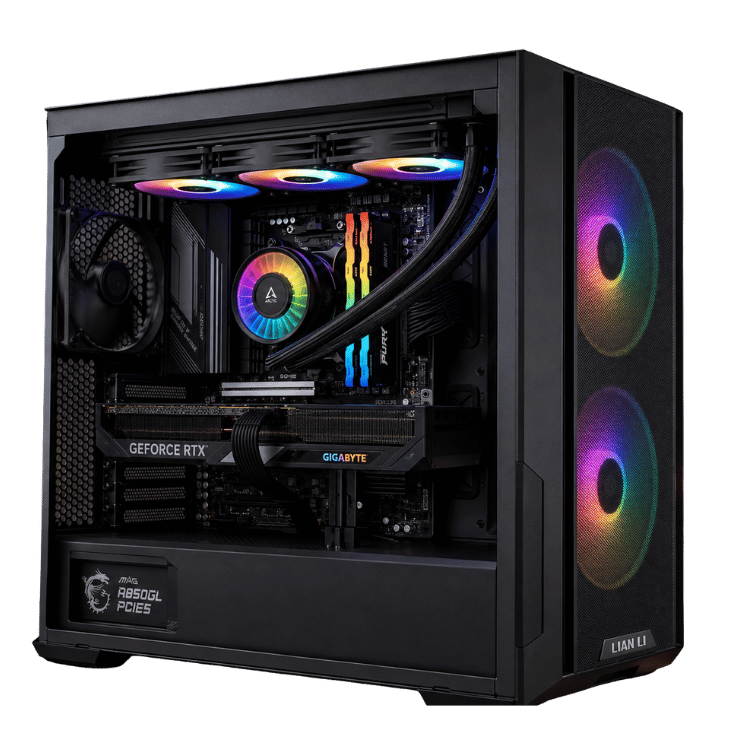
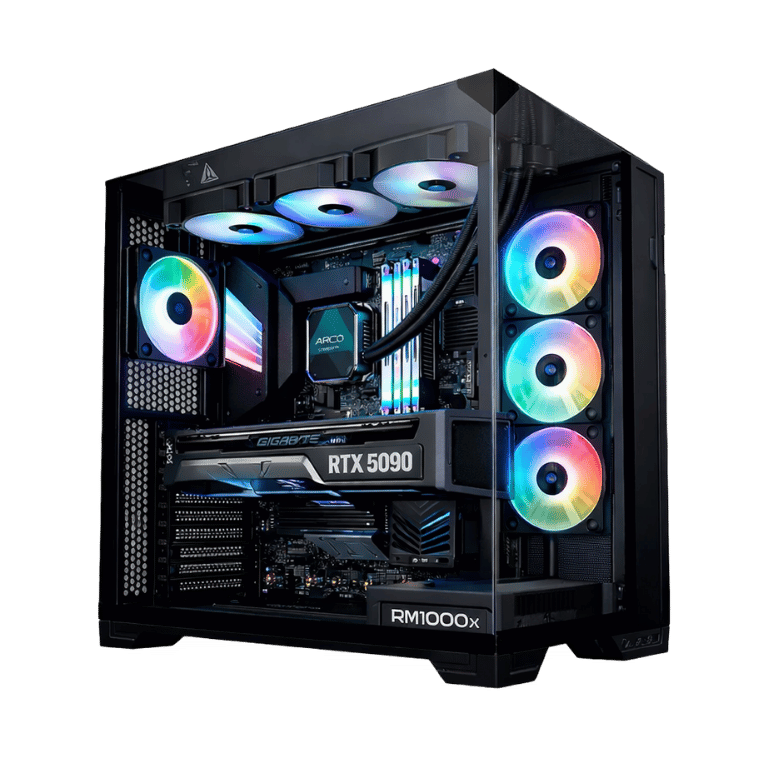
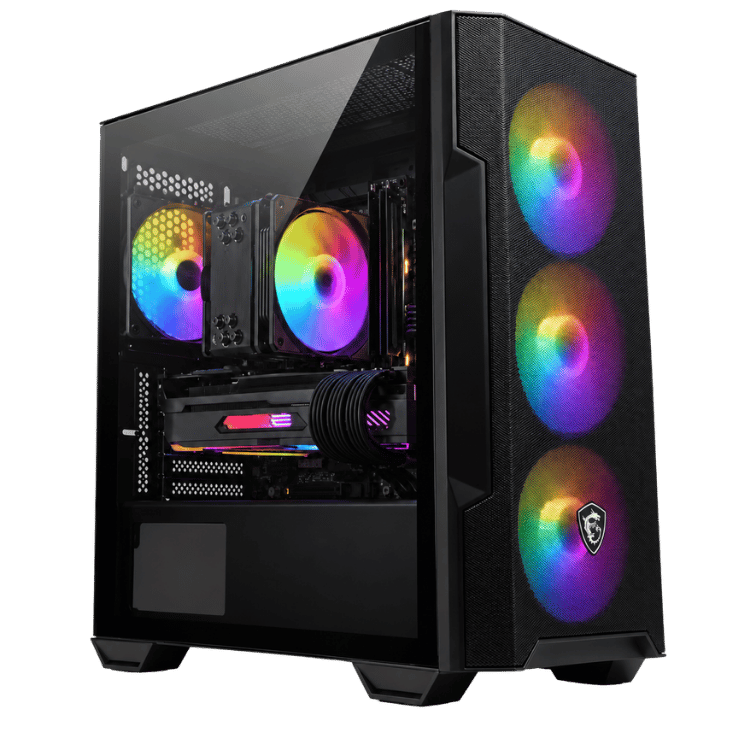
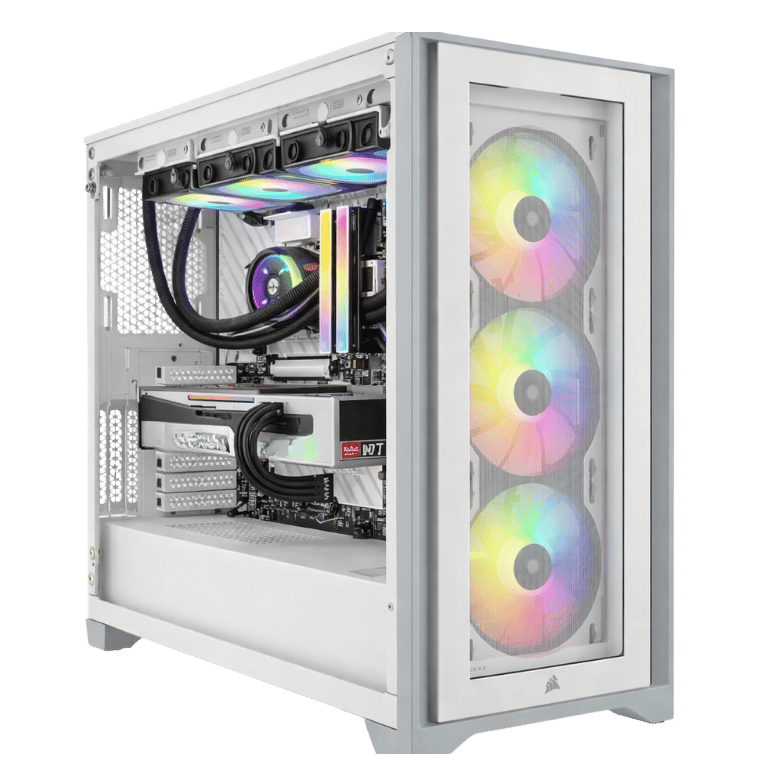
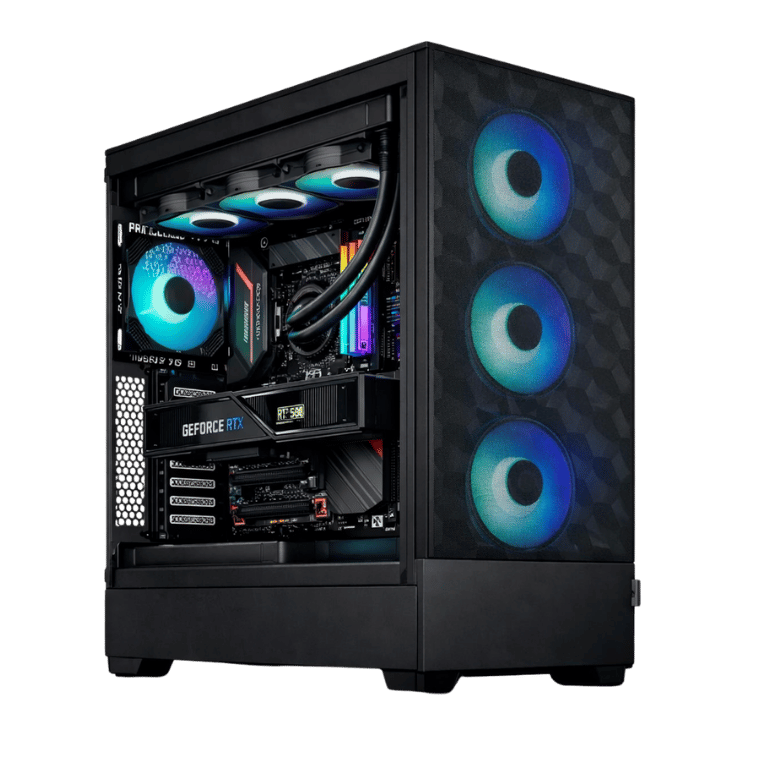
The Vision Apex X is a 64GB RAM PC for people whose computer does more than play games. It pairs an RTX 5080 and a Ryzen 7 7800X3D with 64GB of DDR5, so you can game at 4K, stream, edit a video project and keep a pile of apps open without the system running short on memory.
It’s housed in a roomy Fractal Design Pop XL Air full tower with a 360mm ARCTIC liquid cooler, built by hand and stress-tested in our Sydney workshop before it ships.
Gaming PC 64GB RAM: who actually needs it?
For gaming on its own, 32GB is plenty today. A gaming PC with 64GB RAM starts to make sense when you do other things at the same time, or when your software simply wants a lot of memory. It’s a good fit if you:
- stream with OBS while gaming, with browser sources, alerts and chat running
- edit 4K video in Premiere Pro or DaVinci Resolve, or work with large Photoshop files
- play memory-hungry games like Microsoft Flight Simulator, Star Citizen, or heavily modded Skyrim and Cities: Skylines
- run virtual machines, Docker containers or local AI tools for work or study
- tend to leave dozens of browser tabs, Discord, Spotify and a game open all at once
If none of that sounds like you, our Best Value RTX 5080 Gaming PC has the same processor and graphics card with 32GB, for less.
Why this 64GB RAM PC uses 2 × 32GB
There are two ways to reach 64GB: four 16GB sticks or two 32GB sticks. We use two. AMD’s Ryzen 7000 processors run DDR5 most reliably with two sticks, so the memory holds its rated 6000MT/s speed comfortably. It also leaves two slots free, so this 64GB RAM PC can go to 128GB later without throwing anything away.
The Lexar THOR RGB kit in this 64GB RAM PC has a clean heat spreader and lighting that syncs with the rest of the system.
Vision Apex X specifications
| Processor | AMD Ryzen 7 7800X3D, 8 cores / 16 threads |
|---|---|
| Graphics card | ASUS PRIME GeForce RTX 5080 16GB GDDR7 |
| Memory | 64GB (2 × 32GB) Lexar THOR RGB DDR5-6000 CL40 |
| Storage | 2TB Crucial E100 PCIe 4.0 NVMe SSD |
| Motherboard | MSI B650M Gaming Plus WiFi (Wi-Fi and Bluetooth) |
| CPU cooler | ARCTIC Liquid Freezer III Pro A-RGB 360mm |
| Case | Fractal Design Pop XL Air RGB, black full tower |
| Power supply | MSI MPG A850GF 850W 80+ Gold, fully modular |
The RTX 5080 and 7800X3D pairing
The Ryzen 7 7800X3D uses AMD’s 3D V-Cache, an extra layer of cache that games make very good use of. It’s still one of the best gaming processors you can buy, and its eight cores handle streaming and editing well alongside the RTX 5080’s hardware encoders.
The GeForce RTX 5080 has 16GB of fast GDDR7 and supports DLSS 4 and the latest ray tracing features. NVIDIA covers the details on its RTX 5080 page. In practice that means:
- high or ultra settings at 4K in most current games, with DLSS for the heaviest ray-traced titles
- very high frame rates at 1440p for competitive shooters
- fast exports in Premiere Pro and Resolve thanks to NVIDIA’s NVENC encoders
- quick viewport and Cycles rendering in Blender
Streaming and creating on a 64GB RAM PC
Streaming is where a 64GB RAM PC shows its value first. OBS, browser sources, a second monitor full of chat and alerts, and a modern game can easily push past 32GB together. With 64GB you stop thinking about it. The RTX 5080’s encoder handles the stream itself, so your frame rate barely changes when you go live.
Video editing is the other big one. Long 4K timelines, effects and colour grading all eat memory, and having more of it means smoother scrubbing and fewer slowdowns. The same goes for big Photoshop documents with lots of layers.
The 7800X3D’s eight cores are a good match for this kind of mixed use. If your work is mostly long CPU renders or compiling code all day, a 16-core processor from our workstation range will finish those jobs faster.
Cooling and the Fractal Pop XL Air
The Fractal Design Pop XL Air is a big, airflow-focused case. There’s plenty of room around the RTX 5080, and the mesh front lets the fans pull in cool air easily. The 360mm ARCTIC liquid cooler keeps the processor’s heat away from the graphics card, which helps the whole system stay cool during long sessions.
The extra space also makes future upgrades easy: another drive, more memory, or a bigger graphics card down the track.
A tidy, fully modular power supply
The MSI MPG A850GF is a fully modular 850W unit rated 80+ Gold. Fully modular means we only fit the cables the system needs, which keeps the inside clean and the airflow unobstructed. It has comfortable headroom for this hardware, so it runs cool and quiet.
Storage
A 2TB Crucial E100 PCIe 4.0 NVMe SSD gives you fast boot and load times with space for your games, apps and current projects. Creators who work with a lot of footage often add a second drive for media, and the motherboard has room for one.
Gaming performance
Extra memory doesn’t make games run faster on its own, but it does stop slowdowns when lots is happening at once. The gaming muscle here comes from the RTX 5080 and 7800X3D, the same pairing we use in our most popular 4K builds.
- 4K: high to ultra settings in most new releases, with DLSS for the most demanding ray-traced games.
- 1440p high refresh: very high, steady frame rates in Fortnite, Valorant, CS2, Apex Legends and Warzone.
- Sims: flight and racing sims benefit from both the X3D cache and the extra memory, especially with add-on scenery and liveries installed.
We don’t publish frame-rate charts because they change with every patch and driver. If you want to know how a particular game will run on this 64GB RAM PC, ask us on live chat.
A 64GB RAM PC compared with our other RTX 5080 builds
We build a few RTX 5080 systems, and the right one depends on what else you’ll do with it:
- Vision X RTX 5080 PC: also 64GB, with the newer Ryzen 7 9800X3D and a glass-sided Lian Li case.
- Best Value RTX 5080 Gaming PC: 32GB and the same 7800X3D, for gamers who don’t need the extra memory.
- Vision Arctic Apex: a 32GB liquid-cooled build in a panoramic case, for those who care most about looks.
The Apex X sits in between: double the memory of our value build, at a lower price than the Vision X.
Why buy an RTX 5080 prebuilt instead of building it?
Building your own is rewarding if you enjoy it. Most people who buy an RTX 5080 prebuilt from us would rather spend that time using the computer. We handle the BIOS update, memory profile, cable management, fan curves and stress-testing, and if anything goes wrong later you have one place to contact instead of chasing several manufacturers.
Choosing a monitor
A 4K monitor at 144Hz or faster is the best match for this RTX 5080 prebuilt if you mostly play single-player games or edit 4K footage. Streamers and competitive players often prefer a 1440p 240Hz main screen with a second monitor beside it for chat and OBS. With 64GB of memory, running two or three screens with something open on each is no problem at all. Plug your displays into the graphics card, not the motherboard, and set the refresh rate in Windows display settings.
Looking after your 64GB RAM PC
Keep the case a few centimetres from walls, clean the front dust filter every couple of months, and keep your graphics driver up to date. If you ever add more memory yourself, match the existing Lexar kit’s speed and size, or message us and we’ll recommend a compatible kit for your 64GB RAM PC so it keeps running at full speed.
Built and tested in Sydney
Before your 64GB RAM PC leaves our workshop, we:
- update the BIOS and enable the memory profile so all 64GB runs at its rated speed
- run memory stability tests across the full 64GB
- stress-test the processor and graphics card together and check temperatures
- set fan curves and lighting, then secure the cables for transport
We deliver Australia-wide, including regional areas.
64GB RAM PC FAQs
Is 64GB of RAM worth it for gaming?
For gaming alone, 32GB is enough today. A 64GB RAM PC is worth it when you stream, edit video, run virtual machines or play very memory-hungry sims and modded games.
Can I upgrade to 128GB later?
Yes. We use two 32GB sticks, so two memory slots stay free for another 2 × 32GB kit.
Is the RTX 5080 good for video editing?
Very. Its NVENC and NVDEC hardware speeds up timeline playback and exports in Premiere Pro and DaVinci Resolve, and its 16GB of video memory helps with effects and high-resolution footage.
Does it have Wi-Fi and Bluetooth?
Yes. Both are built into the MSI B650M Gaming Plus WiFi motherboard, alongside wired Ethernet.
Is this an RTX 5080 prebuilt that’s ready to use?
Yes. It arrives fully built, configured and tested. Message us before ordering if you’d like to confirm the operating system setup or add extra storage.
Do you deliver outside Sydney?
Yes, we deliver to every state and territory, including regional areas.