
The RTX 5070 is the card that sits at the heart of most 1440p gaming PCs in 2026, including a lot of ours. It’s fast, efficient and far more affordable than the cards above it. It also comes with one question that every buyer asks sooner or later: is 12GB of video memory enough?
The short version is yes for 1440p today, with a few caveats worth understanding before you buy. This guide covers the specs, the Australian price, what the card is good at, where 12GB starts to pinch, how it stacks up in the 5070 vs 5070 Ti comparison and against AMD’s RX 9070, and how to get the most from one.
Quick answer
The GeForce RTX 5070 has 6,144 CUDA cores and 12GB of GDDR7 memory, and it launched in Australia at $1,109 in March 2025. It’s a strong card for 1440p gaming at high settings. 12GB is enough for 1440p in nearly all current games, but if you plan to game at 4K or keep the card for many years, a 16GB card like the RTX 5070 Ti or RX 9070 gives you more headroom.
In this guide
What is the RTX 5070?
The RTX 5070 is NVIDIA’s mainstream 1440p card in the GeForce RTX 50 series, built on the Blackwell architecture. It launched on 5 March 2025 as the successor to the RTX 4070 and RTX 4070 Super.
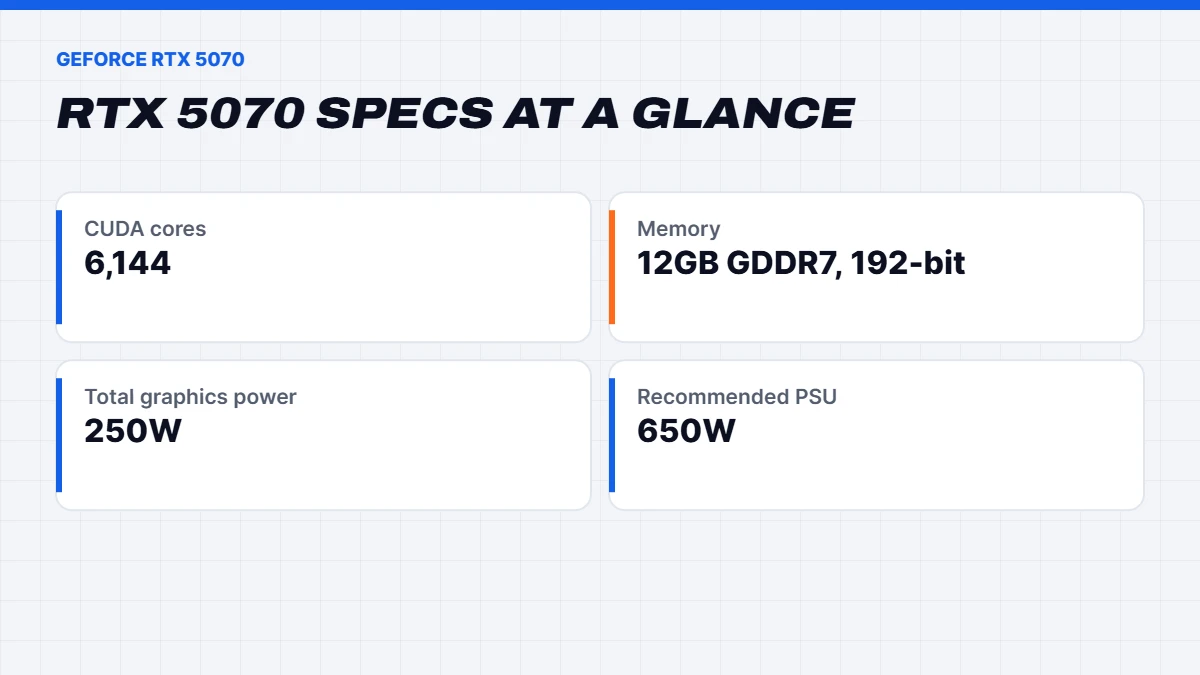
It uses the GB205 chip with 6,144 CUDA cores and 12GB of GDDR7 memory on a 192-bit bus. The newer GDDR7 memory is considerably faster than the GDDR6X on the RTX 4070, which helps it make the most of its 12GB. Like the rest of the series, it supports DLSS 4 with Multi Frame Generation, Reflex and fourth-generation ray tracing cores.
Specs
Here’s how it compares on paper with the card above it and the one below:
| Spec | RTX 5060 Ti | RTX 5070 | RTX 5070 Ti |
|---|---|---|---|
| CUDA cores | 4,608 | 6,144 | 8,960 |
| Memory | 8GB or 16GB GDDR7 | 12GB GDDR7 | 16GB GDDR7 |
| Memory interface | 128-bit | 192-bit | 256-bit |
| Total graphics power | 180W | 250W | 300W |
| Recommended system power | 450W | 650W | 750W |
| Australian launch price | From about $700 | $1,109 | $1,509 |
You’ll find NVIDIA’s full figures on its GeForce RTX 50 Series page.
RTX 5070 price in Australia
The card launched at $1,109 in Australia for NVIDIA’s reference pricing, with partner models from the big brands sitting a little above that. During 2025 it was one of the easier RTX 50 cards to find at or near its launch price. In 2026, the global memory shortage has pushed graphics card prices up across the market, so expect to pay more than launch pricing for a standalone card today, and expect stock to vary.
That’s part of why the RTX 5070 has become so popular in complete systems. A prebuilt 1440p PC with this card is priced as a whole, which takes the guesswork out of finding a fairly priced card and a compatible power supply separately.
What is it good at?
We don’t quote frame rates we haven’t measured ourselves, since they change with drivers, patches and settings. The broad picture from reviews is consistent. The RTX 5070 performs roughly in line with the old RTX 4070 Super, a little ahead in most games, with DLSS 4 Multi Frame Generation on top.
In practice, that makes it a very good 1440p card. Expect high settings in nearly every current game, high frame rates in esports titles on 165Hz and 240Hz monitors, and enough power for ray tracing at 1440p with DLSS turned on. It can run games at 4K too, especially with DLSS Performance mode, but that’s not where it shines. If 4K is your main goal, the RTX 5080 is the better match.
NVIDIA’s launch claim that it could match an RTX 4090 relied on Multi Frame Generation, which generates extra frames rather than rendering them. It’s a useful feature, but treat that comparison as marketing. In traditional rendering, the RTX 4090 is far faster.
Is 12GB of VRAM enough?
This is the big question, so here’s an honest answer.
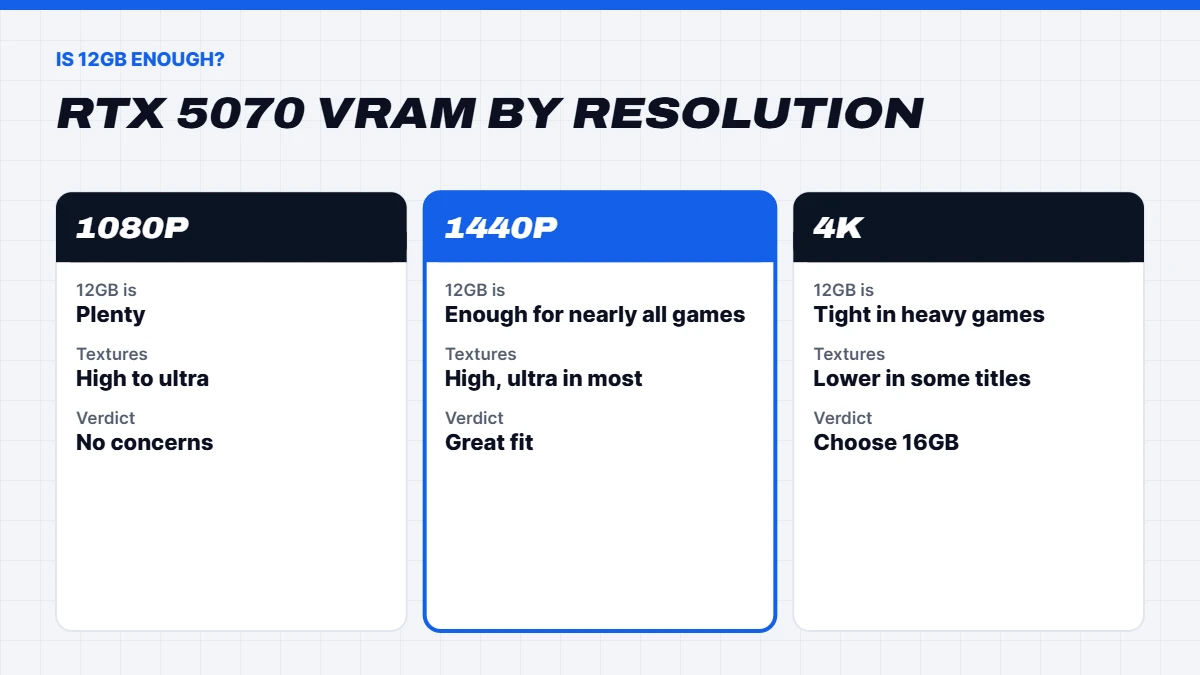
At 1080p and 1440p, 12GB is enough for nearly every game in 2026. You can use high or ultra textures in the vast majority of titles without running out of video memory.
A handful of the heaviest games now push past 12GB at 1440p with maximum textures, path tracing and frame generation all turned on together. In those games, dropping textures one notch, which is often hard to spot, keeps things smooth.
At 4K, 12GB runs out more often. That’s the main reason we steer 4K buyers towards 16GB cards.
For the long term, more is safer. Games keep getting bigger. If you plan to keep your graphics card for four or five years, or you love maxing out texture settings, a 16GB card buys you headroom.
So it depends how you play. For most 1440p gamers who upgrade every few years, 12GB is fine. For 4K, heavy modding or a very long ownership plan, step up.
5070 vs 5070 Ti
The 5070 vs 5070 Ti decision is one of the most common we help with. Here’s the difference in plain terms.
The Ti has about 46% more CUDA cores, 16GB of memory instead of 12GB, and a wider 256-bit memory bus. In games, that adds up to a clear performance lead, roughly a fifth or so in most reviews, and noticeably more headroom at high resolutions and with heavy textures.
The cheaper card wins on price, power draw and heat. It needs a smaller power supply and runs cooler and quieter in compact cases.
Our rule of thumb:
- Choose the RTX 5070 for 1440p at up to 165Hz, if you upgrade every few years, or if budget is the main concern.
- Choose the RTX 5070 Ti for 1440p at 240Hz, entry-level 4K, or if you want to keep the card for a long time.
Our RTX 5070 Ti guide goes deeper, including how it compares with AMD’s RX 9070 XT.
RTX 5070 vs RX 9070
AMD’s Radeon RX 9070 is the card’s closest rival. It has 16GB of memory, trades blows with NVIDIA’s card in traditional rendering, and often costs a similar amount. AMD’s FSR 4 upscaling has improved a lot and looks good in supported games.
NVIDIA’s advantages are stronger ray tracing, DLSS 4 with Multi Frame Generation in a large number of games, and the best support in creative apps. AMD’s advantages are the extra 4GB of memory and strong value. If you play mostly ray-traced single-player games, we lean towards NVIDIA. If you want the extra memory for the long haul, the Radeon is very tempting. Our guide to the RX 9070 XT and RX 9070 covers AMD’s side in full.
DLSS 4 and frame generation
DLSS 4 makes a big difference on a card in this class. Super Resolution renders at a lower resolution and reconstructs a sharp image, giving a large boost with very little visible loss, particularly with DLSS 4’s newer image model. Multi Frame Generation can then generate up to three frames for each rendered one, pushing smoothness much higher on high-refresh monitors. For a plain-English explainer, see What is ray tracing? DLSS and frame generation explained.
Frame generation works best when the game already runs reasonably well, and it doesn’t reduce input lag, so competitive players usually keep it off. For single-player games with ray tracing, it’s the feature that makes the RTX 5070 feel like a much bigger card.
Which games suit it best?
The card is at home with almost everything at 1440p, but a few groups of games show it at its best. Esports titles like Valorant, Counter-Strike 2, Fortnite, Overwatch 2 and Marvel Rivals run at very high frame rates, so a 165Hz or 240Hz monitor feels great. Big single-player games, from action RPGs to open-world adventures, run at high settings, with DLSS filling in when you turn on ray tracing. Racing and flight simulators look superb at 1440p, though the heaviest sims lean as much on the processor as the graphics card.
The games where you’ll feel the limits are the very newest blockbusters at maximum settings with path tracing, and heavily modded games with high-resolution texture packs. Even then, a small tweak to texture quality or DLSS mode keeps things smooth.
Ray tracing at 1440p
Ray tracing is where NVIDIA’s cards have the clearest edge, and this one handles it well at 1440p. Reflections, shadows and global illumination look far more natural, and with DLSS Super Resolution switched on, most games stay smooth. Full path tracing, as in Cyberpunk 2077’s Overdrive mode, is a much heavier load. It’s playable with DLSS and frame generation, but that’s the point where the RTX 5070 Ti and RTX 5080 pull ahead.
Streaming and creative work
For streamers, the card’s dedicated video encoder handles streaming and recording with very little effect on game performance, and it supports AV1 for better quality at the same bitrate. NVIDIA Broadcast can clean up microphone noise and blur your webcam background using the card’s AI hardware.
For creative work, it’s a capable all-rounder. It speeds up video editing in DaVinci Resolve and Premiere Pro, handles photo editing with ease and renders well in Blender. The 12GB of memory is the main limit for very large 3D scenes, 8K video or bigger AI models. If creative work is your main job, a card with 16GB or more, or one of our workstation PCs, is the safer choice.
Upgrading from an older card
From a GTX 1660, RTX 2060 or RTX 3060, the jump is huge. You’ll move from medium settings at 1080p to high settings at 1440p, and gain DLSS 4 features your old card can’t use. From an RTX 3070 or RX 6700 XT, it’s a solid upgrade with the bonus of better ray tracing and frame generation. From an RTX 4070 or 4070 Super, the gain is small, and we’d usually suggest keeping your current card unless you want Multi Frame Generation.
Before you upgrade, check your power supply has at least 650 watts and the right connector, and make sure your processor isn’t so old that it holds the new card back. A processor from five or more years ago can limit frame rates in many games, which is often when a complete new PC makes more sense.
Power, size and noise
At 250 watts, the card is easy to live with. NVIDIA recommends a 650-watt power supply for the whole system, and many partner cards are compact enough to fit in smaller cases. It’s one of the quietest choices for a 1440p build, and it doesn’t heat up the room the way higher-end cards can.
Building a 1440p PC around the RTX 5070
Here’s what we pair it with:
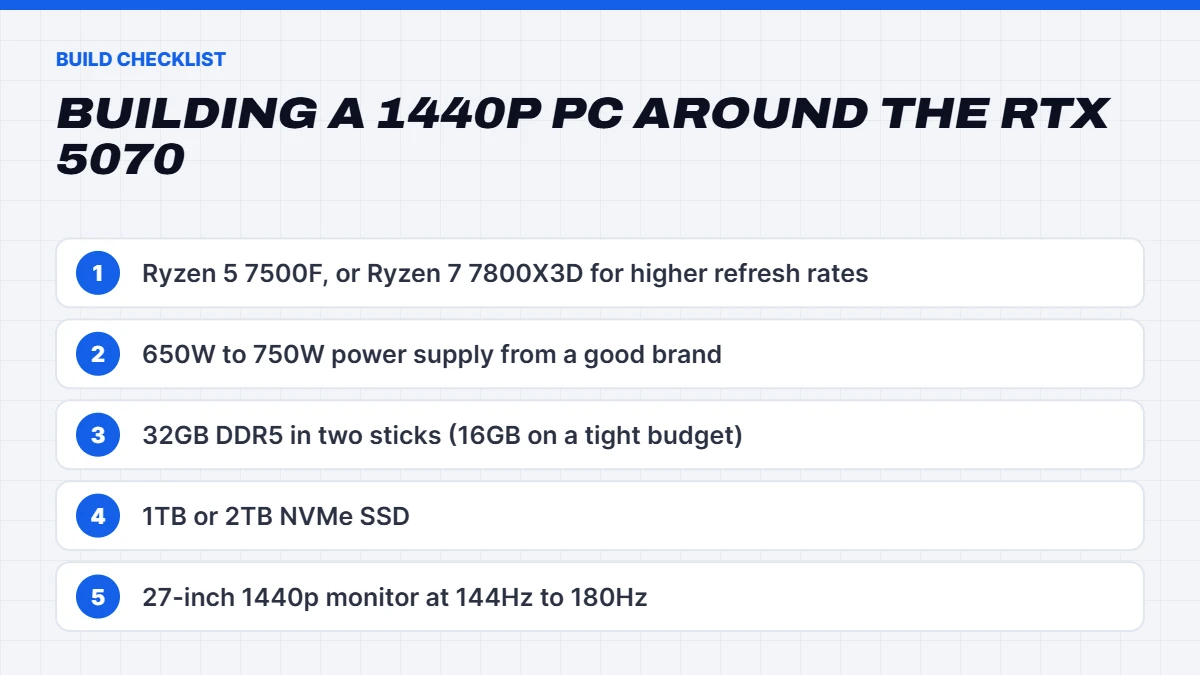
- A modern six or eight-core processor. A Ryzen 5 7500F is a great budget partner. The Ryzen 7 7800X3D lifts frame rates further in processor-heavy games and at high refresh rates.
- A 650 to 750-watt power supply from a reputable brand.
- 32GB of DDR5 in two sticks, or 16GB on a tighter budget with room to add more.
- A 1TB or 2TB NVMe SSD.
- A 27-inch 1440p monitor at 144Hz to 180Hz, the perfect match for this card.
Our RTX 5070 PCs
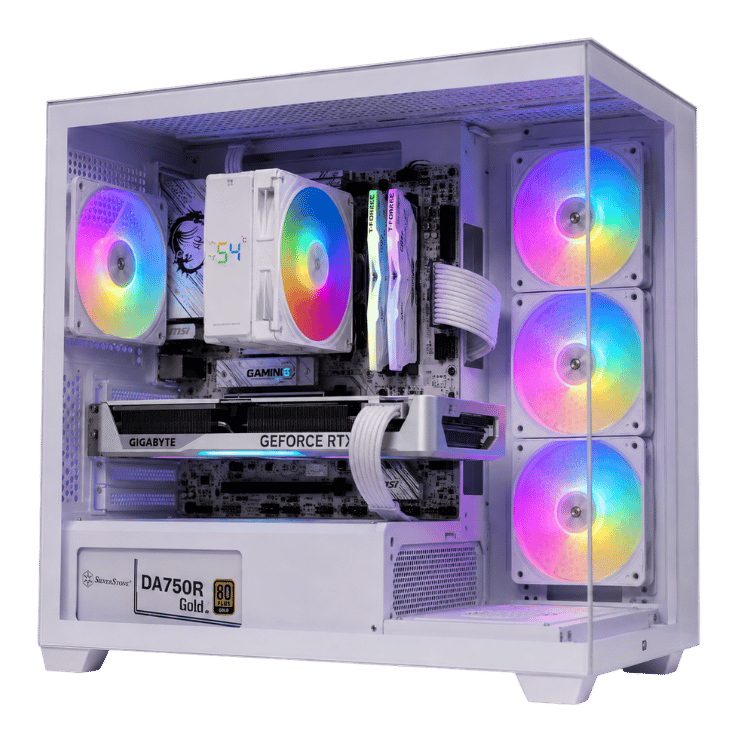
The RTX 5070 powers a big part of our 1440p gaming PCs, in black, white and pink. A few examples:
- The Vision Vector Lite, a 5070 PC with a Ryzen 5 7500F, our value pick for 1440p.
- The Vision Vector, a 7800X3D PC that pairs the card with one of the best gaming processors around.
- The Vision RTX 5070 Gaming PC, a 5070 gaming PC with a Ryzen 5 7500F for a lower price.
- The Vision Ghost, a white RTX 5070 gaming PC, and the Vision Pink Value, a cheap pink gaming PC for colour-matched setups.
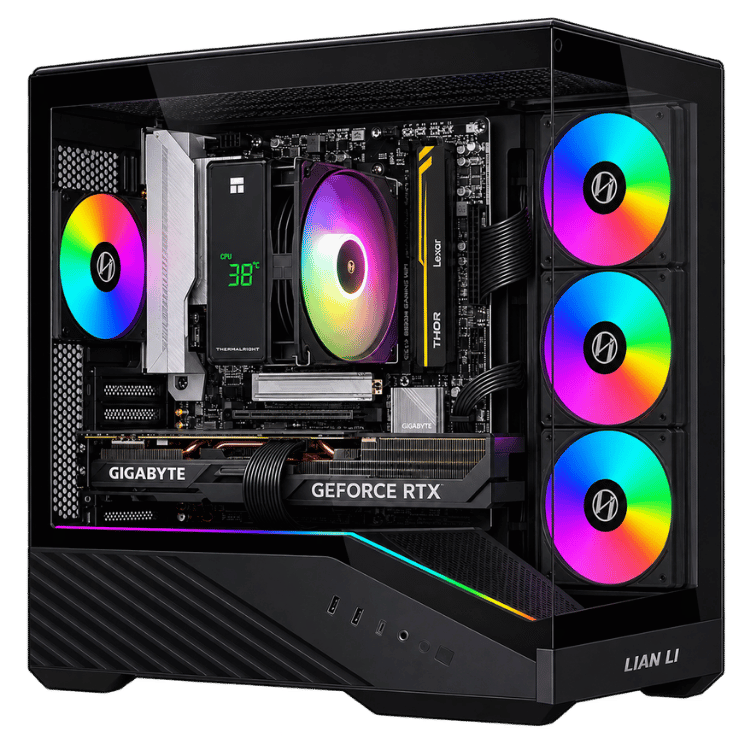
 Vision Vector Lite – RTX 5070 PC, Ryzen 5 7500F Original price was: $3,099.00.$2,324.00Current price is: $2,324.00.See the build
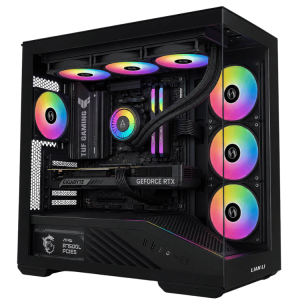 Vision Vector – 7800X3D PC with RTX 5070, 32GB DDR5 Original price was: $4,399.00.$3,299.00Current price is: $3,299.00.See the build
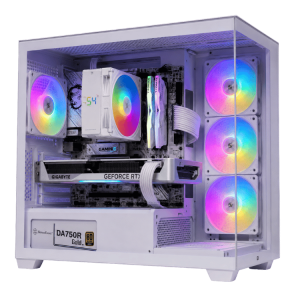 Vision Ghost – White RTX 5070 Gaming PC, Ryzen 5 7500F Original price was: $3,300.00.$2,475.00Current price is: $2,475.00.See the build
One naming note: the RTX 5070 laptop GPU isn’t the same as the desktop card. It’s a smaller chip with 8GB of memory, and it performs well below the desktop version. It’s still a strong laptop GPU, as in the MSI Katana 15 HX and Lenovo LOQ 17 in our gaming laptops, but don’t expect desktop performance from it.
Who should buy it?
The RTX 5070 is the right card if you:
- Game at 1440p on a 144Hz to 180Hz monitor.
- Want strong ray tracing and DLSS 4 without paying RTX 5080 prices.
- Prefer a quieter, cooler PC with a modest power supply.
- Upgrade your graphics card every few years.
It’s not the best choice if you game mainly at 4K, want to max every texture setting in the newest games for years to come, or play competitively at 240Hz and above. For those, step up to the RTX 5070 Ti or RTX 5080.
Is the RTX 5070 worth it in 2026?
Yes, for 1440p. It’s the most balanced card in NVIDIA’s line-up for the resolution most people play at, and in a complete PC it delivers excellent value. Just go in knowing its limits: 12GB is fine today and will be for a while, but it’s the first thing that will feel tight as games grow.
RTX 5070 FAQs
How much VRAM does the RTX 5070 have?
12GB of GDDR7 on a 192-bit bus.
Is the RTX 5070 good for 1440p?
Yes. It’s one of the best cards for 1440p gaming at high settings, with DLSS 4 for extra headroom.
Can the RTX 5070 run 4K?
It can, especially with DLSS, but it’s better suited to 1440p. For regular 4K gaming, the RTX 5080 is a better match.
What’s the difference between RTX 5070 vs 5070 Ti?
The Ti has more CUDA cores, 16GB of memory instead of 12GB and a wider memory bus, so it’s noticeably faster and better suited to 4K and long-term use. The RTX 5070 is cheaper, cooler and needs a smaller power supply.
Does it support DLSS 4 Multi Frame Generation?
Yes. Every RTX 50 series card, including this one, supports DLSS 4 with Multi Frame Generation in games that include it, along with Super Resolution and Reflex.
Is it good for streaming?
Yes. Its dedicated encoder handles streaming and recording with very little performance cost, and AV1 support gives better quality on platforms that accept it. Pair it with a processor that has six or more cores if you stream while you play.
Should I buy an RTX 5070 or wait?
NVIDIA’s rumoured RTX 50 Super refresh has been delayed by the memory shortage with no confirmed date, so there’s little reason to wait if you need a 1440p card now.
What power supply does the RTX 5070 need?
NVIDIA recommends a 650-watt power supply for the whole system.