Description
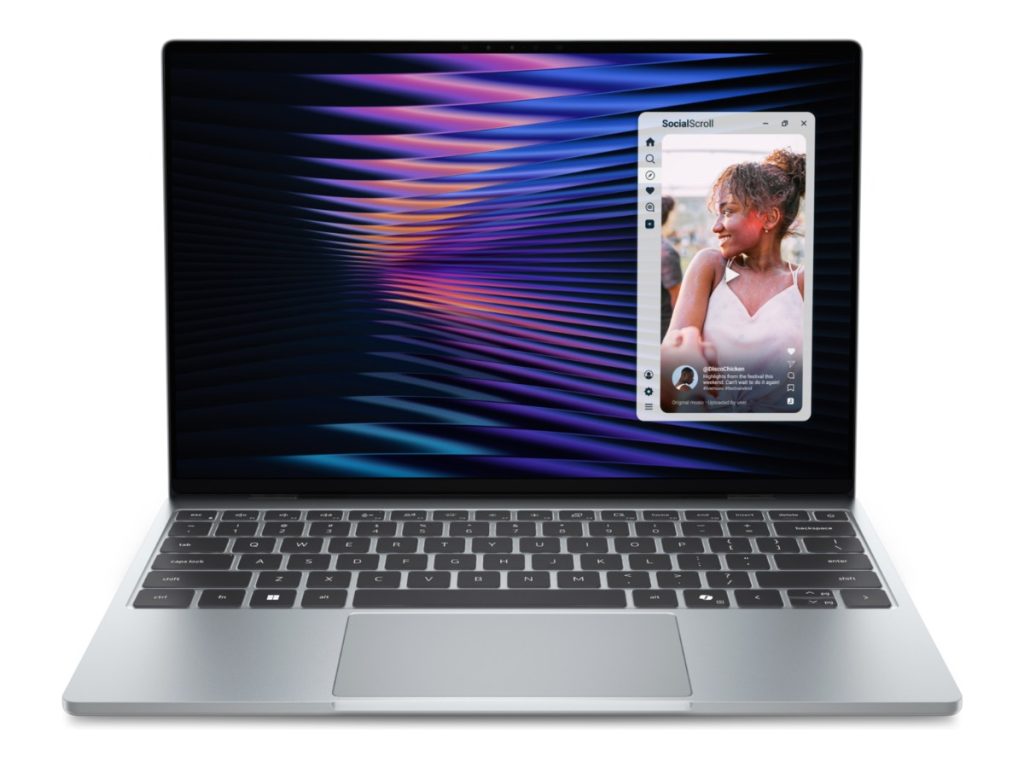
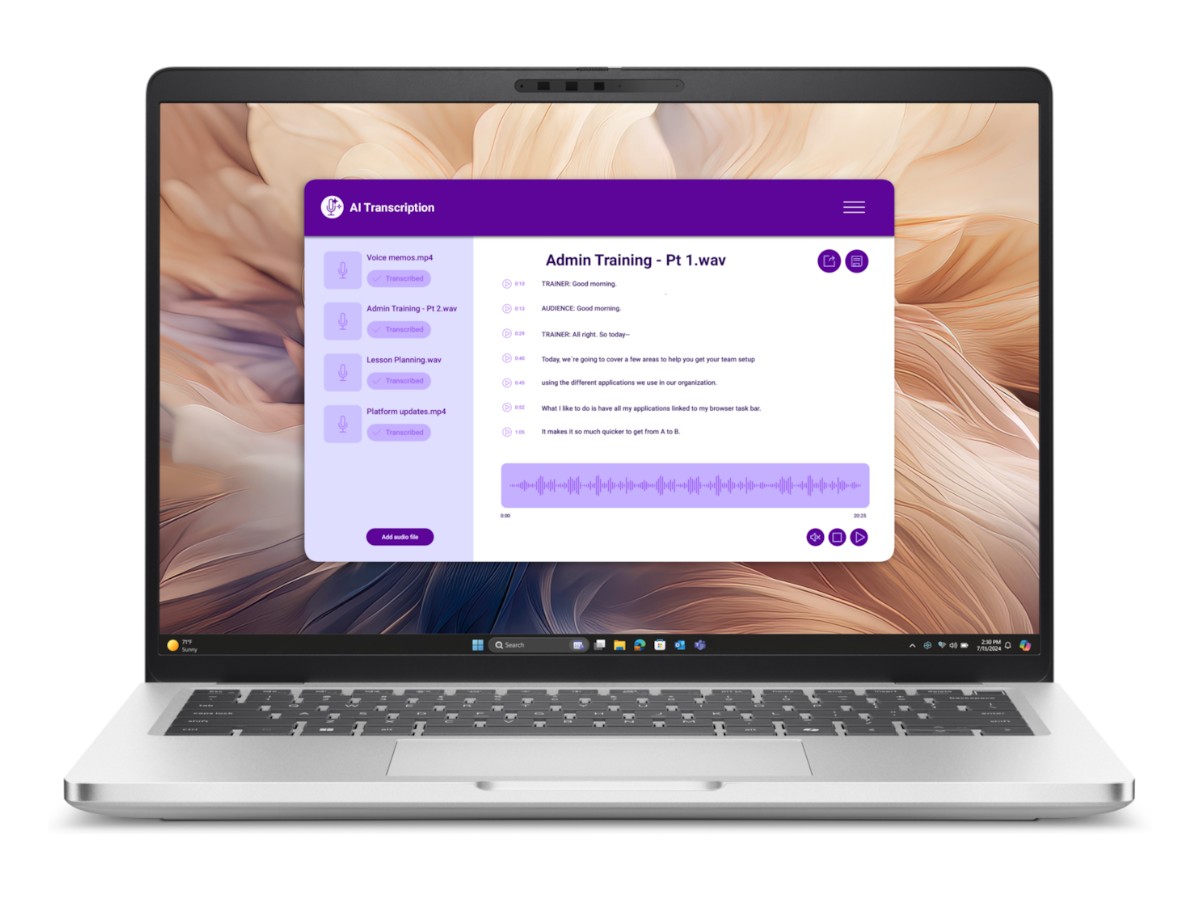
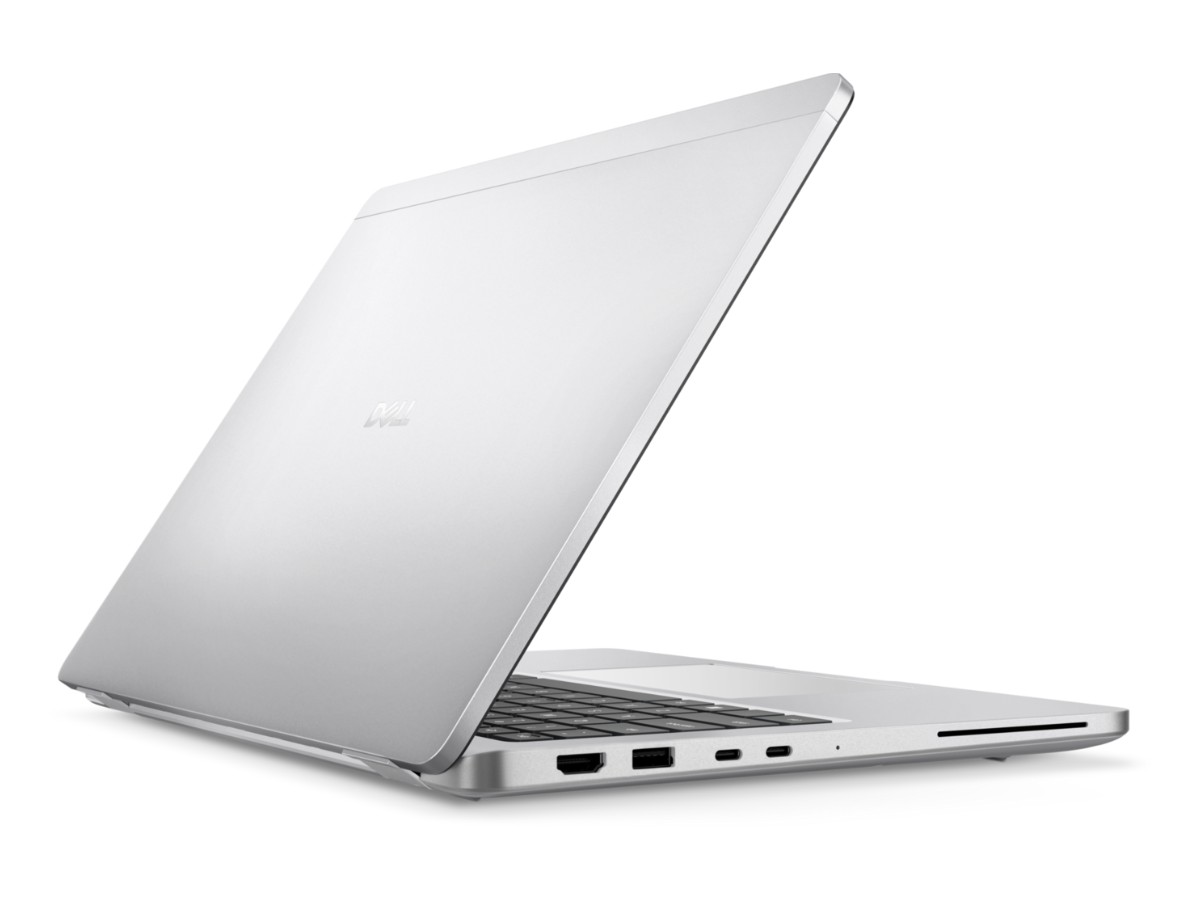
The Dell Pro 14 Plus is a light, well-built 14-inch business laptop for people who work on the move. This model has an Intel Core Ultra 5 236V processor with Intel vPro, 16GB of fast LPDDR5x memory, a 512GB SSD and Windows 11 Pro, and it’s a Copilot+ PC with a 40 TOPS NPU for the latest AI features in Windows.
It replaces the Dell Latitude range, which Dell has folded into its new Dell Pro family. Our team in Sydney is on live chat if you have questions before or after you buy.
Who the Dell Pro 14 Plus suits
- small business owners, consultants and sales staff who travel between sites
- office teams that need Windows 11 Pro, vPro management and strong security
- university students who want a premium, long-lasting laptop that’s easy to carry
- anyone replacing an older Latitude or other business laptop
Intel Core Ultra 5 236V with vPro
The Core Ultra 5 236V is part of Intel’s efficient Core Ultra 200V series. It has 8 cores and turbo speeds up to 4.7GHz, built-in Intel Arc graphics and an NPU rated at 40 TOPS. The result is a laptop that feels quick in Microsoft 365, Teams, browsers and business apps while using very little power, which is great for battery life.
Intel vPro adds hardware-level security and remote management features that IT teams use to keep fleets of laptops updated and secure. For a small business, it means the Dell Pro 14 Plus is ready to grow with you if you later bring in managed IT.
Dell Pro 14 Plus specifications
| Model | Dell Pro 14 Plus (PB14250) |
|---|---|
| Processor | Intel Core Ultra 5 236V with vPro (8 cores, up to 4.7GHz, 40 TOPS NPU) |
| Graphics | Integrated Intel Arc graphics |
| Display | 14-inch FHD+ (1920 x 1200), 16:10, IPS, anti-glare, non-touch |
| Memory | 16GB LPDDR5x, up to 8533 MT/s (onboard) |
| Storage | 512GB PCIe Gen4 NVMe SSD |
| Camera | Full HD webcam with IR for Windows Hello face sign-in |
| Security | Fingerprint reader, TPM 2.0, Intel vPro |
| Wireless | Intel Wi-Fi 7 and Bluetooth 5.4 |
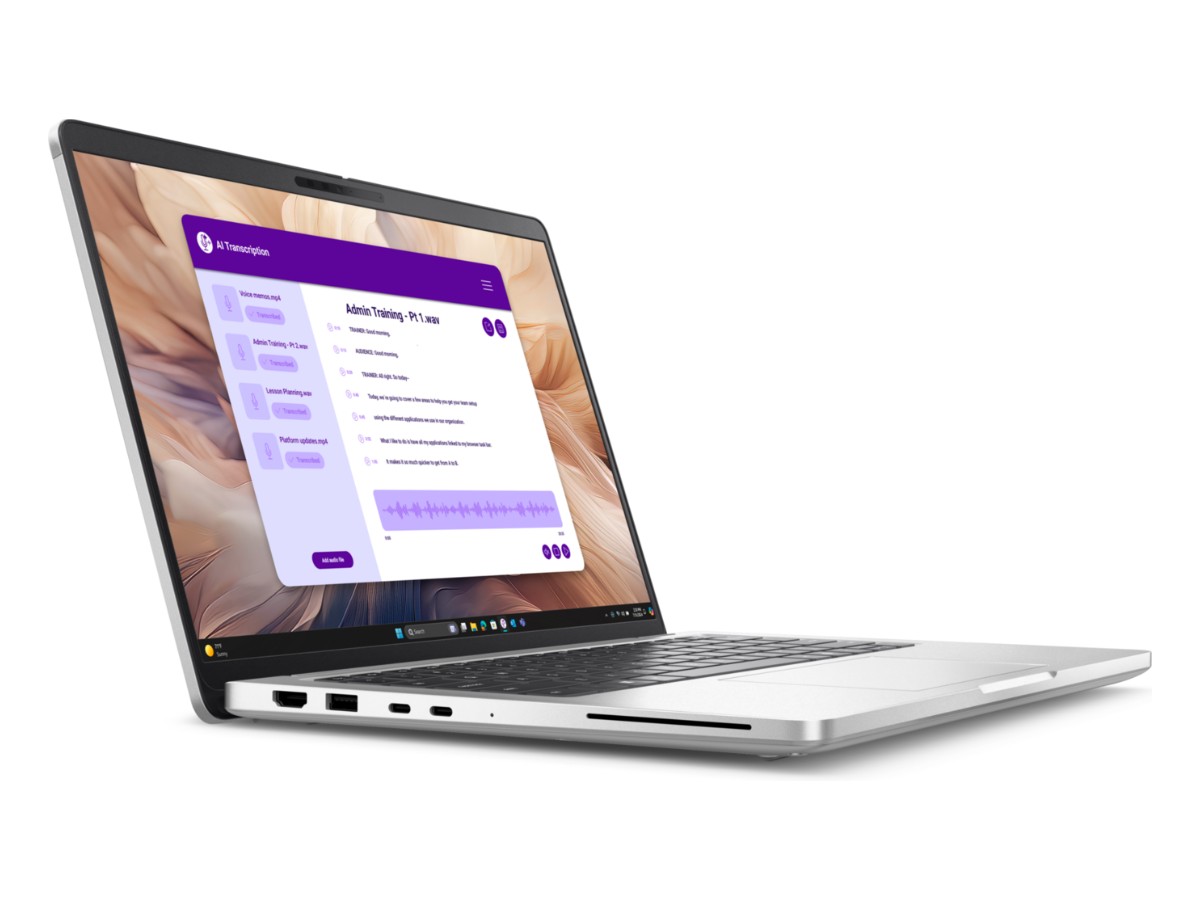
| Ports | 2 x Thunderbolt 4 (USB-C with DisplayPort and charging), 2 x USB-A, HDMI 2.1, headphone/mic jack |
| Battery | 55Wh with ExpressCharge |
| Weight | From around 1.4kg |
| Operating system | Windows 11 Pro |
Dell lists the full details on its Dell Pro 14 Plus product page.
A 14-inch, 16:10 screen for work
The 14-inch FHD+ display has a taller 16:10 shape than older 16:9 business laptops, so you see more rows of a spreadsheet and more of a document without scrolling. The anti-glare IPS panel is easy on the eyes in bright offices and cafes, and Dell’s ComfortView software reduces blue light for long days.
Memory and storage
16GB of LPDDR5x memory runs at up to 8533 MT/s, which keeps Teams, Outlook, Excel and a browser full of tabs responsive at once. The memory is built onto the motherboard to save power and space, so it can’t be upgraded later, which is why we chose the 16GB version. The 512GB Gen4 SSD starts Windows in seconds and holds plenty of work files, with OneDrive or SharePoint for backups.
Security built for business
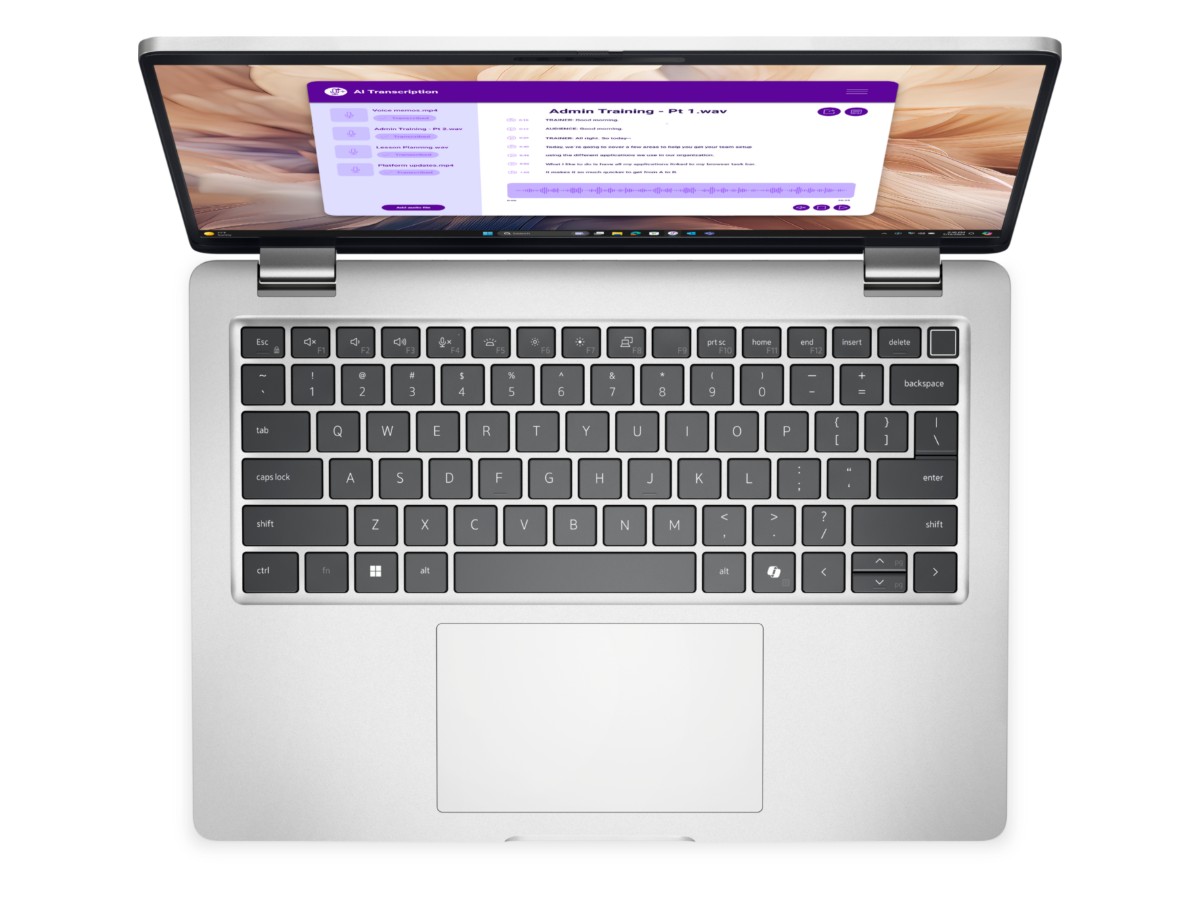
The Dell Pro 14 Plus signs you in with your face through the IR camera or with the fingerprint reader, so you don’t need to type a password every time. TPM 2.0 protects encryption keys for BitLocker, and Windows 11 Pro adds BitLocker drive encryption, Group Policy and easy joining to a company domain or Microsoft Entra ID. Dell’s own security tools add protection at the BIOS level.
Copilot+ PC features
With its 40 TOPS NPU, the Dell Pro 14 Plus qualifies as a Copilot+ PC. That unlocks Windows AI features such as Windows Studio Effects for clearer video calls, live captions with translation and smarter search, and it lets compatible apps run AI tasks locally without draining the battery.
Connectivity for the office and home
Two Thunderbolt 4 ports handle charging, fast storage and docking, so one cable can connect the Dell Pro 14 Plus to a dock with monitors, keyboard, mouse and network. There are also two USB-A ports for older accessories and HDMI 2.1 for a projector or monitor in a meeting room. Wi-Fi 7 gives fast, reliable wireless on modern networks.
Battery life and portability
The efficient Core Ultra 200V processor and 55Wh battery give long battery life for a full working day of typical office tasks, and ExpressCharge tops it up quickly at lunch. Starting at around 1.4kg, the Dell Pro 14 Plus is easy to carry between meetings, client sites and home.
Video calls
The Full HD webcam, noise-reducing microphones and Windows Studio Effects make Teams and Zoom calls look and sound clearer. Background blur and eye contact correction run on the NPU, so they don’t slow down the rest of the laptop.
Dell Pro 14 Plus or a desktop?
If you work at one desk all day, a desktop with a large monitor can be better value. If you move between home, the office and client sites, a laptop like the Dell Pro 14 Plus with a single-cable dock at each desk gives you the best of both. Our home office computer is a good desktop option.
Using it for uni
Many students choose a business laptop because it’s built to last several years of daily carrying. The Dell Pro 14 Plus runs Microsoft 365, research tools, statistics packages and coding environments comfortably, the keyboard is comfortable for long essays, and the light weight makes it easy to take to every class. For courses that need heavy 3D, CAD or video software, a laptop with a dedicated NVIDIA graphics card is a better fit.
Who should choose something else
If you mainly want to game, edit lots of 4K video or run engineering software, choose a laptop with a dedicated graphics card instead, such as one of our gaming laptops. If you need a bigger screen for spreadsheets all day and rarely travel, a 16-inch laptop or a desktop will be more comfortable.
Looking after your laptop
- Carry it in a padded sleeve and avoid leaving it in a hot car.
- Keep the vents clear when you use it on your lap.
- Clean the screen with a soft microfibre cloth.
- Let Windows and Dell updates install regularly.
Keeping it secure
- Turn on BitLocker and set up Windows Hello face or fingerprint sign-in.
- Use multi-factor authentication on Microsoft 365 and accounting logins.
- Keep Windows Update and Dell Command Update switched on.
- Back up important files to OneDrive or SharePoint.
Accessories worth adding
- a Thunderbolt or USB-C dock for single-cable desk setups
- a 24-inch or 27-inch monitor
- a padded sleeve or backpack
- a wireless keyboard and mouse for the desk
Setting it up
- Charge it, switch on and connect to Wi-Fi.
- Sign in with your work or Microsoft account.
- Set up Windows Hello face and fingerprint sign-in.
- Run Windows Update and Dell Command Update.
How the Dell Pro 14 Plus compares
- Lenovo ThinkBook 16 G7: a bigger 16-inch screen for desk-based work.
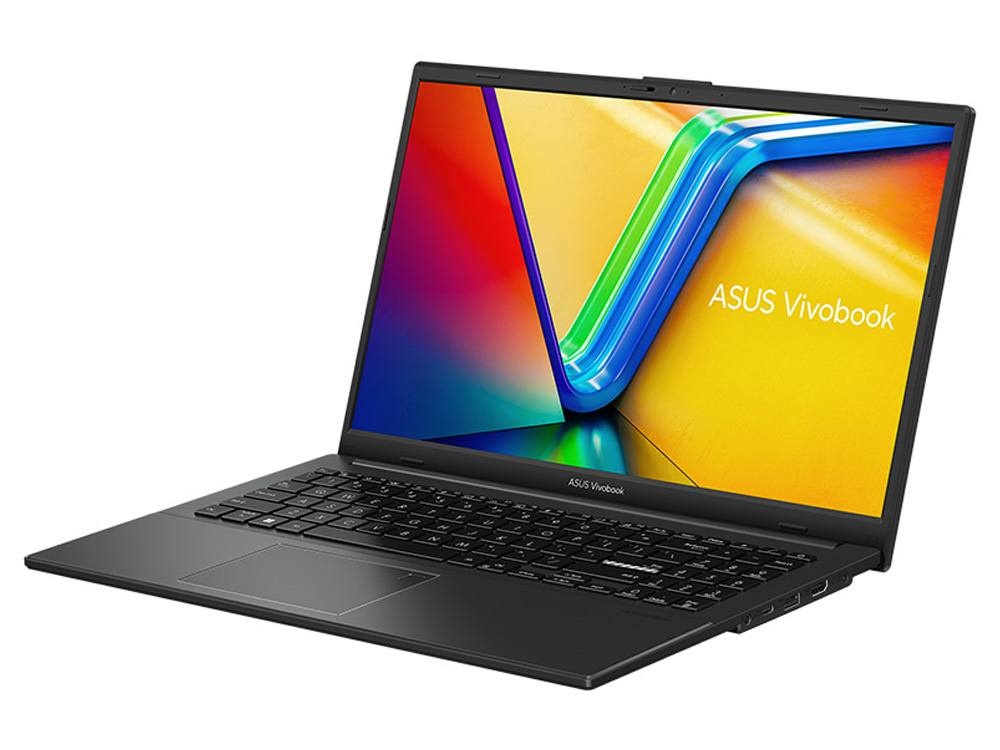
- ASUS Vivobook Go 15: a more affordable 15.6-inch laptop for study.
See all of our laptops.
Delivery and support
We deliver Australia-wide, including regional areas. If you’re buying several for your team, message us on live chat and we’ll help with quantities and setup.
Dell Pro 14 Plus FAQs
Is the Dell Pro 14 Plus the new Latitude?
Yes. Dell replaced its Latitude business laptops with the Dell Pro range, and the Dell Pro 14 Plus sits in the middle of the family.
Does it come with Windows 11 Pro?
Yes, Windows 11 Pro is installed and activated.
Can I upgrade the memory?
No. The 16GB of LPDDR5x is onboard, so choose the memory you need at purchase.
Is it a Copilot+ PC?
Yes. The Core Ultra 5 236V has a 40 TOPS NPU, which meets Microsoft’s Copilot+ PC requirements.
Does it have a fingerprint reader?
Yes, plus an IR camera for Windows Hello face sign-in.