Description
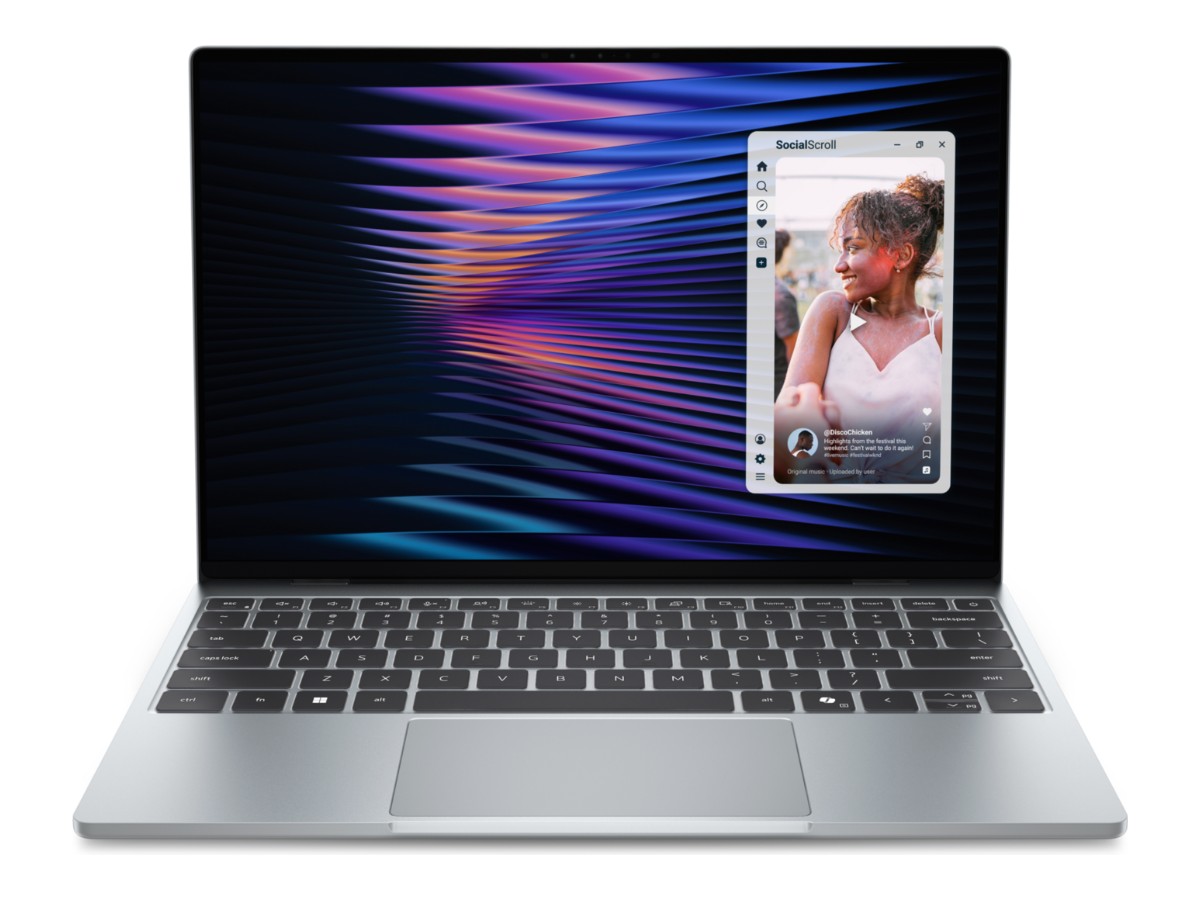
The Dell XPS 13 (2026) is the thinnest and lightest XPS laptop Dell has made: 1kg, 12.7mm thin and machined from aluminium. This one is brand new and comes with an Intel Core 5 320 processor, 16GB of LPDDR5X memory, a 512GB SSD and a sharp 13.4-inch 2.5K touchscreen that runs at up to 120Hz. Windows 11 Home is installed, and it’s covered by a 12-month Dell warranty.
It’s built for people who carry their laptop everywhere: to lectures, to the office, onto trains and planes. If you want something that feels premium, lasts the day and disappears into your bag, the Dell XPS 13 is one of the nicest small laptops you can buy right now.
Who the Dell XPS 13 suits
- uni, TAFE and senior school students who carry a laptop all day
- writers, marketers and consultants who live in documents, email and browser tabs
- small business owners who want a light laptop for meetings and travel
- frequent flyers who need something that fits on a tray table
- anyone upgrading from an old laptop that won’t run Windows 11 properly
Need Windows 11 Pro and a business-style laptop with more ports? Our Dell Latitude 5440 with an Intel Core i7 is built for that. Want a touchscreen that folds into a tablet? Look at the Lenovo IdeaPad Flex 5.
What’s new in the 2026 Dell XPS 13
This is a completely redesigned XPS 13, model DX13260. Dell made it thinner and lighter than any XPS before it, gave every model a 2.5K touchscreen with a 120Hz refresh rate, and added Wi-Fi 7 and Bluetooth 6.0. It runs on Intel’s new Series 3 Core processors, so it’s a current, fully supported Windows 11 laptop that will keep getting updates for years.
It also comes in two finishes worldwide. The one we sell is Sky, a light silver that shows fewer fingerprints than darker colours and looks smart in any setting.
Upgrading from an older Dell XPS 13
Plenty of people still use an older Dell XPS 13 with a 6th or 7th gen Intel processor. Those were brilliant laptops, but most of those processors aren’t on Microsoft’s supported list for Windows 11, their batteries have worn down, and their screens are Full HD at best. The 2026 Dell XPS 13 fixes all of that. It’s lighter, the battery lasts far longer, the screen is sharper and smoother, and it’s fully supported by Windows 11. If you loved your old XPS, this one will feel familiar in all the right ways, just faster and lighter.
What’s in the box
You get the Dell XPS 13, a slim 65W USB-C GaN charger with an Australian power cord, and the setup documentation. There’s no hub or adapter included, so see our accessories list below if you need HDMI or USB-A.
Dell XPS 13 specifications
| Model | Dell XPS 13 (2026), model DX13260 |
|---|---|
| Condition | Brand new |
| Processor | Intel Core 5 320 (Series 3), 6 cores (2 performance, 4 efficient), up to 4.6GHz, 6MB cache |
| Graphics | Intel Graphics (built in) |
| Memory | 16GB LPDDR5X at 7467 MT/s (built in, not upgradable) |
| Storage | 512GB PCIe Gen 4 NVMe SSD |
| Display | 13.4-inch 2.5K (2560 x 1600) touchscreen, 16:10, 30 to 120Hz, up to 500 nits, InfinityEdge |
| Ports | 2 x USB-C (USB 3.2 Gen 2, 10Gbps) with DisplayPort and charging |
| Wireless | Wi-Fi 7 and Bluetooth 6.0 |
| Camera | 1080p webcam with IR for Windows Hello face sign-in |
| Audio | Four speakers |
| Battery and charger | 52Wh battery, 65W USB-C GaN charger |
| Size and weight | 296.9 x 200.66 x 12.7mm, from 1kg |
| Colour | Sky (silver) |
| Operating system | Windows 11 Home |
| Warranty | 12-month Dell warranty |
You can also check the full technical details on Dell’s XPS 13 page.
Performance for everyday work and study
The Intel Core 5 320 is a six-core chip designed for thin, quiet laptops. Two performance cores handle the things you’re actively doing, like opening apps and loading pages, while four efficient cores look after background jobs without draining the battery. In everyday use the Dell XPS 13 feels quick: it wakes instantly, opens Word and Excel promptly and keeps video calls running smoothly.
The 16GB of memory matters more than most people expect. Independent reviewers who tested both the 8GB and 16GB versions found the 16GB model stayed much smoother with lots of browser tabs open, while the 8GB model had to reload pages more often. That’s why we chose 16GB. For study, office work and life admin, it’s the right amount.
Here’s what it handles comfortably:
- essays, reports, spreadsheets and presentations
- research with dozens of browser tabs open
- Teams, Zoom and Google Meet calls
- Canva, light photo editing and simple video trims
- Netflix, YouTube, Spotify and streaming in bed
The 13.4-inch 2.5K touchscreen
The display is one of the best things about the Dell XPS 13. At 2560 x 1600 it’s much sharper than a Full HD laptop screen, so text looks crisp and photos look detailed. The 16:10 shape gives you a little more height than a standard widescreen, which means more lines of a document or spreadsheet on screen at once.
It refreshes at up to 120Hz, so scrolling through long pages and moving windows around feels smooth. When you’re reading or watching a video, it can drop as low as 30Hz to save battery. It’s a touchscreen too, which is handy for scrolling, zooming into photos and signing PDFs.
Dell rates it at up to 500 nits of brightness, so it’s comfortable to use near a bright window or in a sunny café. The thin InfinityEdge bezels mean the screen fills almost the whole lid.
Battery life and charging
The Dell XPS 13 has a 52Wh battery, and the efficient Core 5 processor makes the most of it. Independent reviewers recorded more than 14 hours of web browsing on a single charge, which covers a full day of classes or meetings with plenty to spare. Real-world battery life always depends on screen brightness and what you’re running, but this is a genuine all-day laptop.
It charges over USB-C with the included 65W GaN charger, which is small enough to throw in a pocket. Because it uses USB-C, you can also top it up from many USB-C monitors, docks and power banks that support laptop charging. Want to keep an eye on battery health over the years? Our guide on how to check laptop battery health shows you how.
Ports, Wi-Fi 7 and connecting a monitor
To keep the Dell XPS 13 this thin, Dell gave it two USB-C ports and nothing else. Both run at 10Gbps, both support DisplayPort for an external screen, and both can charge the laptop. There’s no headphone jack, no USB-A and no SD card reader, so it’s worth thinking about what you plug in before you buy.
For most people, one small USB-C hub solves everything. A good hub adds HDMI, USB-A and an SD card reader, and some pass power through so you can charge at the same time. For audio, use Bluetooth headphones or a USB-C to 3.5mm adapter. Message us on live chat and we’ll recommend a hub that suits your setup.
Wireless is fully up to date. Wi-Fi 7 gives you fast, stable connections on newer routers and still works with older Wi-Fi 6 and Wi-Fi 5 networks. Bluetooth 6.0 handles earbuds, mice and keyboards.
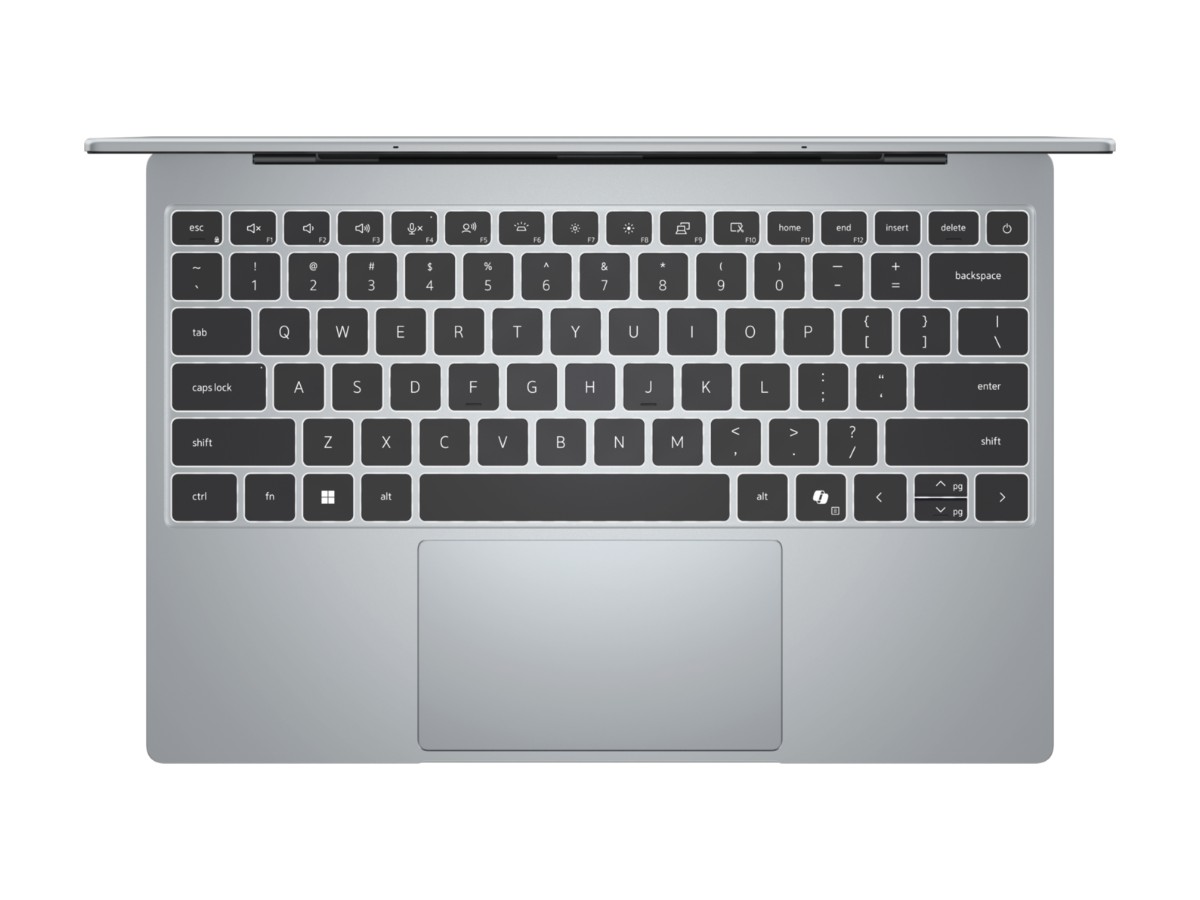
Keyboard, touchpad, speakers and webcam
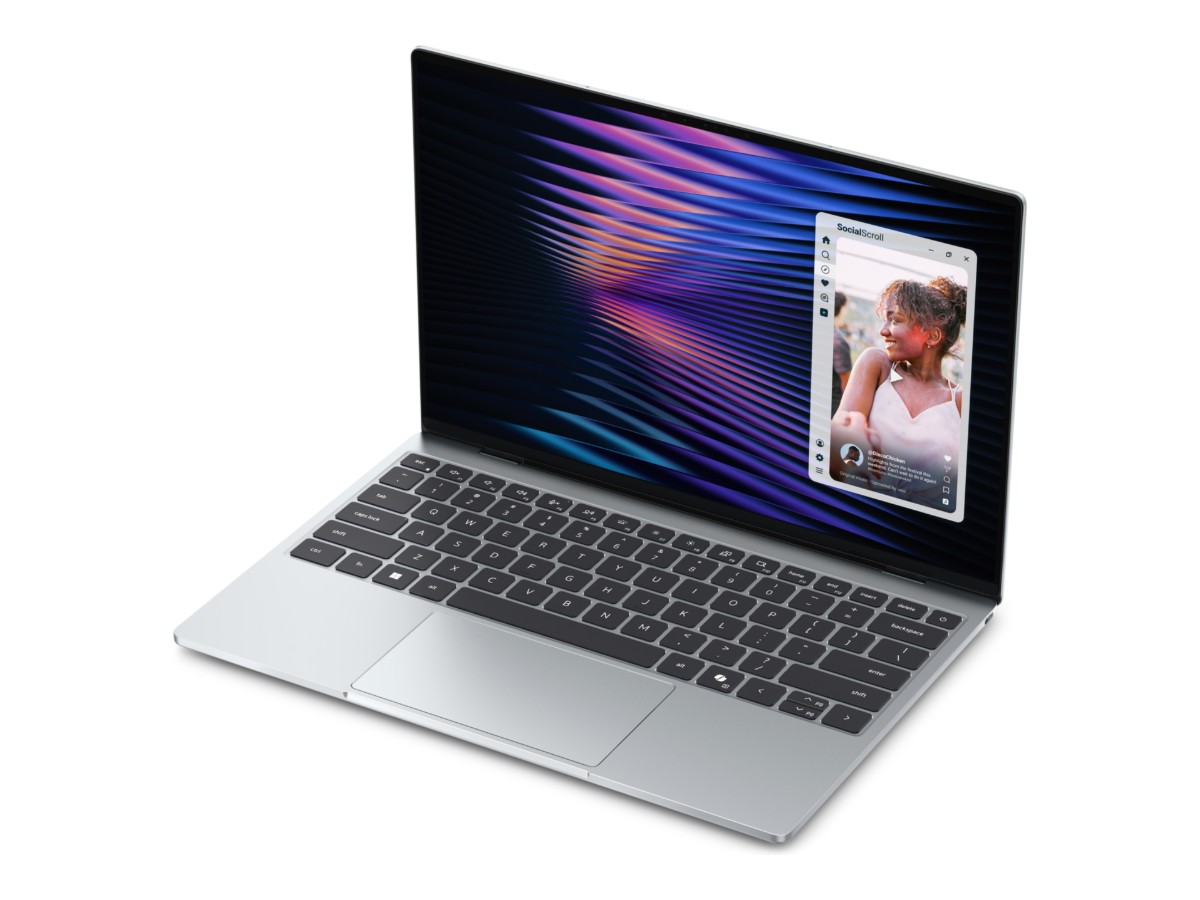
The backlit keyboard on the Dell XPS 13 has comfortable, evenly spaced keys that are easy to type on for hours. The touchpad is wide and smooth, with plenty of room for Windows gestures.
The four speakers sound surprisingly full for such a small laptop, with clear voices on calls and enough bass for music and shows. Above the screen there’s a 1080p webcam, a big step up from the grainy cameras on older laptops, and an IR sensor so you can sign in to Windows by looking at the screen.
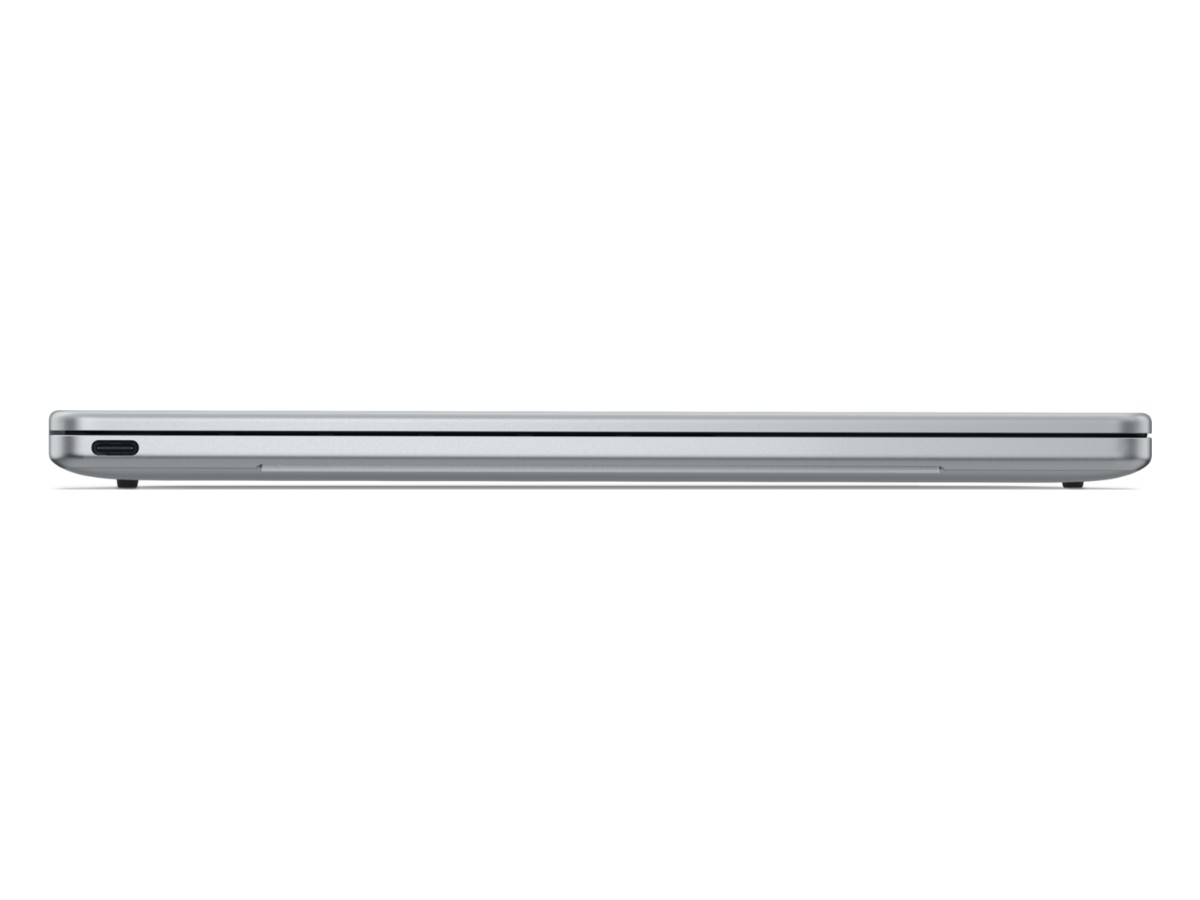
Design: 1kg and 12.7mm thin
The Dell XPS 13 is machined from aluminium and feels solid in the hand. At around 1kg and 12.7mm thin, it’s lighter than most textbooks and slips into a tote, satchel or small backpack without you noticing it’s there. It also fits on an aeroplane tray table or a small café table with room to spare.
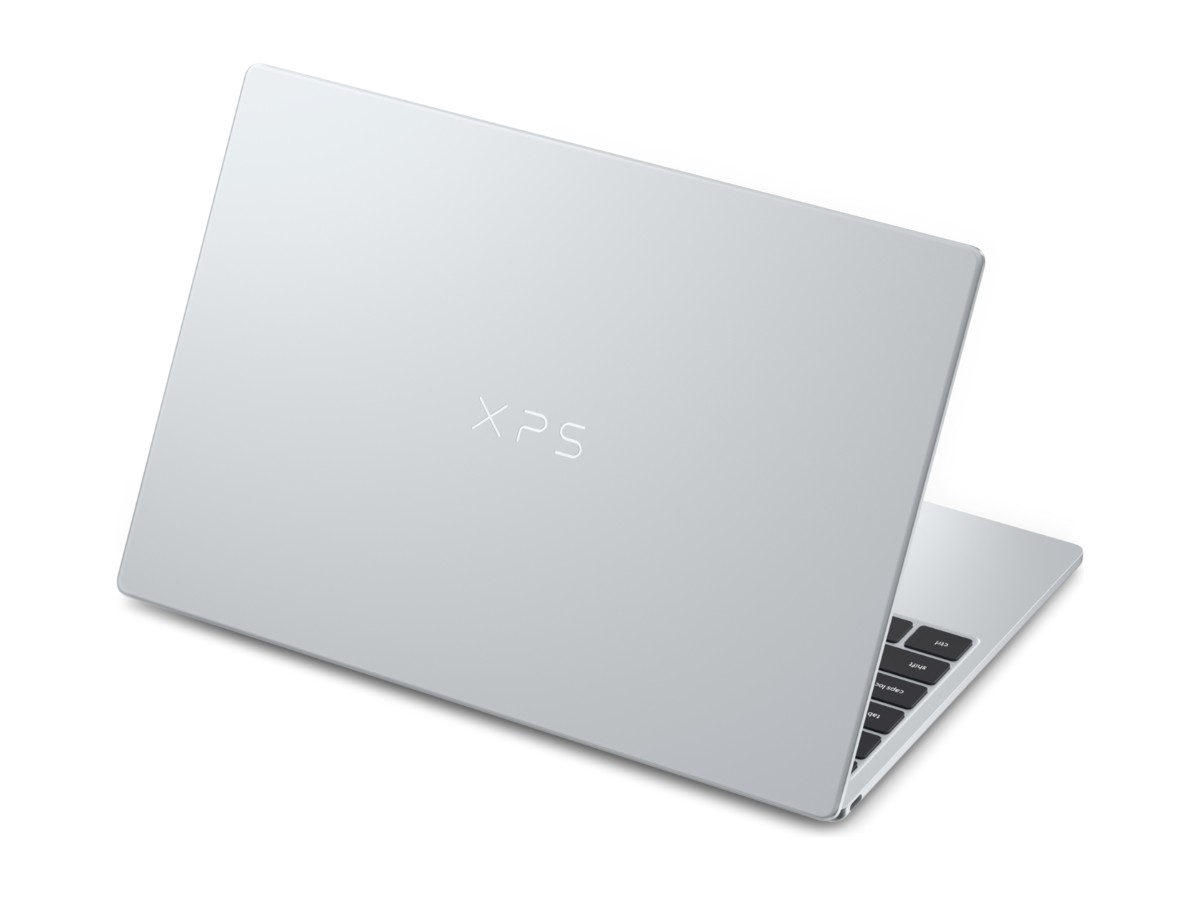
The Sky finish is a soft silver with a subtle XPS logo on the lid. It looks professional in a client meeting and at home in a lecture theatre.
Taking the Dell XPS 13 on the road
Travel is where the Dell XPS 13 really earns its keep. It weighs about the same as a 1-litre bottle of water, the USB-C charger is tiny, and the long battery life means you can work through a flight from Sydney to Perth without hunting for a power point. The 1080p webcam and four speakers make hotel-room video calls look and sound professional, and Wi-Fi 7 gets the best out of fast hotel and airport networks. Pack a small USB-C hub and you’re ready for any meeting room projector.
Windows 11 Home, fully supported
This Dell XPS 13 ships with Windows 11 Home on a current Intel processor, so it gets Windows feature updates and security fixes as normal. There’s nothing to work around and no compatibility warnings.
Windows 11 Home suits most people, including students and sole traders. If your work needs BitLocker drive encryption, Group Policy or joining a company domain, you’ll want Windows 11 Pro. Our guide to Windows 11 Home vs Pro explains the differences in plain English, and you can upgrade later from the Microsoft Store.
One thing to know: this model isn’t a Copilot+ PC. Those features need one of Intel’s Core Ultra processors. You can still use the Copilot app and other AI tools in Windows and your browser.
Is the Dell XPS 13 good for students?
Yes. It’s light enough to carry between classes all day, the battery lasts through long days on campus, and 16GB of memory keeps research, essays and online classes running smoothly. The 1080p webcam and clear speakers are a real advantage for online tutorials.
Before you buy, check your course’s software list. Most arts, business, education, law, health and science courses run happily on a laptop like this. Engineering, architecture and some design courses may ask for a dedicated graphics card. See our laptops for students and our guide to the best laptop for students for more options.
Is the Dell XPS 13 good for work?
For office work, it’s excellent. Email, Microsoft 365, Google Workspace, CRM systems, accounting software and video calls all run well, and the small size makes it easy to take to meetings. The sharp screen is comfortable for long days of reading and writing, and you can plug into a monitor at your desk through USB-C.
If your business manages laptops centrally or needs Windows 11 Pro from day one, a business laptop may suit you better. Our guide to the best laptop for work compares the options.
What the Dell XPS 13 isn’t designed for
This is a thin, quiet everyday laptop, not a workstation. Its built-in Intel Graphics handles video playback and light creative work, but it isn’t made for modern 3D games, 4K video editing, CAD or 3D rendering. Long, heavy workloads also make it warm, so it slows down to keep cool.
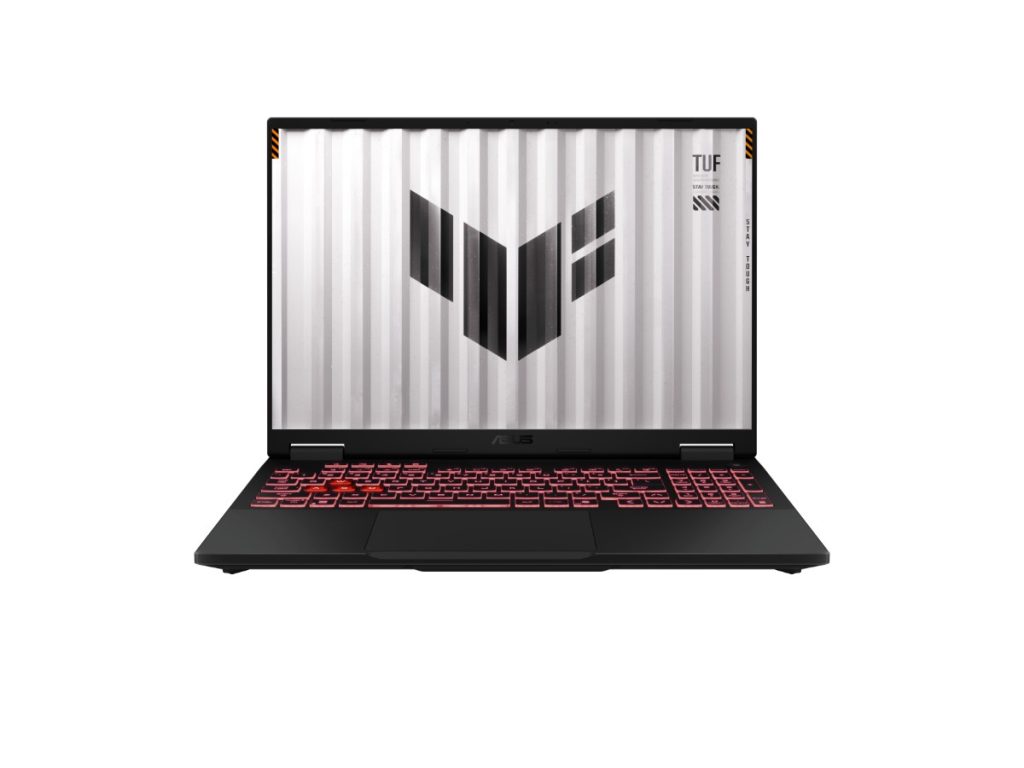
If you need graphics power, look at a laptop with a dedicated graphics card, like the ASUS TUF Gaming A15 with an RTX 3050 or the MSI Katana 15 HX with an RTX 5070.
Choosing the right memory and storage
On the Dell XPS 13, the memory is built into the main board and can’t be upgraded later. That’s normal for very thin laptops, and it’s the main reason we chose 16GB rather than 8GB. It gives you room for more tabs, more apps and future Windows updates.
The 512GB SSD is a fast PCIe Gen 4 drive. It’s plenty for Windows, Microsoft 365, your apps and thousands of documents and photos. If you keep large photo or video libraries, OneDrive or a small external USB-C SSD is an easy way to add space.
Setting up your new laptop
- Charge it with the included 65W USB-C charger and switch it on.
- Connect to Wi-Fi and sign in with your Microsoft account.
- Set up Windows Hello face sign-in so you can log in by looking at the screen.
- Run Windows Update and let it finish.
- Install your apps and turn on OneDrive backup for your Documents and Desktop folders.
Looking after it
- Use it on a hard, flat surface when you’re working it hard, so air can flow around it.
- Don’t leave it in a hot car. Heat ages batteries faster than anything else.
- Carry it in a padded sleeve to protect the aluminium and the screen.
- Clean the screen with a soft microfibre cloth, never paper towel.
- Keep Windows Security switched on and back up important files.
Accessories worth adding
- a compact USB-C hub with HDMI, USB-A and an SD card reader
- a USB-C to 3.5mm adapter if you use wired headphones
- a 13 or 14-inch padded sleeve
- a small Bluetooth mouse for long spreadsheet sessions
- a USB-C monitor if you work at a desk most days
How the Dell XPS 13 compares with our other laptops
- Dell Latitude 5440: a 14-inch business laptop with Windows 11 Pro and more ports, but heavier.
- Lenovo IdeaPad Flex 5: a 14-inch 2 in 1 touchscreen laptop that folds into a tablet.
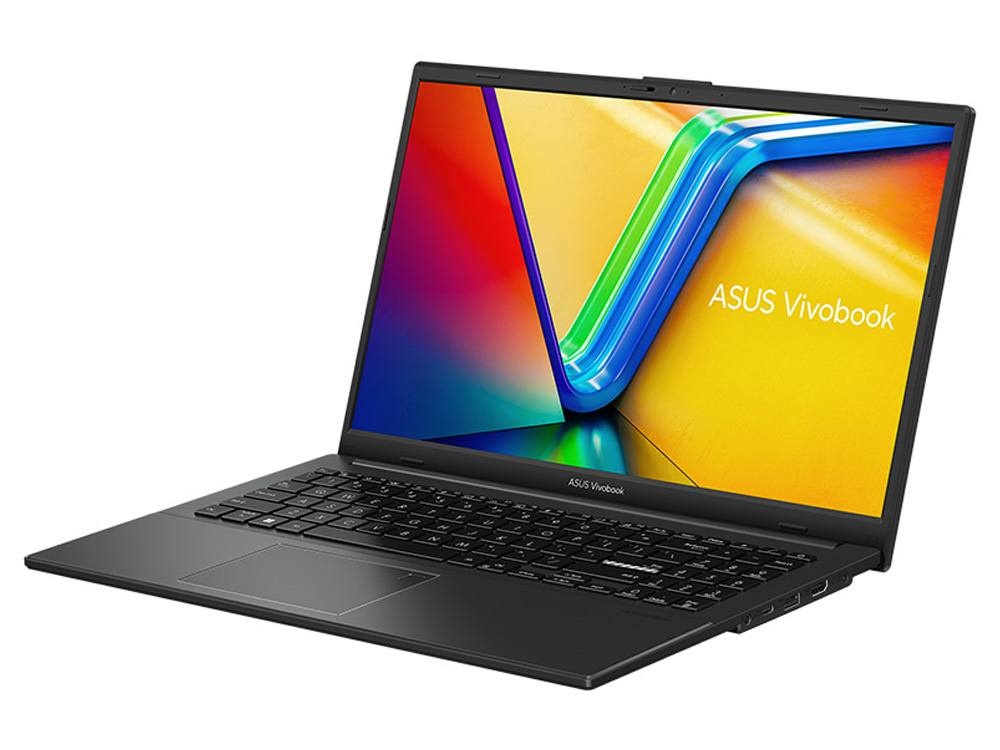
- ASUS Vivobook Go 15: a 15.6-inch study laptop with 16GB of RAM for a smaller budget.
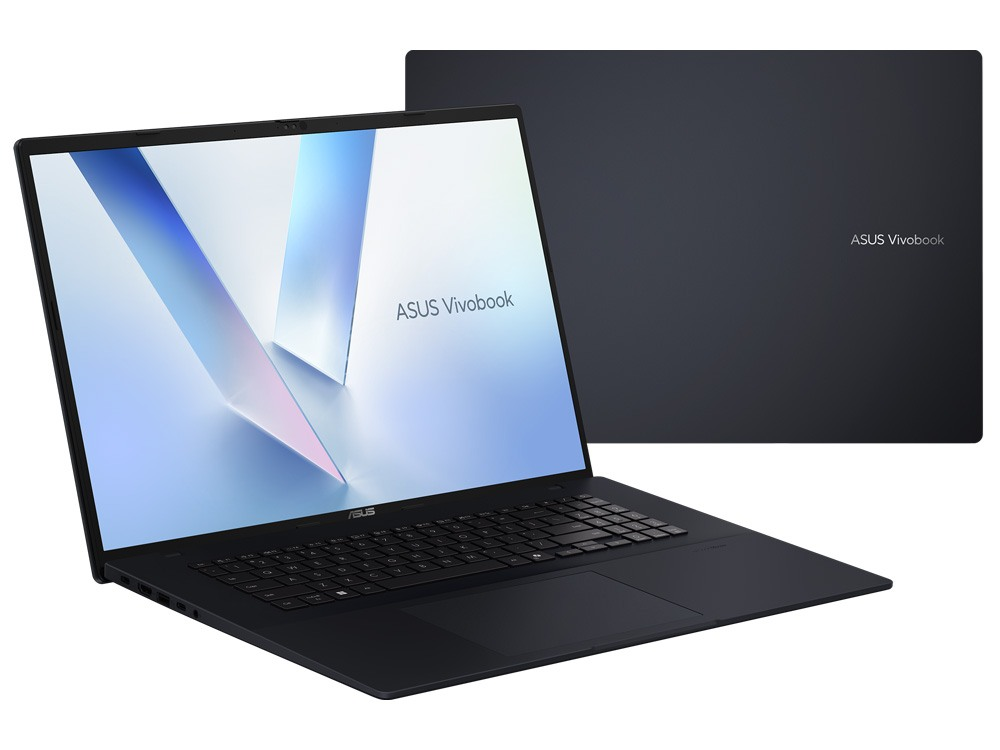
- ASUS Vivobook 18: a big 18-inch screen for spreadsheets and side-by-side windows.
Browse all of our laptops to compare more options.
Our honest take
The Dell XPS 13 does the everyday things beautifully. It’s light, it’s quiet, the screen is lovely, the battery lasts and it feels like a premium laptop because it is one. The trade-offs are the two USB-C ports, no headphone jack and a processor that’s built for efficiency rather than heavy lifting. If those suit how you work, this is a laptop you’ll enjoy using every day for years.
Delivery and support
We deliver Australia-wide, including regional areas. If you have questions about the Dell XPS 13, adapters, setup or whether it will run your course or work software, message us on live chat. We’re happy to help before and after you buy.
Dell XPS 13 FAQs
Is this Dell XPS 13 new?
Yes. It’s a brand new Dell XPS 13 (2026), model DX13260, with a 12-month Dell warranty.
Which processor does it have?
An Intel Core 5 320 from Intel’s Series 3 range, with six cores and speeds of up to 4.6GHz.
Does it get Windows 11 updates?
Yes. It runs Windows 11 Home on a current, fully supported Intel processor, so it gets feature updates and security fixes as normal.
Can I upgrade the RAM later?
No. The 16GB of memory is built in, which is why we chose 16GB rather than 8GB.
Does it have a headphone jack?
No. Use Bluetooth headphones or a USB-C to 3.5mm adapter.
Can I connect the Dell XPS 13 to a monitor?
Yes. Both USB-C ports support DisplayPort, so you can connect a USB-C monitor directly or use a USB-C to HDMI adapter or hub.
Is it a touchscreen?
Yes. The 13.4-inch 2.5K display is a touchscreen with a refresh rate of up to 120Hz.
How heavy is it?
About 1kg, and it’s 12.7mm thin.
Is it a Copilot+ PC?
No. Copilot+ features need an Intel Core Ultra processor. You can still use the Copilot app in Windows.
Is the Dell XPS 13 good for university?
Yes, for most courses. Check your course’s software requirements first, as some engineering and design programs need a dedicated graphics card.
Do you deliver Australia-wide?
Yes, to every state and territory, including regional areas.