
Description
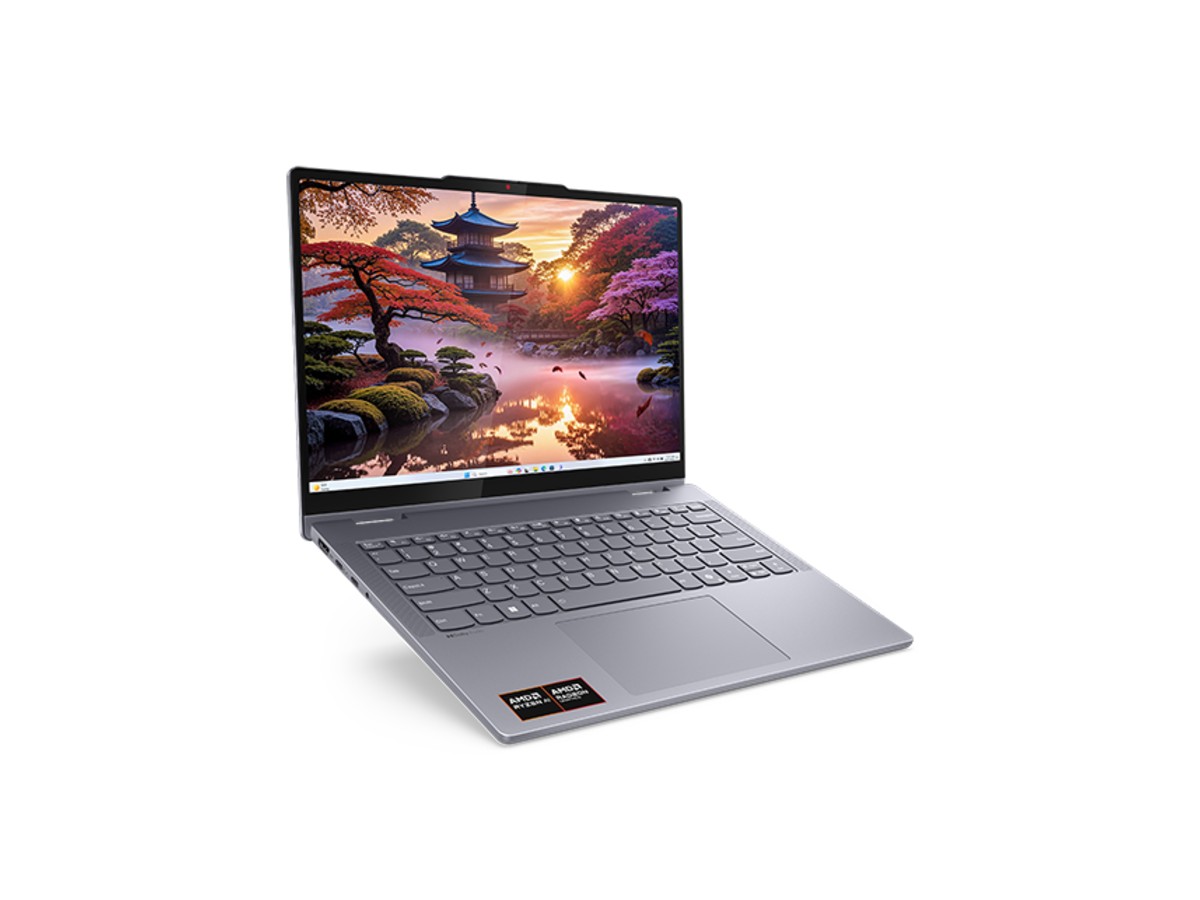
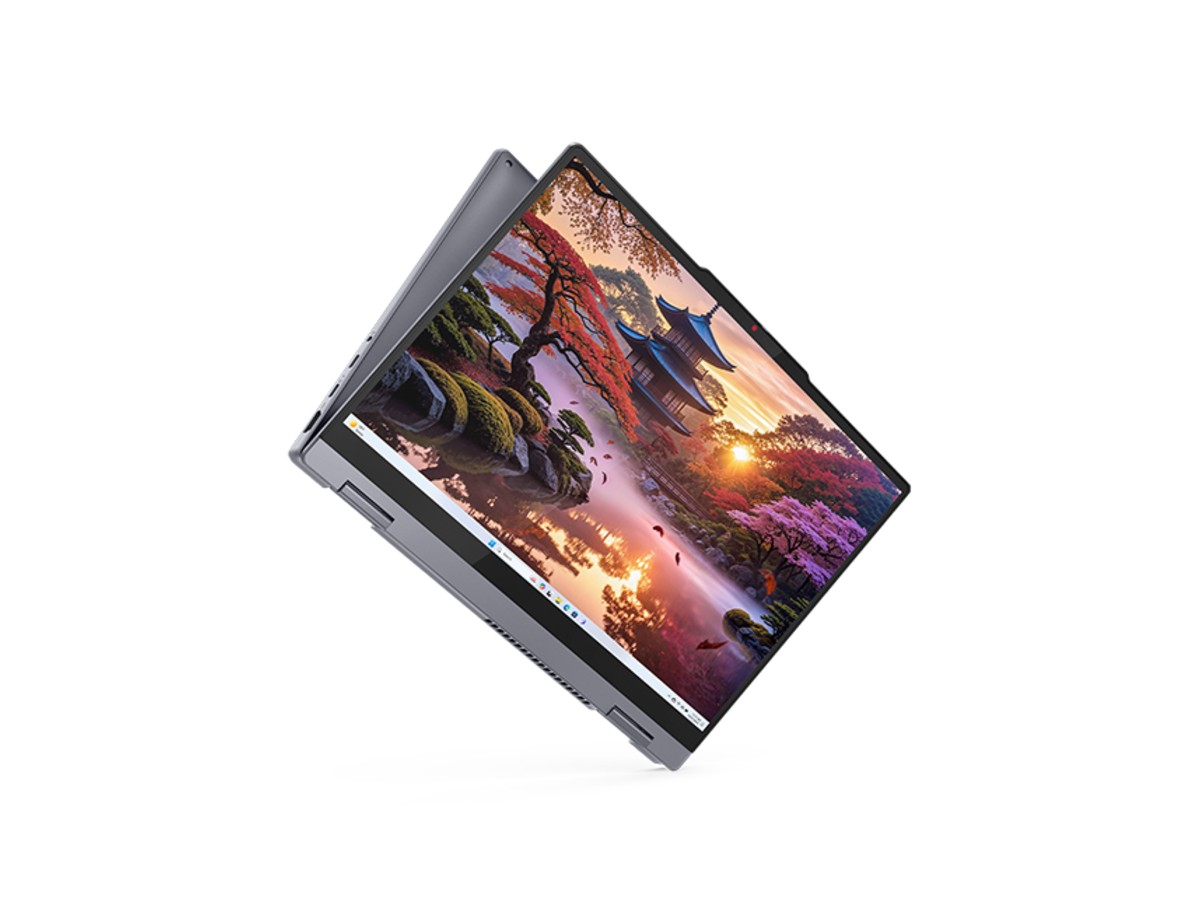
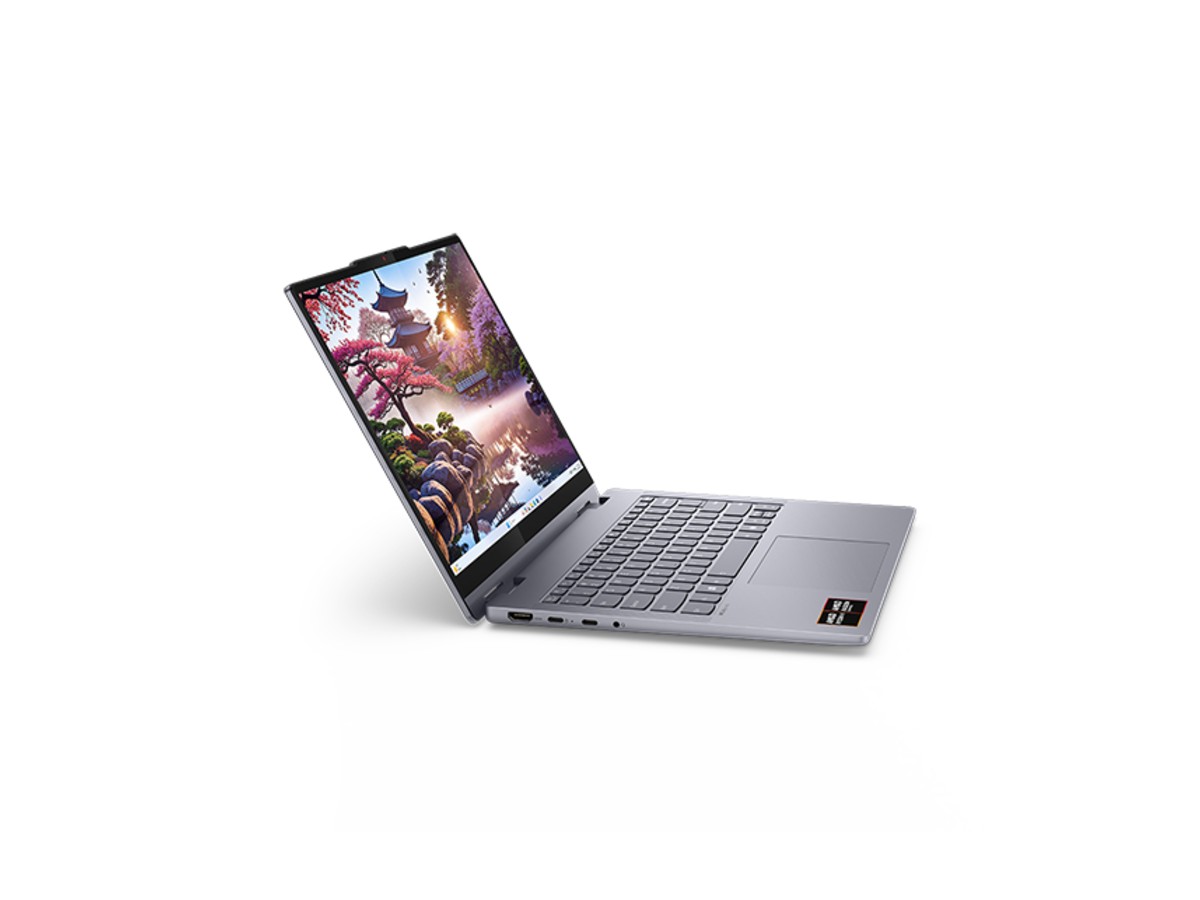
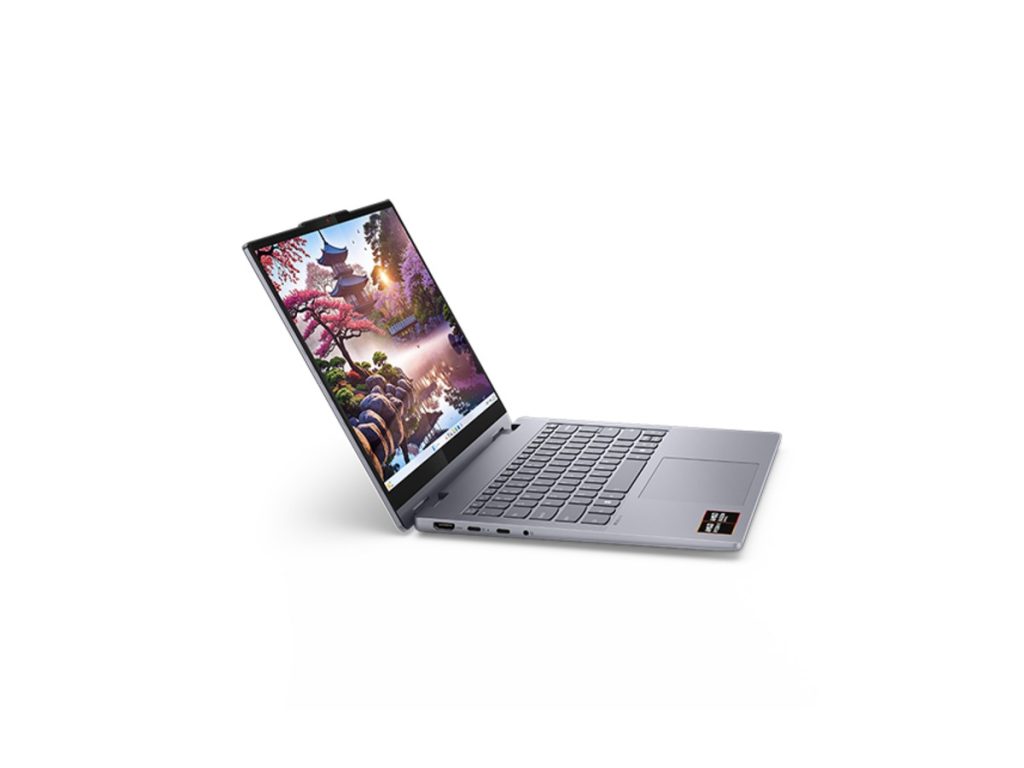
The Lenovo IdeaPad 5 2 in 1 is a 14-inch touchscreen laptop that folds all the way back into a tablet. It works as a normal laptop for assignments and emails, then flips into tablet, tent or stand mode for reading, handwritten notes, drawing and watching video. This model has AMD’s Ryzen AI 7 350 processor, 24GB of memory, a 1TB SSD and Windows 11 Home, and it’s a Copilot+ PC with a 50 TOPS NPU for the latest AI features in Windows.
It’s the Gen 10 model in Lenovo’s IdeaPad 5 2 in 1 range, in a Luna Grey finish. Our team in Sydney is on live chat if you have questions before or after you buy.
Who the Lenovo IdeaPad 5 2 in 1 suits
- university and TAFE students who take notes by hand and type assignments
- high school students on a bring-your-own-device program
- creative hobbyists who sketch, annotate photos or design on screen
- professionals who present, mark up PDFs and sign documents digitally
- anyone who wants a laptop and a tablet in one device
Four ways to use it
A 360-degree hinge lets the Lenovo IdeaPad 5 2 in 1 move between four modes in seconds:
- Laptop mode for typing assignments, emails and spreadsheets.
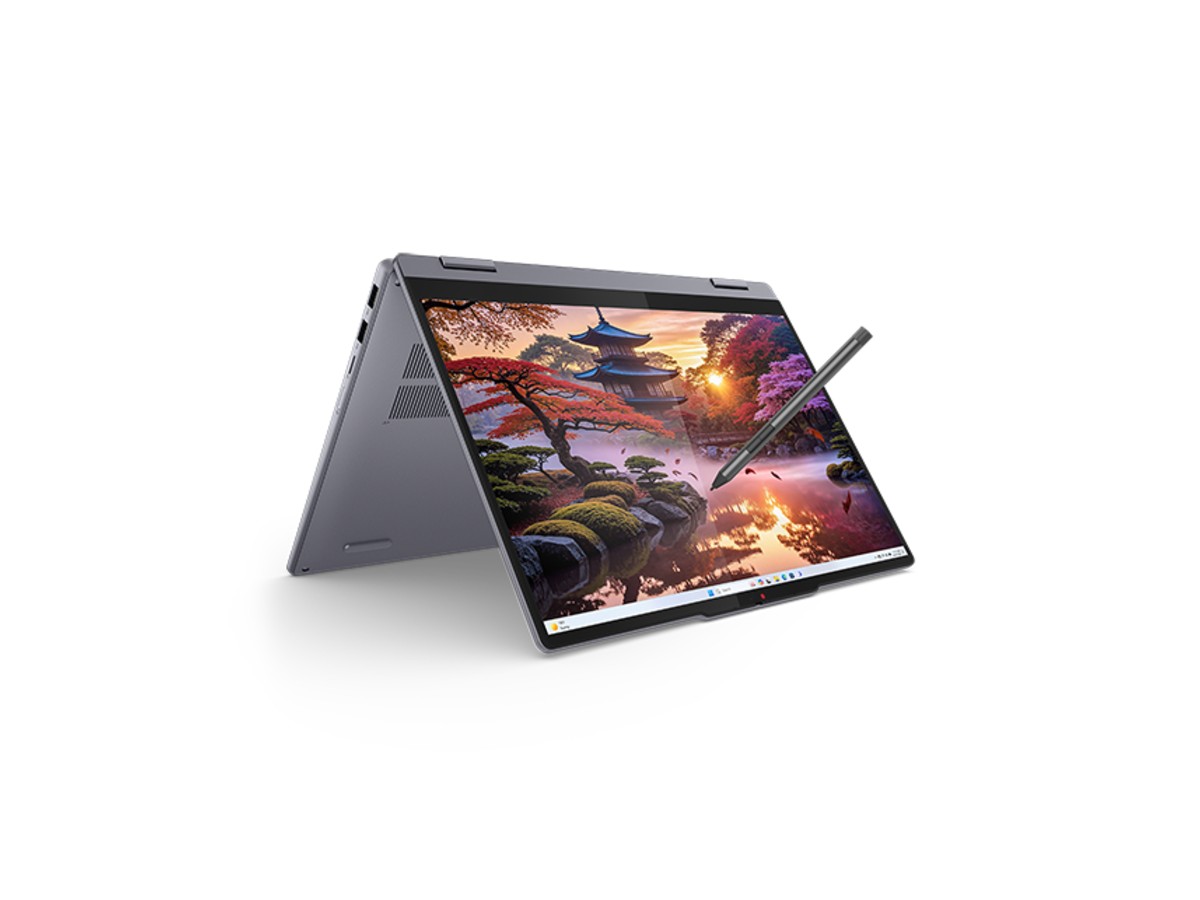
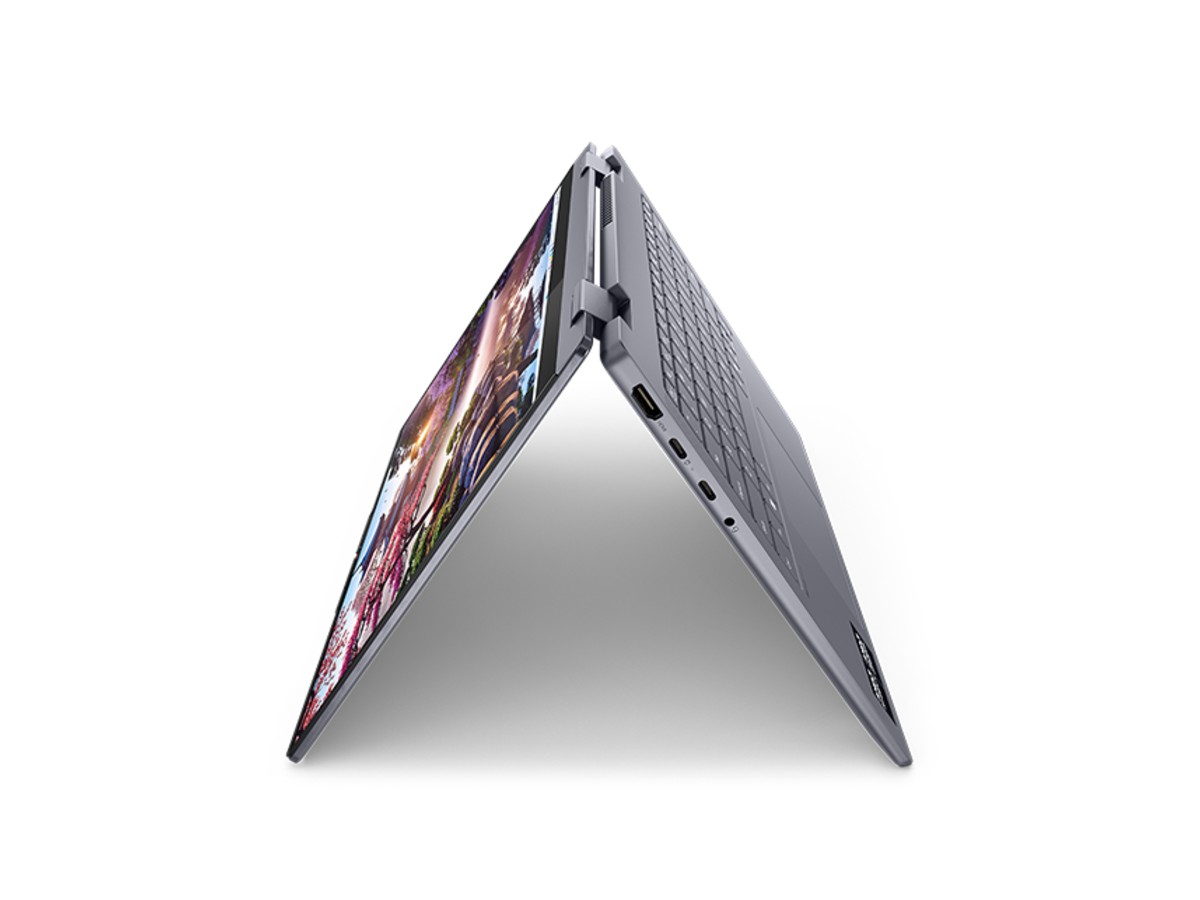
- Tent mode for watching video or following a recipe on a small bench.
- Stand mode with the keyboard facing down, for presentations and video calls.
- Tablet mode for reading, handwritten notes and drawing with a pen.
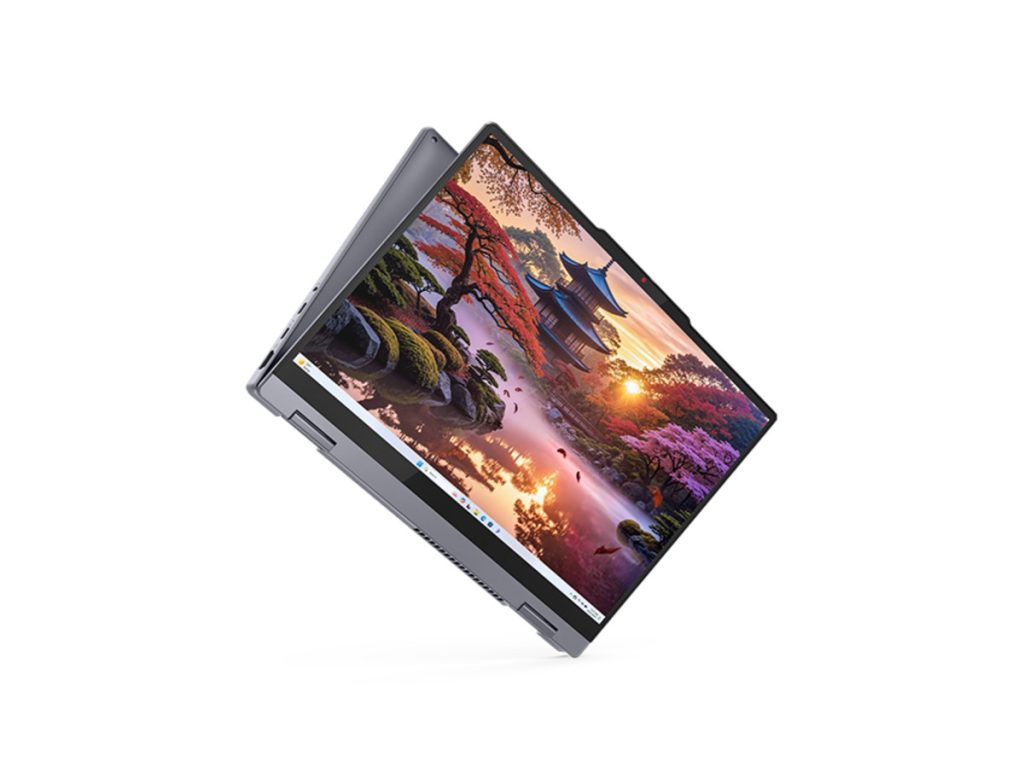
Windows 11 switches to a touch-friendly layout automatically when you fold the screen back, and the keyboard turns off so you don’t press keys by accident.
AMD Ryzen AI 7 350 performance
The Ryzen AI 7 350 is one of AMD’s newest laptop processors. It has 8 cores and 16 threads with boost speeds up to 5.0GHz, built-in Radeon 860M graphics and an XDNA 2 NPU rated at 50 TOPS. In everyday use that means the Lenovo IdeaPad 5 2 in 1 feels fast with dozens of browser tabs, Microsoft 365, Teams, OneNote and photo editing apps open at once, and it has plenty in reserve for coding and video exports.
A Copilot+ PC
With a 50 TOPS NPU, the Lenovo IdeaPad 5 2 in 1 meets Microsoft’s Copilot+ PC requirements. That unlocks AI features in Windows 11 such as Windows Studio Effects for clearer video calls, live captions with translation, improved search and creative tools in Paint and Photos. Because these run on the NPU, they don’t slow the rest of the laptop down or drain the battery quickly.
Lenovo IdeaPad 5 2 in 1 specifications
| Model | Lenovo IdeaPad 5 2-in-1 14AKP10 (Gen 10), Luna Grey |
|---|---|
| Processor | AMD Ryzen AI 7 350 (8 cores, 16 threads, up to 5.0GHz, 50 TOPS NPU) |
| Graphics | Integrated AMD Radeon 860M |
| Memory | 24GB LPDDR5x (onboard, dual-channel) |
| Storage | 1TB PCIe Gen4 NVMe SSD |
| Display | 14-inch WUXGA (1920 x 1200), 16:10 touchscreen with pen support |
| Camera | 1080p Full HD with IR for Windows Hello and a privacy shutter |
| Wireless | Wi-Fi 7 and Bluetooth 5.4 |
| Ports | 2 x USB-C 10Gbps (charging and DisplayPort), 2 x USB-A 5Gbps, HDMI, microSD card reader, headphone/mic jack |
| Battery | 57Wh with Rapid Charge Boost, 65W USB-C charger |
| Weight and size | Around 1.5kg, 17.5mm thin |
| Operating system | Windows 11 Home |
| Warranty | 1-year manufacturer’s warranty |
Lenovo lists the full details on its IdeaPad 5 2-in-1 Gen 10 product page.
A 14-inch touchscreen
The 14-inch WUXGA screen has a taller 16:10 shape than older 16:9 laptops, so you see more of a document or web page at once, and it feels more natural held as a tablet. Touch makes scrolling through readings, zooming into diagrams and tapping through slides quick and intuitive.
Writing and drawing with a pen
The Lenovo IdeaPad 5 2 in 1 supports Lenovo’s Digital Pen 2, which is pressure-sensitive for natural handwriting and shading. You can write notes directly in OneNote, annotate lecture slides and PDFs, sign forms and sketch in apps like Krita or Adobe Fresco. Message us on live chat to check whether a pen is included with the current stock, or to add one to your order.
Memory and storage
24GB of fast LPDDR5x memory is more than most laptops in this class, and it runs in dual-channel, which also helps the built-in Radeon graphics. The memory is built onto the motherboard to keep the laptop thin and efficient, so it can’t be upgraded later, which is why we chose a 24GB model. The 1TB Gen4 SSD starts Windows in seconds and has room for years of assignments, photos and apps.
Keyboard and touchpad
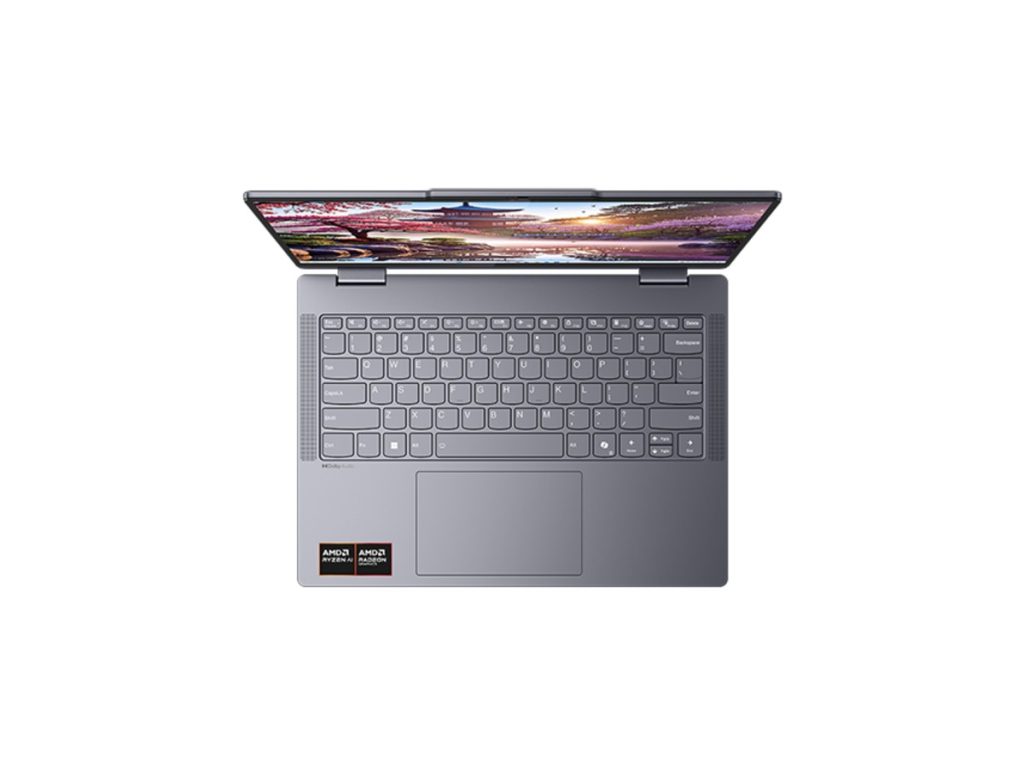
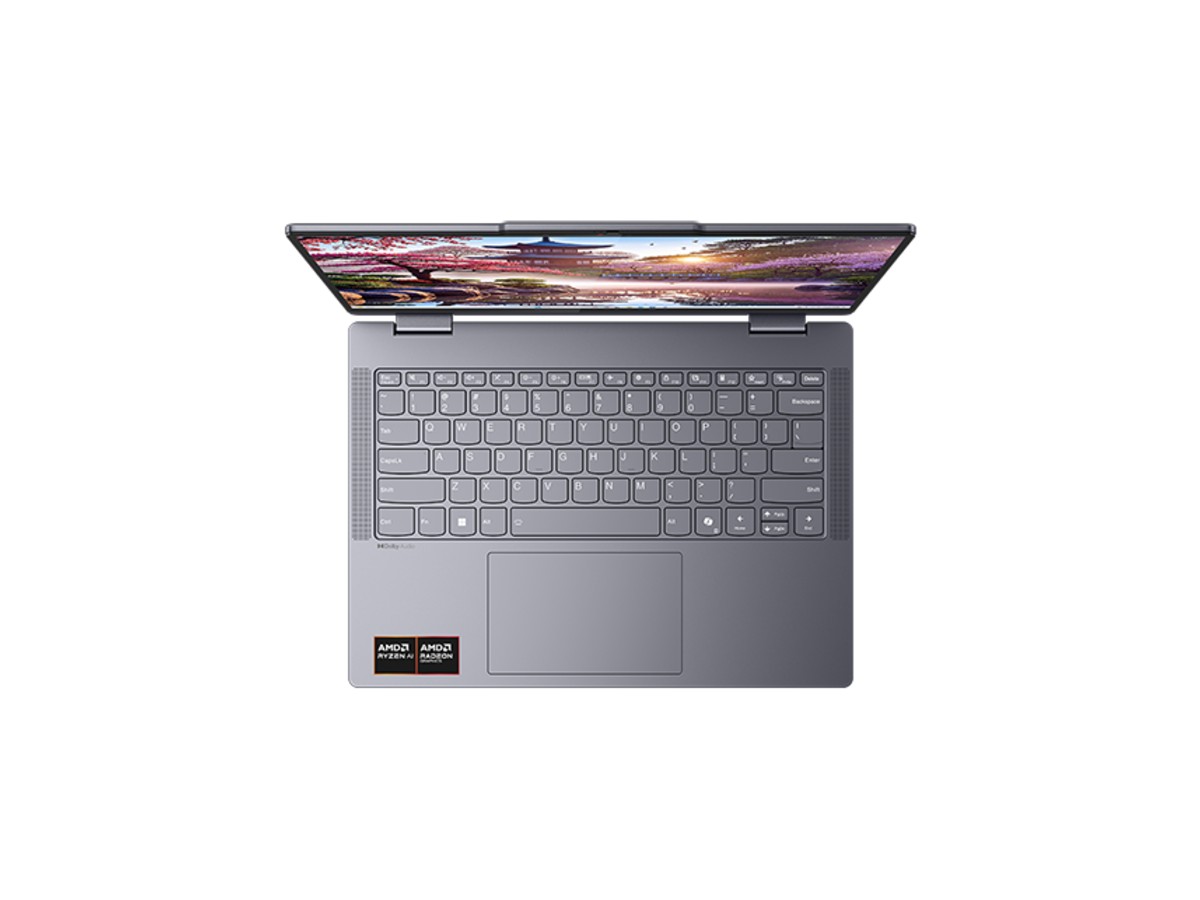
The backlit keyboard is comfortable for long essays and late-night study, with two brightness levels for dim lecture theatres. The large touchpad supports Windows gestures, and the Copilot key opens Microsoft’s AI assistant with one press.
Battery life and charging
The 57Wh battery and efficient Ryzen AI processor are designed for a full day of typical study, depending on brightness and what you’re doing. Rapid Charge Boost tops the battery up quickly between classes, and the 65W charger uses USB-C, so it’s small enough to carry and works with many USB-C chargers you may already own.
Ports and connectivity
Unlike many thin laptops, the Lenovo IdeaPad 5 2 in 1 keeps plenty of ports: two USB-C ports for charging and external displays, two full-size USB-A ports for drives and mice, HDMI for a monitor or projector, and a microSD card reader for camera cards. Wi-Fi 7 gives fast, stable connections on modern networks, and Bluetooth 5.4 handles headphones, mice and keyboards.
Webcam, sign-in and privacy
The 1080p webcam makes online classes and video calls look sharper than the 720p cameras on many laptops, and the IR sensor lets you sign in with your face using Windows Hello. A physical privacy shutter covers the camera when you’re not using it.
Studying smarter with OneNote
OneNote and a pen turn the Lenovo IdeaPad 5 2 in 1 into a digital notebook. Create a notebook for each subject, insert lecture slides or PDFs as printouts, and write straight over them in tablet mode. Your handwriting is searchable, so you can find a formula or keyword weeks later, and everything syncs to OneDrive so it’s on your phone too. Many students find this replaces paper notebooks, highlighters and printed readings completely.
Online classes and video calls
Stand mode is ideal for video calls: the keyboard sits face down out of the way and the camera is at a comfortable height. The 1080p camera, dual microphones and Windows Studio Effects such as background blur and automatic framing help you look and sound clear in Teams, Zoom and Google Meet, even from a busy share house.
Presenting
For tutorials, meetings and client pitches, connect the Lenovo IdeaPad 5 2 in 1 to a projector or TV through HDMI or USB-C, flip it into stand or tent mode, and use touch to move through slides. You can also write on slides with the pen during a presentation to highlight key points.
Speakers and entertainment
Dual 2W speakers tuned with Dolby Audio are clear for lectures, podcasts and streaming. Tent mode is a great way to watch Netflix, YouTube or Stan on a plane tray table or kitchen bench, and the touchscreen makes it easy to pause and skip without a keyboard.
Using the Lenovo IdeaPad 5 2 in 1 at uni
For university, the combination of a full Windows laptop and a pen-friendly tablet is hard to beat. Type essays and reports in Word, run statistics and coding tools, then flip to tablet mode to read and highlight journal articles or hand-write equations and diagrams. At around 1.5kg, it’s easy to carry to every class.
Using it for high school
Many Australian high schools run bring-your-own-device programs. Check your school’s minimum requirements, but a 14-inch Windows laptop with a modern processor, plenty of memory and a full day of battery life meets most of them comfortably. The touchscreen and pen support also suit maths working, art and annotated readings.
Creative work
The Radeon 860M graphics are strong for an integrated chip, so photo editing in Lightroom and Photoshop, simple video edits in Clipchamp or DaVinci Resolve, and digital drawing all run smoothly. The touchscreen and pen make retouching and sketching more natural than with a mouse.
Light gaming
This isn’t a gaming laptop, but the Radeon 860M handles Minecraft, Roblox, The Sims and popular esports games at sensible settings. If gaming is a priority, choose a laptop with a dedicated graphics card instead.
Lenovo IdeaPad 5 2 in 1 or a regular laptop?
If you only ever type and never use touch or a pen, a regular clamshell laptop can be a little cheaper or lighter. If you take handwritten notes, read lots of PDFs, present, or like using your laptop as a tablet on the couch, the Lenovo IdeaPad 5 2 in 1 gives you far more flexibility for a small difference in price.
Lenovo IdeaPad 5 2 in 1 or a tablet?
A tablet with a keyboard case is fine for browsing and notes, but it can’t run full desktop software. The Lenovo IdeaPad 5 2 in 1 runs everything a Windows laptop runs, including the desktop versions of Microsoft 365, Adobe apps, MATLAB and coding tools, while still working as a tablet when you want one.
What to look for in a 2 in 1 laptop for school or uni
- A modern processor so the laptop stays quick for the whole degree.
- At least 16GB of memory, because it usually can’t be upgraded later.
- Pen support if you plan to hand-write notes or draw.
- Enough ports to avoid carrying adapters everywhere.
- A good webcam for online classes and group work.
The Lenovo IdeaPad 5 2 in 1 ticks every box, with 24GB of memory, a Ryzen AI 7 processor, pen support, USB-C and USB-A ports and a 1080p camera.
Using it for work
For small business owners and professionals, the Lenovo IdeaPad 5 2 in 1 is a flexible everyday machine: Microsoft 365, accounting software and web apps run smoothly, and you can sign quotes and contracts with the pen. If you need Windows 11 Pro for a company network, message us and we can arrange an upgrade.
Accessibility
Windows 11 includes live captions, voice typing, Narrator and magnifier tools, and the touchscreen and pen can make the laptop easier to use for people who find a keyboard and touchpad difficult. The Copilot+ PC features add live caption translation for many languages.
Our honest take
The Lenovo IdeaPad 5 2 in 1 is one of the best-value convertibles available: a fast Ryzen AI 7 processor, generous 24GB of memory, a 1TB SSD, plenty of ports and a great webcam. The trade-offs are typical of 2 in 1 laptops. At around 1.5kg it’s heavier to hold as a tablet than a dedicated tablet, the glossy touchscreen can reflect bright lights, and the memory can’t be upgraded. For most students and professionals, those are small compromises for a laptop that does so much.
Upgrading from an older Flex 5
If you’re replacing an older Lenovo IdeaPad Flex 5, the Lenovo IdeaPad 5 2 in 1 is a big step forward. Older Flex models often shipped with 8GB of memory and a 256GB SSD, which fill up and slow down quickly. This model triples the memory to 24GB, quadruples the storage to 1TB, adds a much faster Ryzen AI processor with an NPU, Wi-Fi 7 and a 1080p IR camera, and it’s ready for Windows 11 updates for years to come.
Travelling with it
At 17.5mm thin and around 1.5kg, the Lenovo IdeaPad 5 2 in 1 slips into a backpack or carry-on easily. The USB-C charger is compact, and you can top up from a USB-C power bank that supports laptop charging when you’re away from a power point. Tablet and tent modes make it comfortable to use on a plane or train where there isn’t room to open a laptop fully.
Getting the most from the battery
- Use Windows’ battery saver and lower the screen brightness a little.
- Close apps and browser tabs you aren’t using.
- Use the power mode settings in Lenovo Vantage for longer study sessions.
- Keep the Lenovo IdeaPad 5 2 in 1 updated, as firmware updates often improve efficiency.
Keeping it secure
- Set up Windows Hello face sign-in and a strong PIN.
- Keep Windows Update and Windows Security switched on.
- Back up assignments to OneDrive so nothing is lost if the laptop is damaged.
- Close the privacy shutter when you’re not on a video call.
Looking after a 2 in 1
- Use a padded sleeve or a backpack with a laptop compartment.
- Clean the touchscreen with a soft microfibre cloth.
- Avoid leaving it in a hot car.
- Keep Lenovo Vantage updates switched on for drivers and firmware.
Accessories worth adding
- Lenovo Digital Pen 2 for handwriting and drawing
- a padded 14-inch sleeve
- a wireless mouse for longer typing sessions
- a USB-C hub or monitor for a home desk setup
Setting it up
- Charge it, switch on and connect to Wi-Fi.
- Sign in with your Microsoft account and set up Windows Hello.
- Run Windows Update and Lenovo Vantage updates.
- Install Microsoft 365 and your school or uni apps.
How the Lenovo IdeaPad 5 2 in 1 compares
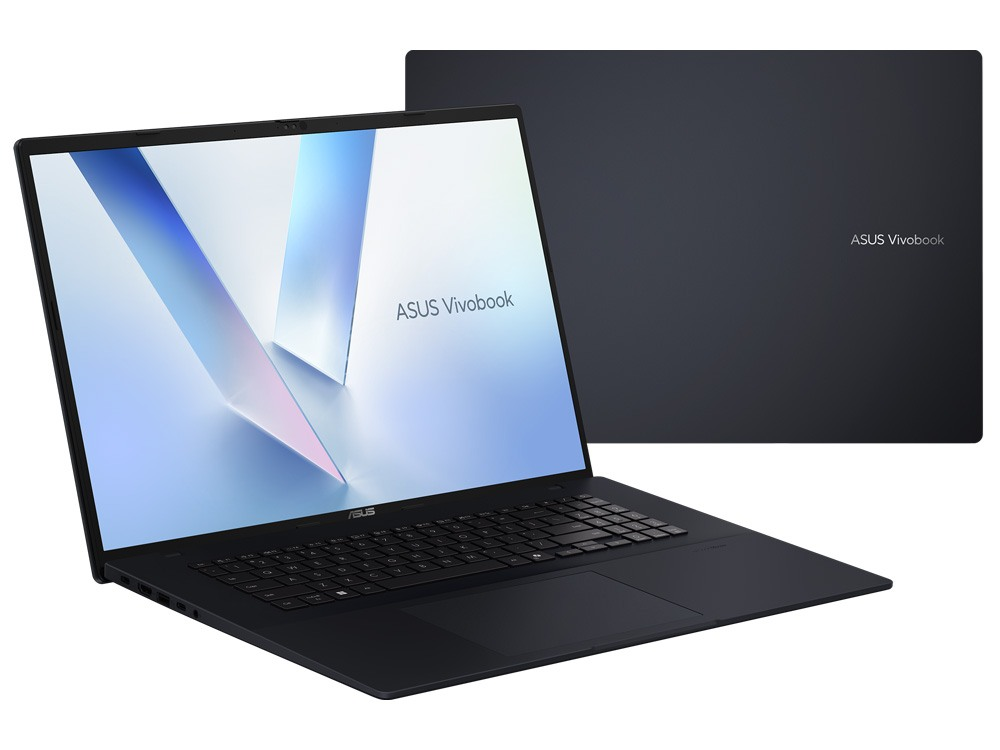
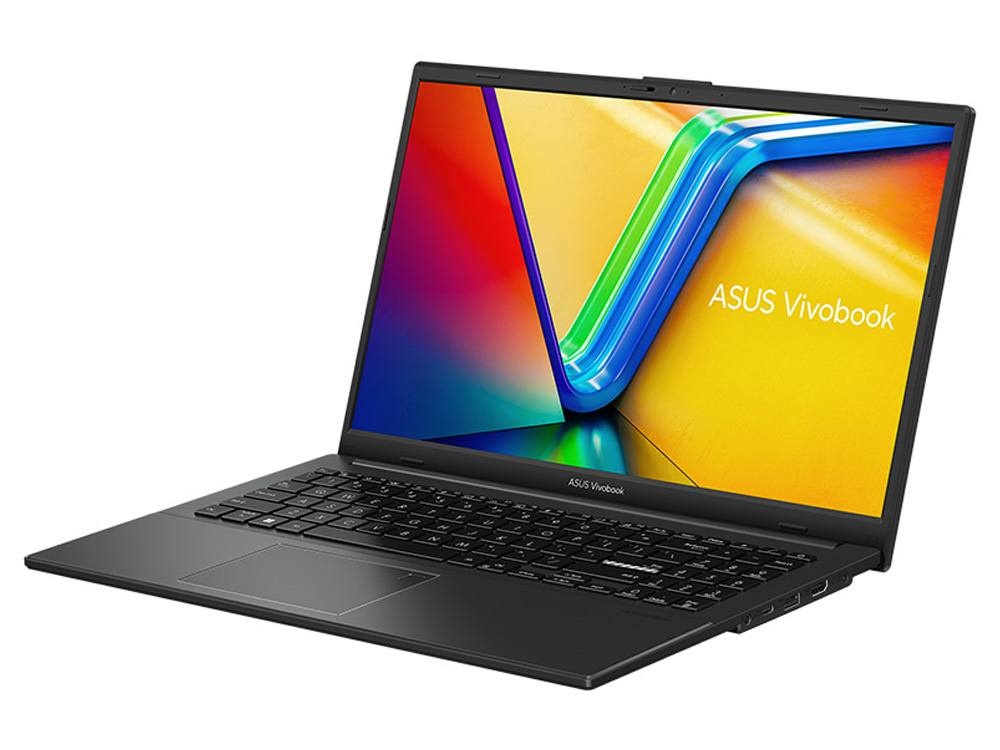
- ASUS Vivobook Go 15: a more affordable 15.6-inch laptop without touch.
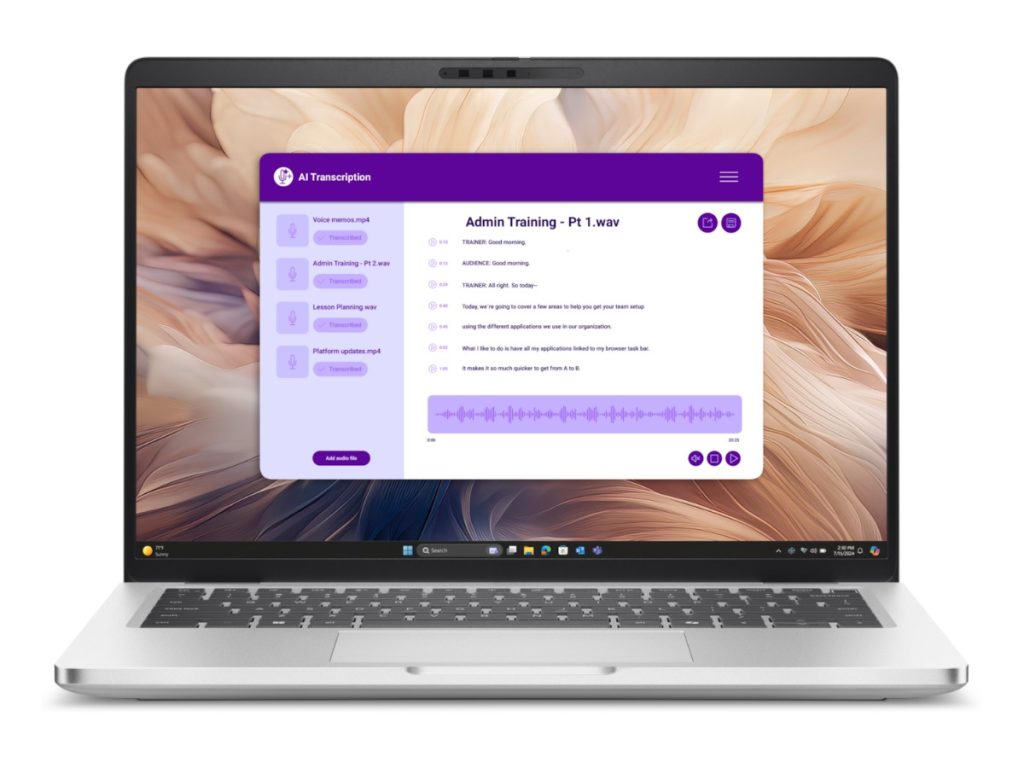
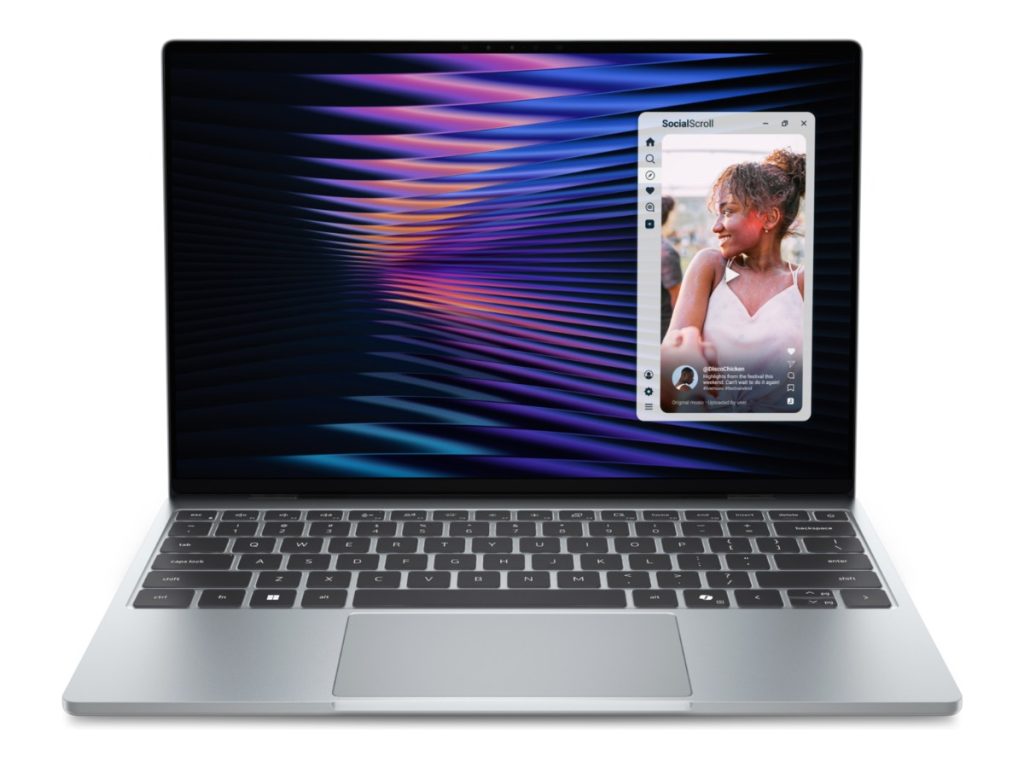
- Dell Pro 14 Plus: a premium 14-inch business laptop with Windows 11 Pro.
- Lenovo ThinkBook 16 G7: a bigger 16-inch screen for desk-based work.
See all of our laptops.
Delivery and support
We deliver Australia-wide, including regional areas. If you need help choosing or setting up your Lenovo IdeaPad 5 2 in 1, message us on live chat.
Lenovo IdeaPad 5 2 in 1 FAQs
Is the Lenovo IdeaPad 5 2 in 1 a touchscreen?
Yes. The 14-inch screen supports touch and a pen, and folds back into a tablet.
Is it a Copilot+ PC?
Yes. The Ryzen AI 7 350 has a 50 TOPS NPU, which meets Microsoft’s Copilot+ PC requirements.
Can I upgrade the memory?
No. The 24GB is built onto the motherboard. The SSD can be replaced with a larger M.2 2242 drive.
Is it good for uni?
Yes. It’s light, has a full day of battery life for typical study, and the pen support suits handwritten notes.
Is it the same as the IdeaPad Flex 5?
Lenovo now sells its Flex 5 convertibles as the IdeaPad 5 2 in 1. This is the newer Gen 10 model with an AMD Ryzen AI processor.
Can it connect to an external monitor?
Yes. Use HDMI or one of the USB-C ports with DisplayPort to add a monitor at home, so you get a big screen at your desk and a portable 2 in 1 for class.
Is the pen included?
Pen inclusion can vary with stock. Message us on live chat before you order and we’ll confirm, or add a Lenovo Digital Pen 2 to your order.
Does it come with Windows?
Yes, Windows 11 Home is installed and activated.