Description
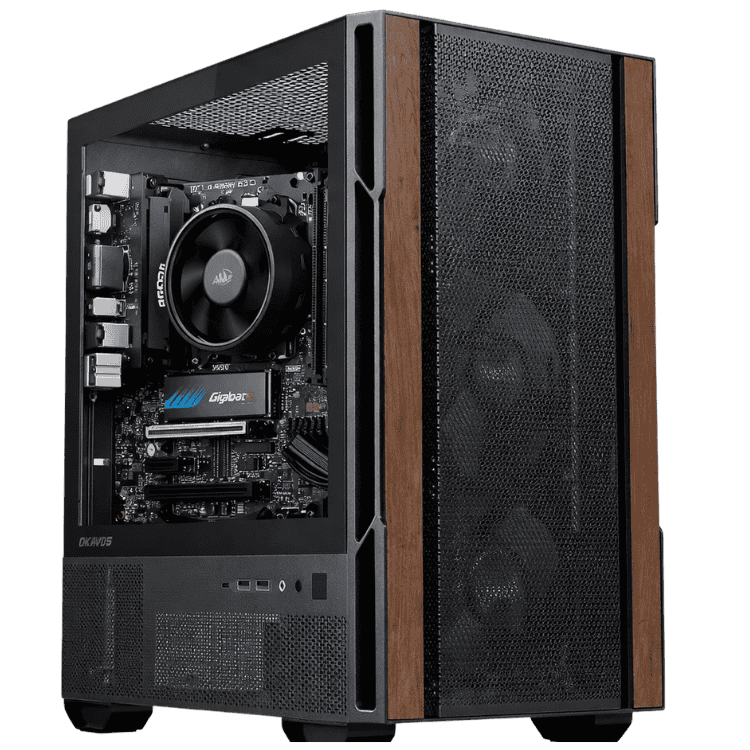
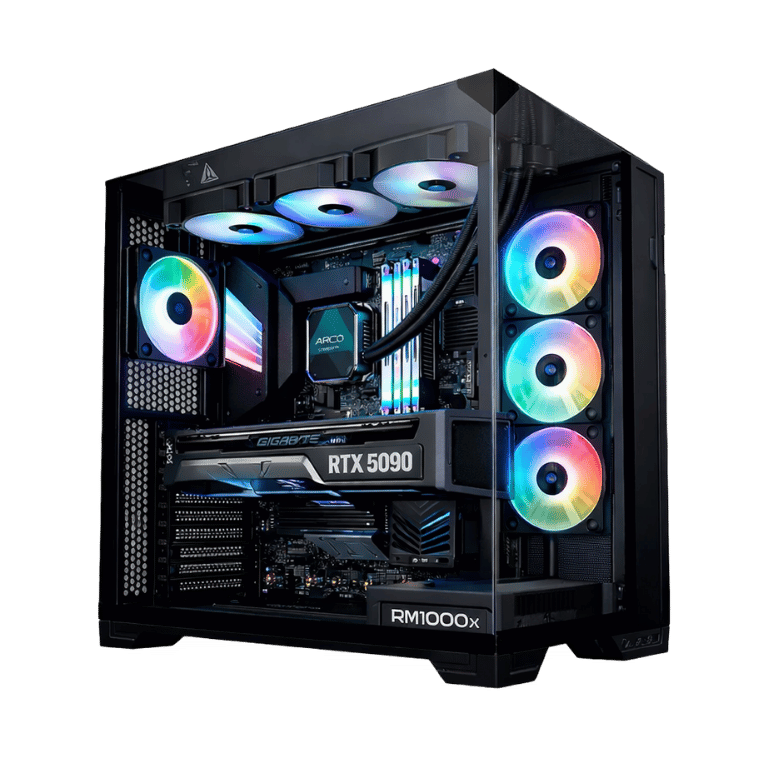
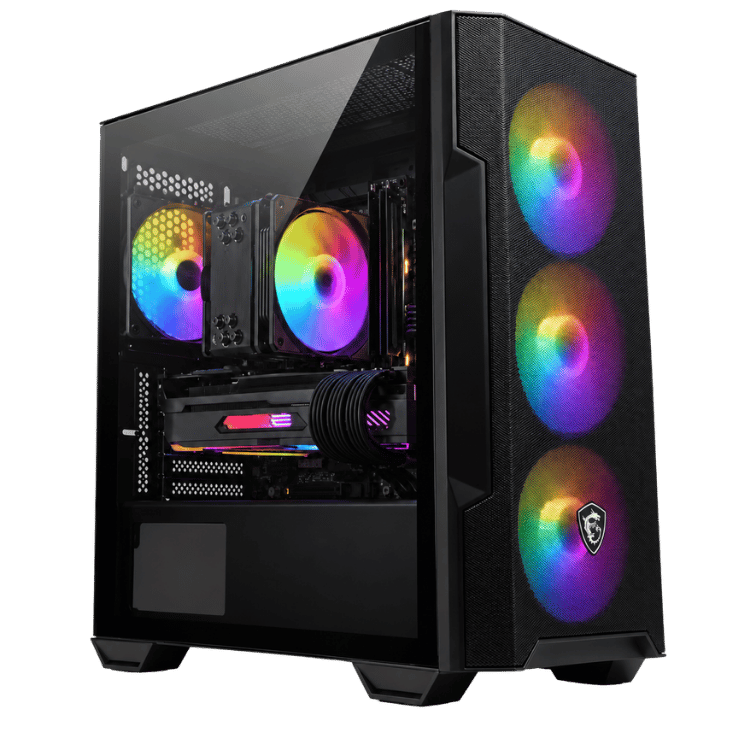
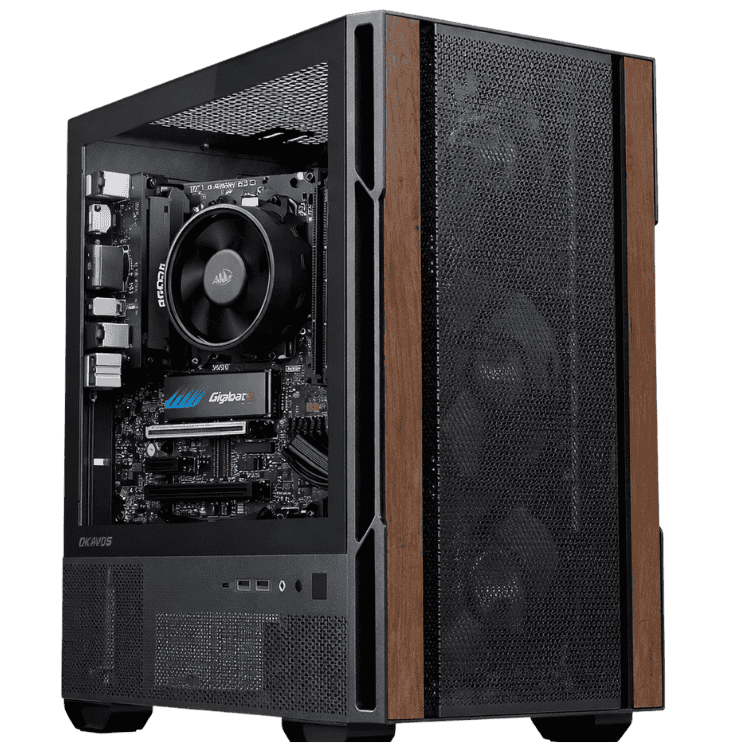
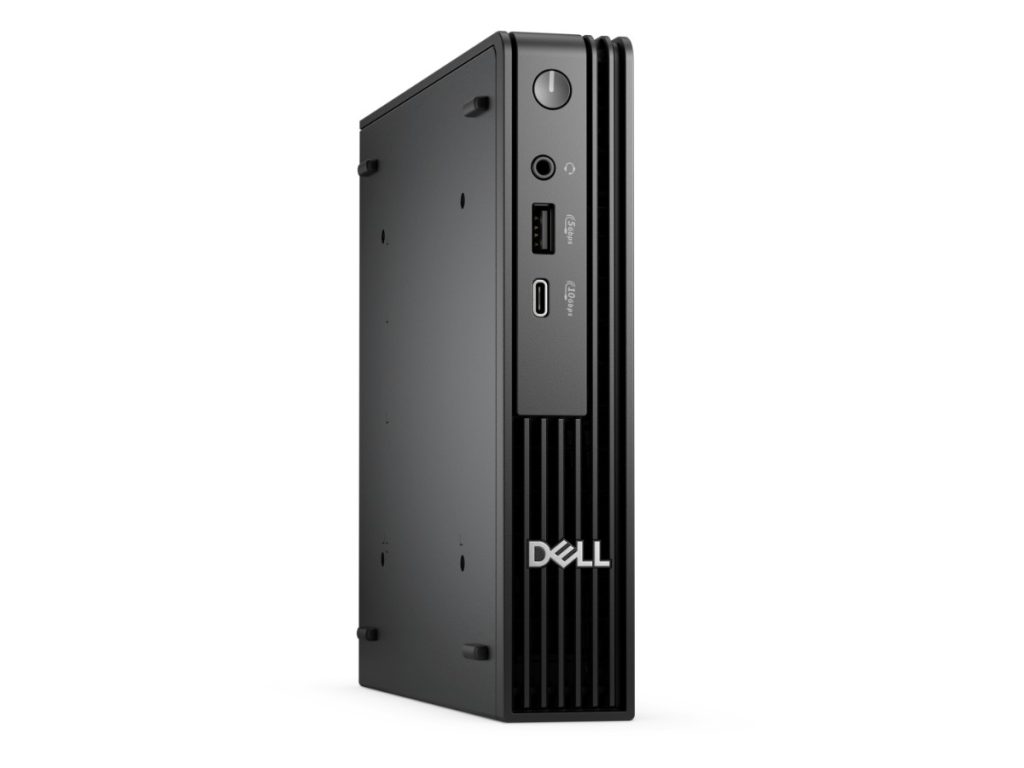
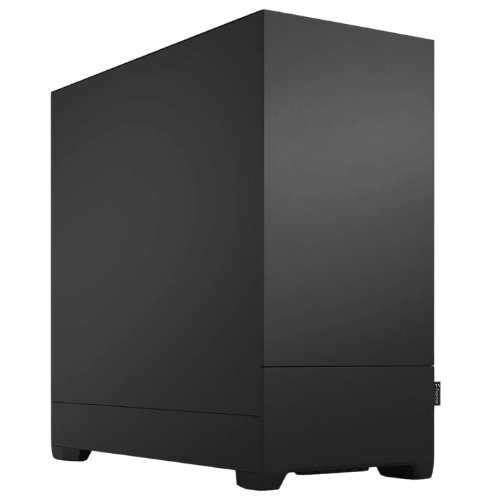
The Vision High-Tier is a CAD workstation for engineers, architects and designers who’ve outgrown a general-purpose PC. It combines AMD’s 12-core Ryzen 9 9900X with an NVIDIA GeForce RTX 5070 Ti 16GB and 64GB of DDR5, so big assemblies stay responsive and renders don’t hold up your day. A 360mm ARCTIC liquid cooler and Fractal Design’s sound-dampened Pop XL Silent case keep it quiet enough for an open-plan office.
It’s currently $5,599, down from $5,999, with Windows 11 Home installed. Every one is assembled and stress tested by our team in Sydney.
Who this CAD workstation suits
- mechanical and product designers working in SolidWorks, Inventor, Fusion or Creo
- architects and drafters using Revit, AutoCAD, ArchiCAD or SketchUp
- civil and structural engineers in Civil 3D, Tekla or 12d Model
- small design firms that need a reliable CAD computer for each desk
If you also run heavy simulation or need more processor cores, our engineering workstation with a Core i9 and RTX 5080 steps up. For mostly 2D drafting and design work, our graphic design PC with a Core Ultra 7 costs less.
Why the Ryzen 9 9900X suits CAD
Here’s something many buyers don’t realise: most CAD modelling is lightly threaded. Feature rebuilds, sketch solving and opening large assemblies mostly depend on how fast one or two cores can run. The Ryzen 9 9900X boosts up to 5.6GHz, so day-to-day modelling feels quick. Its 12 cores and 24 threads then take over for rendering, simulation studies, exports and anything else you’ve got running in the background.
It sits on AMD’s AM5 platform, which AMD has committed to supporting with future processors. That gives this CAD computer a genuine upgrade path, not a dead end.
RTX 5070 Ti graphics for big models
The RTX 5070 Ti has 16GB of GDDR7 video memory, which matters when you’re working with large assemblies, detailed BIM models or big texture sets. It gives you:
- smooth viewport rotation and zoom on complex models
- fast GPU rendering in Visualize, KeyShot, V-Ray GPU, Enscape and Twinmotion
- real-time ray tracing for design reviews
- CUDA acceleration in many simulation and AI tools
NVIDIA covers the card in more detail on its RTX 5070 family page.
A SolidWorks workstation: the honest version
Dassault certifies professional NVIDIA RTX PRO cards for SolidWorks, not GeForce cards like the RTX 5070 Ti. In practice, GeForce runs SolidWorks well for the vast majority of users, and the extra video memory here helps with large assemblies. Some features and official support, though, are tied to certified hardware. If your company requires a certified SolidWorks workstation, message us and we’ll quote this build with an RTX PRO card instead.
CAD workstation specifications
| Processor | AMD Ryzen 9 9900X (12 cores, 24 threads) |
|---|---|
| CPU cooler | ARCTIC Liquid Freezer III Pro 360 |
| Motherboard | MSI MAG B650 TOMAHAWK WIFI |
| Graphics card | NVIDIA GeForce RTX 5070 Ti 16GB |
| Memory | 64GB DDR5 (2 x 32GB) |
| Storage | 2TB Crucial E100 NVMe SSD |
| Power supply | MSI MAG A850GL, 850W 80+ Gold |
| Case | Fractal Design Pop XL Silent |
| Operating system | Windows 11 Home |
What to expect in daily use
- Part modelling and drawings: quick rebuilds and snappy drawing views.
- Large assemblies: 64GB of memory and 16GB of video memory keep big assemblies workable without constant lightweight modes.
- BIM: smooth navigation in Revit and ArchiCAD models, with fast exports to visualisation tools.
- Rendering: GPU renders are quick on the RTX 5070 Ti, and the 24 threads handle CPU render engines well.
- Simulation: fine for moderate FEA and flow studies. Very large studies benefit from more memory or a higher core count.
Software our customers run on it
Most people buying a CAD workstation from us use some mix of:
- 3D CAD: SolidWorks, Inventor, Fusion, Creo, Solid Edge and Rhino.
- BIM and drafting: Revit, AutoCAD, ArchiCAD, Vectorworks and SketchUp.
- Civil and structural: Civil 3D, Tekla Structures and 12d Model.
- Visualisation: SolidWorks Visualize, KeyShot, Enscape, Lumion and Twinmotion.
If your software has specific hardware requirements, send them through and we’ll confirm this CAD computer meets them before you order.
CAD workstation or gaming PC?
The parts list could pass for a high-end gaming rig, but the choices are different. We picked 64GB of memory instead of 32GB, a 16GB graphics card for large models, a sound-dampened case for office use, and settings tuned for stability over long sessions rather than benchmark scores. A CAD workstation has to be dependable at 4pm on a deadline day, and that’s what we’ve built for.
Memory and storage
We’ve fitted 64GB of DDR5 as two 32GB modules, which is the right amount for most professional CAD work. The MSI B650 Tomahawk has two more slots, so 128GB is an easy upgrade later if your models keep growing.
The 2TB Crucial E100 NVMe SSD holds Windows, your applications and plenty of active projects. Most firms keep archives on a server or in the cloud, and we can add a second drive if you’d like local backups.
Quiet cooling for the office
A CAD computer often sits on a desk in a shared office, so noise matters. The ARCTIC Liquid Freezer III Pro 360 keeps the Ryzen 9 cool with slow-spinning fans, and the Pop XL Silent has sound-dampening material on its panels. During everyday modelling it’s very quiet. Long renders spin the fans up, but it stays far quieter than a typical gaming PC.
Tips to get the most from a SolidWorks workstation
- Keep active projects on the NVMe SSD rather than a network drive where you can.
- Use the NVIDIA Studio Driver and update it every few months.
- Turn on large assembly mode for very big models.
- Run the SolidWorks Rx performance test after setup so you have a baseline to compare against.
Monitors for CAD
Two screens make a real difference for CAD: the model on one, drawings, specs or a browser on the other. A pair of 27-inch 1440p monitors is a popular choice, and a 4K screen gives you more room for toolbars and detail. The RTX 5070 Ti can drive several displays at once.
Windows 11 Home or Pro?
This CAD workstation ships with Windows 11 Home. That’s fine for freelancers and home offices. If your business needs BitLocker, Remote Desktop hosting or to join a company domain, ask us for Windows 11 Pro when you order.
Why buy a prebuilt CAD workstation?
A prebuilt system from a local builder arrives configured, updated and tested, so you can install your software and start work the same day. We update the BIOS, enable the memory’s rated speed, install drivers and run stress tests. If something goes wrong, there’s one team in Australia to contact, not a list of part manufacturers.
Upgrade paths
- Memory: add two more 32GB modules for 128GB.
- Storage: add a second NVMe SSD or a large hard drive.
- Processor: AM5 supports higher-core-count Ryzen processors, including 16-core models.
- Graphics: the 850W Gold power supply leaves room for a faster card.
When it arrives
- Remove any packing material from inside the case.
- Connect your monitors to the RTX 5070 Ti, not the motherboard.
- Sign in to Windows and run Windows Update.
- Install the NVIDIA Studio Driver through the NVIDIA app.
- Install your CAD software and licences, then open a recent project to check everything.
How it compares with our other workstations
- Engineering Workstation PC: a 24-core Core i9-14900KF, RTX 5080 and Windows 11 Pro for heavier rendering and simulation.
- Vision Mid-Tier Workstation: a Core Ultra 7 265KF with an RTX 5070 and 32GB for lighter CAD and design work.
- Vision AI Pro: the same Ryzen 9 and RTX 5070 Ti class, set up with Linux for AI development.
Browse all of our high end workstations.
Support after you buy
You deal directly with the people who built and tested your machine. Questions about drivers, software setup, adding memory or a problem after delivery go straight to our team on live chat. We’re also happy to help plan upgrades when your projects or your team grow.
Built and tested in Sydney
- assembled by our team with tidy cable management
- BIOS updated and the memory profile enabled
- stress tested for stability and temperatures
- packed carefully and shipped Australia-wide
CAD workstation FAQs
Is this a good SolidWorks workstation?
Yes, for most users. The fast Ryzen 9 and 16GB RTX 5070 Ti handle large parts and assemblies well. If you need certified graphics, ask us about an RTX PRO card.
Will it run Revit and AutoCAD?
Yes. Both run very well on this CAD computer.
Is 64GB of RAM enough for CAD?
For most professional work, yes. Very large assemblies, point clouds or simulation can justify 128GB.
How quiet is it?
Very quiet during normal modelling. The fans speed up during long renders, but the sound-dampened case keeps the noise well below a typical gaming PC.
Can I order several for my team?
Yes. Tell us how many you need and we’ll quote matching systems.
Does it come with Windows?
Yes, Windows 11 Home is installed. We can supply Windows 11 Pro instead if your business needs it.
Do you deliver Australia-wide?
Yes, to every state and territory, including regional areas.