Description
This engineering workstation is built for people whose software genuinely uses the hardware: large CAD assemblies, simulation, 3D rendering and high-resolution video. It pairs Intel’s 24-core Core i9-14900KF with an ASUS Prime GeForce RTX 5080 16GB and 64GB of DDR5-6000, cooled by a 360mm ARCTIC liquid cooler inside Fractal Design’s North XL Mesh. Windows 11 Pro comes installed.
It’s $6,799, and like every machine we sell, it’s assembled, configured and stress tested by our team in Sydney before it ships.
Who this engineering workstation is for
- mechanical, civil and structural engineers working in SolidWorks, Inventor, Revit or Civil 3D
- architects and visualisation artists rendering in Enscape, Twinmotion, Lumion or V-Ray
- product designers using Fusion, Rhino and KeyShot
- researchers and postgrad students running MATLAB, Python or simulation software
- 3D artists and video editors who need serious headroom
Working mostly in CAD with smaller models? Our CAD workstation with a Ryzen 9 and RTX 5070 Ti costs less. Need double the memory? Have a look at our 128GB RAM PC with the same Core i9 and RTX 5080.
24 cores for simulation, rendering and multitasking
The Core i9-14900KF has 24 cores (8 performance and 16 efficient) and 32 threads, with boost clocks up to 6.0GHz. That high single-core speed matters more than many people expect. Most CAD modelling, rebuilds and drawing work runs largely on one or two cores, so a fast chip keeps the model responsive. The extra cores earn their keep in CPU rendering, simulation solvers, code compiling and exports.
We update the BIOS before testing, so the system ships with Intel’s latest microcode. That update addresses the voltage-related stability issue Intel identified on some 13th and 14th gen desktop processors, which matters on a machine you’ll leave running overnight.
RTX 5080 for viewports, GPU rendering and AI
The ASUS Prime RTX 5080 has 16GB of GDDR7 memory, which gives you room for detailed scenes and big textures. On this engineering PC it handles:
- smooth viewports in large assemblies and BIM models
- GPU rendering in V-Ray GPU, Blender Cycles, KeyShot, Enscape, D5 Render and Twinmotion
- real-time ray tracing for design reviews and client walkthroughs
- CUDA acceleration in many simulation, data and AI tools
One honest note: some engineering software vendors, Dassault for SolidWorks being the best-known example, certify professional NVIDIA RTX PRO cards rather than GeForce cards. GeForce runs these programs well in practice, but if your workplace requires certified hardware, message us and we’ll quote a build with a professional card. NVIDIA has full details on its RTX 5080 page.
Engineering workstation specifications
| Processor | Intel Core i9-14900KF (24 cores, 32 threads) |
|---|---|
| CPU cooler | ARCTIC Liquid Freezer III Pro 360 |
| Motherboard | Gigabyte Z790 D AX |
| Graphics card | ASUS Prime GeForce RTX 5080 16GB |
| Memory | 64GB Lexar THOR RGB DDR5-6000 (2 x 32GB) |
| Storage | 2TB Crucial E100 NVMe SSD |
| Power supply | MSI MAG A850GL PCIE5, 850W 80+ Gold |
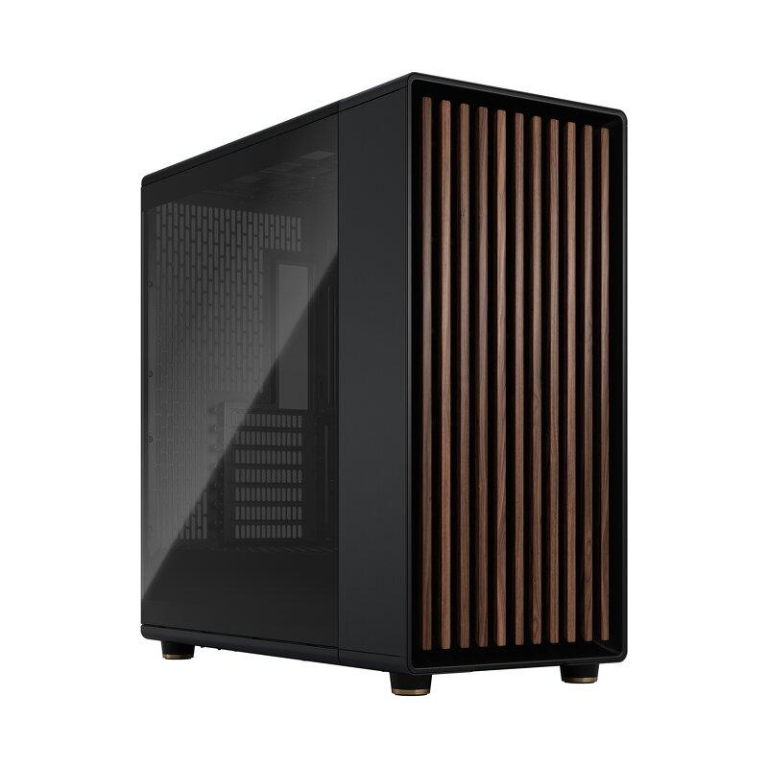
| Case | Fractal Design North XL Mesh |
| Operating system | Windows 11 Pro |
64GB of memory and 2TB of storage
The 64GB of DDR5-6000 is installed as two 32GB modules. That’s enough for large assemblies, point clouds, big Photoshop files and several heavy apps open at once. The other two memory slots are free, so 128GB is a simple upgrade later. Running four modules usually means a slightly lower memory speed, which is a fair trade when you need the capacity.
Storage is a 2TB Crucial E100 NVMe SSD for Windows, your applications and active projects. If you work with large datasets, scan data or video archives, we can add a second SSD or a high-capacity hard drive when you order.
What to expect from this engineering workstation
- CAD and BIM: responsive modelling and rebuilds, with smooth navigation in large assemblies and Revit models.
- Rendering: fast GPU renders, plus 32 CPU threads for CPU engines such as V-Ray CPU and Corona. As a rendering PC, it’s well balanced either way.
- Simulation: plenty of threads and memory for FEA and CFD studies of moderate size. Very large studies benefit from more memory or a Threadripper platform.
- Video: smooth 4K editing, with hardware encoding on the RTX 5080 for faster exports.
Software we see on this build
Customers buying an engineering workstation from us usually run a mix of:
- Mechanical and product design: SolidWorks, Inventor, Fusion, Creo and Rhino.
- Architecture and construction: Revit, AutoCAD, Civil 3D, ArchiCAD and SketchUp.
- Visualisation: Enscape, Twinmotion, Lumion, D5 Render, V-Ray and KeyShot.
- Analysis and code: MATLAB, ANSYS, Python and Visual Studio.
Send us your software list and any vendor requirements, and we’ll confirm this engineering PC suits them before you buy.
Engineering workstation or gaming PC?
On paper, a high-end gaming PC and an engineering workstation can share a lot of parts. The difference is in the priorities. We chose 64GB of memory instead of 32GB, Windows 11 Pro instead of Home, a case that suits an office, and settings aimed at stability over long jobs rather than benchmark scores. It will still play games very well, but it’s set up for work first.
Getting faster results from a rendering PC
- Use a GPU renderer where your workflow allows. The RTX 5080 is often much faster than CPU rendering.
- Turn on AI denoising in Blender, V-Ray or KeyShot to reach a clean image with fewer samples.
- Keep active scenes and textures on the NVMe SSD, not a hard drive.
- Queue big renders overnight. That’s exactly what our stress testing is designed for.
Cooling and noise
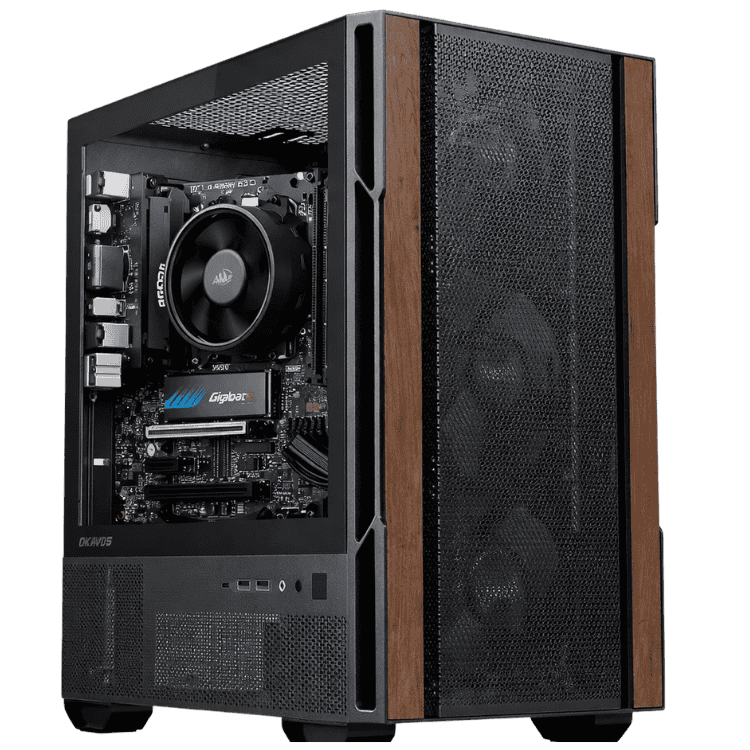
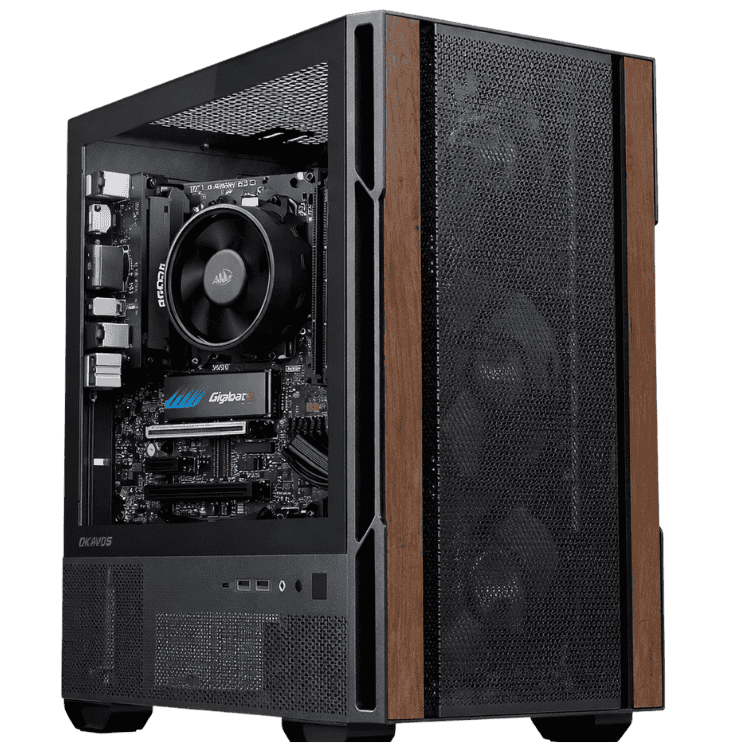
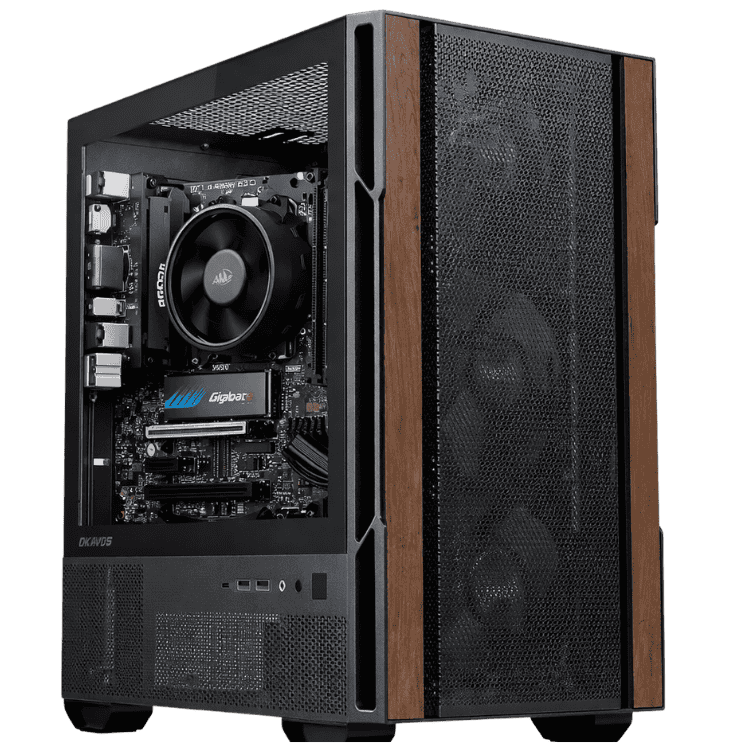
The i9-14900KF can draw a lot of power under all-core loads, so we cool it with ARCTIC’s Liquid Freezer III Pro 360. The North XL Mesh has mesh panels for airflow and plenty of space around the graphics card, and its walnut front looks at home in an office or studio. During long renders the fans are audible, as they are on any rendering PC. During everyday modelling it’s quiet.
Windows 11 Pro for business use
Windows 11 Pro is installed, not Home. That gives you BitLocker drive encryption, Remote Desktop hosting, Group Policy and the ability to join a company domain or Microsoft Entra ID. For business buyers it saves the cost and hassle of upgrading later.
Monitors and multi-screen setups
The RTX 5080 drives up to four displays. Many engineers run two 27-inch 1440p screens, one for the model and one for drawings, specs or email. If you do visualisation work, a colour-accurate 4K monitor is worth considering.
Why buy a prebuilt engineering PC?
Your time is better spent on projects than on troubleshooting hardware. Buying a prebuilt engineering PC from a local builder means it arrives configured, updated and tested. If something goes wrong, you deal with one team in Australia rather than several part manufacturers, and we can help with upgrades as your projects grow.
Upgrades and platform notes
- Memory: add two more 32GB modules for 128GB.
- Storage: add more NVMe SSDs or large hard drives.
- Graphics: the 850W Gold power supply suits the RTX 5080. A move to a flagship card later would need a larger power supply.
Intel’s LGA1700 platform has reached the end of its line, so the i9-14900KF is the fastest processor this motherboard will take. If a long processor upgrade path matters to you, ask us about AMD AM5 options.
When it arrives
- Remove any packing material from inside the case.
- Connect your monitors to the RTX 5080. The i9-14900KF has no integrated graphics, so the motherboard’s video ports won’t work.
- Sign in to Windows 11 Pro and run Windows Update.
- Install the NVIDIA Studio Driver through the NVIDIA app.
- Install your software and licences, then copy your projects across.
How it compares with our other workstations
- Vision High-Tier CAD Workstation: a 12-core Ryzen 9 9900X, RTX 5070 Ti and 64GB of DDR5 for a lower price.
- Vision Ultimate Workstation: the same i9 and RTX 5080 with 128GB of DDR5 and a 1000W power supply.
- Vision AI Powerhouse: a 24-core Threadripper 9960X with ECC memory for the heaviest workloads.
Browse all of our high end workstations.
Built and tested in Sydney
- assembled by our team with tidy cable management
- BIOS updated and the memory profile enabled
- stress tested for stability and temperatures
- packed carefully and shipped Australia-wide
Engineering workstation FAQs
Will it run SolidWorks, Inventor and Revit?
Yes. All three run well on this engineering workstation. If you need vendor-certified graphics, ask us about a professional card.
Is it a good rendering PC?
Yes. The RTX 5080 handles GPU renderers and the i9’s 32 threads handle CPU renderers.
Can I get 128GB of memory?
Yes. We can fit it before shipping, or you can add two more modules later.
Is liquid cooling a maintenance worry?
No. All-in-one liquid coolers like the ARCTIC Liquid Freezer III Pro are sealed and don’t need refilling. If you’d prefer air cooling, ask us about alternatives.
Can you build several matching workstations for our office?
Yes. Tell us how many you need and your software, and we’ll quote identical systems.
Does it come with Windows?
Yes, Windows 11 Pro is installed.
Is it a good engineering PC for university?
Yes, especially for postgraduate research or heavy coursework in simulation and design. Undergraduates may find a lower-tier workstation is plenty.
Do you deliver Australia-wide?
Yes, to every state and territory, including regional areas.