
The RTX 5060 is where most people start when they’re shopping for an affordable gaming PC, and it’s a good place to start. It’s fast enough for smooth 1080p gaming in almost everything, it sips power, and it brings NVIDIA’s DLSS 4 to a budget card. It isn’t the only option, though. The cheaper RTX 5050, the step-up RTX 5060 Ti and AMD’s RX 9060 XT all compete for the same buyers, and the right choice depends on a few details that are easy to miss.
This guide compares all four, explains the 8GB vs 16GB question that matters more than any other at this price, and helps you pick the best budget GPU for how you play.
Quick answer
The RTX 5060 is a strong 1080p card with 8GB of memory. The RTX 5050 is the cheapest way into the RTX 50 series, best for esports and lighter games. The RTX 5060 Ti adds speed and an optional 16GB model. The RX 9060 XT 16GB is the best budget GPU for longevity, thanks to its extra memory. If you keep cards for years, choose a 16GB model.
In this guide
The budget graphics cards at a glance
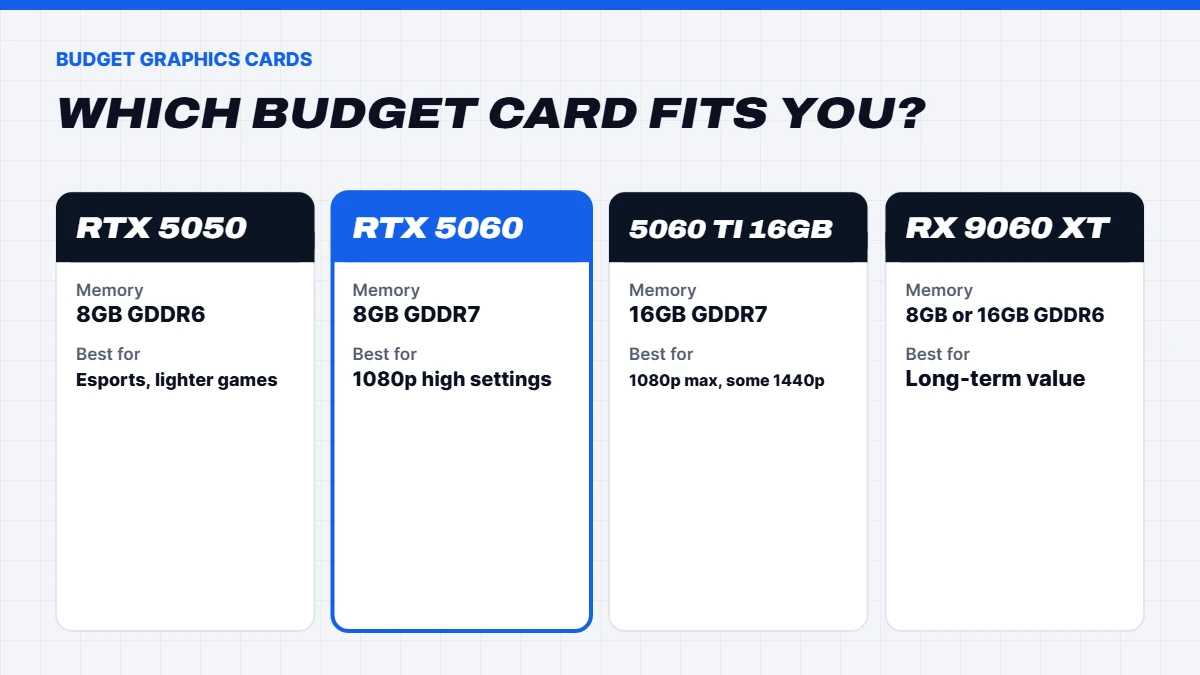
Here’s how the four cards line up on paper:
| Spec | 5050 | RTX 5060 | 5060 Ti | 9060 XT |
|---|---|---|---|---|
| Cores | 2,560 CUDA | 3,840 CUDA | 4,608 CUDA | 32 compute units |
| Memory | 8GB GDDR6 | 8GB GDDR7 | 8GB or 16GB GDDR7 | 8GB or 16GB GDDR6 |
| Memory interface | 128-bit | 128-bit | 128-bit | 128-bit |
| Power | About 130W | About 145W | About 180W | About 150 to 160W |
| US launch price | US$249 | US$299 | US$379 (8GB), US$429 (16GB) | US$299 (8GB), US$349 (16GB) |
| Best for | Esports, lighter games | 1080p high settings | 1080p max, light 1440p | 1080p and 1440p, long-term |
NVIDIA’s GeForce RTX 50 Series page lists the full specifications for its cards. All four support modern upscaling: DLSS 4 on the GeForce cards and FSR 4 on the Radeon.
RTX 5060: the 1080p all-rounder
The RTX 5060 launched on 19 May 2025 and replaced the RTX 4060. It uses 3,840 CUDA cores and 8GB of fast GDDR7 memory, and it draws only about 145 watts, which means it runs cool and quiet and works with a modest power supply.
In practice, it’s a very good 1080p card. Expect high settings in nearly all current games, very high frame rates in esports titles, and DLSS 4 Multi Frame Generation to push smoothness higher in single-player games. It can run some games at 1440p, especially with DLSS, but it’s happiest at 1080p.
Its main limitation is the 8GB of memory, which we’ll come back to below. For most 1080p gamers who play popular titles and upgrade every few years, it’s a sensible choice.
RTX 5050: the cheapest way in
The 5050 arrived in mid 2025 as the entry point to the RTX 50 series. It has 2,560 CUDA cores and 8GB of GDDR6, and it’s noticeably slower than the RTX 5060, roughly in the territory of the older RTX 3060 in many games.
That still makes it a capable card for the games most first-time PC gamers play. Fortnite, Minecraft, Roblox, Valorant, League of Legends, Rocket League and EA Sports FC all run well at 1080p. It also supports DLSS 4, which helps in heavier games. Where it struggles is with the newest big releases at high settings.
The 5050 makes sense for younger gamers, esports players on a tight budget, and anyone building a family PC that games on the side.
RTX 5060 Ti: more speed, and a 16GB option
The 5060 Ti launched in April 2025 with 4,608 CUDA cores and a choice of 8GB or 16GB of GDDR7. It’s a clear step up from the RTX 5060, comfortable at 1080p with everything turned up and usable at 1440p in many games.
The 16GB version is the one we’d pick. It costs a little more, but the extra memory removes the biggest weakness of budget cards and makes it far more future-proof. The 5060 vs 5060 Ti question really comes down to this: if you’re happy at 1080p and upgrade regularly, the RTX 5060 is fine. If you want headroom for 1440p or plan to keep the card for years, the 16GB 5060 Ti is worth the extra.
RX 9060 XT: AMD’s value pick
AMD’s 9060 XT launched in June 2025, built on the same RDNA 4 architecture as the RX 9070 series. It has 32 compute units and comes in 8GB and 16GB versions. In traditional games, the 16GB model performs around the level of the RTX 5060 and 5060 Ti, depending on the game, and often costs less than NVIDIA’s 16GB option.
It supports AMD’s FSR 4 upscaling, which is a big improvement on earlier versions, and RDNA 4’s improved ray tracing. NVIDIA still has the edge in heavy ray tracing and in how many games support its upscaling, but for traditional gaming the 9060 XT 16GB is outstanding value.
Is 8GB enough in 2026?
This is the most important question at the budget end, so here’s a straight answer.
For esports and popular online games, 8GB is plenty. Fortnite, Valorant, Counter-Strike 2, Apex Legends, Minecraft and Roblox run well on 8GB cards.
For new big-budget games at 1080p, 8GB is workable with care. A growing number of recent releases use more than 8GB at high or ultra texture settings, which can cause stutter. Dropping textures to medium or high usually fixes it, and DLSS or FSR helps too.
At 1440p, 8GB runs short more often. That’s why we steer 1440p buyers towards 12GB and 16GB cards.
For the long term, 16GB is much safer. If you plan to keep your card for four or five years, a 16GB 5060 Ti or 9060 XT is the better buy, even if it costs a little more today.
5060 vs 5060 Ti: which is better value?
The 5060 vs 5060 Ti decision depends on which 5060 Ti you mean. The 8GB 5060 Ti is a modest step up in speed for a modest extra cost, but it shares the RTX 5060’s 8GB limit. The 16GB version adds both speed and long-term headroom.
Our view: if you’re choosing between the RTX 5060 and the 8GB 5060 Ti, the 5060 is usually the better value. If you can stretch to the 16GB 5060 Ti, that’s the one to get. And if you mainly play traditional games, the 9060 XT 16GB is worth comparing with both.
What’s the best budget GPU for you?
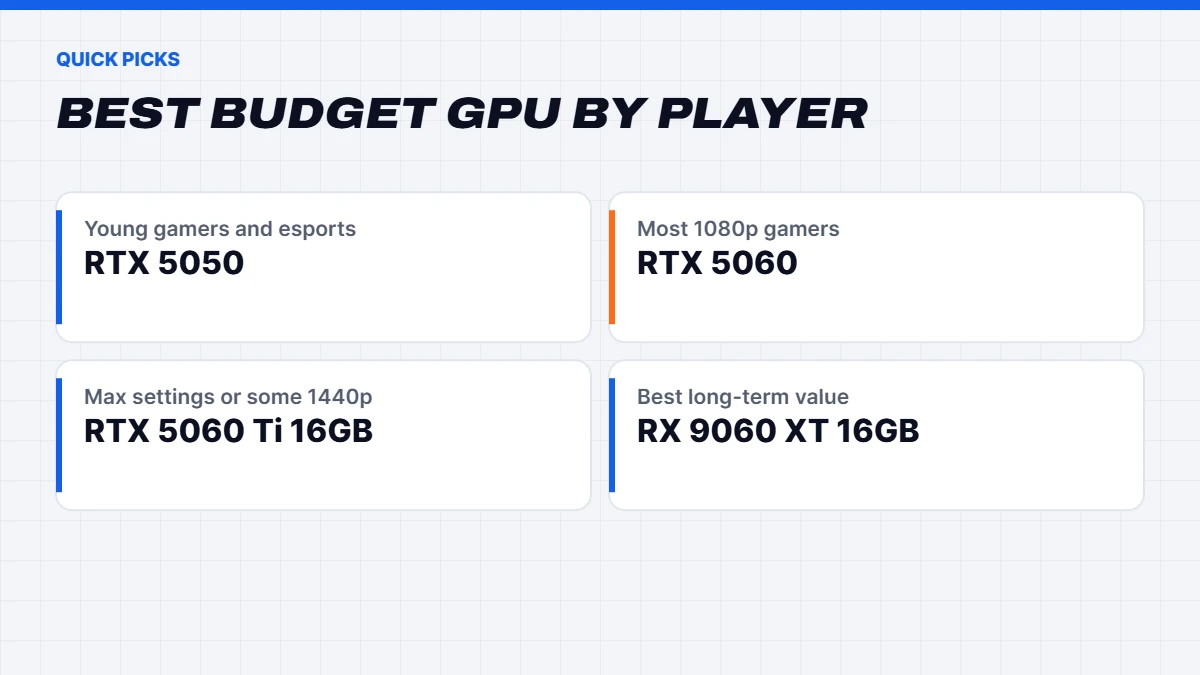
Here’s how we’d choose the best budget GPU for different players:
- Young gamers and esports on a tight budget: 5050. It handles the most popular games at 1080p for the lowest cost.
- Most 1080p gamers: RTX 5060. Strong performance, low power and DLSS 4.
- 1080p with everything maxed, or some 1440p: 5060 Ti 16GB.
- Best long-term value for traditional games: 9060 XT 16GB.
- Ray tracing on a budget: RTX 5060 or 5060 Ti, thanks to NVIDIA’s stronger ray tracing and DLSS.
If your budget can stretch a little further and you have a 1440p monitor, our RTX 5070 guide covers the next tier up.
What games can a budget card run?
Budget cards in 2026 are far more capable than the name suggests. Here’s a rough guide to what to expect at 1080p:
- Esports and online games: Fortnite, Valorant, Counter-Strike 2, League of Legends, Rocket League, Overwatch 2 and Apex Legends run smoothly on every card in this guide, with high frame rates for a 144Hz or 180Hz monitor.
- Family favourites: Minecraft, Roblox, The Sims 4 and EA Sports FC run beautifully, even on the cheapest option.
- Big single-player releases: New action and open-world games run at medium to high settings on the cheaper cards and high settings on the faster ones, with upscaling doing much of the heavy lifting.
- Simulators: Flight and racing sims run well at 1080p, though they lean heavily on the processor too.
What these cards won’t do is run the newest blockbusters at 4K or max out every setting with path tracing. That’s what the higher tiers are for.
Ray tracing and upscaling on a budget
Ray tracing is demanding, and on budget cards it usually means leaning on upscaling. NVIDIA’s DLSS 4 is the strongest tool here, with wide game support and Multi Frame Generation on every RTX 50 card, including the cheapest. AMD’s FSR 4 has made a huge leap in quality on RDNA 4 cards and works very well where it’s supported, though it’s in fewer games for now.
Our honest advice: on budget cards, treat ray tracing as a bonus rather than a reason to buy. Turn on light effects like ray-traced shadows or reflections where they look good, and use upscaling to keep frame rates smooth. If ray tracing is a priority, it’s worth stepping up to a mid-range card.
Power supplies and small cases
One of the best things about this class of card is efficiency. Most draw between about 130 and 180 watts, so a quality 550 to 650-watt power supply is plenty for a full system. That also means less heat and less fan noise, which makes them a great fit for small cases, bedrooms and shared spaces.
Many partner models are short dual-fan designs that fit almost any case. If you’re upgrading an older office PC or a compact case, check the card’s length, the number of power connectors it needs and whether your power supply has them. A cheap no-name power supply is the one part we’d always replace when adding a gaming card.
Should you buy a used card instead?
It’s a fair question at this price. Older cards like the RTX 3060 12GB or RX 6700 XT can be tempting second-hand, especially for their memory. They can be good buys, but there are trade-offs. You usually lose the warranty, you can’t be sure how the card was used, and you miss newer features like DLSS 4 Multi Frame Generation or FSR 4. Power draw is also often higher.
If you’re comfortable testing a used card and the price is genuinely much lower, it can work. For most people, especially first-time builders and parents buying for kids, a new card with a full warranty is the safer choice, and a complete budget PC removes the guesswork entirely.
Laptop versions are different
If you’re shopping for a gaming laptop, be aware that laptop graphics chips share names with desktop cards but perform differently. A laptop “5060” is a smaller, lower-power design than the desktop card, and performance varies a lot between laptop models depending on how much power the manufacturer allows. It’s still a good laptop chip, just don’t compare it directly with a desktop. Our gaming laptops list the exact graphics chip in each model.
Which monitor suits a budget card?
The perfect match is a 24-inch 1080p monitor at 144Hz to 180Hz. These screens are affordable, look sharp at that size and let the cards stretch their legs in esports games. Look for FreeSync or G-Sync Compatible support to keep motion smooth. A 1440p monitor can work with the faster 16GB cards, but you’ll rely more on upscaling. Our guide to Black Friday monitor deals explains how to choose.
Price in Australia
These cards launched between US$249 and US$429, which put them in the most affordable bracket of the current generation. In Australia, the 5050 and RTX 5060 have generally been the cheapest RTX 50 cards, with the 9060 XT 16GB often undercutting NVIDIA’s 16GB option.
The global memory shortage has pushed graphics card prices up through 2026, including at the budget end, and the 16GB models have felt it most. Compare prices on the day and look for local warranties. For many buyers, a complete budget gaming PC is the simplest way to buy, because the card, processor and power supply are priced together.
Building a budget gaming PC
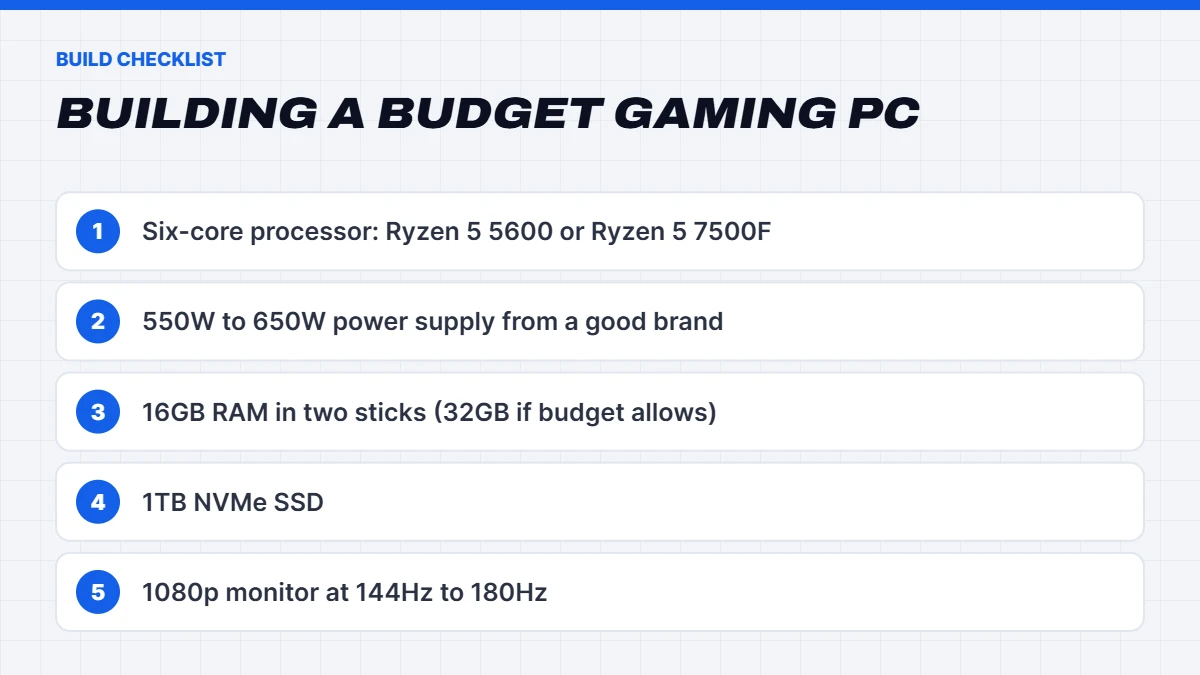
- A six-core processor. A Ryzen 5 5600 or Ryzen 5 7500F is a great match for these cards. Spending more on the processor rarely helps at this level.
- A 550 to 650-watt power supply from a reputable brand. These cards are efficient, but quality still matters.
- 16GB of RAM in two sticks, with 32GB if your budget allows.
- A 1TB NVMe SSD, because modern games are large.
- A 1080p monitor at 144Hz to 180Hz. It’s the best match for this class of card.
Our budget gaming PCs
Our budget gaming PCs use all of these cards. A few examples:
- The Vision Budget RTX 5060 PC, a 5060 PC with a Ryzen 5 7500F, 16GB of DDR5 and a 1TB SSD.
- The Vision Ryzen 7 RTX 5060, a Ryzen 7 gaming PC for a little more processor power.
- The Vision Starter Gamer, a beginner gaming PC with an 5050.
- The Budget Gaming PC Under $2000, a cheap gaming desktop with an 9060 XT 16GB and a Ryzen 5 7500F.
- The Vision Frost, a cheap gaming computer in white, and the Vision Blush Blaze, a pink budget gaming PC.
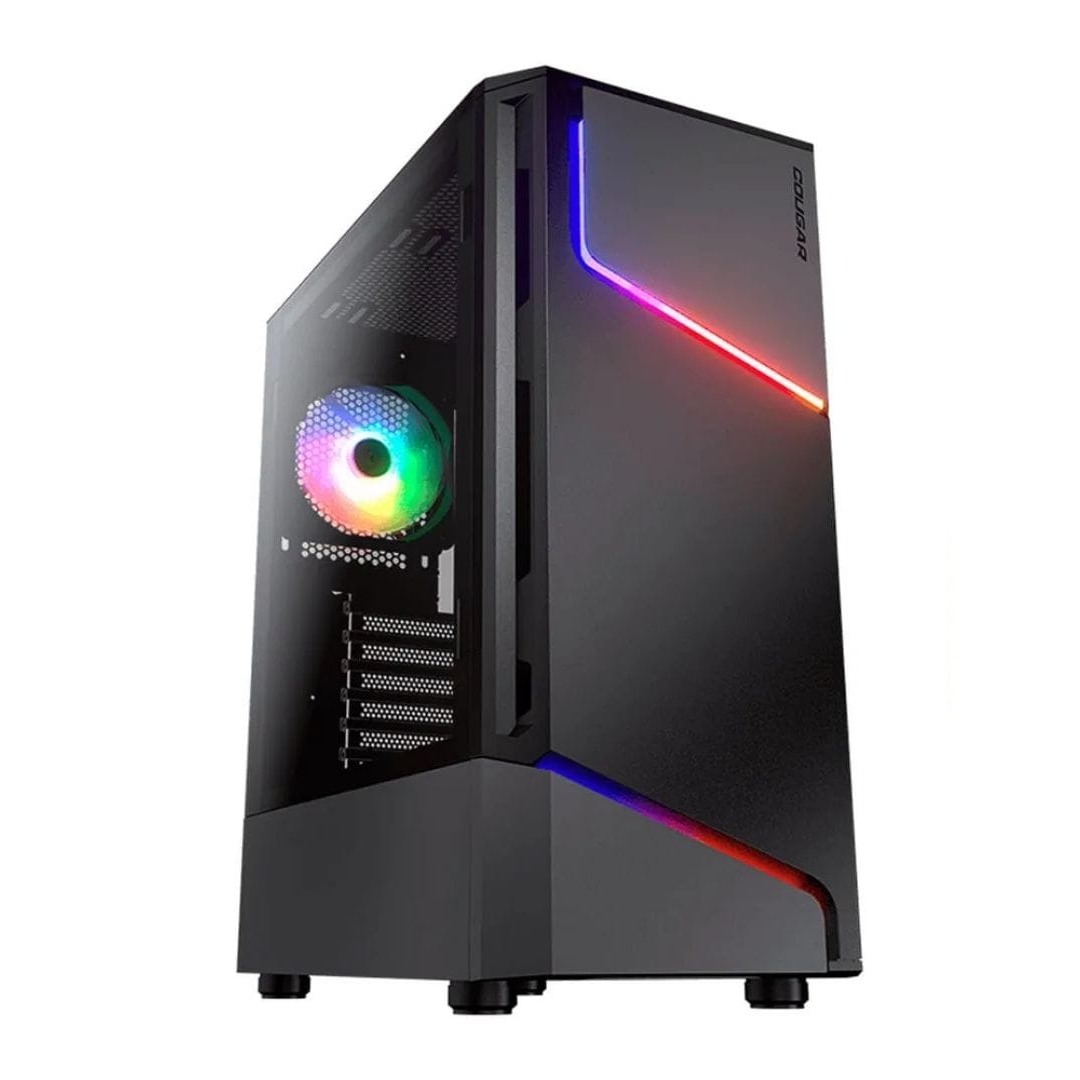
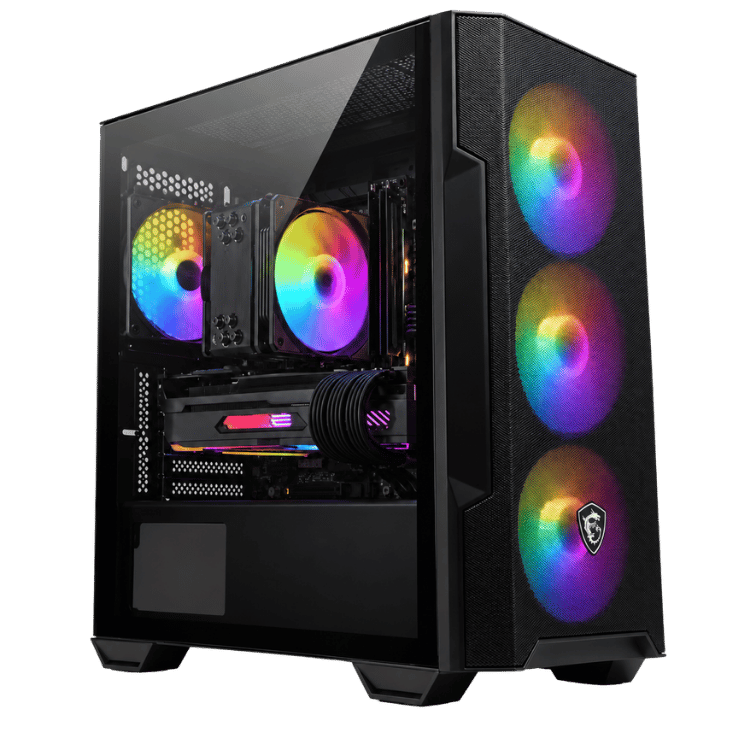
 Vision Budget RTX 5060 PC – Ryzen 5 7500F, 16GB, 1TB Original price was: $1,950.00.$1,462.00Current price is: $1,462.00.See the build
 Vision Starter Gamer – Beginner Gaming PC, RTX 5050 Original price was: $1,999.00.$1,499.00Current price is: $1,499.00.See the build
 Budget Gaming PC Under $2000 – RX 9060 XT 16GB, Ryzen 5 7500F Original price was: $2,599.00.$1,949.00Current price is: $1,949.00.See the build
Upgrading from an older card
From a GTX 1060, GTX 1650 or RX 580, any of these cards is a dramatic upgrade, with far higher frame rates and modern features like DLSS 4 or FSR 4. From an RTX 2060 or RTX 3050, the RTX 5060 is a solid step. From an RTX 3060 12GB or RTX 4060, the gain is smaller, and we’d look at the 5060 Ti 16GB or 9060 XT 16GB rather than the 5060.
Most of these cards are happy with a quality 550 to 650-watt power supply, so many older PCs can take one. If your processor is older than about five years, though, it may hold the new card back, and a complete budget gaming PC often makes more sense.
Budget graphics card FAQs
Is the RTX 5060 good for gaming?
Yes. It’s a strong 1080p card for high settings in most games, with DLSS 4 for extra performance.
Is the RTX 5050 worth buying?
For esports, Minecraft, Roblox and lighter games at 1080p, yes. For new big-budget games at high settings, the RTX 5060 is a better choice.
Is the RX 9060 XT better than the RTX 5060?
The 9060 XT 16GB has double the memory and similar or better traditional performance, so it’s the better long-term buy. The RTX 5060 has better ray tracing and wider DLSS support.
Is 8GB of VRAM enough?
For esports and most games at 1080p, yes. For the newest games at high textures, 1440p, or keeping a card for many years, 16GB is safer.
What’s the best budget GPU for 1440p?
The 5060 Ti 16GB or 9060 XT 16GB. For 1440p at high settings, step up to the RTX 5070 or RX 9070.