
AMD vs Intel is one of the oldest arguments in PC building, and in 2026 the answer is clearer than it’s been for a while, at least for gaming. AMD’s X3D processors hold the gaming crown, while Intel’s chips offer strong value for productivity and some tempting prices. Which one is right for you depends on whether you mostly play, mostly work, or do a bit of both.
This guide compares the two across gaming, everyday performance, creative work, power, platforms and upgrade paths, then gives you our straightforward picks. We build PCs on both platforms, so we’ve tried to keep it even-handed.
Quick answer
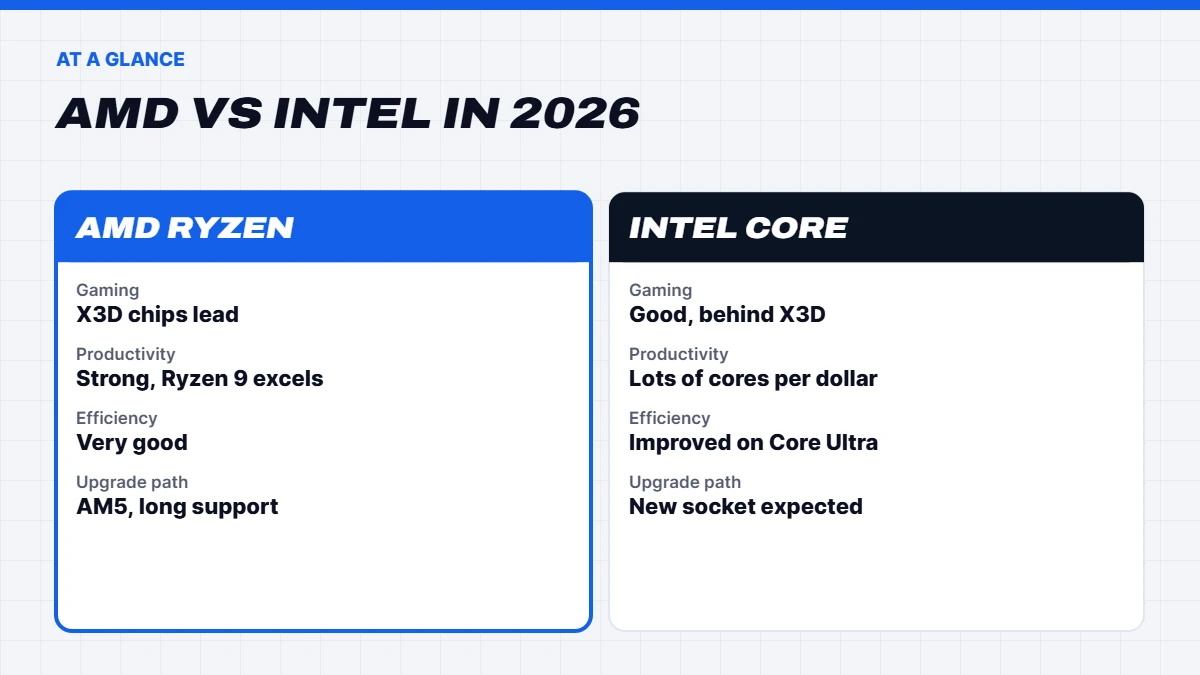
For gaming, AMD’s Ryzen X3D chips, like the Ryzen 7 9800X3D and 7800X3D, are the best gaming CPUs you can buy. For productivity on a budget, Intel’s Core Ultra and 14th-gen Core chips offer lots of cores for the money. For mixed gaming and heavy work, a 16-core Ryzen 9 X3D does both. AMD’s AM5 platform also has the clearer upgrade path right now.
In this guide
The current line-ups
Before comparing, it helps to know what each company is selling in 2026.
AMD sells its Ryzen 9000 series, built on the Zen 5 architecture for the AM5 socket. The range runs from six-core Ryzen 5 chips to sixteen-core Ryzen 9 models, plus the X3D gaming chips with extra stacked cache: the Ryzen 7 9800X3D, the slightly faster 9850X3D released in January 2026, and the Ryzen 9 9900X3D and 9950X3D. The previous-generation Ryzen 7000 series, including the much-loved Ryzen 7 7800X3D, is still widely available and great value.
Intel sells its Core Ultra 200S series, codenamed Arrow Lake, for the LGA 1851 socket, which launched in late 2024 and gained a refresh in 2026 with the Core Ultra 200S Plus models. Intel’s older 14th-gen Core chips on the LGA 1700 socket, like the Core i5-14600KF and Core i7-14700, are also still sold and often well priced. Intel’s next generation, codenamed Nova Lake, is expected around the end of 2026 or into 2027 on a new socket.
Intel vs AMD for gaming
For gaming, the Intel vs AMD question has had a consistent answer this generation: AMD’s X3D chips are faster. Their large 96MB L3 cache lets them prepare frames more quickly and more consistently, which shows up as higher frame rates and fewer stutters, especially in processor-heavy games like simulators, strategy titles and busy multiplayer shooters. Our guide to what CPU cache is explains why.
That doesn’t mean Intel chips are poor for gaming. A Core Ultra 7 or Core i5-14600KF paired with a good graphics card plays every game well, and at 1440p and 4K the graphics card is often the limit anyway. But if you’re chasing the highest frame rates on a 240Hz monitor, or you play lots of simulation and strategy games, the best gaming CPU for you is almost certainly an AMD X3D chip.
The best CPU for gaming in 2026
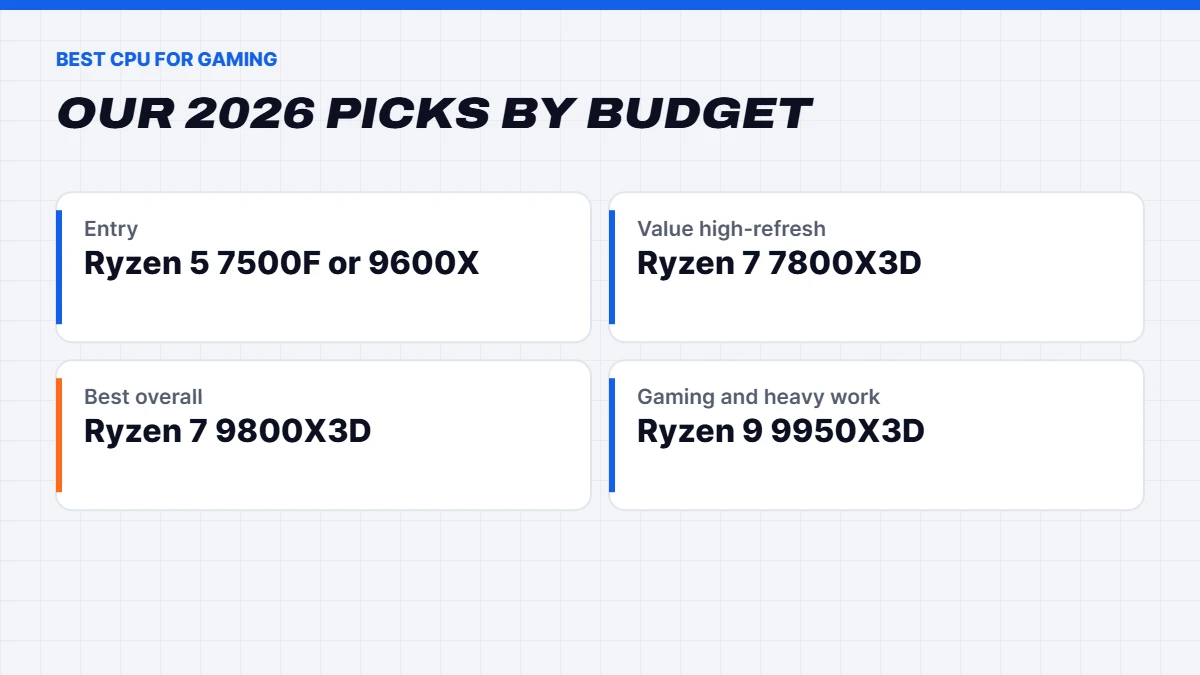
Here’s our shortlist for the best CPU for gaming at different budgets, based on the published specifications from AMD and Intel and the broad picture from independent reviews:
| Budget | Our pick | Why |
|---|---|---|
| Entry | Ryzen 5 7500F or Ryzen 5 9600X | Six fast cores, plenty for 1080p and 1440p |
| Value high-refresh | Ryzen 7 7800X3D | Superb gaming performance at a lower price |
| Best overall | Ryzen 7 9800X3D | Top-tier gaming and much better all-round speed |
| Gaming and heavy work | Ryzen 9 9950X3D | X3D gaming speed plus sixteen cores |
| Intel alternative | Core Ultra 7 265K or 270K Plus | Strong all-rounder with lots of cores |
If you want a deeper comparison of AMD’s gaming chips, our 9800X3D guide covers the X3D range in detail.
Productivity and creative work
For work, the picture is more balanced. Intel’s chips use a mix of performance cores and efficiency cores, which gives them a lot of threads for the money. A Core Ultra 7 265K or 270K Plus has twenty or twenty-four cores, and it’s very quick at video exports, code compiling and multitasking. Intel also tends to do well in apps that use its built-in Quick Sync video engine, which some video editors rely on.
AMD’s Ryzen 9 9900X and 9950X, with twelve and sixteen full-size cores, are excellent for 3D rendering, video work and heavy multi-threaded tasks, and the 9950X3D adds X3D gaming speed on top. For creative work alone, both brands have strong options, and the right one often comes down to price and the specific apps you use.
Power and heat
AMD’s current chips are generally more efficient under gaming loads, and the X3D models in particular draw surprisingly little power while gaming. That means less heat, quieter cooling and lower power bills over time.
Intel’s 14th-gen chips can draw a lot of power under heavy loads, so they need strong cooling. The Core Ultra 200S series improved efficiency considerably over 14th gen. Both brands’ high-end chips benefit from a quality 240mm or 360mm liquid cooler or a large tower air cooler.
It’s also worth knowing about the stability issue that affected some Intel 13th and 14th-gen chips in 2024. Intel addressed it with BIOS updates and extended warranties. If you buy a system with one of those chips, make sure the BIOS is up to date, which every reputable builder does as standard.
Platforms and upgrade paths
This is where AMD has a real advantage right now. AMD has committed to supporting its AM5 socket for years, so a motherboard you buy today is likely to take future Ryzen processors with a simple BIOS update and a chip swap. That makes a mid-range AM5 build a good long-term investment.
Intel’s LGA 1700 socket, for 14th-gen chips, has reached the end of its road, so there’s no newer processor to upgrade to. LGA 1851, for Core Ultra 200S, has its refresh models but Nova Lake is expected to move to a new socket. So if upgrading the processor later matters to you, AMD is the safer platform today.
Both platforms use DDR5 memory for current chips, which has become more expensive in 2026 because of the global memory shortage. Some 14th-gen boards also support DDR4, which can save money if you already own some.
Ryzen vs Intel: integrated graphics
Most Ryzen 9000 and 7000 desktop chips include basic Radeon graphics, enough for a desktop and video but not for serious gaming. AMD’s F models, like the Ryzen 5 7500F, drop the graphics to save money and need a separate card. Most Intel chips include graphics too, except the F and KF models. For a gaming PC with a dedicated graphics card, it doesn’t matter much. It’s handy as a backup if your graphics card ever fails.
AMD vs Intel: how we got here
For much of the 2010s, Intel dominated desktop processors, and AMD was the budget alternative. That changed in 2017, when AMD launched its first Ryzen chips. They offered more cores for the money and steadily improved with each generation. In 2022, AMD’s Ryzen 7 5800X3D introduced stacked 3D V-Cache, and it quickly became one of the best gaming CPUs available despite being an older design. Every X3D chip since has kept AMD at the top of the gaming charts.
Intel has spent the last few years rebuilding. Its 12th to 14th-gen Core chips introduced a mix of performance and efficiency cores, which made them strong at multitasking. The Core Ultra 200S series brought a new design focused on efficiency, and Intel’s next generation is set to be a major overhaul. The AMD vs Intel rivalry is good news for buyers either way, because competition keeps prices sharp.
Common myths about Ryzen vs Intel
A few old ideas still come up in the Ryzen vs Intel debate. Here’s where they stand today:
- “Intel is more stable.” Both platforms are stable with current BIOS versions. Intel’s 13th and 14th-gen stability issue in 2024 is fixed with updates, and AMD’s early AM5 teething problems are long gone.
- “AMD runs hot.” AMD’s chips can report higher temperatures because of how they’re designed, but they’re built to run that way. In gaming, the X3D chips actually draw less power than most rivals.
- “More cores means better gaming.” Not past about eight fast cores. Games care more about cache and per-core speed than core count.
- “You need the best CPU for 4K gaming.” At 4K the graphics card does most of the work, so a mid-range processor is usually fine.
Intel vs AMD for streaming
If you stream while gaming, the processor matters a little more. The best approach for most people is to let the graphics card’s built-in encoder handle the stream, which takes almost no load off the processor and leaves your frame rates intact. If you prefer software encoding, more cores help, and that’s where Intel’s high thread counts or AMD’s Ryzen 9 chips earn their keep. In the Intel vs AMD streaming debate, there’s no clear loser as long as you match the chip to how you stream.
AMD vs Intel prices in Australia
Pricing moves around a lot, but some patterns hold. AMD’s X3D chips usually carry a premium over standard Ryzen chips, because they’re the best gaming CPU options and demand stays high. Intel’s 14th-gen chips have often been discounted heavily as they near the end of their life, which makes models like the Core i5-14600KF strong value for budget builds. Core Ultra prices have also come down since launch.
Remember to price the whole platform, not just the processor. A cheaper chip on a more expensive motherboard, or one that needs a bigger cooler, can cost more overall. With memory prices high in 2026, the cost of DDR5 matters too, so a complete PC priced as a whole can be the simplest way to compare.
AMD vs Intel in laptops
Laptops are a different story, because the chips are different designs. Intel’s Core Ultra laptop processors are common in thin-and-light and business laptops, with good battery life and strong video features. AMD’s Ryzen laptop chips are excellent too, with strong integrated graphics in many models. In gaming laptops, the graphics card matters far more than the processor brand. Our laptops include both, and we list the exact processor in every model.
Which should you buy?
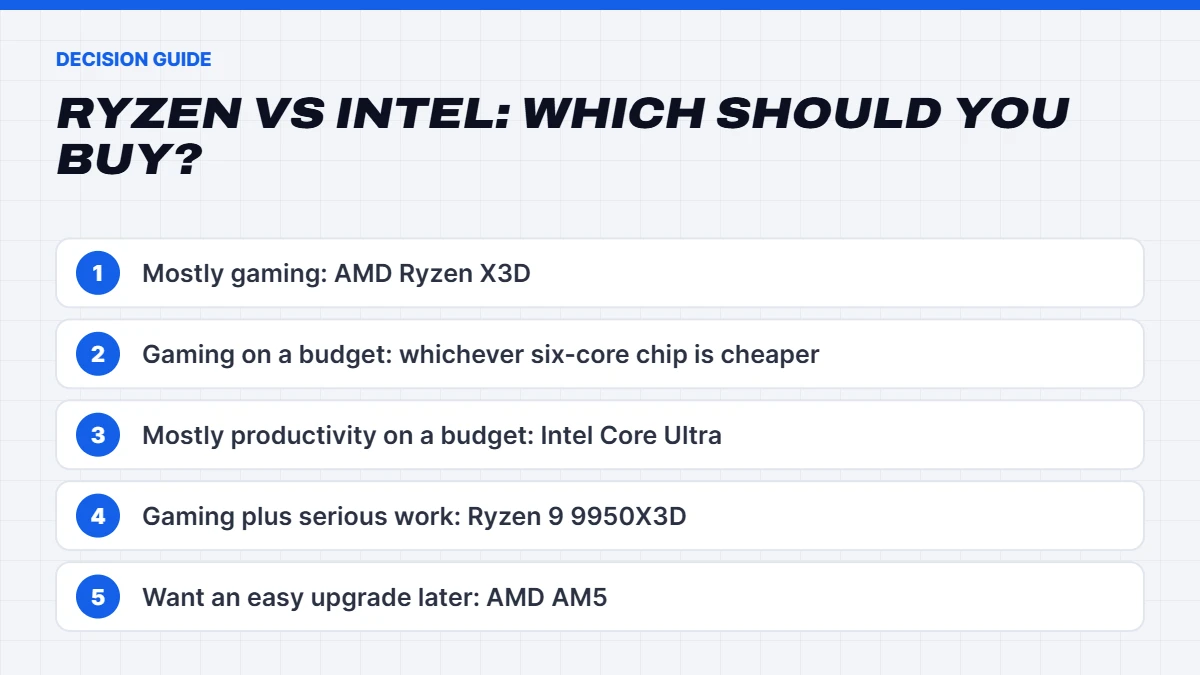
Here’s the Ryzen vs Intel decision in plain terms:
- Mostly gaming: AMD Ryzen X3D. It’s the best gaming CPU line-up available.
- Gaming on a budget: Ryzen 5 7500F or 9600X, or an Intel Core i5-14600KF if it’s cheaper on the day.
- Mostly productivity on a budget: Intel Core Ultra 5 or Core Ultra 7, which offer lots of cores for the money.
- Gaming and serious creative work: Ryzen 9 9950X3D, or a Ryzen 9 9900X or Core Ultra 9 if gaming is less important.
- Long-term upgrade path: AMD AM5.
Motherboards and memory
The processor decides which motherboard you need, so it’s worth knowing the basics. For AMD, B650 and B850 boards suit most builds, while X870 boards add extra connectivity and stronger power delivery for top-end chips. For Intel Core Ultra, Z890 boards unlock overclocking and B860 boards are the value option. For 14th gen, Z790 and B760 boards are common.
On memory, AMD’s sweet spot is DDR5-6000, and X3D chips are relatively relaxed about memory speed thanks to their huge cache. Intel’s Core Ultra chips can make use of faster memory, and the 200S Plus refresh supports even quicker kits. In both cases, two sticks in dual channel are essential, and 32GB is the sensible amount for a gaming PC in 2026.
Our verdict
If you mainly play games, AMD is the easy recommendation this year. The X3D chips are the best gaming CPU options at almost every budget above entry level, they run efficiently, and the AM5 platform has a clear upgrade path.
If you mainly work, or you’re on a tight budget and find a well-priced Intel chip, Intel is a strong choice with plenty of cores. And if you do both seriously, the Ryzen 9 9950X3D is the rare chip that doesn’t make you choose. Whichever you pick, spend wisely on the graphics card and memory, because they matter just as much to how your PC feels.
Our Ryzen and Intel PCs
We build on both platforms, so you can choose either. Our Ryzen gaming PCs cover everything from Ryzen 5 builds to X3D flagships, and our Intel desktop range covers work and creative machines.
- The Vision Phantom X3D, a 9070 XT prebuilt with the Ryzen 7 9800X3D.
- The Vision Vector, a 7800X3D PC with an RTX 5070.
- The Vision Black 1440p, an Intel i7 gaming PC with an RTX 5070 Ti.
- The Vision Vortex 5070 Ti, an Intel gaming PC with a Core Ultra 7 265KF.
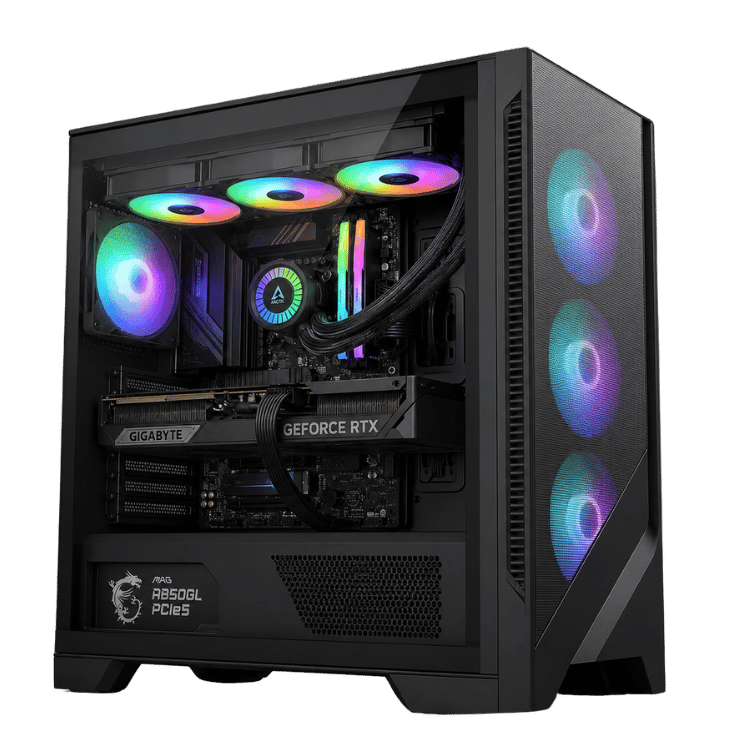
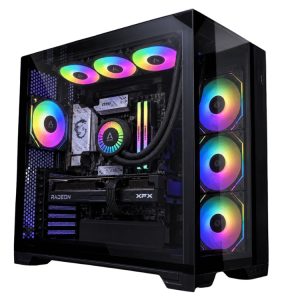 Vision Phantom X3D – 9070 XT Prebuilt, Ryzen 7 9800X3D Original price was: $4,499.00.$3,374.00Current price is: $3,374.00.See the build
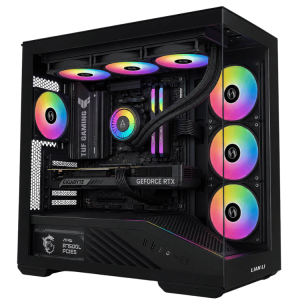 Vision Vector – 7800X3D PC with RTX 5070, 32GB DDR5 Original price was: $4,399.00.$3,299.00Current price is: $3,299.00.See the build
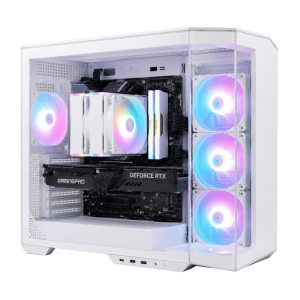 Vision Vortex 5070 Ti – Intel Gaming PC, Core Ultra 7 265KF Original price was: $4,450.00.$3,337.00Current price is: $3,337.00.See the build
AMD vs Intel FAQs
Is AMD or Intel better for gaming in 2026?
AMD, thanks to its X3D chips. The Ryzen 7 9800X3D and 7800X3D are the best gaming CPUs for most people.
What is the best gaming CPU right now?
The Ryzen 7 9800X3D is the best gaming CPU for most people. The 9850X3D is slightly faster but costs more, and the 7800X3D is the best value.
Is Intel better for productivity?
Intel offers lots of cores for the money, which makes its Core Ultra chips strong for multitasking and video exports. AMD’s Ryzen 9 chips are excellent for rendering and heavy work too.
Which platform is better for upgrades?
AMD’s AM5, which AMD plans to support with future processors. Intel’s next generation is expected to need a new socket.
Is Ryzen vs Intel different for a budget gaming PC?
At the budget end, both work well. A Ryzen 5 7500F or an Intel Core i5-14600KF paired with a good graphics card makes a great 1080p or 1440p gaming PC. Choose whichever is cheaper on the day, and spend the savings on the graphics card.
Will Intel’s next generation change the AMD vs Intel picture?
Possibly. Intel’s Nova Lake is expected to be a big redesign, and AMD’s next generation will follow too. For now, AMD’s X3D chips remain the gaming leaders.
Do I need a liquid cooler?
Not always. A large tower air cooler handles most chips well in games. High-end chips under heavy work benefit from a 240mm or 360mm liquid cooler.