Description
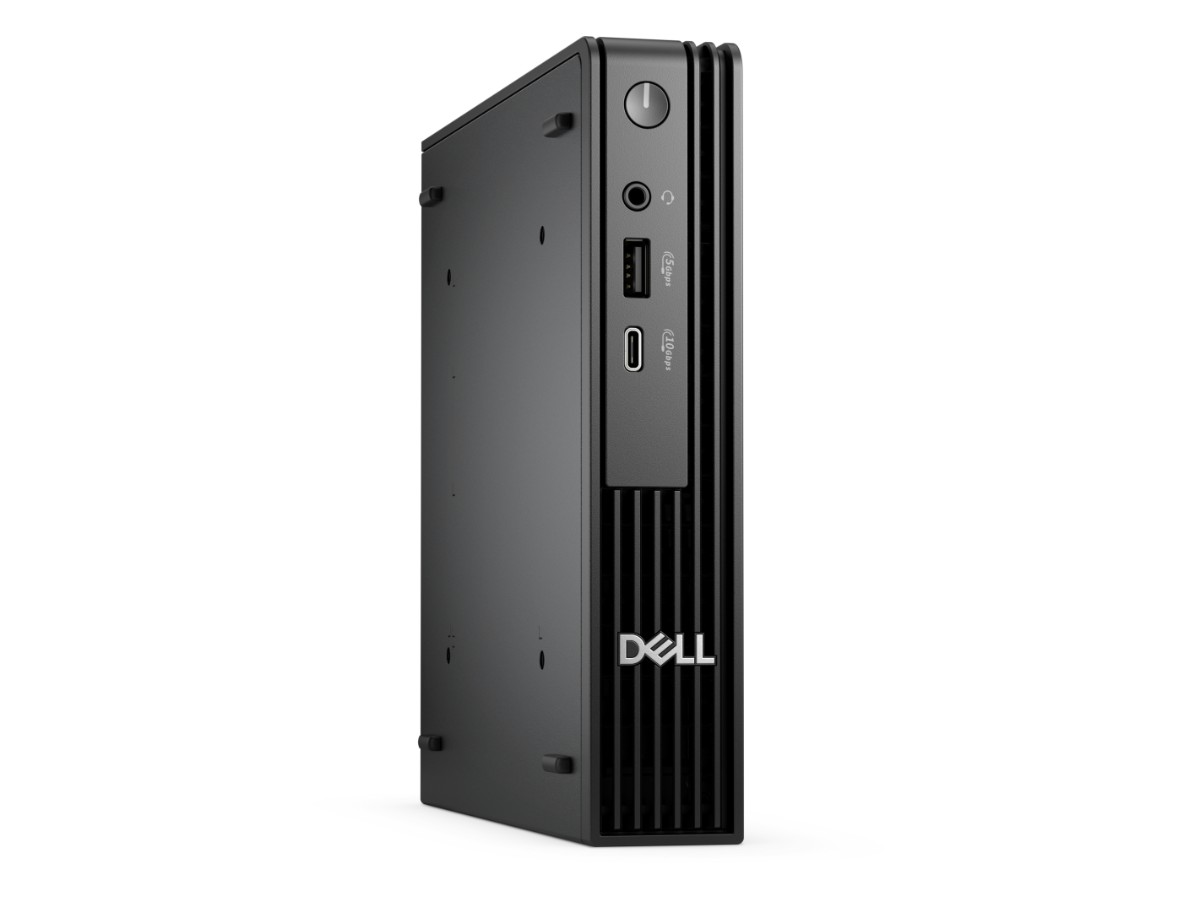
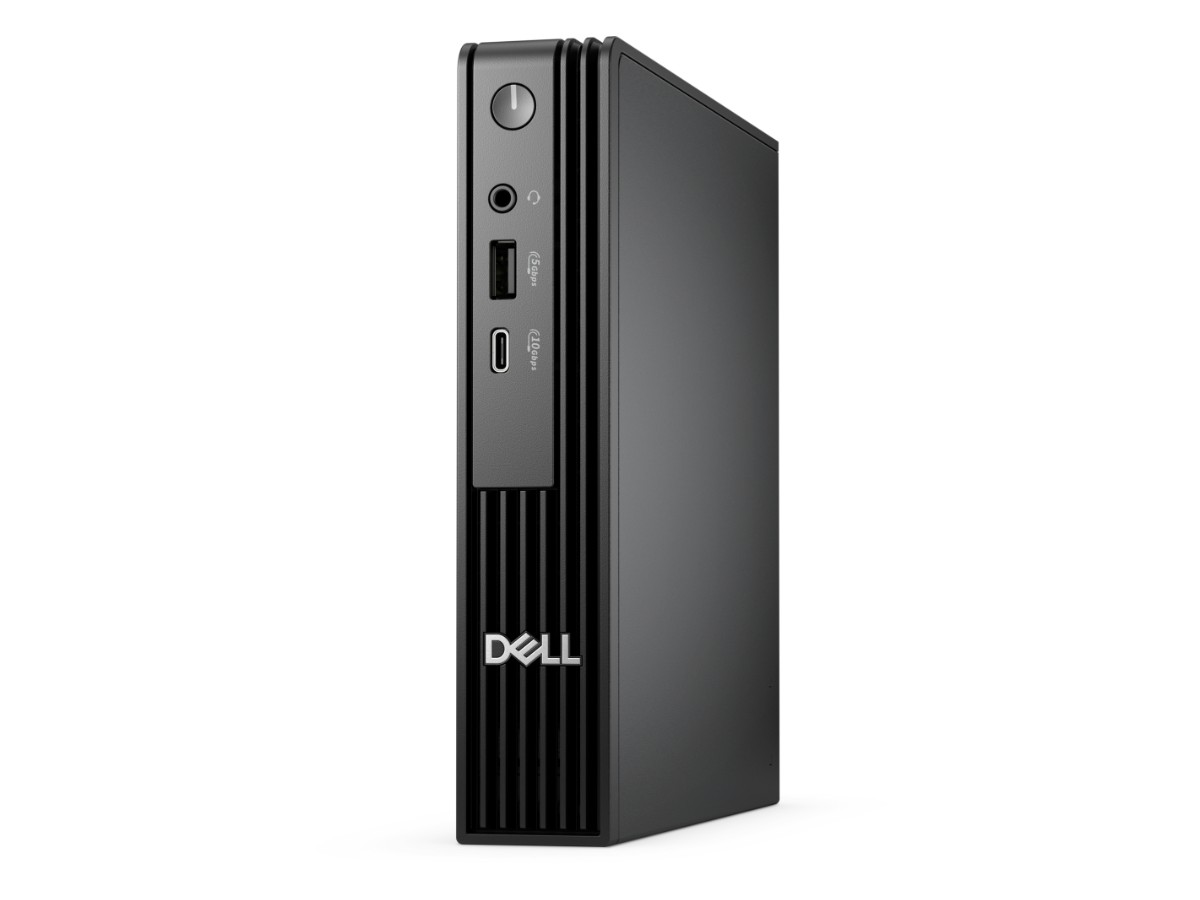
The Dell Pro Micro is a tiny business desktop that delivers full desktop performance in a box small enough to mount behind a monitor. This model has a 14-core Intel Core Ultra 5 235T processor, 16GB of DDR5 memory, a 512GB SSD, Wi-Fi 6E and Windows 11 Pro, so it’s ready for office work, reception desks, point-of-sale and home offices.
It’s the successor to Dell’s popular OptiPlex Micro, which Dell has replaced with the new Dell Pro range. Our team in Sydney is on live chat if you have questions before or after you buy.
Who the Dell Pro Micro suits
- small businesses that want reliable, compact desktops for every desk
- reception, retail counters and meeting rooms where space is tight
- home offices that want a quiet PC hidden behind the monitor
- anyone replacing an older OptiPlex or a bulky tower PC
Intel Core Ultra 5 235T performance
The Core Ultra 5 235T has 14 cores (6 performance and 8 efficient) with turbo speeds up to 5.0GHz, built-in Intel graphics and an NPU for AI features. It runs at 35W, so the Dell Pro Micro stays cool and quiet while handling Microsoft 365, Teams, browsers, accounting software and line-of-business apps with ease. It also supports Intel vPro for businesses with managed IT.
Dell Pro Micro specifications
| Model | Dell Pro Micro (QCM1250) |
|---|---|
| Processor | Intel Core Ultra 5 235T (14 cores, up to 5.0GHz, 35W) |
| Graphics | Integrated Intel graphics |
| Memory | 16GB DDR5-5600 (1 x 16GB) |
| Storage | 512GB PCIe NVMe SSD |
| Wireless | Intel Wi-Fi 6E and Bluetooth |
| Network | Gigabit Ethernet |
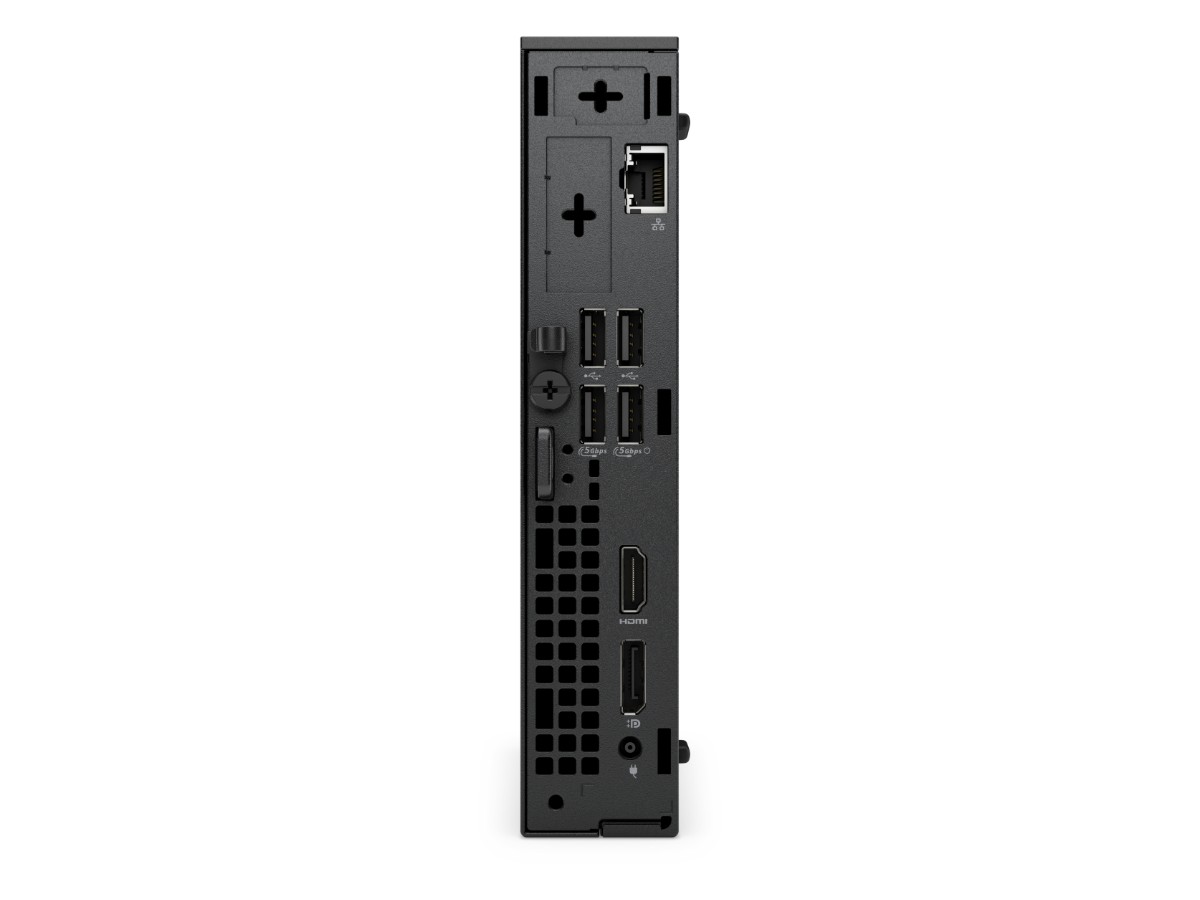
| Video outputs | HDMI and DisplayPort for multiple monitors |
| Size | Around 1.2 litres, VESA mountable |
| Operating system | Windows 11 Pro |
Dell lists the full details on its Dell Pro Micro product page.
Small enough to disappear
At around the size of a hardcover book, the Dell Pro Micro frees up desk space and cuts cable clutter. You can stand it upright, lay it flat, or mount it on the back of a monitor with a VESA bracket so it disappears from view completely. That makes it ideal for hot desks, reception counters and small home offices.
Memory and storage
16GB of DDR5 is the right amount for business multitasking, with room for Teams, Outlook, Excel and a browser full of tabs at once. It’s installed as a single module, leaving room to add more later. The 512GB NVMe SSD makes Windows start in seconds and holds plenty of business documents, with OneDrive or SharePoint for backups.
Multiple monitors
The Dell Pro Micro has HDMI and DisplayPort outputs, so you can run two or more monitors for spreadsheets, email and reference material side by side. More screen space is one of the easiest ways to boost productivity in an office.
Built for business
Dell designs its Pro desktops for long service in offices. The Dell Pro Micro includes TPM 2.0, Windows 11 Pro features such as BitLocker encryption and domain or Microsoft Entra ID joining, and Dell’s management tools, which make it easy for an IT provider to keep a fleet of PCs updated. Its efficient 35W processor also keeps power bills down when PCs run all day.
Quiet and efficient
The low-power processor and Dell’s compact cooling keep the Dell Pro Micro quiet during normal office work, so it won’t distract you in a small office or at a reception desk. It uses far less electricity than a typical tower PC, which adds up across several machines.
Connecting it up
Built-in Wi-Fi 6E and Bluetooth mean you don’t need extra adapters, and Gigabit Ethernet gives the most reliable connection where there’s a network point. Front and rear USB ports handle keyboards, mice, scanners, receipt printers and USB drives.
Dell Pro Micro or a full-size desktop?
For office work, the Dell Pro Micro does everything a bigger PC does while taking up a fraction of the space. If you need a graphics card for design, video or gaming, choose a full-size desktop instead, such as our home office computer, which has room for a graphics card later.
Using it at reception or the counter
Because it’s so small, the Dell Pro Micro fits under a counter or behind a screen at reception, and it handles booking systems, point-of-sale software and cloud apps without fuss. Mounting it on the monitor keeps the counter clear and makes it harder for the PC to be knocked or moved.
Buying several for your office
Standardising on one model makes life easier: every desk has the same setup, spare parts and accessories are interchangeable, and your IT provider only has to manage one type of PC. The Dell Pro Micro is a common choice for this because it’s compact, efficient and built for business. Tell us how many you need and we can help with Windows sign-in, Microsoft 365 setup and getting each PC ready for its user.
Working from home
For a home office, a mini PC behind the monitor keeps the desk clear and quiet. Pair the Dell Pro Micro with a good monitor, a webcam and a headset, and you have a full work setup that connects to your employer’s VPN and Microsoft 365 just like an office PC. Windows 11 Pro makes it easy to join a company domain or Microsoft Entra ID if your workplace requires it.
Who should choose something else
If you edit video, work in 3D or CAD, or want to play games, the integrated graphics in a mini PC won’t be enough, so choose a desktop with a dedicated graphics card. If you work from different places every day, a laptop such as the Dell Pro 14 Plus will suit you better.
Looking after it
- Leave a little space around the vents, especially if it’s mounted behind a monitor.
- Dust the vents every few months.
- Plug it into a surge-protected power board.
- Let Windows and Dell updates install regularly.
Keeping it secure
- Turn on BitLocker and use Windows Hello or a strong PIN.
- Use multi-factor authentication on Microsoft 365 and accounting logins.
- Keep Windows Update and Dell Command Update switched on.
- Back up important files to OneDrive or SharePoint.
Accessories worth adding
- a VESA mounting bracket to hide it behind your monitor
- one or two 24-inch Full HD monitors
- a wireless keyboard and mouse
- a USB webcam and headset for video calls
Setting it up
- Connect your monitor, keyboard, mouse and power.
- Switch on and connect to Wi-Fi or plug in a network cable.
- Sign in with your work or Microsoft account.
- Run Windows Update and Dell Command Update.
How the Dell Pro Micro compares
- Home Office Desktop PC: a full-size desktop with a Core Ultra 5 and room for upgrades.
- Dell Pro 14 Plus: a light business laptop if you work on the move.
See all of our office computers.
Delivery and support
We deliver Australia-wide, including regional areas. If you’re buying several for your office, message us on live chat and we’ll help with quantities and setup.
Dell Pro Micro FAQs
Is the Dell Pro Micro the new OptiPlex Micro?
Yes. Dell replaced the OptiPlex range with Dell Pro desktops, and the Dell Pro Micro takes over from the OptiPlex Micro.
Does it come with Windows 11 Pro?
Yes, Windows 11 Pro is installed and activated.
Can I mount it behind a monitor?
Yes, with a VESA mounting bracket.
Can it run two monitors?
Yes. It has HDMI and DisplayPort outputs for multiple monitors.
Does it have Wi-Fi?
Yes, Wi-Fi 6E and Bluetooth are built in, plus Gigabit Ethernet.
Can I add more memory later?
Yes. The 16GB is installed as a single module, so there’s room to add more.