Description
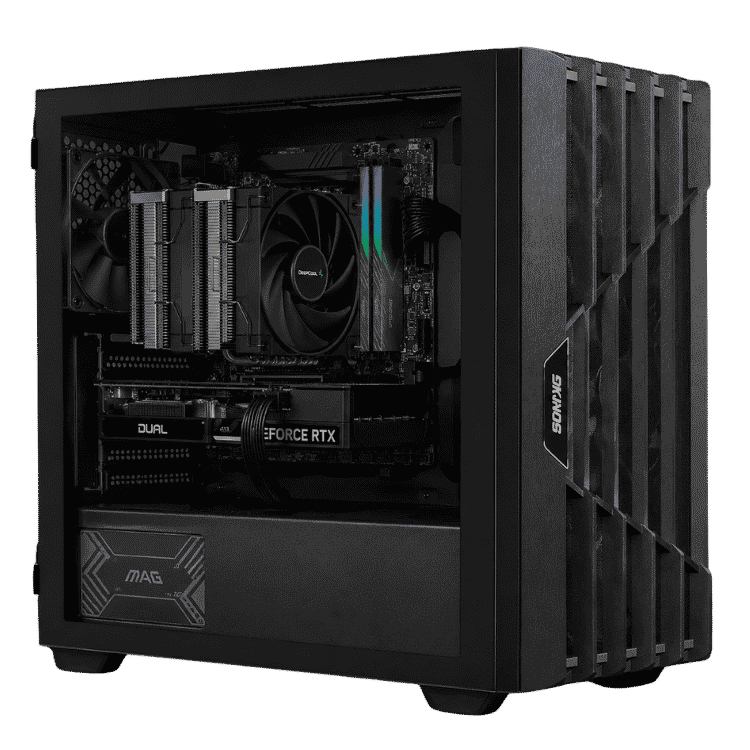
The Vision Performance is a streaming PC for creators who want to game, stream, record and edit on one machine. AMD’s 12-core Ryzen 9 9900X handles OBS scenes, browser sources, chat tools and everything else running in the background, while the NVIDIA GeForce RTX 5070 12GB plays your games and encodes your stream in hardware. With 32GB of DDR5-6000, a fast 1TB NVMe SSD and a 1TB hard drive for recordings, it’s set up for the whole content workflow, not just going live.
It’s currently $3,750, down from $4,100, with Windows 11 installed. Every one is assembled and stress tested by our team in Sydney.
Who this streaming PC suits
- Twitch, YouTube and Kick streamers who want a single-PC setup
- YouTubers who record gameplay and edit their own videos
- podcasters and video podcasters running multiple cameras and mics
- creators who also do thumbnails, graphics and short-form edits
If editing is most of your work, our PC for video editing with a Core Ultra 7 and RTX 5070 costs less. If you mostly play games and stream occasionally, an X3D processor is faster in games, like the one in our Fortnite gaming PC with a 7800X3D and RTX 5070.
Why a 12-core Ryzen 9 makes a better streaming PC
When you’re live, your PC is doing a lot more than running a game. OBS is compositing your scenes, webcams and overlays, browser sources are loading alerts, Discord and chat bots are running, and there’s often music and a browser open too. The Ryzen 9 9900X has 12 cores and 24 threads with boost clocks up to 5.6GHz, so all of that background work has room to run without dragging down the game you’re playing.
It’s cooled by a DeepCool AK620 dual-tower air cooler, which keeps temperatures steady through long streams without much noise.
The RTX 5070 and NVENC: what makes a good PC for streaming
NVIDIA cards have a dedicated video encoder called NVENC. It encodes your stream on a separate part of the graphics card, so streaming has very little impact on game performance and your processor stays free for everything else. On the RTX 5070 you also get:
- AV1 and HEVC encoding for sharper streams and recordings at the same bitrate, on platforms that support them
- support for Twitch Enhanced Broadcasting, which uses the NVIDIA encoder to send several quality levels at once
- NVIDIA Broadcast for AI noise removal, virtual backgrounds and eye contact on your webcam
- 12GB of video memory for modern games at 1440p
NVIDIA covers the card in more detail on its RTX 5070 family page.
Streaming PC specifications
| Processor | AMD Ryzen 9 9900X (12 cores, 24 threads) |
|---|---|
| CPU cooler | DeepCool AK620 |
| Motherboard | MSI MAG B650 TOMAHAWK WIFI |
| Graphics card | NVIDIA GeForce RTX 5070 12GB |
| Memory | 32GB DDR5-6000 |
| Storage | 1TB NVMe SSD plus 1TB hard drive |
| Power supply | 750W 80+ Gold, fully modular |
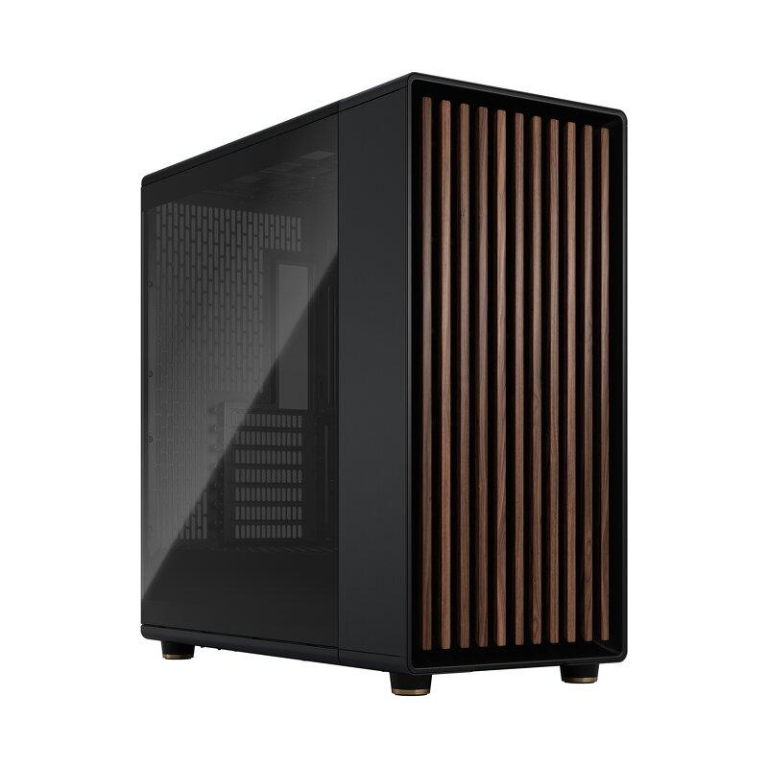
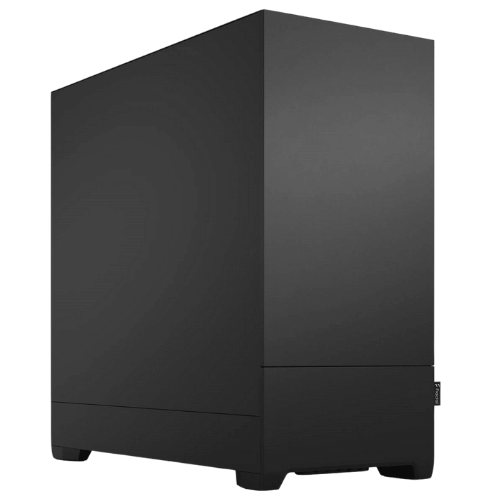
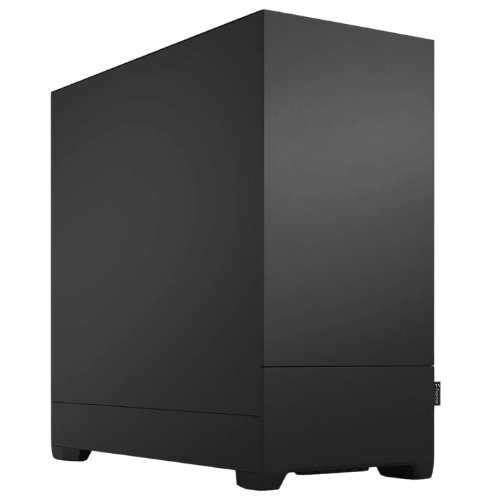
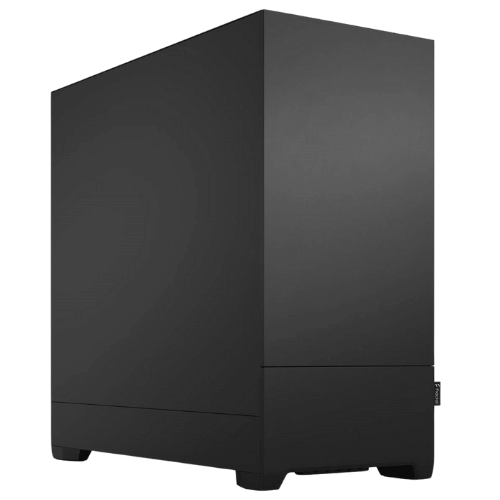
| Case | Fractal Design Pop Silent |
| Operating system | Windows 11, installed |
What to expect from this streaming PC when you go live
- Single-PC streaming: game and stream on one machine using NVENC, with no need for a second capture PC.
- 1440p gaming: the RTX 5070 handles modern games at 1440p, with DLSS available in supported titles.
- Busy OBS scenes: multiple cameras, overlays, alerts and browser sources run comfortably on 24 threads.
- Recording while streaming: record a high-quality local copy to the hard drive while you’re live.
- Editing afterwards: cut VODs, clips and YouTube videos in Premiere Pro, DaVinci Resolve or CapCut.
Memory and storage for creators
32GB of DDR5-6000 is the right amount for a streaming PC. Games, OBS, Chrome, Discord and an editor can all be open without the system running short. If you edit long 4K projects, 64GB is an easy upgrade.
Storage is split sensibly. The 1TB NVMe SSD holds Windows, your games and apps for fast loading. The 1TB hard drive is there for recordings, VOD downloads and finished projects, so your SSD doesn’t fill up with raw footage.
A quiet streaming PC for a live mic
Fan noise ends up in your stream if your PC is loud. We’ve used Fractal Design’s Pop Silent case, which has sound-dampening material on its panels and a solid front. Combined with the DeepCool AK620’s large, slow-spinning fans, it’s far quieter than a typical glass-and-RGB gaming case. The fully modular 750W Gold power supply keeps cabling tidy and leaves headroom for upgrades.
Choosing monitors for gaming and streaming
A 27-inch 1440p monitor with a high refresh rate is a great match for the RTX 5070. Most streamers also add a second, cheaper screen beside it for chat, OBS and alerts. This streaming PC can drive both easily, and a third screen if you want one for your editing timeline.
Why buy a prebuilt PC for streaming?
You want to spend your time creating, not troubleshooting. We update the BIOS, enable the memory’s rated speed, install Windows and drivers, and stress test every system before it ships. If something goes wrong, you deal with one team in Australia instead of several part manufacturers.
Setting up OBS on your streaming PC
A few settings make a big difference to stream quality:
- Choose the NVIDIA NVENC encoder rather than x264, so the processor stays free for your game and scenes.
- Use H.264 for most Twitch streams. Use AV1 or HEVC where your platform supports it, such as YouTube.
- Set your bitrate to your platform’s recommendation and your upload speed. A stable stream beats a high bitrate that drops frames.
- Record locally to the hard drive at a higher quality than your stream, so you’ve got clean footage for YouTube edits.
Gear to pair with a PC for streaming
The PC is the heart of the setup, but viewers notice audio and lighting first. Here’s where we’d spend next:
- Microphone: a decent USB mic is a big step up from a headset. An XLR mic with an audio interface gives you more room to grow.
- Camera: a 1080p webcam is fine to start. Many streamers move to a mirrorless camera through a capture card or USB.
- Lighting: a key light or two makes any camera look better.
- Second monitor: keep chat, OBS and alerts on a second screen so you don’t have to alt-tab mid-game.
Streaming PC or gaming PC?
A gaming PC puts almost everything into the graphics card and a gaming-focused processor. A streaming PC needs a bit more balance: extra processor cores for OBS and background apps, more memory, more storage for recordings and a quieter case for your microphone. This build makes those trade-offs. If you rarely stream and mostly chase frame rates, a gaming PC with an X3D chip will suit you better, and we’re happy to help you choose.
Upgrading your streaming PC
- Memory: step up to 64GB for heavier editing.
- Storage: add more SSDs or a bigger hard drive for your archive.
- Processor: AM5 supports 16-core Ryzen processors and future chips AMD has committed to the platform.
- Graphics: the 750W power supply leaves room for a faster card.
When it arrives
- Remove any packing material from inside the case.
- Connect your monitor to the RTX 5070, not the motherboard.
- Sign in to Windows and run Windows Update.
- Install the latest NVIDIA driver and NVIDIA Broadcast through the NVIDIA app.
- Install OBS Studio, choose the NVIDIA NVENC encoder and run the auto-configuration wizard.
How it compares with our other workstations
- Professional PC for Video Editing: a Core Ultra 7 265KF and RTX 5070 with 16GB of memory, for less.
- Vision Mid-Tier Workstation: a Core Ultra 7 265KF and RTX 5070 with 32GB, set up for design work.
- Vision High-Tier CAD Workstation: the same Ryzen 9 9900X with an RTX 5070 Ti and 64GB.
Browse all of our mid-tier workstations.
Support after you buy
You deal directly with the people who built and tested your machine. Questions about OBS, drivers, upgrades or a problem after delivery go straight to our team on live chat.
Built and tested in Sydney
- assembled by our team with tidy cable management
- BIOS updated and the memory profile enabled
- stress tested for stability and temperatures
- packed carefully and shipped Australia-wide
Streaming PC FAQs
Do I need two PCs to stream?
No. With NVENC on the RTX 5070, one PC handles gaming and streaming comfortably.
Is this good for Twitch and YouTube?
Yes. It works with OBS, Streamlabs and the platforms’ own tools, including Twitch Enhanced Broadcasting.
Is this a good PC for streaming podcasts?
Yes. It handles multiple cameras, audio sources and live recording, and the 1TB hard drive gives you room for episodes.
Does it come with Windows?
Yes, Windows 11 is installed.
Can I edit my videos on it too?
Yes. This streaming PC is set up for editing as well, with 24 threads, 32GB of memory and hardware encoding for fast exports.
Can I upgrade the memory later?
Yes. The motherboard has room for more memory, and 64GB is a popular upgrade for creators.
Do you deliver Australia-wide?
Yes, to every state and territory, including regional areas.