Description
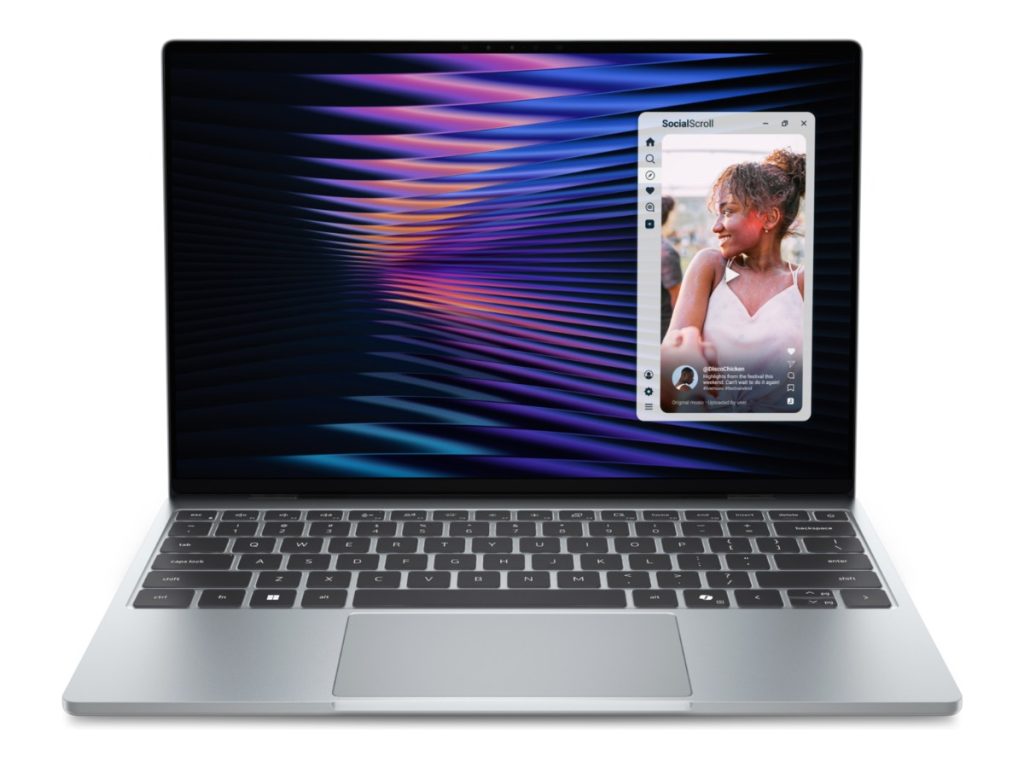
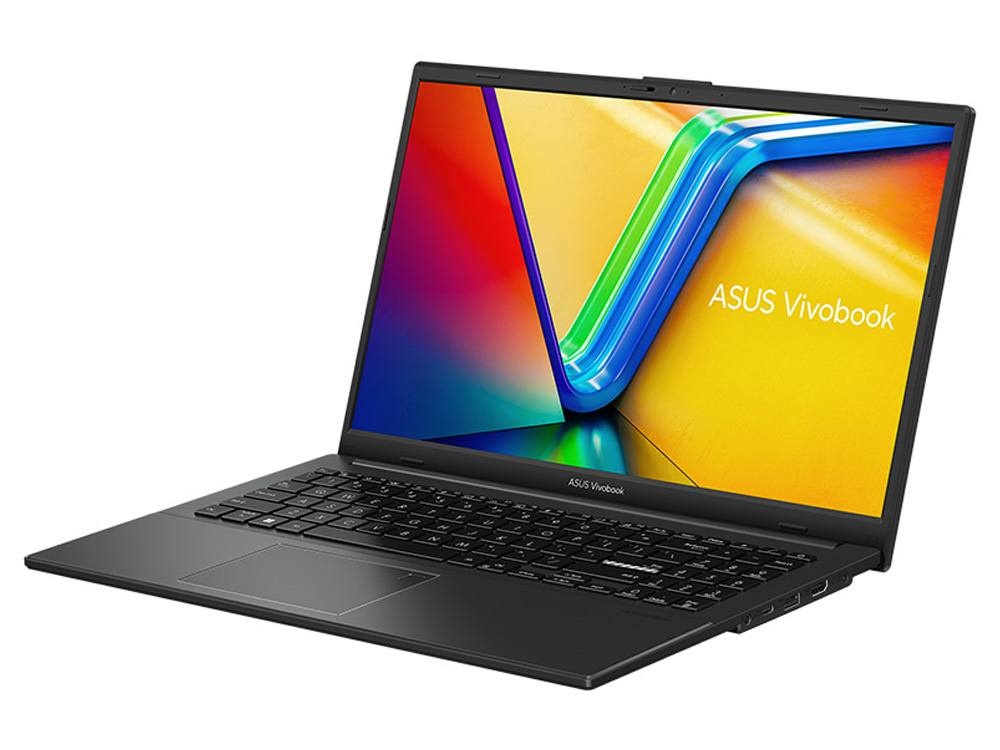
The ASUS Vivobook Go 15 is a straightforward, affordable laptop for study and everyday use. This configuration has an AMD Ryzen 5 7520U processor with Radeon graphics, 16GB of RAM and a 512GB NVMe SSD, all in a light 15.6-inch design that’s easy to carry to class. It’s built for the things students do every day: lectures, assignments, research, group work and video calls.
Who the Vivobook Go 15 suits
- university and TAFE students in accounting, business, nursing, education and arts
- high school students who need a reliable laptop for assignments
- people working from home who mainly use Office, email and video calls
- anyone who wants a dependable everyday laptop without paying for gaming hardware
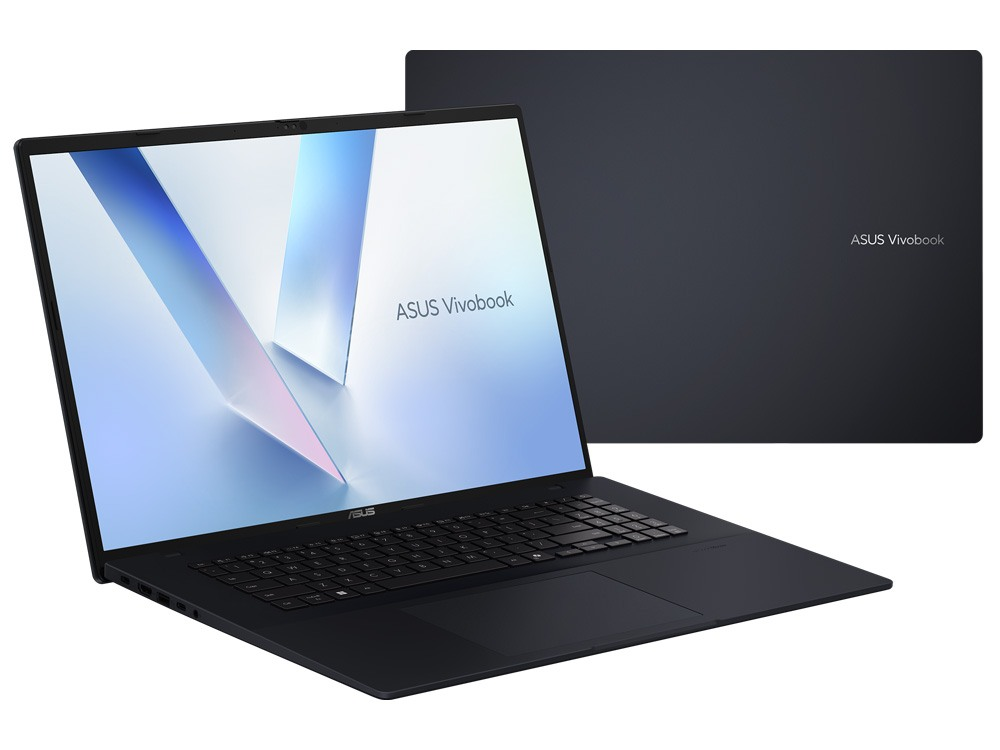
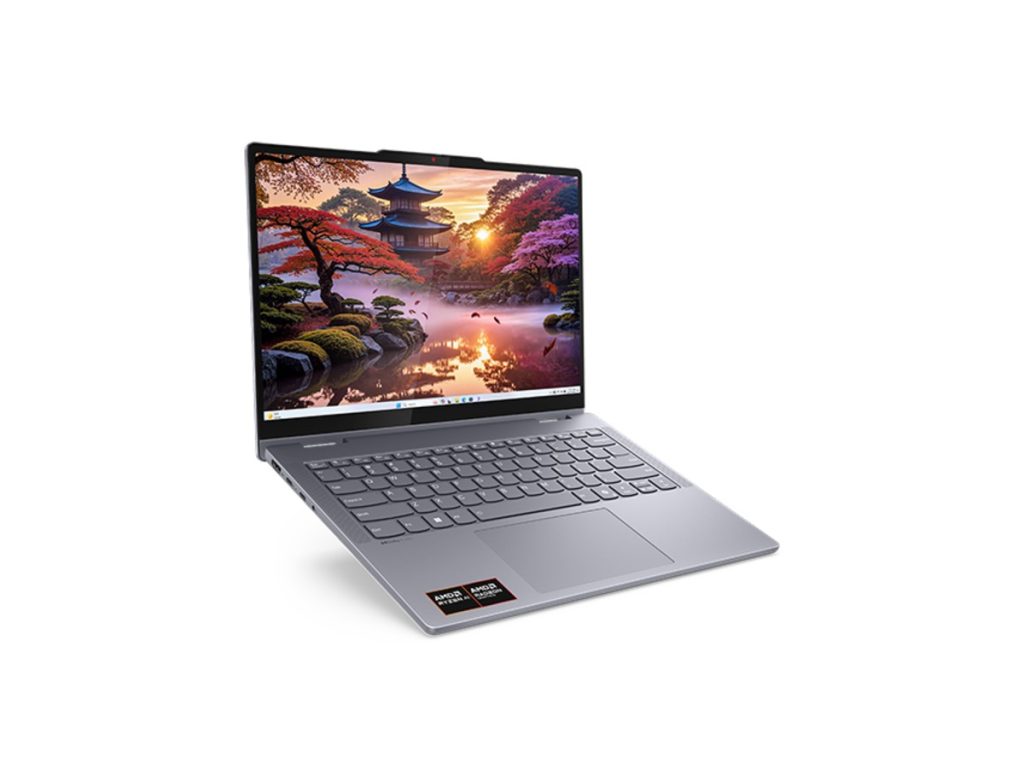
Want a touchscreen that folds into a tablet? Look at our Lenovo IdeaPad 5 2 in 1. Need a bigger screen for design work? See our ASUS Vivobook 18 with a Ryzen 7.
Why 16GB of RAM matters
Plenty of budget laptops ship with 8GB of memory, and that’s where slowdowns usually start. With 16GB, the ASUS Vivobook Go 15 can keep Word, Excel, a browser full of research tabs, Teams and Spotify open at the same time without lagging. Memory on thin laptops like this is usually built in rather than upgradeable, which is exactly why we chose a 16GB version.
AMD Ryzen 5 performance
The AMD Ryzen 5 7520U, with 4 cores, 8 threads and boost speeds up to 4.3GHz, handles everyday study easily: Office, online learning platforms, research, streaming and video calls. Its built-in Radeon graphics take care of the display, video playback and light photo editing in apps like Canva. ASUS lists the full range details on its Vivobook Go 15 specifications page.
ASUS Vivobook Go 15 specifications
| Processor | AMD Ryzen 5 7520U (4 cores, 8 threads, up to 4.3GHz) with Radeon graphics |
|---|---|
| Memory | 16GB LPDDR5 (onboard) |
| Storage | 512GB NVMe SSD |
| Display | 15.6-inch Full HD (1920 x 1080), anti-glare |
| Operating system | Windows 11 |
Message us on live chat if you have any questions before you order.
512GB of fast storage
The 512GB NVMe SSD means the laptop starts in seconds and apps open quickly. It has plenty of room for course software, lecture recordings, assignments and photos, especially if you also use OneDrive or Google Drive for backups.
What it handles well by course
Accounting and business
Excel, MYOB, Xero and QuickBooks, plus presentations and research. 16GB helps with big spreadsheets.
Nursing and health
Online modules, clinical readings, quizzes and placement paperwork.
Education and arts
Essays, lesson plans, Canva designs and video calls with tutors and classmates.
IT and computing
Beginner to intermediate coding in Python, Java and web development. Heavy virtual machines or game development need more power.
A day at uni with the Vivobook Go 15
Picture a typical day: a morning lecture with notes in OneNote, an hour in the library with 20 research tabs open, a group meeting on Teams, then an evening writing an assignment while Spotify plays in the background. That’s exactly the workload the ASUS Vivobook Go 15 is built for. The 16GB of RAM keeps everything responsive, and the SSD means it wakes up instantly when you open the lid between classes.
Video calls and online classes
The built-in webcam and microphone handle Zoom, Teams and Collaborate sessions. The physical webcam shield found on the Vivobook Go 15 range lets you block the camera when you’re not using it, which many students appreciate. For clearer audio, add a simple headset.
What it isn’t designed for
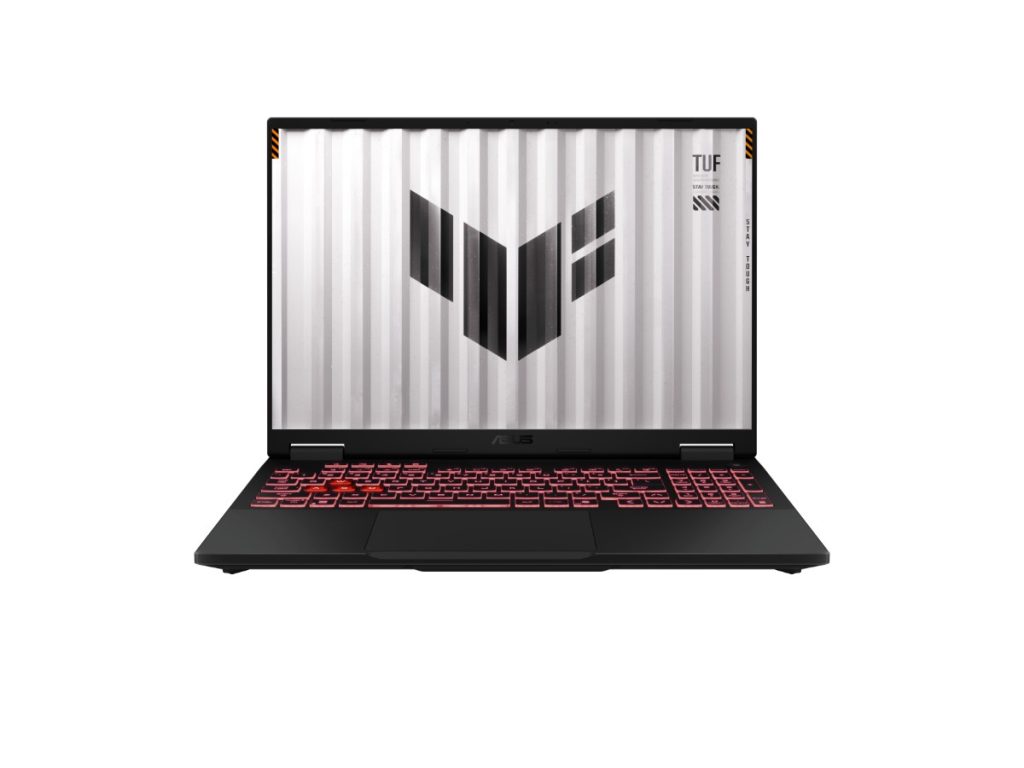
The Vivobook Go 15 is an everyday laptop. It isn’t built for modern 3D games, engineering software such as AutoCAD or Revit, or heavy video editing. For those, choose a laptop with a dedicated graphics card, like our ASUS TUF A16 with an RTX 5050.
Vivobook Go 15 or a Chromebook?
Chromebooks are cheap and simple, but they can’t run full Windows software, such as the desktop versions of Excel, MYOB or many university programs. The Vivobook Go 15 runs Windows 11, so it handles everything your course is likely to need, from full Microsoft Office to specialised software your lecturers recommend.
Vivobook Go 15 or a gaming laptop?
Gaming laptops are heavier, have shorter battery life and cost more, because they carry a dedicated graphics card. If you don’t play modern games or use 3D software, you don’t need one. The ASUS Vivobook Go 15 puts the money where most students need it: a capable processor, plenty of memory and fast storage, in a lighter everyday design.
Designed for everyday life
The Vivobook Go 15 range is designed for students and everyday users, with features such as a hinge that opens flat to 180 degrees for sharing your screen with a group, a physical webcam shield for privacy, and military-grade durability testing. It’s a practical laptop that’s built to handle being carried around campus.
Battery life tips
Battery life depends on what you’re doing and how bright the screen is. To get through a long day on campus, lower the brightness a little, close apps you’re not using, and switch on Windows’ battery saver when you drop below 20%. Carrying the charger in your bag for long days is always a good idea.
Keeping your laptop safe and secure
- Use a padded sleeve or backpack compartment.
- Keep Windows Update and Windows Security switched on.
- Use a strong PIN or password, and lock the screen when you step away in the library.
- Back up your assignments to OneDrive or Google Drive.
Accessories worth adding
- a 15.6-inch padded sleeve or backpack
- a compact wireless mouse
- a headset with a microphone
- a USB drive for quick file transfers
Who should choose something else
If your course involves CAD, 3D modelling, video production or game design, or if you want to play modern games, look at a laptop with a dedicated graphics card. If you’d love a touchscreen for handwritten notes, a 2 in 1 like the IdeaPad 5 2 in 1 is a better fit. For everyone else, the Vivobook Go 15 is a sensible, good-value choice.
Buying for a first-year student?
Starting uni or TAFE comes with plenty of costs, so it makes sense to buy a laptop that does the job well without paying for features a first-year student won’t use. A Ryzen 5, 16GB of RAM and a 512GB SSD cover the needs of most courses for years. If you’re unsure what a specific course requires, check the faculty’s laptop recommendations, or send them to us and we’ll compare.
Why buy a laptop from us?
We’ll give you honest advice about whether this laptop suits your course, before you buy. If you need help setting it up or connecting to your uni’s Wi-Fi and learning platforms, our team is a message away on live chat.
Free software for students
You may not need to buy much software at all. Most Australian universities and TAFEs give students free Microsoft 365, including Word, Excel, PowerPoint and OneDrive storage. Many also provide free access to tools such as Zoom, Adobe Express or specialised course software, so check your student portal before you spend anything.
Delivery and support
We deliver Australia-wide, including regional areas. If you have a question before or after you buy, message our team on live chat.
Setting up your laptop
- Charge the battery fully.
- Switch on, connect to Wi-Fi and sign in with a Microsoft account.
- Run Windows Update.
- Sign in to your uni’s Microsoft 365 account to install Office for free if it’s offered.
- Turn on OneDrive backup for your Documents and Desktop folders.
How it compares with our other laptops
- Lenovo IdeaPad 5 2 in 1: a 14-inch 2 in 1 touchscreen laptop with 24GB of RAM.
- Lenovo ThinkBook 16 G7: a 16-inch business laptop with an Intel Core Ultra 7.
- ASUS Vivobook 18: an 18-inch laptop with a Ryzen 7 and a 1TB SSD.
Browse all of our laptops for students.
ASUS Vivobook Go 15 FAQs
Is the Vivobook Go 15 good for university?
Yes, for most courses. It handles Office, research, online classes and accounting software comfortably.
Is the ASUS Vivobook Go 15 good for high school?
Yes. It handles assignments, research and online learning platforms easily, and it’s light enough to carry to school.
Can I connect it to a monitor?
Yes, through its HDMI port. A second screen is great for study at home.
Is 512GB of storage enough?
For most students, yes, especially if you keep large files in OneDrive or Google Drive.
Can I upgrade the RAM?
Memory on thin laptops like this is usually built in, which is why we’ve chosen a 16GB version to start with.
Does it include Microsoft Office?
No, but most Australian universities give students free Microsoft 365.
How long will it last?
With 16GB of RAM and an SSD, it should comfortably handle study software for the length of a typical degree.
Can it run Teams while I work in Office?
Yes. The 16GB of RAM keeps Teams, Word, Excel and a browser running smoothly together.
Is it heavy to carry around?
No. It’s designed as a light, everyday laptop that’s easy to carry between classes.
Do you deliver Australia-wide?
Yes, to every state and territory, including regional areas.