Description
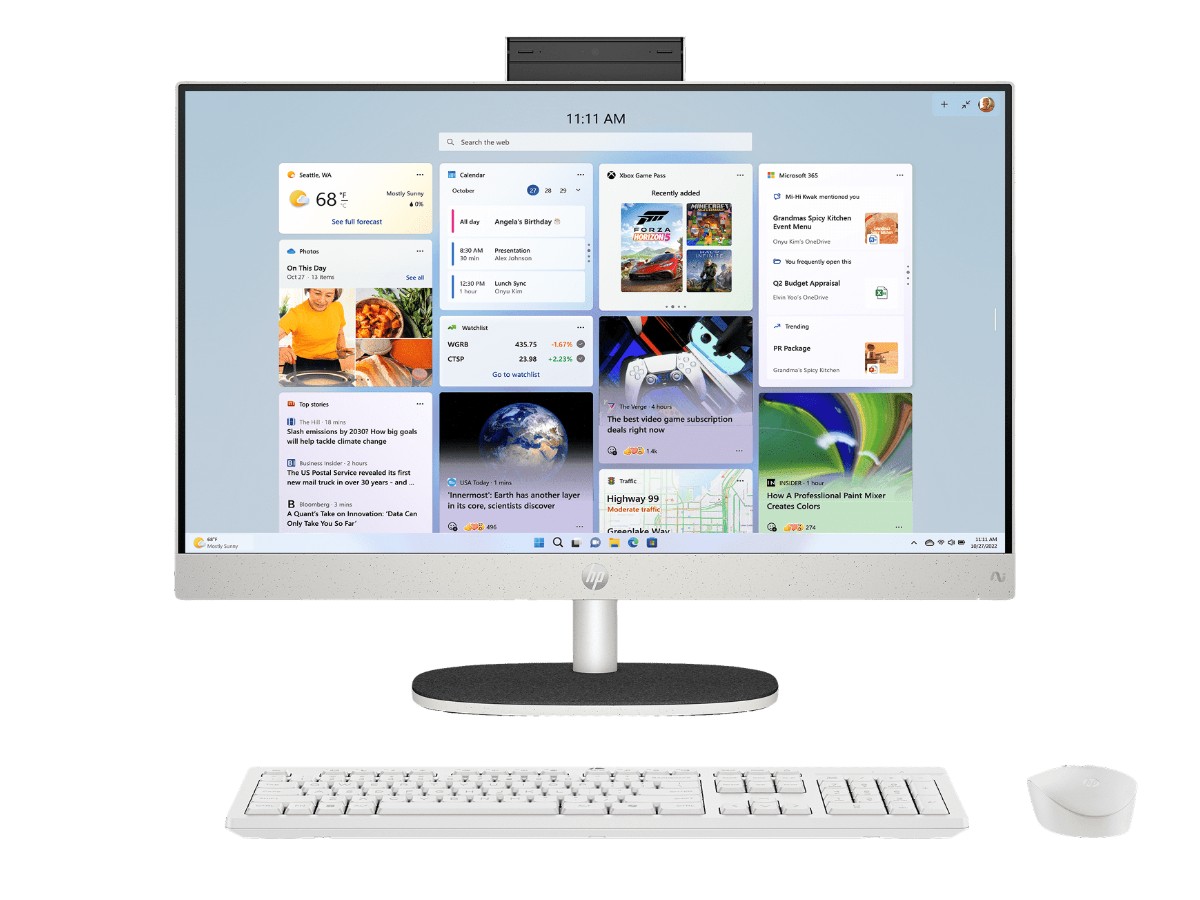
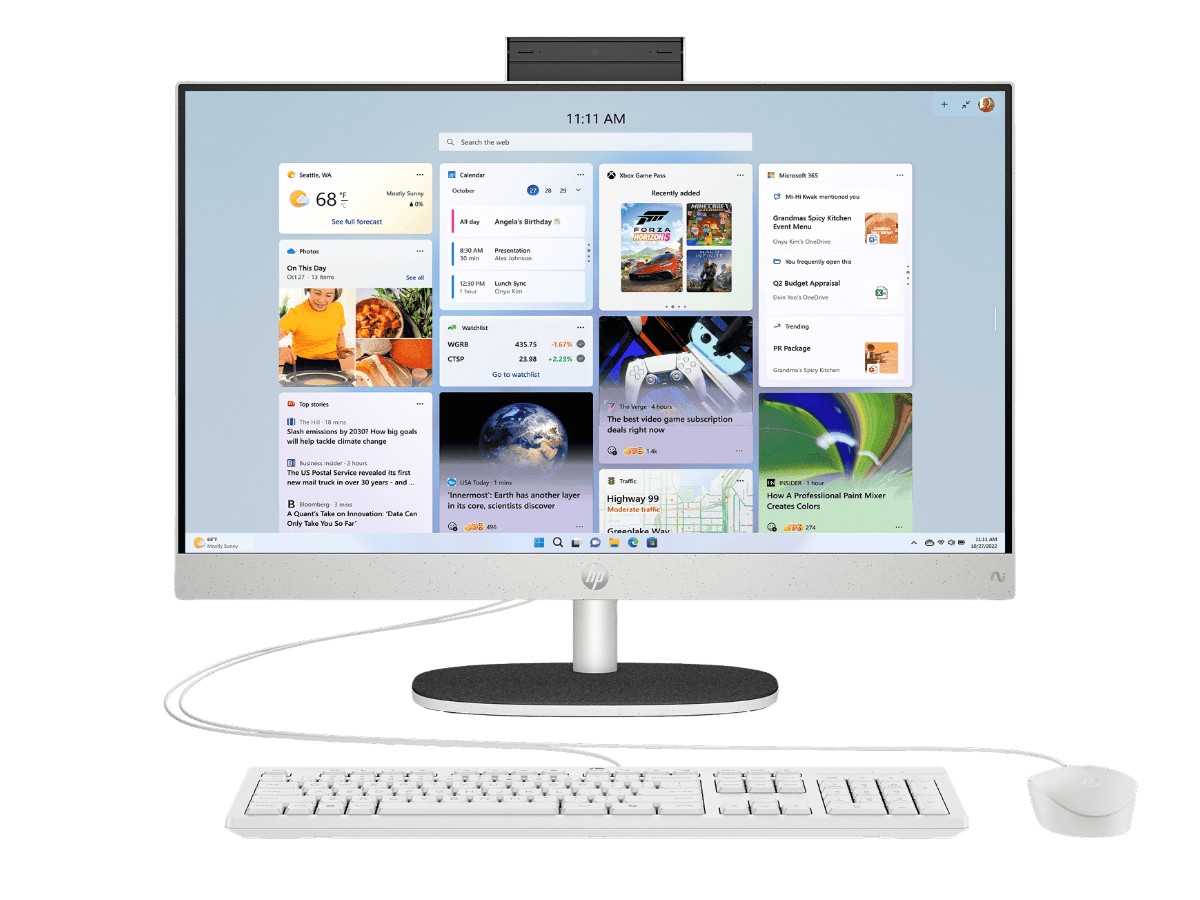
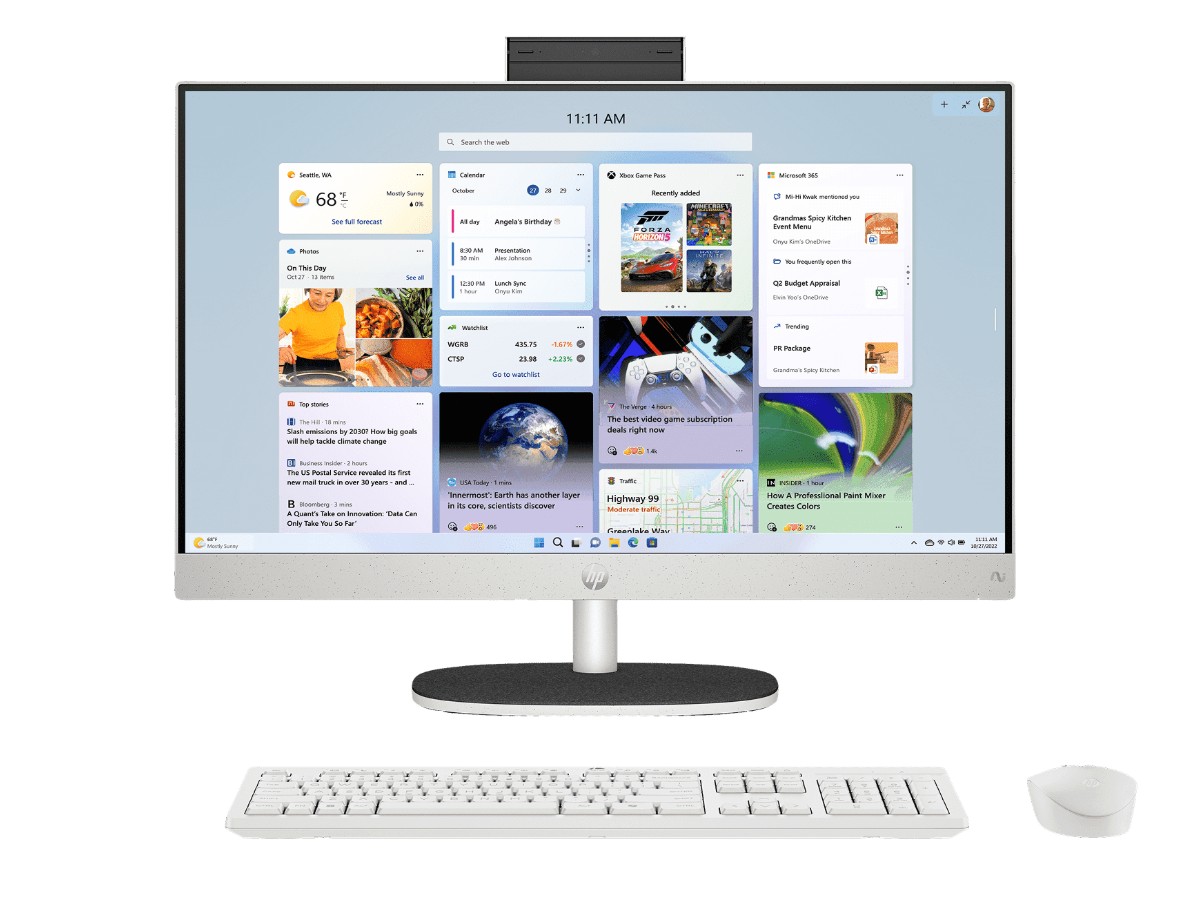
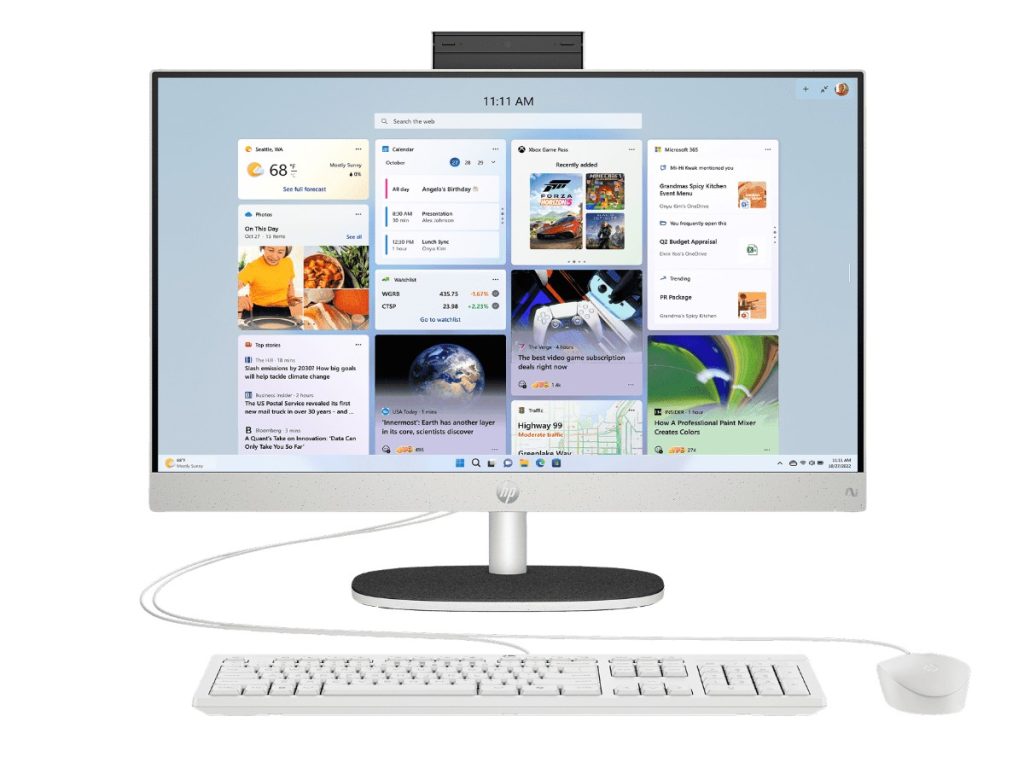
The HP all in one PC 24-cr2000a puts a 23.8-inch Full HD screen, the computer, speakers and a webcam into one tidy unit, so there’s just one power cable on the desk. Inside is an Intel Core Ultra 7 255U processor with 12 cores, 16GB of DDR5 memory and a 512GB SSD, with Windows 11 Home installed and a keyboard and mouse in the box.
It’s a brand-new, current model from HP’s AI all in one range, a big step up from the older refurbished all in one PC we used to list here. Our team in Sydney is on live chat if you have questions before or after you buy.
Who this all in one PC suits
- families who want one shared computer in the kitchen, study or living area
- home offices that want a clean desk without a tower, monitor and speaker cables
- seniors who want a simple computer with a big, clear screen
- students doing assignments, research and online classes
- small businesses that need a tidy computer at reception or the front counter
Why choose an all in one computer?
An all in one computer builds everything into the back of the screen. Compared with a desktop tower, a separate monitor and speakers, you get far fewer cables, a smaller footprint and a much simpler setup: plug in the power, switch it on and you’re ready. It’s the easiest way to get a full Windows desktop computer onto a small desk or bench.
Intel Core Ultra 7 255U performance
The Core Ultra 7 255U has 12 cores and 14 threads with turbo speeds up to 5.2GHz, plus an Intel AI Boost NPU for AI features in Windows 11. That’s plenty of power for everyday family and office use: dozens of browser tabs, Microsoft 365, video calls, photo editing, online banking and streaming all run smoothly, often at the same time. It’s an efficient processor too, so this HP all in one PC stays quiet.
HP all in one PC specifications
| Model | HP All-in-One Desktop PC AI 24-cr2000a (BD0E9PA) |
|---|---|
| Screen | 23.8-inch Full HD (1920 x 1080), IPS, anti-glare, three-sided micro-edge, 99% sRGB |
| Processor | Intel Core Ultra 7 255U (12 cores, 14 threads, up to 5.2GHz) |
| Graphics | Integrated Intel graphics |
| Memory | 16GB DDR5-5600 (1 x 16GB), two slots |
| Storage | 512GB PCIe NVMe M.2 SSD |
| Webcam | HP True Vision 720p HD tilt privacy camera with dual microphones |
| Audio | Dual 2W speakers |
| Wireless | Wi-Fi 6 and Bluetooth 5.3 |
| Ports | 1 x USB-C 5Gbps, 2 x USB-A 5Gbps, 2 x USB-A 2.0, HDMI out, Gigabit Ethernet, headphone/mic jack |
| In the box | White HP keyboard and mouse |
| Colour | Shell White |
| Operating system | Windows 11 Home |
| Warranty | 1-year HP limited warranty |
HP lists the full details on its HP 24-cr2000a product page.
A 23.8-inch Full HD screen
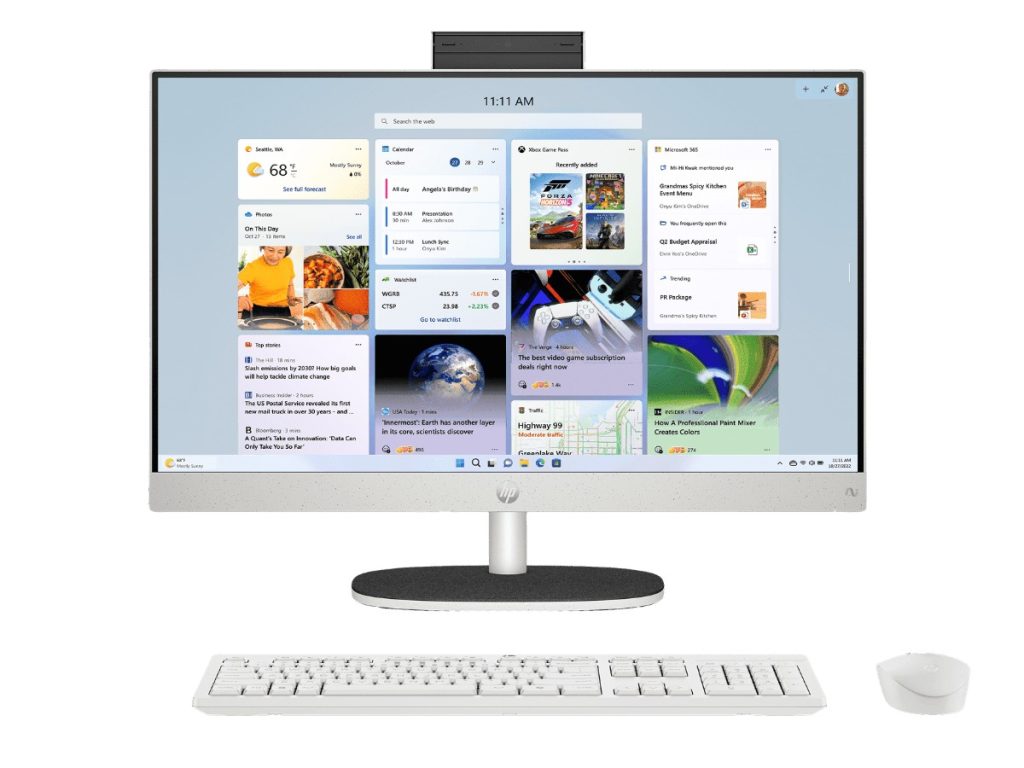
The 23.8-inch IPS screen shows sharp text and accurate colours from almost any angle, so the whole family can see it from the couch or kitchen. HP rates it at 99% sRGB, which is great for photos and video, and the anti-glare finish helps in bright rooms. Thin borders on three sides make the screen feel bigger, and flicker-free technology keeps it comfortable for long sessions.
Memory and storage
16GB of DDR5 memory is the right amount for an all in one PC: enough for heavy multitasking, video calls and browser tabs without slowing down. It’s installed as a single module, leaving the second slot free for an upgrade later. The 512GB NVMe SSD makes Windows start in seconds and apps open quickly, with room for photos, documents and apps, and OneDrive for backups.
Webcam, microphones and video calls
The HP True Vision webcam sits at the top of the screen and tilts down to cover the lens when you’re not using it, so you always know when the camera is off. Dual microphones pick up your voice clearly for Teams, Zoom, WhatsApp and Messenger calls. It’s an easy way for grandparents to video call family.
Keyboard and mouse included
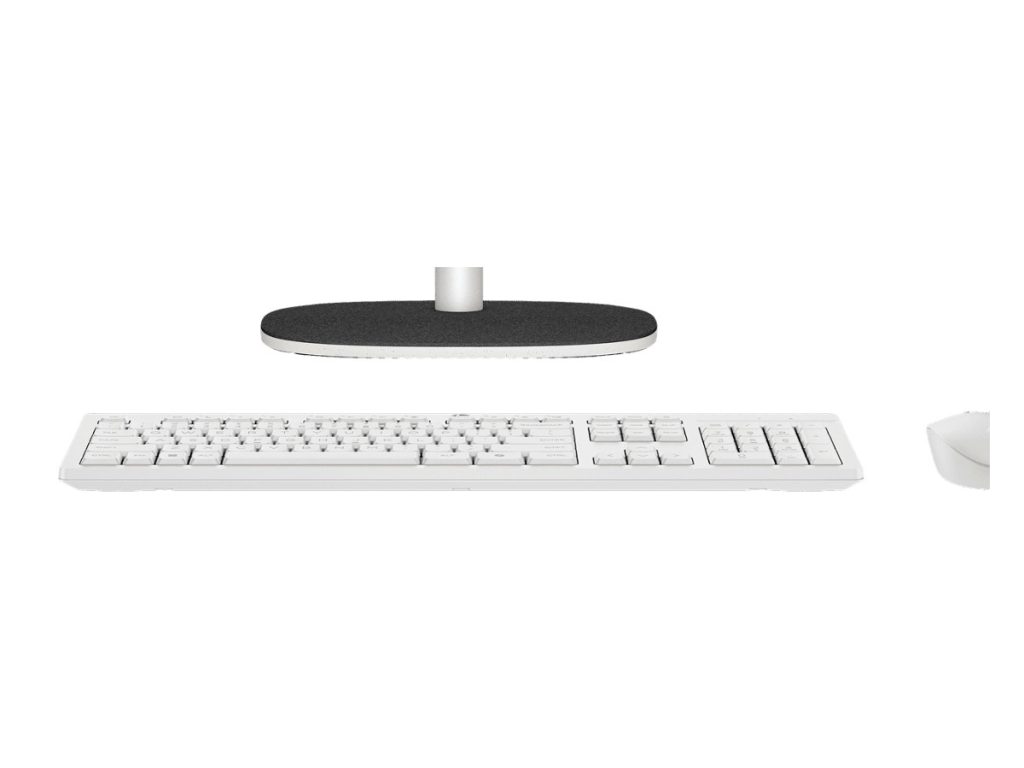
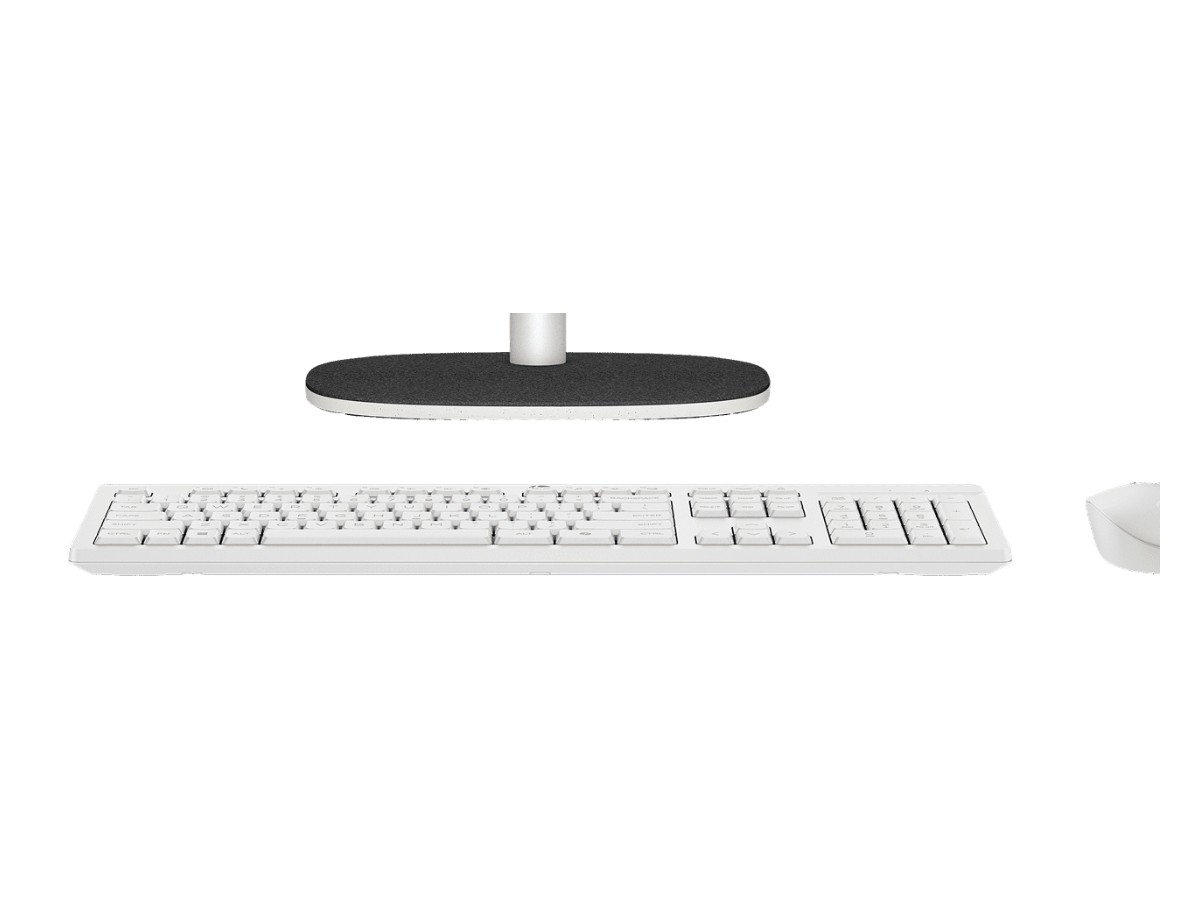
A white HP keyboard and mouse that match the computer come in the box, so you don’t need to buy anything else to get started. If you prefer a wireless set, any Bluetooth or USB wireless keyboard and mouse will work.
Ports and connectivity
There are five USB ports in total, including USB-C, for printers, external drives, cameras and phone charging cables. HDMI out lets you add a second monitor for more screen space. Wi-Fi 6 is fast on modern routers, Bluetooth 5.3 connects headphones and speakers, and a Gigabit Ethernet port gives the most reliable connection if your modem is nearby.
Sound
Dual 2W speakers are built into the base of the screen, so music, YouTube, Netflix and video calls sound clear without extra speakers on the desk. For bigger sound, connect Bluetooth speakers or headphones.
Choosing the right spot
Because an all in one PC only needs one power point, you can put it almost anywhere: a kitchen bench, a hallway desk, a study nook or a reception counter. Try to avoid placing the screen directly opposite a bright window, and leave a little space behind it for airflow. If your Wi-Fi is weak in that spot, the Ethernet port gives a reliable wired connection.
Photos and video
The accurate 23.8-inch screen makes this all in one PC a great place to sort and edit family photos. Windows Photos and Clipchamp are built in for quick edits and home videos, and the SSD keeps large photo libraries quick to browse. Plug in a camera card reader or your phone by USB to copy photos across.
Streaming and entertainment
Netflix, Stan, Disney+, YouTube, Spotify and free-to-air catch-up apps all run smoothly, and the built-in speakers are clear enough for shows and music in a study or kitchen. For movie nights, add a pair of Bluetooth speakers or headphones.
Printing and scanning
Most home and office printers connect over Wi-Fi or USB and set themselves up automatically in Windows 11. With five USB ports, there’s room to plug in a printer, scanner and external drive at the same time.
An all in one PC for the family
As a shared family computer, this HP all in one PC works well in a central spot where parents can keep an eye on younger children. Give each person their own Windows account so files, browser history and settings stay separate, and use Microsoft Family Safety to set screen time limits and content filters for kids.
An all in one computer for seniors
For older users, an all in one computer is far simpler than a laptop or tower: there’s one device, a big clear screen and a full-size keyboard and mouse. Windows 11 lets you make text and the mouse pointer larger, and you can pin favourite websites and apps to the taskbar. If you’re buying for a parent or grandparent, message us on live chat and we can help with setup tips.
Using it for a home office
For working from home, this HP all in one PC handles Microsoft 365, Teams, accounting software and your employer’s VPN with ease. The large screen makes spreadsheets and side-by-side documents comfortable, and the HDMI output lets you add a second monitor for even more space.
Using it for study
Students get a big screen for research and assignments, a webcam for online classes, and enough power for Microsoft 365, Canva, coding tools and photo editing. It’s a comfortable setup for long study sessions at a desk.
An all in one PC for reception or the counter
For small businesses, an all in one computer looks tidy at reception and on shop counters, with no tower or tangle of cables in view. It runs booking systems, point-of-sale software and cloud apps without fuss.
Designed with recycled materials
HP builds this all in one PC using post-consumer recycled and ocean-bound plastics, and HP says it’s the first PC to include recycled coffee grounds in its materials. It’s a nice touch if sustainability matters to you.
Copilot and AI features
Windows 11 includes Copilot, Microsoft’s AI assistant, which can help you write emails, summarise web pages and answer questions. The Core Ultra processor’s NPU handles some AI features efficiently, such as background blur in video calls.
Can you upgrade it?
All in one computers are less upgradeable than towers. You can add memory in the free slot, but the processor and graphics are built in. For most families, home offices and students, the included specs will comfortably last for years. If you need a graphics card for gaming or video work, a desktop tower is the better choice.
All in one PC or desktop tower?
Choose an all in one computer if you value a tidy desk, simple setup and a single cable. Choose a desktop tower if you want to upgrade parts over time, add a powerful graphics card or use a larger monitor. Our home office desktop PC is a good tower alternative.
All in one PC or laptop?
A laptop is portable, but its screen and keyboard are small for long sessions at a desk. An all in one PC gives you a large screen, full-size keyboard and mouse, better speakers and no battery to wear out, which makes it more comfortable for a fixed spot at home.
Moving from an old computer
If you’re replacing an old desktop or the refurbished all in one PC you’ve used for years, the easiest way to move files is to sign in with the same Microsoft account and let OneDrive sync your documents, desktop and pictures. You can also copy files across with a USB drive. Message us on live chat if you’d like tips for moving email, passwords and photos.
Accessibility features
Windows 11 includes tools that make an all in one computer easier to use for everyone: larger text and pointer sizes, a magnifier, high-contrast themes, live captions for videos and calls, and voice typing so you can speak instead of type. Combined with the big screen and full-size keyboard, it’s a comfortable setup for people with low vision or limited dexterity.
Energy use
The efficient Core Ultra 7 255U processor and integrated design use much less power than a typical gaming tower, which helps keep electricity costs down for a computer that’s on most of the day. Windows 11’s sleep settings also save power when it’s not in use.
Our honest take
This HP all in one PC is a well-rounded choice for families, seniors and home offices: a fast, current processor, 16GB of memory, a bright and accurate 23.8-inch screen, plenty of ports and a tidy single-cable design. The trade-offs are the same as any all in one computer. It isn’t designed for gaming, the screen isn’t touch, and the processor and graphics can’t be upgraded. For everyday computing, it’s an easy recommendation.
Buying for a parent or grandparent?
An all in one PC is one of the best computers to give an older family member. There’s no tower to switch on, no monitor cable to come loose and no laptop battery to manage. Before you hand it over, set up their Microsoft account, pin their favourite websites and apps to the taskbar, enlarge the text, and add yourself as a contact in their video call app. Our team can help on live chat if you’d like a checklist.
What’s in the box
- HP all in one PC 24-cr2000a with its stand
- white HP keyboard and mouse
- power adapter and cable
- quick start documentation
How long will it last?
With a current Intel Core Ultra processor, 16GB of DDR5 and an NVMe SSD, this all in one PC is well placed for years of Windows 11 updates and everyday use. Adding memory to the free slot later can extend its life further if your needs grow. Keeping it updated and backed up is the best way to keep any computer running smoothly.
Is an all in one PC right for you?
If you mostly browse, email, video call, stream, study, manage photos and run office software, an all in one PC is ideal. If you want to play the latest games, edit lots of 4K video or upgrade parts regularly, a desktop tower will suit you better. Not sure? Tell us how you’ll use it and we’ll give you an honest recommendation.
Keeping it secure
- Use a PIN or password for each Windows account.
- Keep Windows Update and Windows Security switched on.
- Back up photos and documents to OneDrive or an external drive.
- Tilt the webcam down when you’re not on a call.
Looking after your all in one computer
- Clean the screen with a soft microfibre cloth.
- Leave space around the vents at the back.
- Plug it into a surge-protected power board.
- Let Windows and HP updates install regularly.
Setting it up
- Attach the stand, plug in the power cable and connect the keyboard and mouse.
- Switch on, connect to Wi-Fi and sign in with your Microsoft account.
- Run Windows Update and HP Support Assistant.
- Set up OneDrive backup and install your apps.
How it compares
- Vision Budget Office PC: an affordable desktop tower if you already have a monitor.
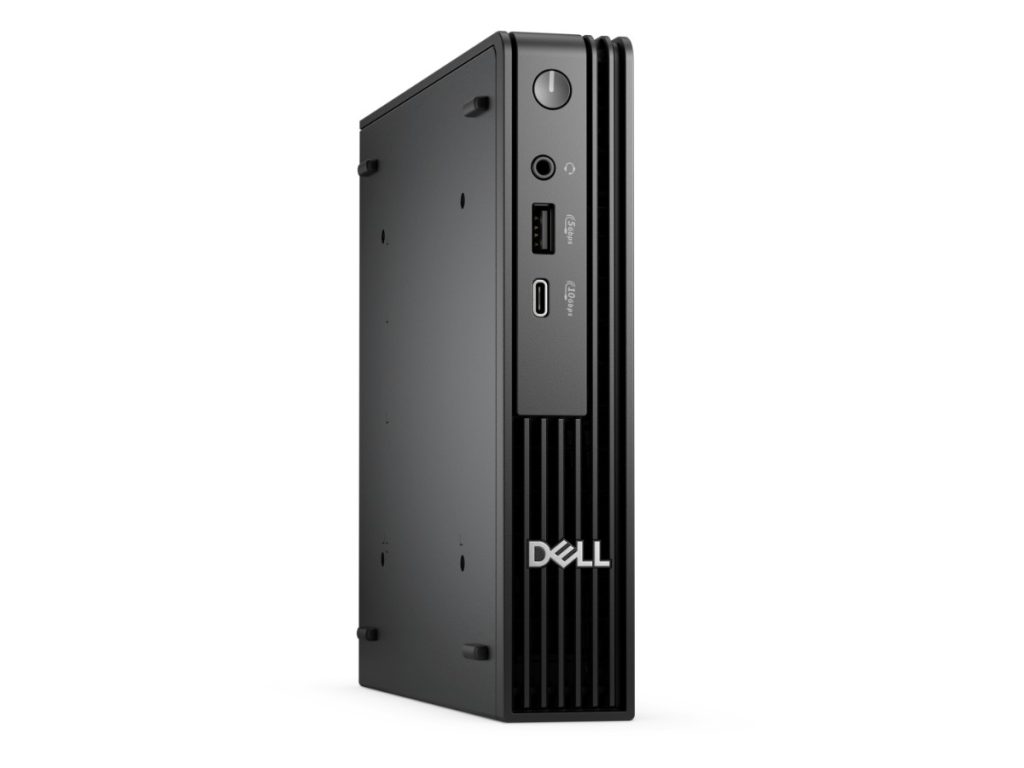
- Dell Pro Micro: a tiny business PC that mounts behind your own monitor.
See all of our desktop computers.
Delivery and support
We deliver Australia-wide, including regional areas. All in one computers are bulky to ship, so we pack them carefully. If you need help choosing or setting up your HP all in one PC, message us on live chat.
HP all in one PC FAQs
Is it new or refurbished?
It’s a new, current HP model with HP’s 1-year limited warranty.
Does it come with a keyboard and mouse?
Yes, a white HP keyboard and mouse are included.
Is it a touchscreen?
No. The 23.8-inch screen is a non-touch anti-glare panel, which keeps it free of fingerprints.
Does it have a webcam?
Yes, a 720p webcam with dual microphones that tilts down for privacy.
Can I add a second monitor?
Yes, through the HDMI output.
Is this all in one PC good for gaming?
It handles casual games like Minecraft, Roblox and card games, but it isn’t designed for demanding 3D games. For gaming, choose a desktop with a dedicated graphics card.
Can I mount it on the wall?
It’s designed to sit on its stand on a desk or bench. Message us on live chat if you need a wall-mounted setup and we’ll suggest options.
How big is it?
The screen and body are about 54cm wide and 41cm tall without the stand, and the all in one PC weighs around 5.3kg, so it fits on most desks and benches.
Does it have Wi-Fi and Bluetooth?
Yes, Wi-Fi 6 and Bluetooth 5.3 are built in, plus a Gigabit Ethernet port for a wired connection.
Does it come with Windows?
Yes, Windows 11 Home is installed and activated.