
The 9800X3D has been the processor to beat for gaming since it arrived in late 2024, and it’s the chip inside many of our fastest builds. Its older sibling, the 7800X3D, is still brilliant and often cheaper. AMD has since added the slightly faster 9850X3D, and the 16-core 9950X3D sits above them all for people who game and work. So which one should you actually buy?
This guide explains what makes AMD’s X3D chips so good at gaming, compares the main options head to head, and helps you decide based on how you use your PC rather than what tops the charts.
Quick answer
The Ryzen 7 9800X3D is an 8-core gaming processor with 96MB of L3 cache, and it’s one of the fastest gaming CPUs you can buy. It’s a little faster than the 7800X3D in games and noticeably faster in everyday and creative work. The newer 9850X3D adds only a small boost. Choose the 9950X3D if you also render, stream or compile code. For pure gaming on a budget, the 7800X3D is still a superb choice.
In this guide
What makes X3D chips special?
Most of the time your processor is waiting. Games constantly ask for data, and if that data isn’t already sitting in the processor’s own fast memory, called cache, the processor has to fetch it from your system RAM, which takes far longer. Fewer trips to RAM means smoother, faster gaming.
AMD’s X3D chips stack an extra layer of cache, called 3D V-Cache, directly onto the processor. The result is a huge 96MB of L3 cache on the 8-core models, roughly three times what a standard Ryzen 7 has. Games, which jump around through large amounts of data, love it. Our guide on what CPU cache is explains this in more detail.
Ryzen 7 9800X3D specs
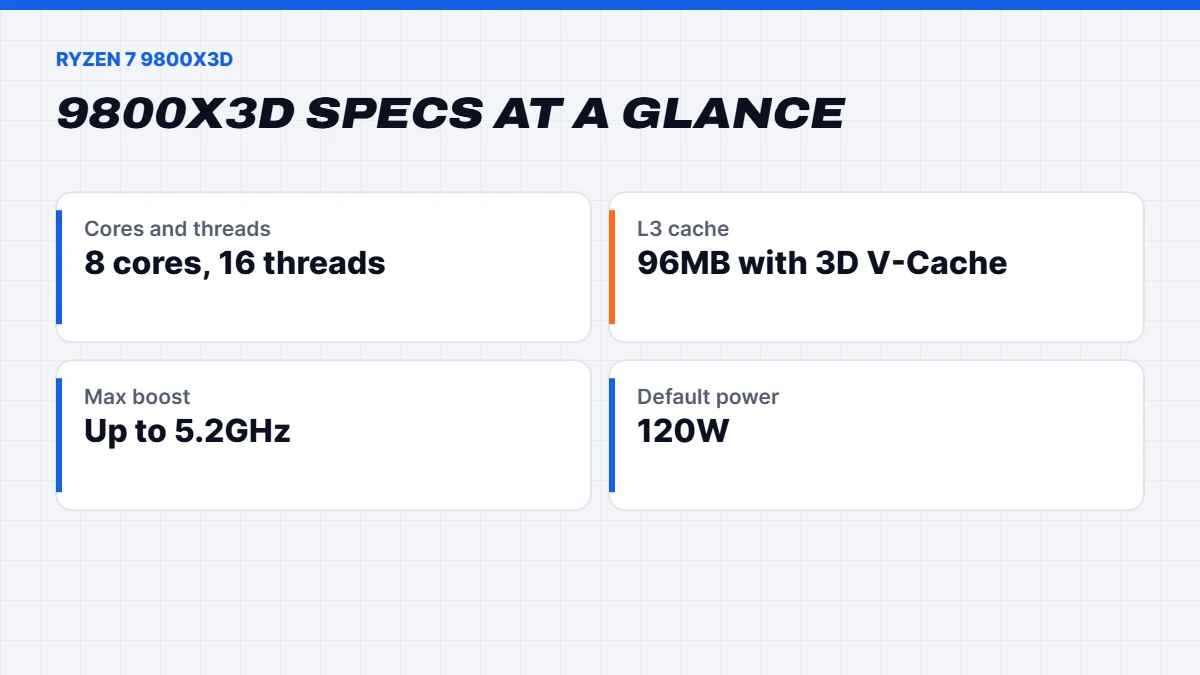
The Ryzen 7 9800X3D launched on 7 November 2024. According to AMD’s specifications, it uses the Zen 5 architecture with eight cores and sixteen threads, a boost clock of up to 5.2GHz and 96MB of L3 cache. It fits the AM5 socket and uses DDR5 memory.
It also introduced AMD’s second-generation 3D V-Cache. On earlier X3D chips the extra cache sat on top of the processor cores, which trapped heat and forced lower clock speeds. On the 9800X3D, the cache sits underneath, so the cores can run hotter and faster, and the chip can even be overclocked.
| Spec | Ryzen 7 7800X3D | Ryzen 7 9800X3D | Ryzen 7 9850X3D | Ryzen 9 9950X3D |
|---|---|---|---|---|
| Architecture | Zen 4 | Zen 5 | Zen 5 | Zen 5 |
| Cores and threads | 8 / 16 | 8 / 16 | 8 / 16 | 16 / 32 |
| Max boost | 5.0GHz | 5.2GHz | 5.6GHz | 5.7GHz |
| L3 cache | 96MB | 96MB | 96MB | 128MB |
| Default power | 120W | 120W | 120W | 170W |
| US launch price | US$449 | US$479 | US$499 | US$699 |
| Released | April 2023 | November 2024 | January 2026 | March 2025 |
7800X3D vs 9800X3D
The 7800X3D vs 9800X3D comparison is the one most of our customers face, so here’s the honest version.
In games, the newer chip is faster, but not by a huge margin. Reviews generally put it somewhere around 8 to 10% ahead on average when the graphics card isn’t the bottleneck, with bigger gains in some processor-heavy games and almost none in others. At 1440p and 4K, where the graphics card does most of the work, the gap often shrinks to very little.
In everything else, the gap is bigger. Thanks to Zen 5 and its higher clocks, the 9800X3D is noticeably quicker in productivity work like video encoding, compiling and photo editing, where the 7800X3D’s lower clock speeds held it back.
On temperatures and tuning, the newer design wins too, with the cache moved underneath the cores and overclocking support.
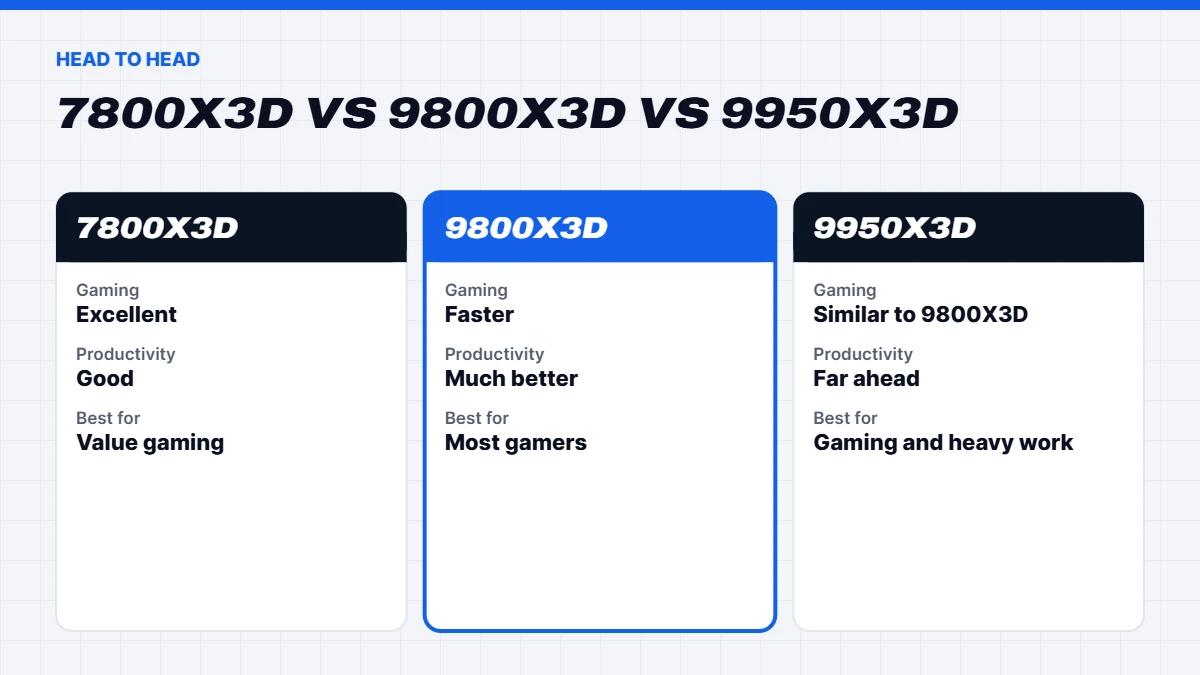
So which should you buy? If you only game and want the best value, the 7800X3D is still brilliant, and it’s what we use in many of our 1440p builds. If you game at high refresh rates, play processor-heavy titles, or do some creative work, the extra for the 9800X3D is worth it.
What about the 9850X3D?
AMD released the Ryzen 7 9850X3D on 29 January 2026. It’s essentially the same chip as the 9800X3D with a higher boost clock of up to 5.6GHz and the same 96MB of cache and 120W default power. Reviews found it only slightly faster in games, at best a few per cent, and sometimes no faster at all.
Our take: it’s a fine chip, but the 9800X3D gives you almost all of its gaming performance for a little less money. Unless the two are the same price, the older chip remains the smarter buy.
9800X3D vs 9950X3D
The 9800X3D vs 9950X3D question is really about whether you need more than gaming.
The Ryzen 9 9950X3D has sixteen cores and thirty-two threads, double the 9800X3D, with 3D V-Cache on one of its two core clusters. In games it performs similarly to the 8-core chip, because games rarely use more than eight cores well, and Windows steers games to the cores with the extra cache. Where it pulls far ahead is heavy multi-threaded work: 3D rendering, video exports, code compiling, streaming while gaming and running virtual machines.
It also costs considerably more and draws more power, so it needs a stronger cooler and power supply. Our rule of thumb:
- Gaming first, light work on the side: Ryzen 7 9800X3D.
- Gaming plus serious creative or technical work: Ryzen 9 9950X3D.
How much does the processor matter for gaming?
Less than many people think, and more than some claim. At 4K with a mid-range graphics card, the graphics card is the limit in nearly every game, and a cheaper processor would perform almost the same. As you lower the resolution or raise the refresh rate, the processor matters more, because it has to prepare far more frames every second.
The processor also matters a lot in certain kinds of games regardless of resolution: strategy games like Civilization and Stellaris late in a match, city builders, flight and racing simulators, and big multiplayer shooters with lots of players on screen. That’s where X3D chips feel transformative.
So if you play at 1080p or 1440p on a 165Hz to 240Hz monitor, or love simulation and strategy games, an X3D chip is one of the best upgrades you can make. If you play at 4K on a 60Hz TV, put the money towards the graphics card instead.
X3D chips in the games you play
The benefit of all that cache depends heavily on what you play. Here’s where you’ll notice it most:
- Simulation and strategy games. Microsoft Flight Simulator, Cities: Skylines II, Stellaris, Civilization and Total War games track enormous amounts of data. Late in a long session, X3D chips keep turn times shorter and frame rates steadier.
- Big multiplayer shooters. Games like Battlefield, Call of Duty and Arc Raiders with lots of players and effects on screen benefit from steadier frame times, which means fewer stutters in hectic moments.
- Esports at very high refresh rates. At 240Hz and above, the processor becomes the limit, and X3D chips help keep frame rates high and consistent.
- MMOs. World of Warcraft, Final Fantasy XIV and similar games with crowded cities and raids love extra cache.
In graphically heavy single-player games at 1440p and 4K, the difference between processors shrinks, because the graphics card is doing most of the work.
Streaming and multitasking
If you stream while you play, the processor has more to do. On an eight-core chip, the best approach is to let the graphics card’s built-in encoder handle the stream, which keeps the load off the processor and has little effect on frame rates. If you prefer software encoding for quality, or you run lots of apps in the background, the extra cores of a Ryzen 9 make a real difference. For most streamers on Twitch or YouTube, an eight-core X3D chip with hardware encoding works beautifully.
Upgrading from an older processor
If you’re on an older AMD AM4 system, the Ryzen 7 5800X3D or 5700X3D gave that platform a final boost, and they’re still decent gaming chips. Moving to AM5 is a bigger job, because it needs a new motherboard and DDR5 memory, and memory prices have been high through 2026. It’s still a worthwhile jump if your current chip is several generations old or you play processor-heavy games.
From an Intel 10th, 11th or 12th generation chip, an X3D processor is a significant gaming upgrade, particularly in simulators, strategy games and high-refresh shooters. Because a platform change means a new motherboard, memory and often a new cooler, many people find it simpler to move to a complete new PC and keep or sell the old one.
Is AM5 a good platform to buy into?
Yes. AMD’s AM5 platform launched in 2022 and AMD has committed to supporting it for years beyond that, which means a processor upgrade later is likely to be a simple swap rather than a whole new system. It supports DDR5 memory and PCIe 5.0 for the fastest graphics cards and SSDs. Buying a mid-range AM5 board today leaves you plenty of room to drop in a faster chip down the track.
Memory and motherboards
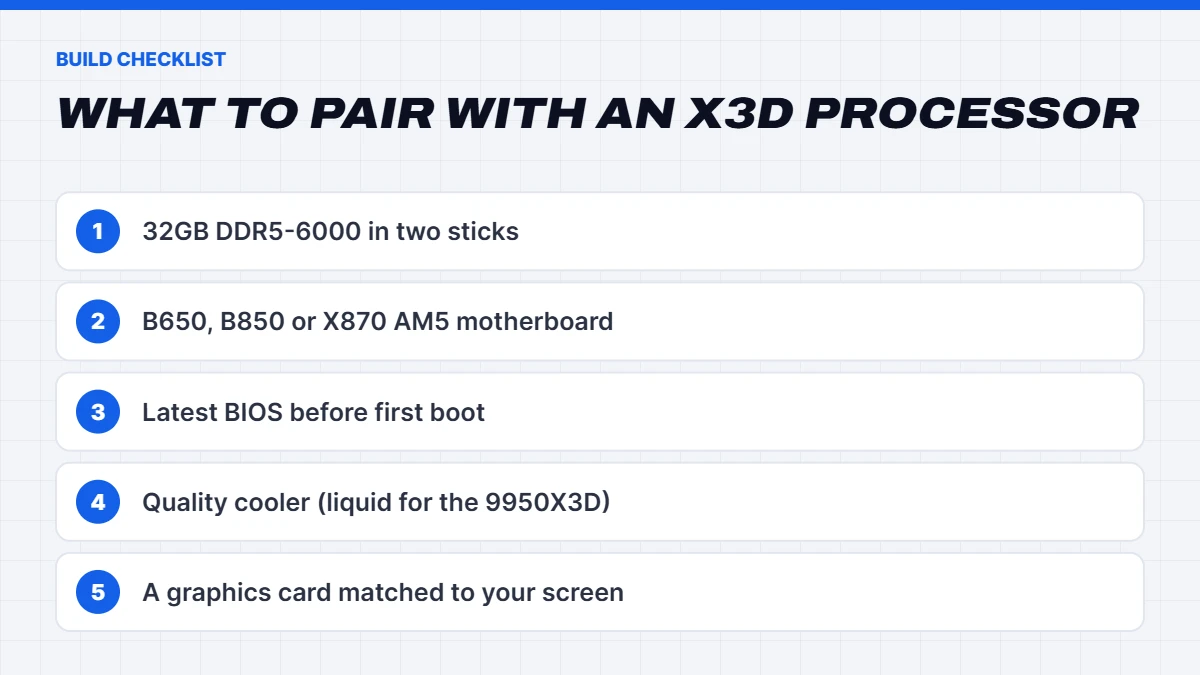
All of these chips use AMD’s AM5 platform with DDR5 memory. For X3D chips, DDR5-6000 with low timings is the long-established sweet spot, and two sticks in dual channel are a must. One handy quirk of X3D processors is that their huge cache makes them less sensitive to memory speed than standard chips, so you don’t need expensive high-speed kits to get great results.
For motherboards, a B650 or B850 board is plenty for the 8-core chips. The 9950X3D is happiest on a board with stronger power delivery, like an X870 or a well-built B850. Make sure the BIOS is up to date, which matters for newer chips on older boards.
Cooling and power
The 8-core X3D chips are remarkably efficient in games, often drawing well under their 120W rating. AMD recommends a liquid cooler for the best results. A high-end tower air cooler also works well for gaming, where the chip rarely runs flat out, and a 240mm or 360mm liquid cooler keeps things quieter during long sessions. The 9950X3D runs hotter under all-core loads, so we pair it with a 360mm liquid cooler or a top-tier air cooler.
Smoothness, not just speed
Average frame rates get the headlines, but how smooth a game feels depends just as much on consistency. When a processor occasionally can’t keep up, you get a brief stutter, even if the average looks high. Reviewers measure this with “1% lows”, the slowest moments in a run. X3D chips tend to shine here, because their large cache avoids many of the slow trips to system memory that cause those dips. In practice, that means fewer hitches when you turn quickly in a busy scene, enter a new area or fight a big crowd of enemies.
This is also why X3D chips can feel better than their benchmark numbers suggest in long sessions of strategy and simulation games, where stutters and slowdowns build up over time on other processors.
Balancing your budget between processor and graphics card
A common mistake is spending too much on one part and too little on the other. For gaming, the graphics card should usually take the larger share of the budget. A rough guide for a complete gaming PC: an eight-core X3D chip pairs well with anything from an RTX 5070 upwards. With an RTX 5060 or RX 9060 XT, a six-core Ryzen 5 is usually the better balance, and the money saved buys a better graphics card or more storage.
At the top end, pairing an RTX 5080 or RTX 5090 with an X3D processor makes sense, because a slower chip would hold those cards back at 1440p and in high-refresh gaming. Our builds follow this balance, so the processor and graphics card are matched to the screen you’re likely to use.
Which X3D chip should you buy?
Here’s how we’d choose:
- Best value for gaming: Ryzen 7 7800X3D. Still superb, and often cheaper.
- Best gaming chip for most people: Ryzen 7 9800X3D. Faster in games and much better at everything else.
- Small extra boost: Ryzen 7 9850X3D, only if it’s priced close to the 9800X3D.
- Gaming and serious work: Ryzen 9 9950X3D.
Pair any of them with a graphics card that suits your screen. An X3D chip with an entry-level graphics card is unbalanced, and you won’t feel the benefit.
Our X3D gaming PCs
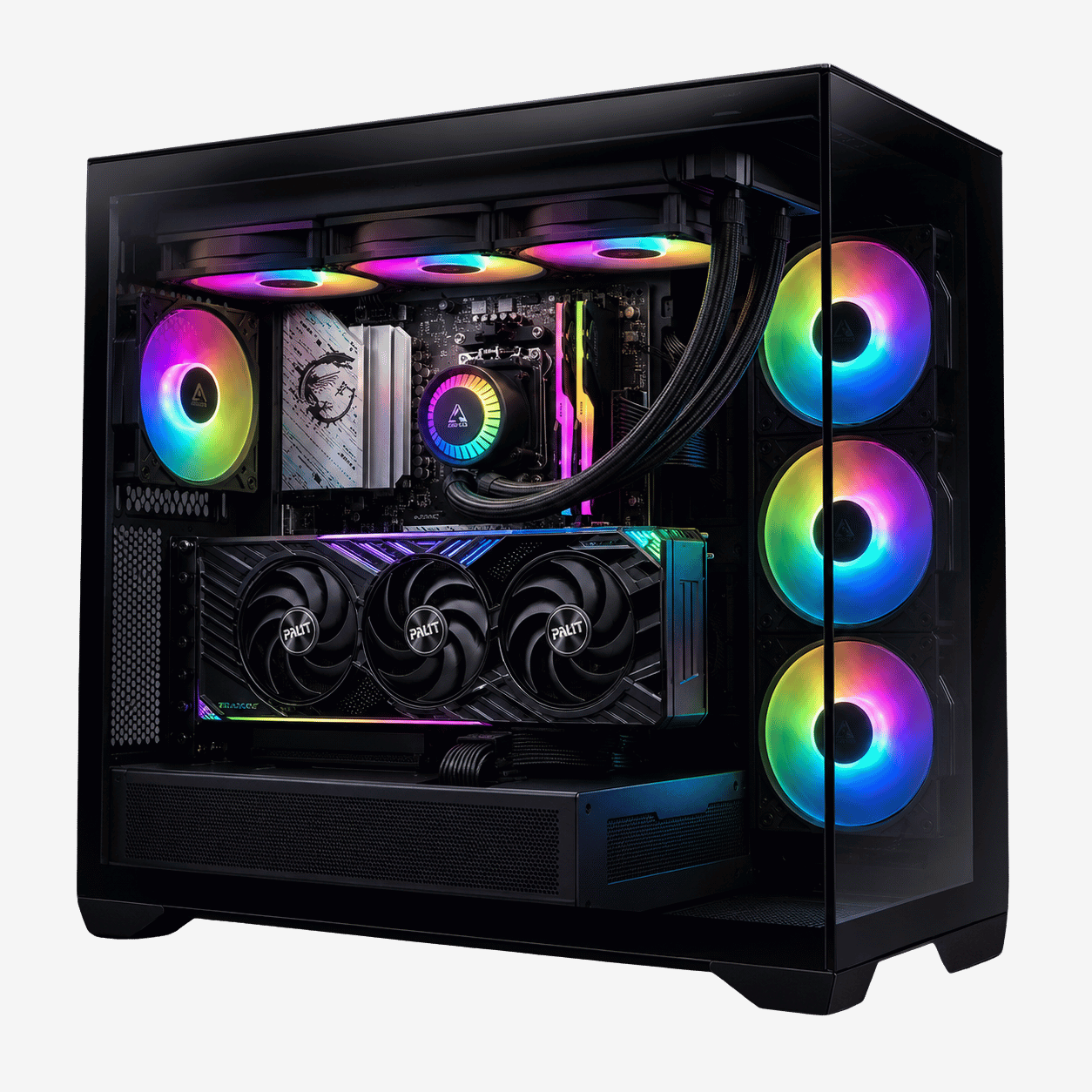
X3D processors power many of the builds in our Ryzen gaming PCs range. A few examples:
- The Vision X, an RTX 5080 PC with the Ryzen 7 9800X3D and 64GB of DDR5.
- The Vision Phantom X3D, a 9070 XT prebuilt with the same processor and AMD graphics.
- The Vision Vector, a 7800X3D PC with an RTX 5070, our value pick for high-refresh 1440p.
- The Vision TITAN X3D, a 5090 PC with the Ryzen 9 9950X3D for gaming and heavy creative work.
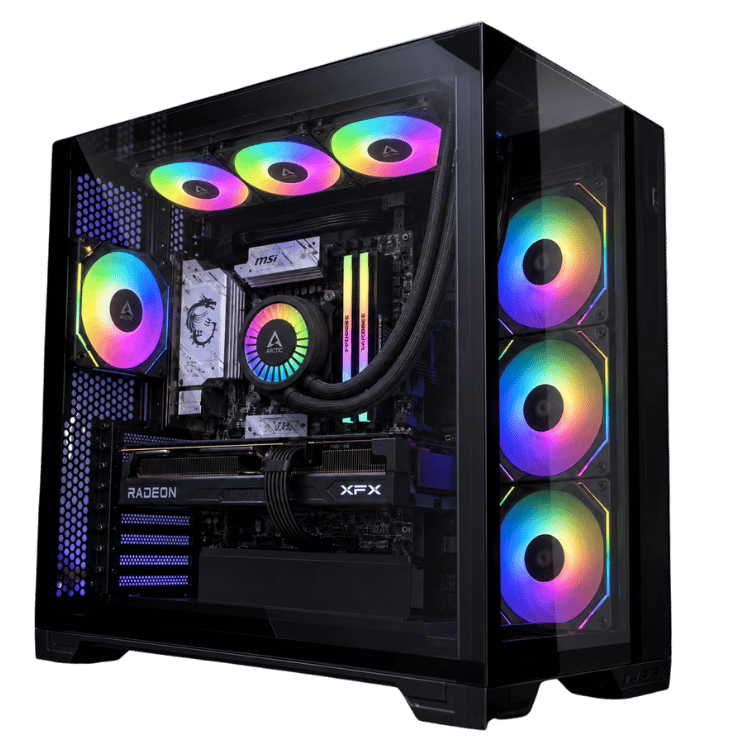
 Vision X RTX 5080 PC – Ryzen 7 9800X3D, 64GB DDR5 Original price was: $6,999.00.$5,249.00Current price is: $5,249.00.See the build
 Vision Vector – 7800X3D PC with RTX 5070, 32GB DDR5 Original price was: $4,399.00.$3,299.00Current price is: $3,299.00.See the build
 Vision TITAN X3D – 5090 PC, Ryzen 9 9950X3D, 96GB DDR5 Original price was: $13,000.00.$9,750.00Current price is: $9,750.00.See the build
What about Intel?
Intel’s Core Ultra 200S chips are strong all-rounders and very good for productivity, but for pure gaming AMD’s X3D processors have held the lead throughout this generation. If you’re weighing the two brands more broadly, our AMD vs Intel guide covers gaming, work and value side by side.
X3D processor FAQs
Is the 9800X3D worth it over the 7800X3D?
For high-refresh gaming, processor-heavy games or mixed gaming and creative work, yes. For gaming only at 1440p or 4K on a budget, the 7800X3D is still excellent value.
Is the Ryzen 7 9800X3D good for productivity?
It’s much better than the 7800X3D, thanks to Zen 5 and higher clocks. For heavy multi-threaded work, the 16-core 9950X3D is the better choice.
What RAM is best for the 9800X3D?
32GB of DDR5-6000 in two sticks is the sweet spot for gaming. Creators may want 64GB.
Does the 9950X3D game better than the 9800X3D?
In most games they’re very similar. The 9950X3D’s extra cores help with streaming, rendering and other heavy work rather than gaming.
Do I need a liquid cooler?
AMD recommends one for the best results, but a high-end tower air cooler handles the 8-core chips well in games. For the 9950X3D, we recommend a 360mm liquid cooler or a top-tier air cooler.