Description
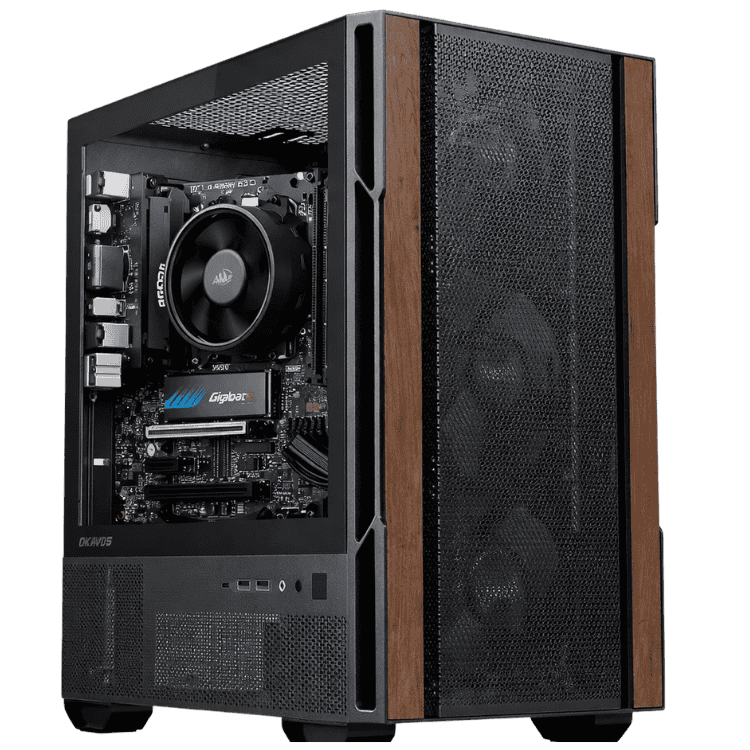
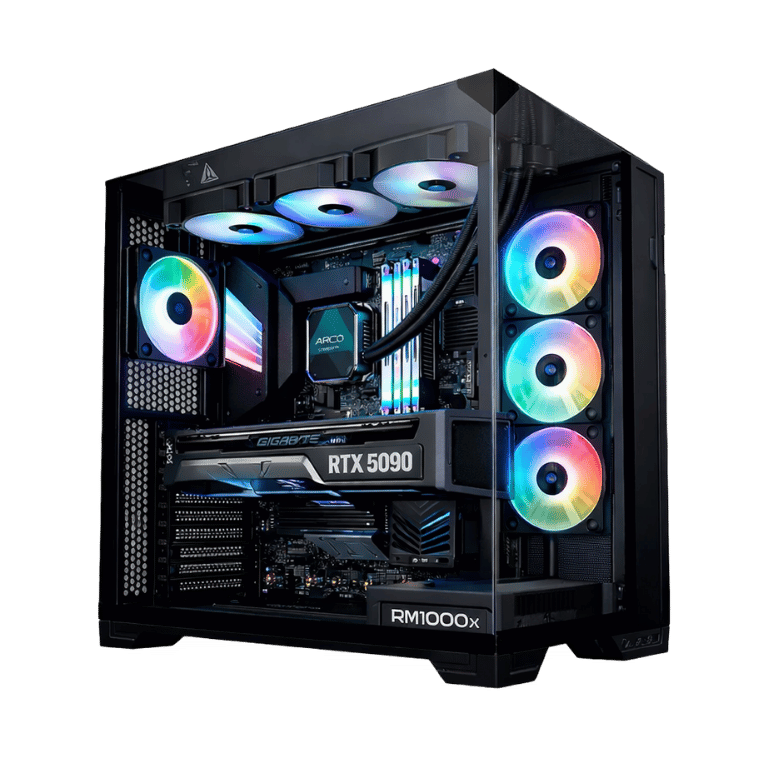
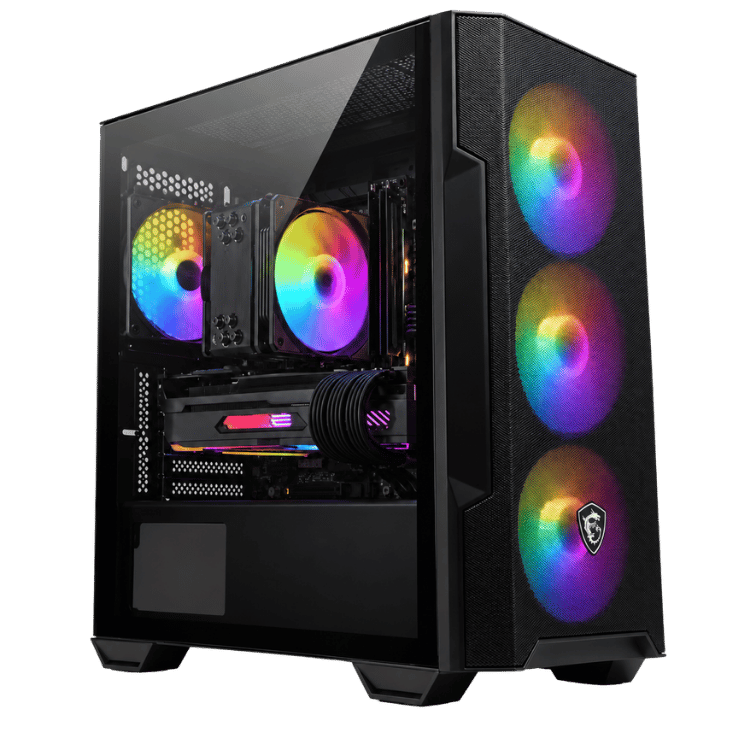
The Vision Photo Workstation is a PC for photo editing that’s built around how photographers actually work: importing hundreds of RAW files, culling, editing in Lightroom, finishing in Photoshop and exporting big batches for clients. It pairs Intel’s 20-core Core Ultra 7 265KF with an ASRock Challenger Radeon RX 9070 XT 16GB, 32GB of DDR5-6000 and two drives, a fast NVMe SSD for your catalogue and a 1TB hard drive for your growing archive.
It’s currently $3,600, down from $4,100, with Windows 11 Home installed. Every system is assembled and stress tested by our team in Sydney.
Who this PC for photo editing suits
- wedding, event and portrait photographers delivering large galleries
- real estate and product photographers with fast turnarounds
- landscape and astro photographers working with stacking and panoramas
- enthusiasts with big Lightroom catalogues who are tired of waiting
If design is a bigger part of your work, our graphic design PC with a Core Ultra 7 and RTX 5070 is a close relative. If you shoot plenty of video too, see our PC for video editing with an RTX 5070.
20 cores make a faster PC for photo editing
The slowest parts of a photo workflow are usually the ones that depend on the processor: importing, building previews and exporting. Lightroom spreads that work across many cores. The Core Ultra 7 265KF has 20 cores (8 performance and 12 efficient) with boost clocks up to 5.5GHz, so big imports and batch exports finish much sooner than on a typical home computer, and the editing sliders stay responsive.
It’s cooled by a Thermalright Peerless Assassin 120 SE dual-tower air cooler, which keeps the processor cool and quiet during long export runs.
The Radeon RX 9070 XT in a photo editing workstation
Lightroom and Photoshop use the graphics card more every year. The RX 9070 XT has 16GB of video memory and speeds up:
- Lightroom’s AI Denoise, which leans heavily on the graphics card
- AI masking for skies, subjects and people
- Photoshop’s GPU features, including smooth zoom, Liquify and Camera Raw
- Topaz Photo AI, DxO PureRAW and Capture One’s GPU processing
AMD has full details on its Radeon RX 9070 XT page.
One honest note: a small number of plugins and AI tools only support NVIDIA’s CUDA. Mainstream photo software works well on Radeon, but if you rely on a niche tool, check its requirements or ask us before you buy.
Photo editing workstation specifications
| Processor | Intel Core Ultra 7 265KF (20 cores) |
|---|---|
| CPU cooler | Thermalright Peerless Assassin 120 SE |
| Motherboard | MSI PRO B860M-A WiFi |
| Graphics card | ASRock Challenger Radeon RX 9070 XT 16GB |
| Memory | 32GB DDR5-6000 |
| Storage | 1TB PNY NVMe SSD plus 1TB WD hard drive |
| Power supply | SilverStone DA750R-GMA, 750W 80+ Gold |
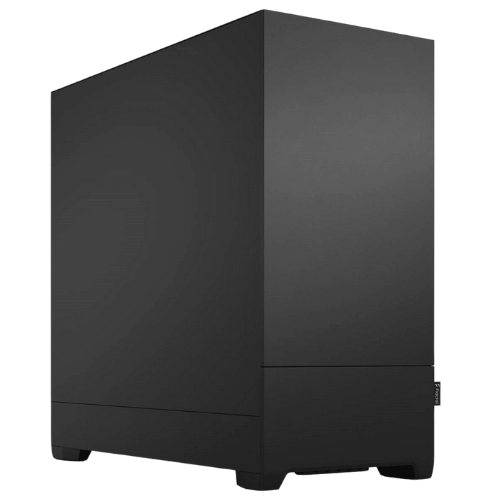
| Case | Fractal Design Pop Silent |
| Operating system | Windows 11 Home |
What this photo editing workstation feels like to use
- Lightroom Classic: quick imports and previews, responsive sliders and much faster AI Denoise than on processor graphics.
- Photoshop: large layered files, frequency separation and composites stay smooth.
- High-resolution cameras: files from 45MP to 60MP+ bodies are comfortable to work with.
- Panoramas and stacking: merges and focus stacks finish faster thanks to the 20 cores and 32GB of memory.
- Batch exports: wedding-sized galleries export in far less time than on an older PC.
Storage built for photographers
Photo libraries grow fast, so this PC for photo editing comes with two drives. Keep Windows, Lightroom, your catalogue and current shoots on the 1TB NVMe SSD for speed. Move finished shoots to the 1TB WD hard drive, which gives you room for your archive without filling the SSD.
Always keep a backup as well. An external drive plus cloud backup is the simplest way to protect client work.
32GB of memory in a photo editing workstation
32GB of DDR5-6000 is plenty for Lightroom and Photoshop together, even with large files open. If you regularly build big panoramas or composites with dozens of layers, 64GB is a worthwhile upgrade, and we can fit it before shipping.
A quiet PC for photo editing
Editing means long hours at a desk. Fractal Design’s Pop Silent case has sound-dampening material on its panels, and the Peerless Assassin’s large, slow fans keep noise down. The SilverStone 750W Gold power supply runs efficiently and leaves headroom for upgrades.
Apps our customers run on it
Most people buying a PC for photo editing from us use a mix of:
- Adobe Lightroom Classic, Lightroom and Photoshop
- Capture One and DxO PhotoLab
- Topaz Photo AI and DxO PureRAW for noise reduction and sharpening
- Affinity Photo for layered editing
- PTGui, Helicon Focus and Sequator for panoramas, focus stacking and astro
If you depend on a particular plugin, send us the details and we’ll confirm it runs well before you order.
A faster Lightroom workflow
- Keep your catalogue and current shoots on the NVMe SSD, not the hard drive.
- Build Smart Previews on import if you cull and edit large shoots.
- Increase the Camera Raw cache to 20GB or more in Lightroom’s preferences.
- Set the graphics processor option to Auto or Custom so Lightroom uses the RX 9070 XT.
- Optimise your catalogue every few months.
Photo editing workstation or laptop?
Laptops are great for editing on location, and many photographers own both. A desktop photo editing workstation gives you far more performance for the money, holds that performance through long exports without throttling, can be upgraded over time, and pairs with a large, calibrated monitor. A common setup is a laptop for tethering and quick culls on the job, with the heavy editing and exports done back at the desk.
Pairing a monitor with your photo editing workstation
Your monitor decides how accurate your edits are. For web and social delivery, a 27-inch 1440p IPS screen with close to 100% sRGB is a good start. For print, look for a wide-gamut monitor that covers most of Adobe RGB, and calibrate it regularly with a hardware calibrator. Radeon drivers include a 10-bit pixel format option, which helps reduce banding in smooth gradients in Photoshop on a compatible screen.
Built for client deadlines
When a client is waiting on a gallery, a reliable PC for photo editing matters more than any benchmark. Faster imports, quicker AI Denoise and shorter export times add up across a busy season, and because every system is stress tested before it leaves us, you can leave a big export running overnight with confidence.
Why buy a prebuilt PC for photo editing?
You’d rather be shooting or editing than troubleshooting. We update the BIOS, enable the memory’s rated speed, install Windows and drivers, and stress test every system before it ships. If anything goes wrong, you deal with one team here in Australia.
Upgrading your photo editing workstation
- Memory: 64GB for big composites and panoramas.
- Storage: add a second NVMe SSD for current shoots or a bigger hard drive for archives.
- Graphics: the 750W power supply leaves headroom for a graphics card upgrade.
When it arrives
- Remove any packing material from inside the case.
- Connect your monitor to the RX 9070 XT. The Core Ultra 7 265KF has no integrated graphics, so the motherboard’s video ports won’t work.
- Sign in to Windows and run Windows Update.
- Install the latest AMD Software: Adrenalin Edition driver.
- Install Creative Cloud, then move your catalogue and photos across.
How it compares with our other workstations
- Vision Starter Workstation: an RTX 5060 at a lower price for hobbyists and students.
- Vision Mid-Tier Workstation: the same Core Ultra 7 with an RTX 5070 and a single 1TB SSD.
- Vision Performance Workstation: a Ryzen 9 9900X and RTX 5070 with 2TB of storage for creators.
Browse all of our mid-tier workstations.
Support after you buy
You deal directly with the people who built and tested your machine. Questions about drivers, Lightroom setup, upgrades or a problem after delivery go straight to our team on live chat.
Built and tested in Sydney
- assembled by our team with tidy cable management
- BIOS updated and the memory profile enabled
- stress tested for stability and temperatures
- packed carefully and shipped Australia-wide
PC for photo editing FAQs
Is AMD or NVIDIA better for photo editing?
Both work well in Lightroom and Photoshop. The RX 9070 XT’s 16GB of memory is a strength for AI Denoise and big files.
Is 32GB of RAM enough for Lightroom?
Yes, for most photographers. 64GB helps with very large panoramas and composites.
Is this PC for photo editing overkill for a hobbyist?
Not if you have a big catalogue or a high-resolution camera. If you edit occasionally, our entry level workstation may be all you need.
Does it come with Windows?
Yes, Windows 11 Home is installed.
Can I add more storage later?
Yes. There’s room for more drives, and we can recommend SSDs or hard drives that suit the size of your library.
Can it handle video too?
Yes. The RX 9070 XT has hardware video encoding, so it’s fine for editing short videos and reels alongside your photos.
Do you deliver Australia-wide?
Yes, to every state and territory, including regional areas.