Description
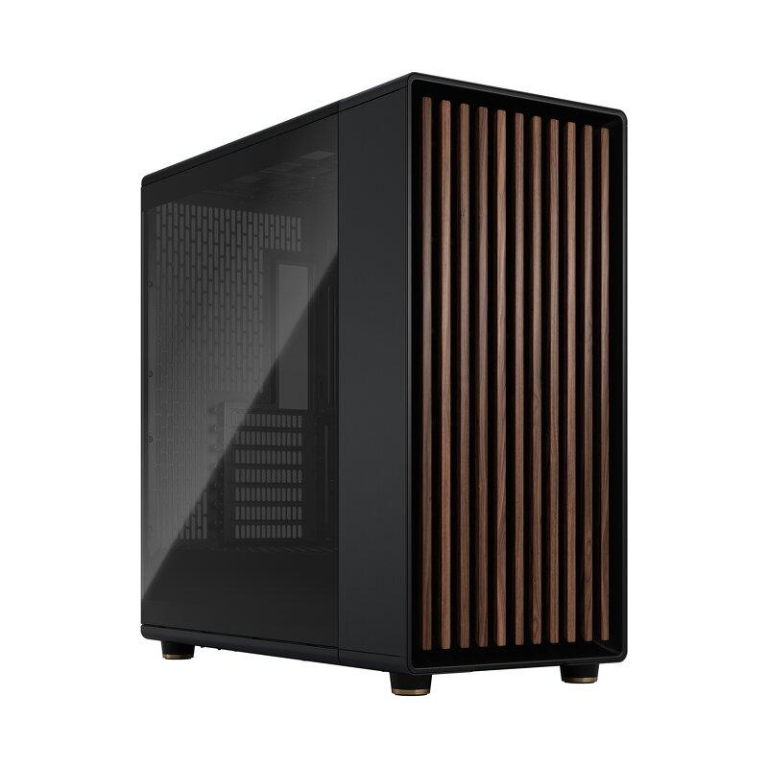
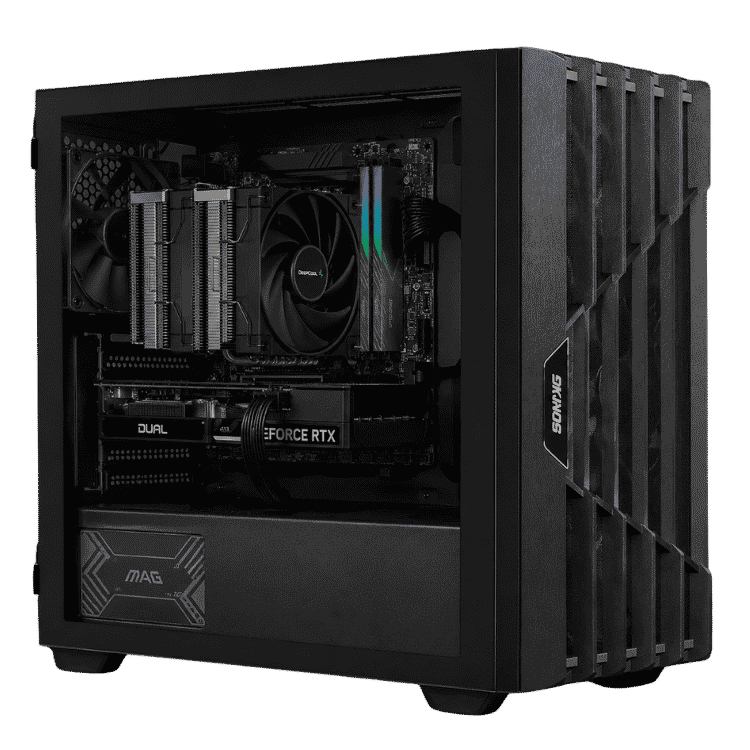
The Vision Ultimate is a 128GB RAM PC for work that simply won’t fit in less memory: big simulations, photogrammetry, federated BIM models, data science and stacks of virtual machines. It pairs that 128GB of DDR5-6000 with Intel’s 24-core Core i9-14900KF and an NVIDIA GeForce RTX 5080 16GB, keeps everything cool with a 360mm ARCTIC liquid cooler, and runs from a 1000W Gold power supply inside Fractal Design’s North XL.
It’s $8,500, with Windows 11 installed and activated and a 1-year warranty. Like every system we sell, it’s assembled and stress tested by our team in Sydney.
Who actually needs a 128GB RAM PC?
We’ll be straight with you: most people don’t. 32GB covers most design work and 64GB covers most engineering. 128GB earns its place when your projects regularly push past that, for example:
- FEA and CFD simulations with very fine meshes
- photogrammetry and point clouds in RealityCapture, Metashape or Recap
- large federated models in Revit and Navisworks
- data science and analytics with big datasets loaded into memory
- several virtual machines running at once for development or testing
- 8K video, long After Effects RAM previews and Houdini simulations
If 64GB is enough for you, our engineering workstation with the same Core i9 and RTX 5080 costs considerably less. If you need even more cores and ECC memory, look at our Threadripper PC with a 9960X.
A 24-core Intel workstation processor
The Core i9-14900KF has 24 cores (8 performance and 16 efficient) and 32 threads, with boost clocks up to 6.0GHz. That makes this i9 workstation quick in both directions: lightly threaded CAD and modelling tasks run on very fast cores, while rendering, compiling and solver jobs spread across all 32 threads.
We update the BIOS before testing, so it ships with Intel’s latest microcode. That update addresses the voltage-related stability issue Intel identified on some 13th and 14th gen desktop processors, which matters on an Intel workstation that may run jobs overnight.
RTX 5080 graphics for your Intel workstation
The GeForce RTX 5080 brings 16GB of GDDR7 memory for smooth viewports in large models, fast GPU rendering in tools like V-Ray GPU, Blender Cycles, KeyShot, Enscape and Twinmotion, and CUDA acceleration for many simulation, AI and data tools. NVIDIA has full details on its RTX 5080 page.
If your workplace requires vendor-certified graphics, for example for SolidWorks, message us and we’ll quote this build with a professional NVIDIA RTX PRO card.
128GB RAM PC specifications
| Processor | Intel Core i9-14900KF (24 cores, 32 threads) |
|---|---|
| CPU cooler | ARCTIC Liquid Freezer III Pro 360 |
| Motherboard | Gigabyte Z790 D AX |
| Memory | 128GB DDR5-6000 |
| Graphics card | NVIDIA GeForce RTX 5080 16GB |
| Storage | 2TB Gen4 NVMe SSD |
| Power supply | MSI A1000G PCIE5, 1000W 80+ Gold |
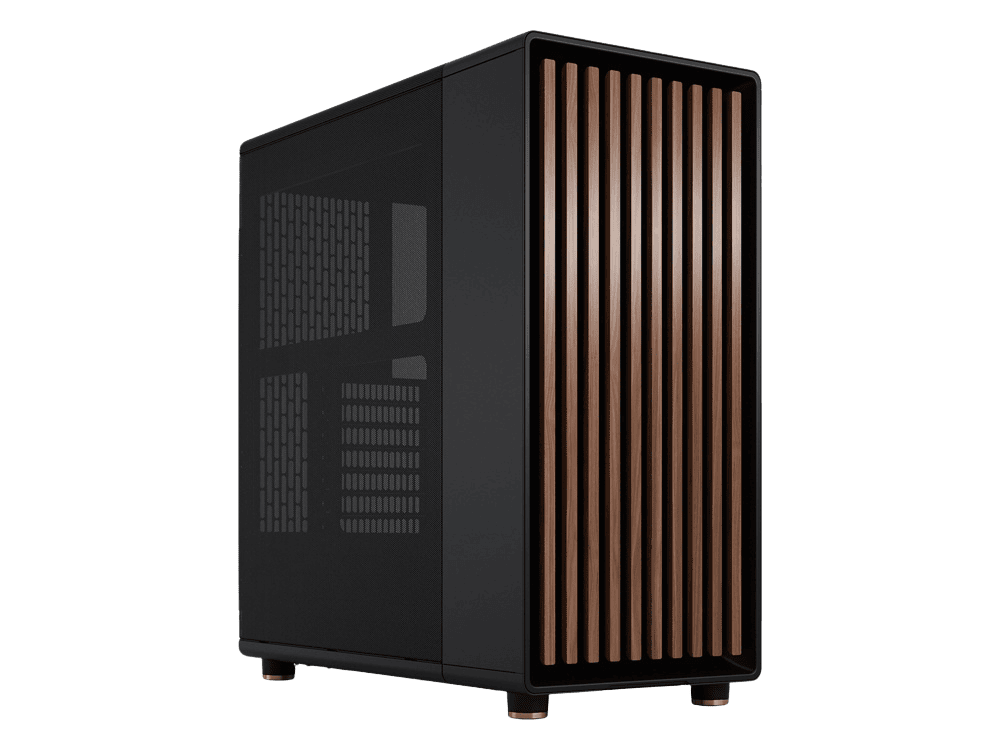
| Case | Fractal Design North XL |
| Operating system | Windows 11, installed and activated |
| Warranty | 1 year |
What 128GB changes in practice
When a project needs more memory than the computer has, Windows starts swapping to the SSD and everything slows to a crawl. On a 128GB RAM PC, big jobs stay in memory, so:
- simulations solve without running out of memory partway through
- photogrammetry and point cloud processing doesn’t stall on large scan sets
- you can keep several heavy applications open side by side
- virtual machines each get a generous memory allocation
- long video and animation previews stay cached in RAM
Software that benefits from 128GB
These are the kinds of applications where we see customers make full use of a 128GB RAM PC:
- Simulation: ANSYS Mechanical and Fluent, Abaqus and COMSOL.
- Reality capture: RealityCapture, Agisoft Metashape and Autodesk Recap.
- BIM coordination: Revit and Navisworks with large linked models.
- Data and code: Python, R and MATLAB with big in-memory datasets.
- Virtualisation: VMware Workstation, VirtualBox and Docker.
- Media: DaVinci Resolve Fusion, After Effects and Houdini.
Send us your software list and the size of your typical projects, and we’ll tell you honestly whether this i9 workstation is the right fit.
Virtual machines and containers
Developers and IT teams often use this much memory to run several virtual machines at once, each with its own operating system and a decent slice of RAM. With 24 cores and 128GB, you can run a few test environments alongside your normal desktop apps without everything grinding to a halt. VMware Workstation and VirtualBox work on any edition of Windows. If you need Hyper-V, you’ll want Windows 11 Pro, so ask us when you order.
Running large local AI models
If you experiment with large language models in tools like LM Studio or llama.cpp, system memory matters too. Models that are too big for the RTX 5080’s 16GB of video memory can be split between the graphics card and system RAM. It runs slower than keeping everything on the GPU, but 128GB makes much larger models possible on a 128GB RAM PC than on a typical desktop. For a machine set up specifically for AI work, see our AI workstation with an RTX 5070 Ti.
128GB RAM PC or Threadripper?
A Threadripper platform supports far more memory, ECC error correction and many more PCIe lanes for extra graphics cards and drives. It also costs a lot more. This Intel workstation gives you 128GB on a desktop platform with very fast single-core speed, which suits CAD, modelling and mixed workloads, at a much lower price. If you need more than 128GB, ECC memory or multiple GPUs, Threadripper is the better choice.
Storage on this 128GB RAM PC
A 2TB Gen4 NVMe SSD holds Windows, your applications and active projects with fast load and save times. Big datasets and scan projects grow quickly, so many customers add a second NVMe drive for working data and a large hard drive or NAS for archives. We can fit extra storage before shipping.
Cooling, power and the case
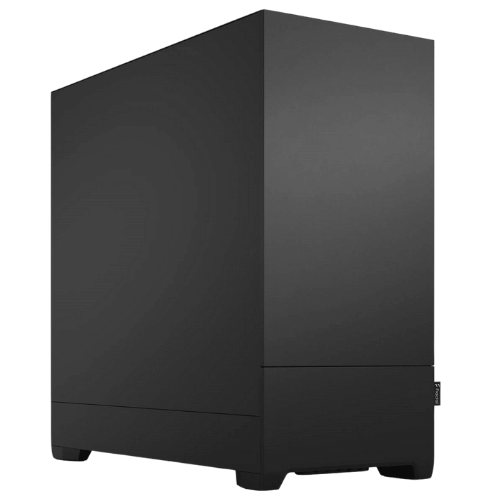
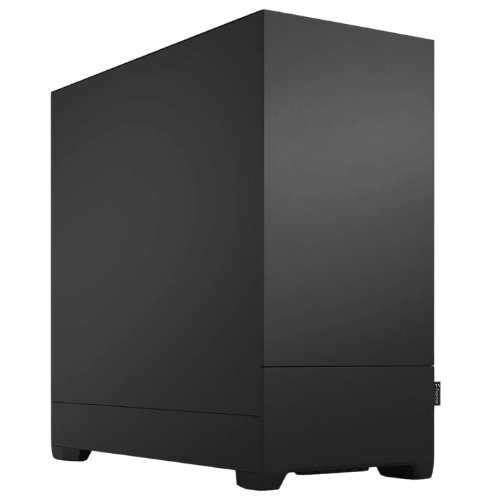
The i9-14900KF can draw a lot of power under all-core loads, so we use ARCTIC’s Liquid Freezer III Pro 360 to keep it in check. The 1000W Gold power supply gives the system generous headroom, including room for a more powerful graphics card later. Fractal Design’s North XL has plenty of space for airflow and a walnut front that suits an office or studio better than a typical gaming case. Fans are audible during long renders, as on any high-end workstation, and quiet during everyday work.
Monitors and multi-screen setups
The RTX 5080 drives up to four displays. Most of our workstation customers run two or three 27-inch 1440p or 4K screens, keeping the model or dataset on one and documentation, code or results on the others.
Why buy a prebuilt i9 workstation?
High-capacity memory kits need careful setup and testing to run stably at speed. We handle the BIOS, memory configuration, drivers and stress testing so the system is reliable from day one. If anything goes wrong, you deal with one team in Australia rather than several part manufacturers.
Upgrades and platform notes
- Storage: add more NVMe SSDs or large hard drives.
- Graphics: the 1000W power supply has room for a flagship graphics card.
- Memory: 128GB is already a lot for a desktop platform. If you need more, or ECC memory, a Threadripper workstation is the next step.
Intel’s LGA1700 platform has reached the end of its line, so the i9-14900KF is the fastest processor this motherboard takes.
When it arrives
- Remove any packing material from inside the case.
- Connect your monitors to the RTX 5080. The i9-14900KF has no integrated graphics, so the motherboard’s video ports won’t work.
- Sign in to Windows and run Windows Update.
- Install the NVIDIA Studio Driver through the NVIDIA app.
- Install your software and licences, then copy your projects across.
How it compares with our other workstations
- Engineering Workstation PC: the same i9 and RTX 5080 with 64GB of DDR5 and Windows 11 Pro, for less.
- Vision High-Tier CAD Workstation: a Ryzen 9 9900X, RTX 5070 Ti and 64GB for CAD-focused work.
- Vision AI Powerhouse: a 24-core Threadripper 9960X with ECC memory on a platform built for more memory and expansion.
Browse all of our high end workstations.
Support after you buy
You deal directly with the people who built and tested your machine. Questions about drivers, memory, software setup or a problem after delivery go straight to our team on live chat, and we can help plan upgrades as your projects grow.
Built and tested in Sydney
- assembled by our team with tidy cable management
- BIOS updated and memory configured
- stress tested for stability and temperatures
- packed carefully and shipped Australia-wide
128GB RAM PC FAQs
Do I need 128GB of RAM?
Only if your work regularly uses more than 64GB. Check your memory use in Task Manager during your biggest jobs. If it’s near the limit, 128GB will help.
Is this a good i9 workstation for rendering?
Yes. The RTX 5080 handles GPU renderers and the i9’s 32 threads handle CPU renderers.
Is it a good Intel workstation for CAD?
Yes. The i9’s high boost clock keeps modelling responsive, and the memory means even very large assemblies stay workable.
Does it come with Windows?
Yes, Windows 11 is installed and activated.
Do you deliver Australia-wide?
Yes, to every state and territory, including regional areas.