
This is the graphics card we recommend most often for 4K gaming, and for good reason. It has 16GB of fast GDDR7 memory, enough power for 4K at high settings in nearly every game, and NVIDIA’s DLSS 4 to push frame rates higher still. It costs about half as much as an RTX 5090 at launch pricing, and for most players the difference on screen is far smaller than the difference on the receipt.
This guide covers the card’s specs, what it costs in Australia, how it performs, how it compares in the 5080 vs 5090 and 5070 Ti vs 5080 matchups, the latest on the rumoured RTX 5080 Super, and how to build a PC around one.
Quick answer
The GeForce RTX 5080 has 10,752 CUDA cores and 16GB of GDDR7 memory. It launched in Australia at $2,019 in January 2025. It’s the best fit for 4K gaming and high-refresh 1440p, sitting comfortably between the RTX 5070 Ti and the much pricier RTX 5090. The RTX 5080 Super hasn’t been released, and recent reports suggest it may not arrive at all.
In this guide
What is the RTX 5080?
It’s the second-fastest card in NVIDIA’s GeForce RTX 50 series, built on the Blackwell architecture. It launched on 30 January 2025 alongside the RTX 5090 and replaced the RTX 4080 and RTX 4080 Super.
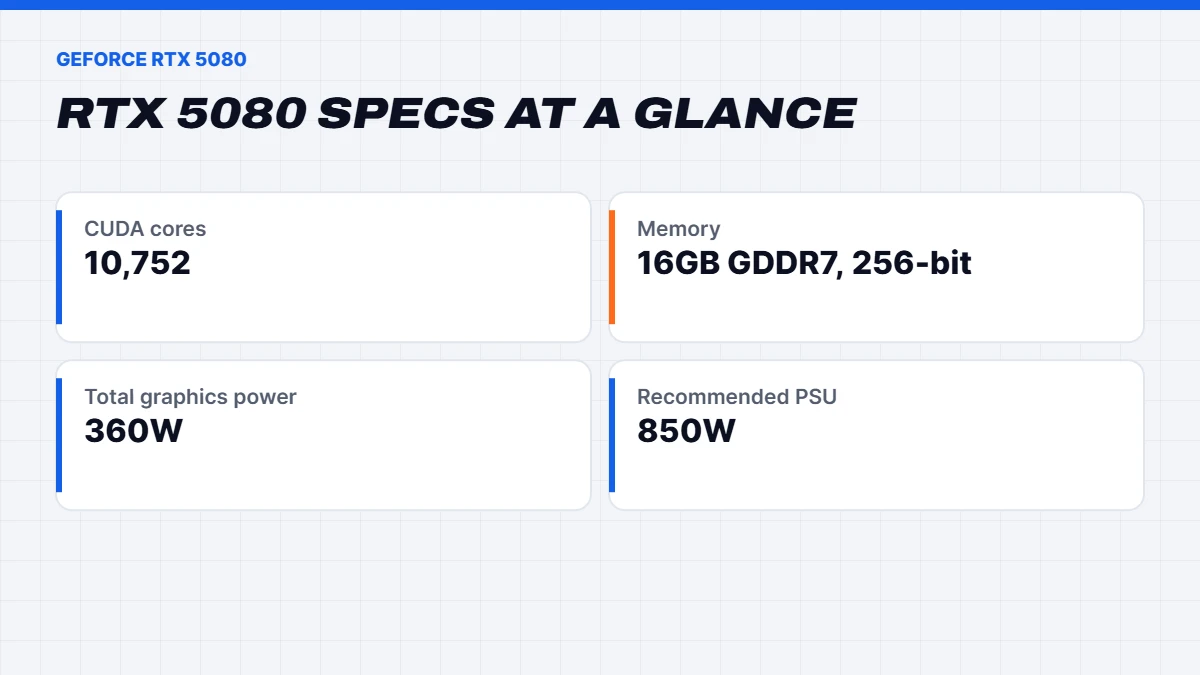
It uses the GB203 chip with 10,752 CUDA cores and 16GB of GDDR7 memory on a 256-bit bus. That memory is faster than the GDDR6X on the old RTX 4080, which helps at high resolutions. Like the rest of the series, it supports DLSS 4 with Multi Frame Generation, the latest ray tracing cores and NVIDIA’s Reflex latency tools.
RTX 5080 specs
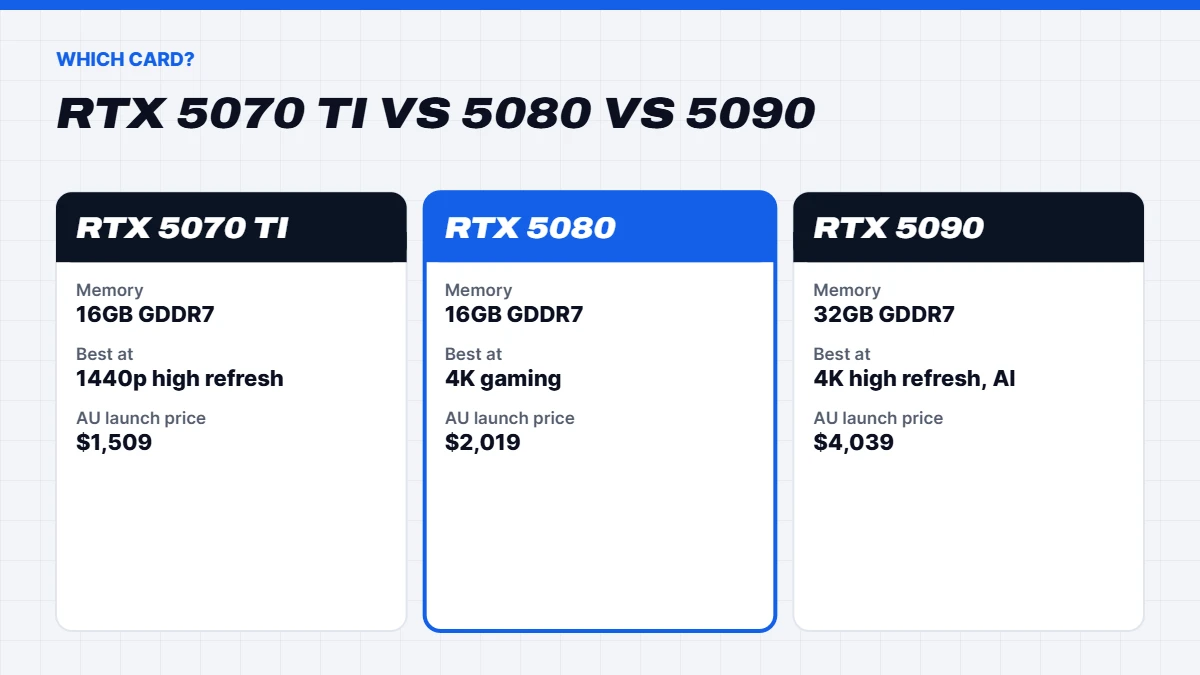
Here’s how it looks on paper, with the RTX 5070 Ti and RTX 5090 for context:
| Spec | RTX 5070 Ti | RTX 5080 | RTX 5090 |
|---|---|---|---|
| CUDA cores | 8,960 | 10,752 | 21,760 |
| Memory | 16GB GDDR7 | 16GB GDDR7 | 32GB GDDR7 |
| Memory interface | 256-bit | 256-bit | 512-bit |
| Total graphics power | 300W | 360W | 575W |
| Recommended system power | 750W | 850W | 1,000W |
| Australian launch price | $1,509 | $2,019 | $4,039 |
NVIDIA lists the full figures on its GeForce RTX 50 Series page. Partner cards from the major brands use the same chip with different coolers and factory clocks.
RTX 5080 price in Australia
The card launched in Australia at $2,019 for NVIDIA’s own design, with partner cards priced higher. Through 2025 prices settled around that mark. In 2026, the global memory shortage has pushed graphics card prices up again, and stock of the card on its own has been patchy in recent months.
That’s one reason complete systems have become such good value. When you buy an RTX 5080 PC, the card, power supply, processor and cooling are priced and tested together, so you’re not hunting for a card at a fair price and then discovering your power supply isn’t up to it.
How fast is the RTX 5080?
We don’t quote frame rates we haven’t measured ourselves, because they change with drivers, patches and settings. The overall picture from reviews is clear, though. It’s a little faster than the old RTX 4080 Super, a step behind the RTX 4090 in traditional rendering, and comfortably ahead of everything below it in the RTX 50 series.
In practice, that means 4K at high settings in nearly every game, and very high frame rates at 1440p for 165Hz and 240Hz monitors. Turn on DLSS 4 Super Resolution and Multi Frame Generation and it can drive 4K high-refresh screens in the most demanding ray-traced games. Its 16GB of memory is enough for current games at 4K, though a handful of the heaviest titles at maximum texture settings now use most of it.
5080 vs 5090: is the flagship worth double?
The 5080 vs 5090 question comes up constantly, and the answer for most people is no. Here’s why.
At launch pricing, the RTX 5090 costs about twice as much in Australia, and in 2026 the gap has often been wider. In return you get roughly double the CUDA cores and double the memory. In games, though, the extra performance is much smaller than the price difference, especially below 4K, where the processor often can’t feed the bigger card fast enough.
Where the RTX 5090 earns its price is at 4K with very high refresh rates, in VR, and in creative and AI work that needs more than 16GB of memory. If that’s you, our RTX 5090 guide goes into detail. If you mainly play games on a 4K monitor or TV, the cheaper card delivers nearly all of the experience for far less, and the money saved buys a better screen.
5070 Ti vs 5080: is the upgrade worth it?
The 5070 Ti vs 5080 decision is closer. Both have 16GB of GDDR7 on a 256-bit bus, so they handle large textures equally well. The pricier card has about 20% more CUDA cores and higher power limits, which translates into a noticeable but not huge performance lead.
Our rule of thumb: choose the RTX 5070 Ti for 1440p, even at high refresh rates, and for entry-level 4K with DLSS. Choose the RTX 5080 if 4K is your main resolution, or if you want the extra headroom to keep a 4K screen running smoothly for longer. If your budget is tight, the RTX 5070 Ti is the better value. Our RTX 5070 Ti guide compares it with AMD’s RX 9070 XT too.
What about the RTX 5080 Super?
The RTX 5080 Super has been one of the most talked-about cards that hasn’t happened. It was widely reported to be planned with 24GB of GDDR7 memory and a higher power limit, possibly for an early 2026 launch. Then the memory shortage hit. Reports through 2026 said NVIDIA had delayed its RTX 50 Super refresh because the higher-capacity memory chips it needed were going to AI data centres instead, and by late 2026 the RTX 5080 Super still hadn’t been released.
Our advice is not to wait for it. Nothing has been confirmed by NVIDIA, the timing keeps slipping, and if it does arrive it’s likely to cost more because of that extra memory. The card you can buy today is a great 4K card.
DLSS 4 on the RTX 5080
DLSS 4 is a big part of why this card punches above its weight. Super Resolution renders games at a lower internal resolution and uses AI to rebuild a sharp 4K image, which costs very little in image quality and gives a big performance boost. Multi Frame Generation, exclusive to RTX 50 cards, generates up to three extra frames for each one the card renders.
For single-player games on a high-refresh 4K screen, it’s excellent. Generated frames make motion look smoother but don’t make the game respond faster, so competitive players often leave frame generation off and rely on Super Resolution and Reflex for low latency instead.
Ray tracing and path tracing
Ray tracing simulates how light really bounces around a scene, which makes reflections, shadows and lighting look far more natural. Path tracing goes further and traces nearly all the light in a scene, as in Cyberpunk 2077’s Overdrive mode and Alan Wake 2. Both are demanding, and they’re where NVIDIA’s cards have the clearest lead over AMD’s.
This card’s fourth-generation ray tracing cores handle ray tracing at 1440p comfortably and at 4K with DLSS switched on. Path tracing at 4K is still heavy for any graphics card, so expect to lean on DLSS Super Resolution and frame generation for the smoothest results. The good news is that DLSS 4’s newer image model looks noticeably sharper than older versions, so the trade-off in image quality is small.
Power, heat and noise
At 360 watts, it’s much easier to live with than the RTX 5090. Most partner cards run cool and quiet with large triple-fan coolers, and NVIDIA recommends an 850-watt power supply for the whole system. Use a native 16-pin cable from a quality power supply if you can, make sure the plug is pushed fully home, and avoid bending the cable sharply at the connector.
Case airflow still matters. A PC with good front intake keeps the graphics card and processor cooler, which keeps the fans slower and the room quieter on long gaming nights.
Which monitor suits it?
To get your money’s worth, pair it with a screen that shows off what it can do. The best matches are a 27 to 32-inch 4K monitor at 144Hz or more, a 4K OLED TV with HDMI 2.1 and 120Hz support, or a 1440p monitor at 240Hz or faster for competitive players. A 1080p screen wastes most of the card’s potential. Our guide to Black Friday monitor deals walks through matching a monitor to your graphics card.
Upgrading from an older card
If you’re coming from an RTX 3070, RTX 3080 or an older AMD card, the jump is big, especially at 1440p and 4K and in ray-traced games. You also gain DLSS 4 features your old card can’t use. From an RTX 4070 Ti or RX 7900 XT, it’s a solid step up rather than a transformation. From an RTX 4080 or 4080 Super, the gain is small, and we’d usually suggest keeping what you have unless you want Multi Frame Generation.
Before you upgrade, check your power supply. An older 650 or 750-watt unit may not be enough, and a 16-pin cable from a modern power supply is better than an adapter. Check your processor too. A card this fast paired with a processor from five years ago will be held back in many games, which is often when a complete new PC makes more sense than a card swap.
How it compares with AMD
AMD’s fastest current card is the Radeon RX 9070 XT, which sits closer to the RTX 5070 Ti than to this card. It’s excellent value with 16GB of memory and strong traditional performance, and AMD’s FSR 4 upscaling has closed much of the image quality gap with DLSS. Where NVIDIA still leads is heavy ray tracing, path tracing and frame generation, plus the widest support in creative apps.
If you want the most performance per dollar at 1440p, the RX 9070 XT is hard to beat. If you want a card that handles 4K with ray tracing turned up, NVIDIA’s offering is the stronger choice right now. Our RX 9070 XT guide covers AMD’s side in detail.
Streaming, recording and extras
NVIDIA’s cards include a dedicated video encoder that handles streaming and recording with almost no impact on game performance. The current generation supports AV1, which gives better quality at the same bitrate on platforms that accept it, and it works well with OBS for streaming to Twitch or YouTube.
The NVIDIA App handles driver updates, game settings and screen recording in one place, and NVIDIA Broadcast uses the card’s AI hardware to remove background noise from your microphone and blur or replace your webcam background. They’re small things, but they make a gaming PC nicer to live with, especially if you stream or spend a lot of time on voice chat.
Building a PC around the RTX 5080
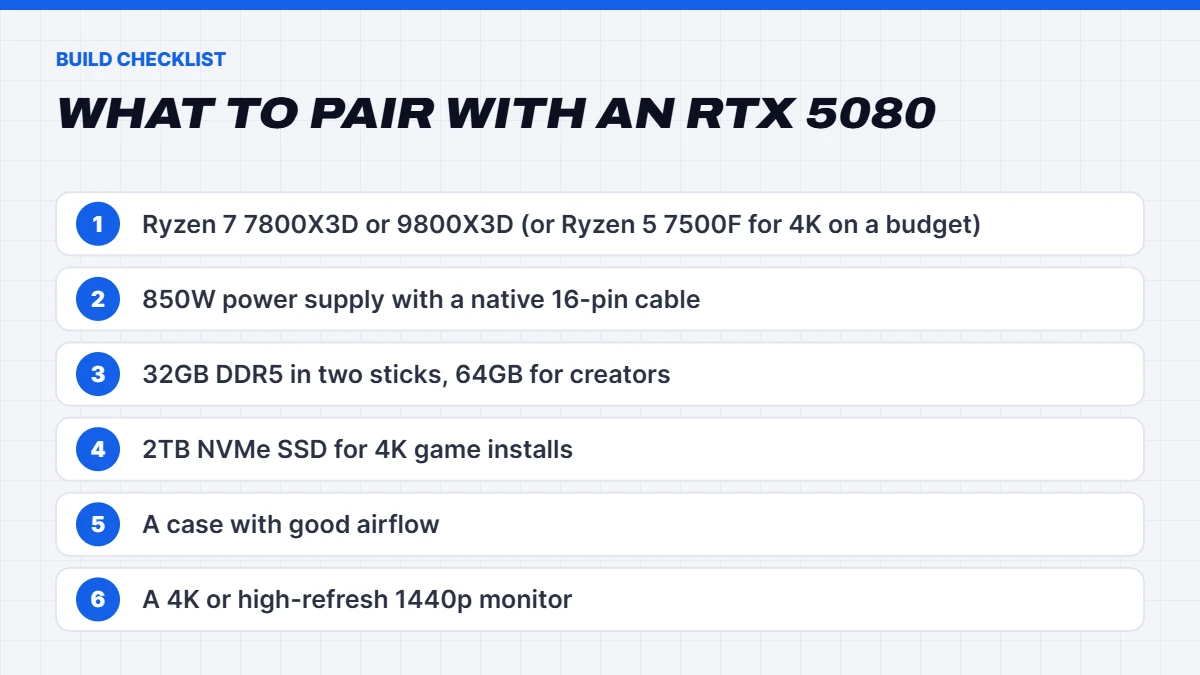
A card like this deserves partners that let it run at full speed. Here’s what we pair it with:
- A strong gaming processor. The Ryzen 7 7800X3D or 9800X3D is ideal for high refresh rates. At 4K, where the card does most of the work, a six-core Ryzen 5 7500F holds up well and keeps the cost down.
- An 850W power supply from a reputable brand, with a native 16-pin cable.
- 32GB of DDR5 in two sticks. Creators and heavy multitaskers should consider 64GB.
- A 2TB NVMe SSD. 4K game installs are large.
- Good airflow. A 360-watt card is much easier to keep quiet in a case with open front intake.
- A 4K or high-refresh 1440p monitor, so you actually see what you’re paying for.
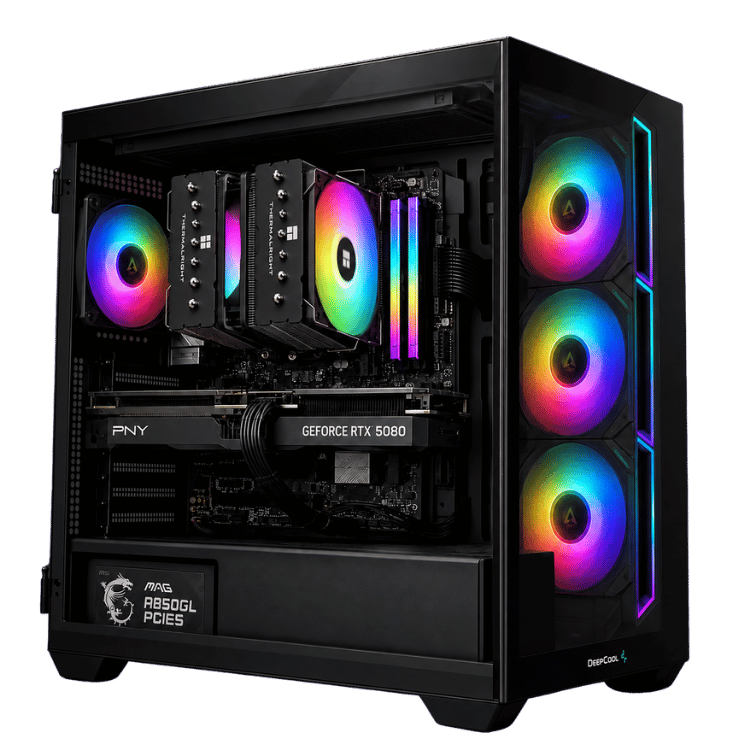
Our RTX 5080 PCs
Most of our 4K gaming PCs are built around the RTX 5080, because it’s the card we’d choose for 4K ourselves. A few examples:
- The Vision X, our RTX 5080 PC with a Ryzen 7 9800X3D and 64GB of DDR5, built for 4K and high-refresh gaming with room for creative work.
- The Best Value RTX 5080 gaming PC, which pairs the card with a Ryzen 7 7800X3D and 32GB of DDR5.
- The Vision Budget 4K, a budget 4K gaming PC that keeps the RTX 5080 but uses a Ryzen 5 7500F to bring the price down.
- The Vision Arctic Apex, a liquid cooled gaming PC for people who want a quieter, cooler build.
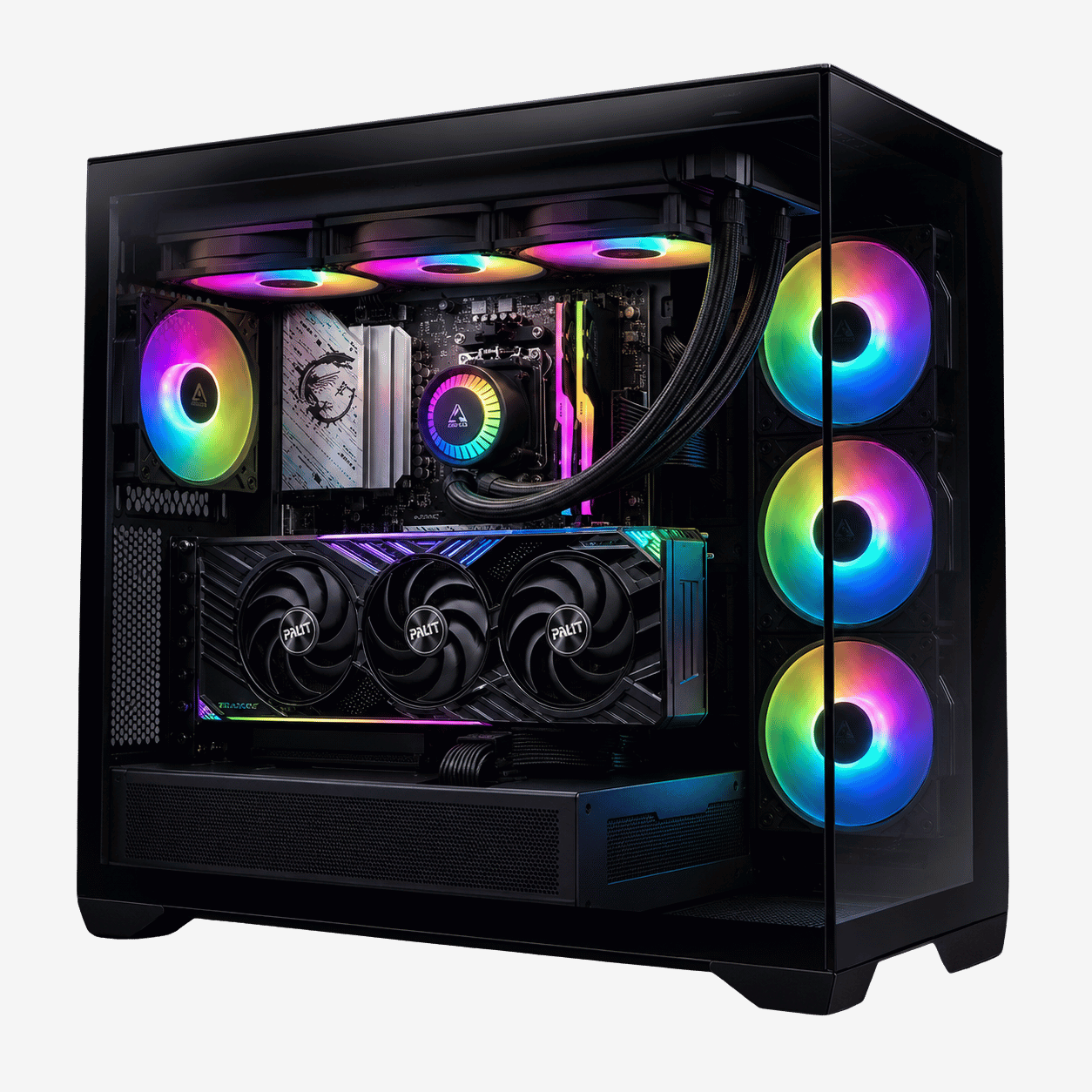
 Vision X RTX 5080 PC – Ryzen 7 9800X3D, 64GB DDR5 Original price was: $6,999.00.$5,249.00Current price is: $5,249.00.See the build
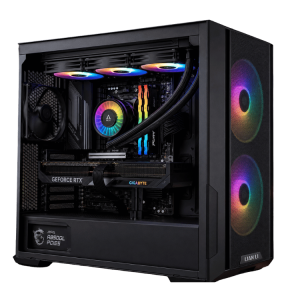 Best Value RTX 5080 Gaming PC – Ryzen 7 7800X3D, 32GB DDR5 Original price was: $5,999.00.$4,499.00Current price is: $4,499.00.See the build
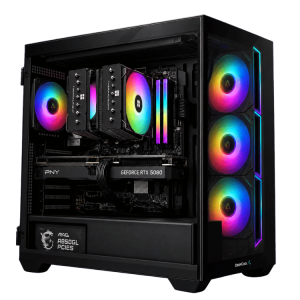 Vision Budget 4K Gaming PC – RTX 5080, Ryzen 5 7500F Original price was: $4,900.00.$3,675.00Current price is: $3,675.00.See the build
RTX 5080 for creators
It’s also a capable creative card. It handles 4K and 6K video editing in DaVinci Resolve and Premiere Pro comfortably, speeds up AI effects and noise reduction, and renders well in Blender with OptiX. Its 16GB of memory is the main limit. Very large 3D scenes, 8K timelines and bigger AI models can run out of room, which is where a card with more memory or a dedicated workstation makes sense. For mixed gaming and creative work, it’s a sweet spot.
Is the RTX 5080 worth it in 2026?
For 4K gaming, yes. It’s the card that makes 4K feel effortless without the extreme price and power draw of the RTX 5090, and with the Super version stuck in limbo, it’s likely to remain NVIDIA’s second-best gaming card for some time. For 1440p, the RTX 5070 Ti gets you most of the way for less. For 1080p, it’s overkill.
RTX 5080 FAQs
How much VRAM does the RTX 5080 have?
16GB of GDDR7 on a 256-bit memory bus.
Is the RTX 5080 good for 4K?
Yes. It’s our first choice for 4K gaming, with high settings in nearly every game and DLSS 4 for high-refresh 4K screens.
What power supply does the RTX 5080 need?
NVIDIA recommends an 850-watt power supply for the whole system. Choose a quality unit with a native 16-pin cable.
Is the RTX 5080 faster than the RTX 4090?
Not in traditional rendering, where the RTX 4090 is still a little faster. The RTX 5080 does add DLSS 4 Multi Frame Generation, which the RTX 4090 doesn’t support.
When is the RTX 5080 Super coming out?
NVIDIA hasn’t announced it. Reports suggest the RTX 5080 Super was delayed by the 2026 memory shortage, and there’s no confirmed date.