Description
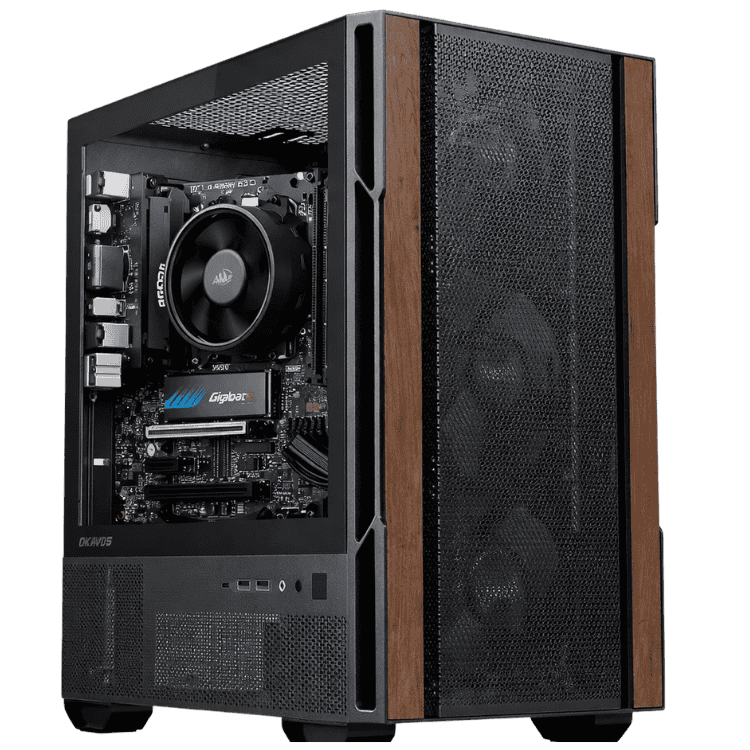
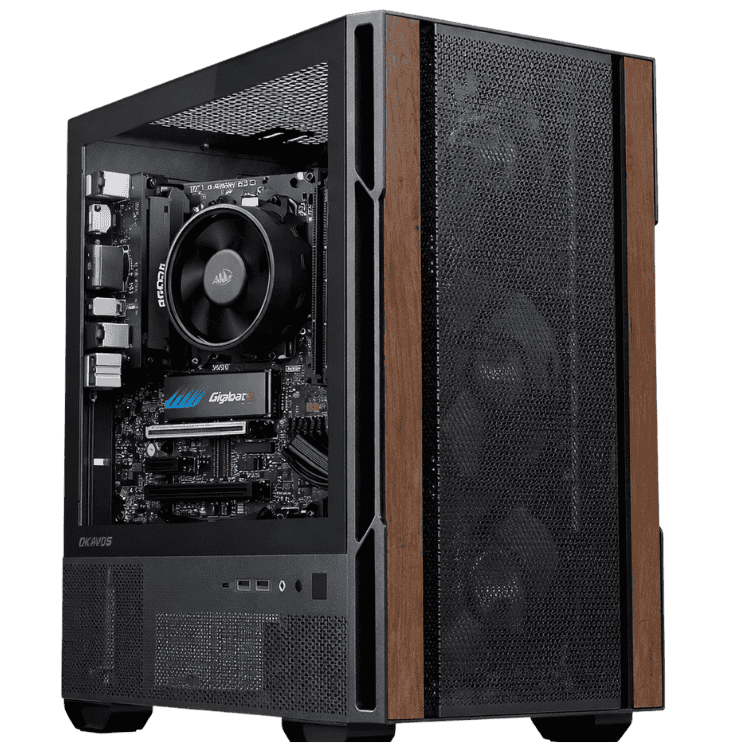
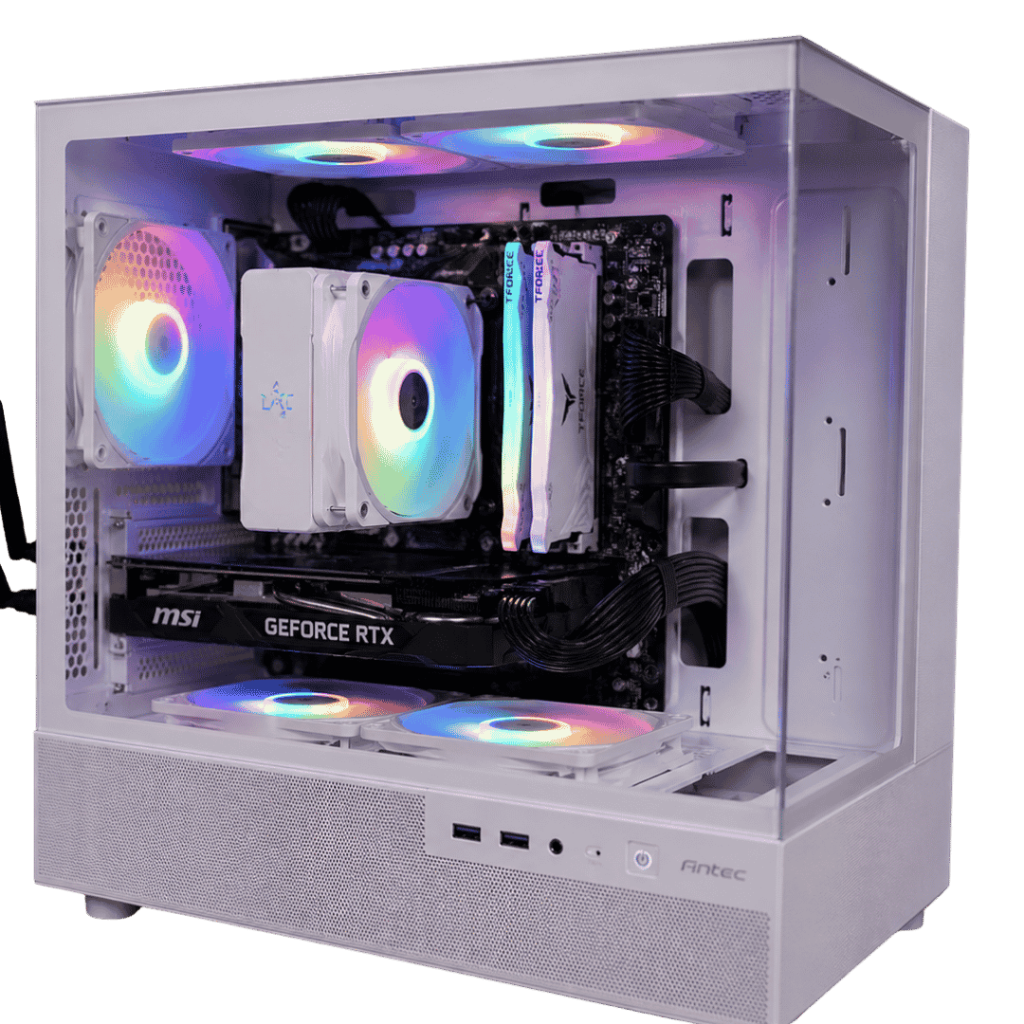
The Vision Mid-Tier is a graphic design PC for designers who spend all day in Photoshop, Illustrator, InDesign and Figma and want a machine that keeps up. It’s built around Intel’s 20-core Core Ultra 7 265KF, an NVIDIA GeForce RTX 5070 12GB and 32GB of fast DDR5-6000 memory. That’s enough to handle big layered files, multiple Adobe apps open at once and a bit of 3D or motion work on the side.
It’s $3,599, and it’s assembled, set up and stress tested by our team in Sydney with a 1-year warranty.
Who this graphic design PC suits
- freelance and in-house graphic designers working across print and digital
- brand, packaging and marketing designers juggling large files
- UI and web designers living in Figma with dozens of browser tabs open
- design students who want a computer for graphic design that will last their whole degree
- small studios fitting out a new desk
If video is a big part of your work, our PC for video editing with a Core Ultra 7 and RTX 5070 is set up for that. If photography comes first, see our PC for photo editing with an RX 9070 XT.
A 20-core Intel Core Ultra 7 for creative multitasking
Design work is rarely one app at a time. You might have Photoshop, Illustrator, InDesign, a browser full of references, Slack, email and a music app all running at once. The Core Ultra 7 265KF has 20 cores (8 performance and 12 efficient) with boost clocks up to 5.5GHz, so the app you’re working in stays snappy while everything else ticks along in the background.
It’s cooled by a Thermalright Royal Knight 120 air cooler, a simple, reliable setup that stays quiet during normal design work.
Why the RTX 5070 matters in a computer for graphic design
Creative apps lean on the graphics card more than they used to. The RTX 5070’s 12GB of video memory speeds up:
- Photoshop’s GPU features, including smooth zoom and pan, the Liquify filter, Camera Raw and neural filters
- Illustrator’s GPU performance mode for big, complex vector files
- Lightroom Classic editing and AI masking
- After Effects previews and Premiere Pro exports for motion and social content
- Blender, Cinema 4D and Dimension for 3D mockups and packaging renders
NVIDIA’s Studio Driver also supports 10-bit colour output in apps such as Photoshop, which helps reduce banding in smooth gradients on a compatible monitor. NVIDIA has the full card details on its RTX 5070 family page.
Graphic design PC specifications
| Processor | Intel Core Ultra 7 265KF (20 cores) |
|---|---|
| CPU cooler | Thermalright Royal Knight 120 |
| Motherboard | MSI PRO B860M-A WIFI |
| Graphics card | PNY GeForce RTX 5070 12GB |
| Memory | 32GB Crucial Pro DDR5-6000 (2 x 16GB) |
| Storage | 1TB PNY CS1031 NVMe SSD |
| Power supply | SilverStone DA750R-GMA, 750W 80+ Gold |
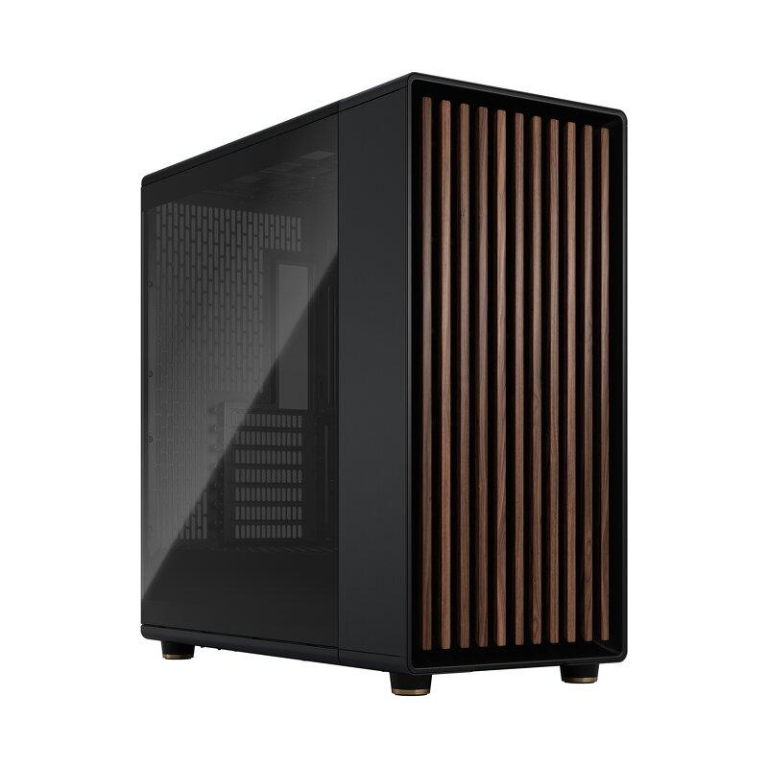
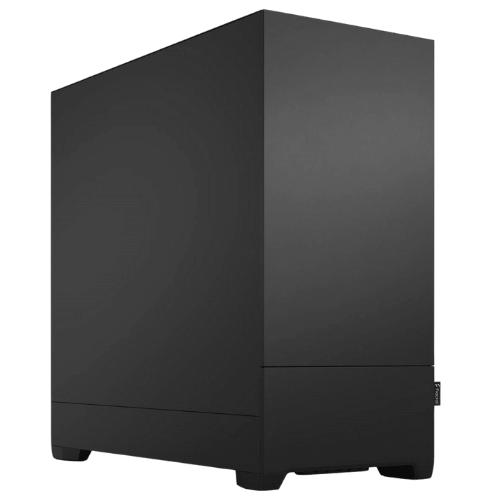
| Case | Fractal Design Pop Silent |
| Warranty | 1 year |
What this graphic design PC is like to work on
- Photoshop: large multi-layer files, smart objects and filters stay responsive.
- Illustrator: complex vector artwork, patterns and packaging dielines render smoothly.
- InDesign: long, image-heavy documents and catalogues page through quickly, and PDF exports don’t drag.
- Figma and web design: big files and lots of browser tabs at once, without slowing down.
- Motion and 3D: comfortable for After Effects animations, social video and Blender mockups.
32GB of memory and 1TB of fast storage
32GB of DDR5-6000 is the sweet spot for a professional graphic design PC. It’s enough to keep several Adobe apps, a browser and your communication tools open without the system reaching for the drive. If you regularly work on very large print files or do a lot of 3D, 64GB is a sensible upgrade, and we can fit it before shipping.
The 1TB PNY NVMe SSD keeps the system, your apps, fonts and active projects fast. Designers tend to build up big asset libraries over time, so many add a second SSD or use cloud storage for archives.
A quiet graphic design PC for the studio
We’ve used Fractal Design’s Pop Silent case, which has sound-dampening material on its panels and a clean, plain look that suits a studio or home office. During everyday design work this graphic design PC is barely audible. The SilverStone 750W Gold power supply is efficient and leaves room for future upgrades.
Apps our customers run on it
Most people buying a computer for graphic design from us use some combination of:
- Adobe Photoshop, Illustrator, InDesign and Lightroom
- Adobe After Effects and Premiere Pro for motion and social video
- Affinity Photo, Designer and Publisher
- Figma, Canva and Webflow for digital and web work
- Blender and Cinema 4D for 3D mockups and packaging
If you rely on a plugin or app with special requirements, send us the details and we’ll confirm this graphic design PC suits it.
Graphic design PC or Mac?
Plenty of designers use Macs, and that’s fine. Adobe, Affinity and Figma work the same on both, and your files, fonts and Creative Cloud libraries move across without fuss. The reasons people choose a Windows graphic design PC are practical: you can upgrade the memory, storage and graphics card later, you get a powerful dedicated GPU for 3D and rendering at this price, and repairs don’t mean sending the whole machine away. If you’re switching from a Mac, we’re happy to talk you through it.
Print and colour workflow tips
- Calibrate your monitor every month or two with a hardware calibrator.
- Set up colour management in Creative Cloud so every app uses the same settings.
- Soft-proof print jobs in Photoshop or InDesign using your printer’s profile.
- Keep fonts managed in one place so files open the same way on every computer for graphic design you use.
Choosing a monitor to pair with your graphic design PC
Your screen matters as much as the computer. A few pointers:
- For web, social and UI design, a 27-inch 1440p IPS monitor with close to 100% sRGB coverage is a great start.
- For print work, a wide-gamut monitor that covers most of Adobe RGB helps you judge colours that will be printed.
- A 4K 27-inch screen gives sharper type and more room for panels.
- A hardware calibrator keeps colours consistent over time.
The RTX 5070 drives several monitors, so you can keep your canvas on one screen and panels, references or email on another.
Why buy a prebuilt computer for graphic design?
You want to design, not troubleshoot. A prebuilt machine from a local builder arrives configured, updated and tested. We update the BIOS, enable the memory’s rated speed, install drivers and stress test the system before it ships. If anything goes wrong, you deal with one team here in Australia.
Upgrading your graphic design PC
- Memory: the MSI PRO B860M-A has room for more memory if you move into heavier 3D or print work.
- Storage: add another NVMe SSD for asset libraries and archives.
- Graphics: the 750W power supply leaves headroom for a faster card later.
When it arrives
- Remove any packing material from inside the case.
- Connect your monitor to the RTX 5070. The Core Ultra 7 265KF has no integrated graphics, so the motherboard’s video ports won’t work.
- Finish the operating system setup and run all updates.
- Install the NVIDIA Studio Driver through the NVIDIA app.
- Sign in to Creative Cloud, install your apps and sync your fonts.
How it compares with our other workstations
- Vision Starter Workstation: an RTX 5060 at a lower price for students and lighter design work.
- Professional PC for Video Editing: a Core Ultra 7 265KF and RTX 5070 with 16GB of memory, at a lower price.
- Vision High-Tier CAD Workstation: a Ryzen 9 9900X, RTX 5070 Ti and 64GB for 3D, CAD and heavier rendering.
Browse all of our mid-tier workstations.
Support after you buy
You deal directly with the people who built and tested your machine. Questions about drivers, software setup, adding memory or a problem after delivery go straight to our team on live chat, and we’re happy to help plan upgrades as your work changes.
Built and tested in Sydney
- assembled by our team with tidy cable management
- BIOS updated and the memory profile enabled
- stress tested for stability and temperatures
- packed carefully and shipped Australia-wide
Graphic design PC FAQs
Is 32GB of RAM enough for graphic design?
Yes, for most designers. Very large print files or heavy 3D work can justify 64GB.
Do I need a graphics card for graphic design?
Not strictly, but it helps a lot. Photoshop, Illustrator, Lightroom and 3D tools all use the GPU for many features.
Is this a good computer for graphic design students?
Yes. It handles everything a design degree will throw at it, including 3D and motion subjects, and it can be upgraded as your work grows.
Does it come with Windows?
The spec list doesn’t name an operating system, so message us before you order and we’ll confirm the Windows setup.
Can I add more storage later?
Yes. Adding another NVMe SSD or a hard drive is straightforward, and we can recommend drives that suit your files.
Can you build several for our studio?
Yes. Tell us how many you need and we’ll quote matching systems.
Do you deliver Australia-wide?
Yes, to every state and territory, including regional areas.